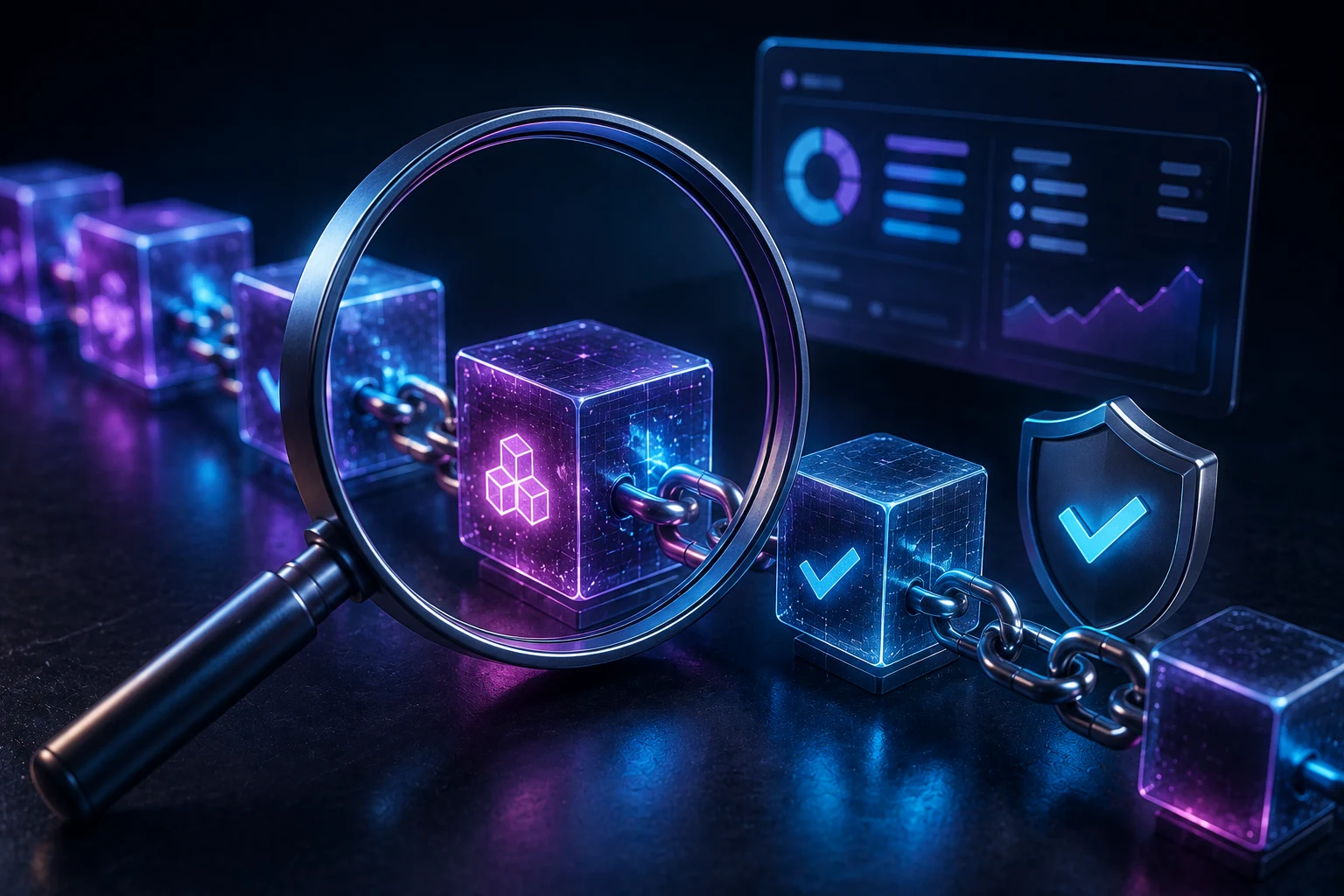
What a block explorer is, and why you keep being told to check one
Whenever something goes wrong with a crypto transaction, whether a withdrawal is stuck, a swap did not arrive, or a friend claims they paid you, the standard advice is to 'check the explorer.' For a beginner that phrase is frustrating, because the explorer looks like a wall of hex strings and technical jargon, and nobody explains what any of the fields mean.
A block explorer is essentially a search engine for a blockchain. Blockchains like Ethereum, Base, BNB Smart Chain, Polygon, and Solana are public ledgers, which means every transaction is recorded forever and anyone can look at it. The explorer's job is to take that raw ledger data and present it in a form humans can read. Etherscan is the explorer for Ethereum mainnet, BaseScan covers the Base network, BscScan covers BNB Smart Chain, PolygonScan covers Polygon, and Solscan covers Solana. The skill you build on one carries directly to the others, because the underlying concepts are the same.
Reading an explorer matters because blockchains are trust-minimized. There is no customer service line to call when funds go missing. If you cannot verify what happened on-chain yourself, you have to take someone else's word for it, and that is exactly the situation scammers rely on. Once you can read a transaction page, you can answer questions like: did this payment really send, did it arrive, was it a token transfer or a contract approval, and is this address safe to interact with again?
Risks and limits of what an explorer can and cannot tell you
Before walking through a real transaction, it helps to know where the explorer ends and where it does not. The explorer shows you what the blockchain recorded, not what was promised in a chat window, a Discord DM, or a slick website. If a scammer convinced you to send 1 ETH to 'verify your wallet,' the explorer will cheerfully confirm the transfer went through, and it cannot tell you that the underlying pitch was a lie.
There are also real failure modes. Transactions can get stuck in the mempool, the holding area for unconfirmed transactions, if the gas fee was set too low. They can be replaced or 'front-run' by a bot that copied a profitable trade. Contracts can be upgraded after you approved them, turning a once-safe token approval into a drain. The most damaging wipeouts in recent years, including the Ronin bridge hack, the Wormhole exploit, and countless individual wallet drains, all left perfectly readable transaction records behind. The data was there, but the victims did not know how to read it in time.
Explorers are also not perfect oracles of safety. A contract can be audited, widely used, and still contain a hidden backdoor. A token can have thousands of holders and still be a honeypot designed to let you buy but never sell. Treat the explorer as a forensic tool, not a recommendation engine. The information is on the page, but interpretation is your job.
The layout of a transaction page, field by field
Open any Etherscan transaction hash and you will see a page divided into sections. The top is a one-line summary, the middle is the heart of the transaction with the main fields, and the bottom has tabs for logs, internal transactions, token transfers, and comments. Let us walk through each field using a typical ERC-20 token transfer as the example, because token transfers are what most beginners actually need to read.
Transaction Hash, Status, and Block
The Transaction Hash is the unique fingerprint of the transaction, a long string of letters and numbers that starts with 0x. It is the single most useful piece of information, because if you have it, you can find the exact transaction on any compatible explorer. The Status field shows a green checkmark for success or a red cross for failure. A failed transaction still consumes gas, so seeing a red cross does not mean the user got their ETH back automatically, it usually means the contract logic reverted.
The Block field shows which block included the transaction and how many 'confirmations' it has. Confirmations are the number of blocks mined on top of the one containing your transaction. The more confirmations, the harder it is to reverse. Most services consider 12 confirmations on Ethereum to be very safe, though exchanges often require more for large deposits.
From, To, and Interacted With
The From field is the sending address. The To field is the receiving address, but here is where beginners get tripped up. For a native ETH transfer, the 'To' is the recipient's wallet. For an ERC-20 token transfer, the 'To' is actually the token contract, and the page will show a second section labeled Interacted With that names the token contract. The reason is that tokens do not live in wallets the way ETH does. They live inside a smart contract, and your wallet balance is just a number the contract associates with your address.
Click the 'To' or 'Interacted With' address to open the contract page. On that page you will see the contract name, the deployer, the creation date, and a tab to read the source code if it has been verified. Verified contracts are far safer to interact with, because anyone can read what the code actually does.
Value, Transaction Fee, and Gas Price
The Value field shows how much native ETH moved in this transaction. For an ERC-20 transfer, this is often 0 ETH, because the token is what moved, not ETH. The token amount is shown separately below. The Transaction Fee is the total gas cost, paid in ETH, calculated as gas used multiplied by gas price. The Gas Price is what the sender was willing to pay per unit of gas, denominated in gwei (a subunit of ETH where 1 gwei equals 0.000000001 ETH).
Gas is the unit that measures the computational work the network did. A simple ETH transfer uses 21,000 gas. A complex swap on a decentralized exchange can use several hundred thousand. This is why some transactions cost a few cents and others cost tens of dollars, even when the ETH value moved is the same.
Nonce and Input Data
The Nonce is a counter for the sending address, starting at 0 and incrementing by 1 for every transaction. It is how the network keeps transactions from the same wallet in order. If you send two transactions with the same nonce, only one will be confirmed, and the other will be replaced or dropped. The Input Data field shows the raw data sent with the transaction. For a simple ETH transfer it is empty or says '0x'. For a token transfer or contract call, it contains a function selector and parameters, the encoded instructions the contract will run.
Reading raw input data is hard, but Etherscan helps. If the contract is verified, the page shows a Decoded Input Data section that translates the hex into function names and readable arguments. For an ERC-20 transfer, you will see a function called 'transfer' with two arguments: the recipient address and the amount. For a Uniswap swap, you will see something like 'swapExactTokensForTokens' with the input amount, minimum output, and the path of tokens being traded. This is the closest thing to a receipt a blockchain gives you.
Pending vs dropped: what each status means
A transaction starts life as Pending, meaning it has been broadcast to the network and is sitting in the mempool waiting for a validator to include it in a block. It becomes Success or Failed once a block includes it and the contract execution completes. A separate state, sometimes called Dropped or Replaced, happens when a transaction never gets mined, either because the gas price was too low for validators to bother with, or because the user sent a replacement transaction with the same nonce and a higher gas fee.
To speed up a stuck transaction, most wallets offer a 'speed up' button that rebroadcasts the same transaction with the same nonce but a higher gas price. To cancel it, the wallet sends a 0-value transaction to your own address with the same nonce and a higher gas, effectively making the original transaction invalid. Both approaches only work while the original is still pending. Once a transaction is confirmed, it cannot be cancelled or reversed, ever, which is why double-checking the recipient address before signing is so important.
Internal transactions and token transfers, and why they are not the same thing
Scroll down the transaction page and you will see tabs labeled Logs, Internal Transactions, and ERC-20 Token Transfers. Beginners often confuse these, but they mean different things. Token Transfers are events emitted by a token contract when someone calls its transfer function. They are part of the regular transaction and are stored on-chain as event logs.
Internal Transactions, sometimes called 'traces,' are not real transactions in the consensus sense. They are movements of ETH triggered by smart contract execution. When a contract calls another contract, or sends ETH to an address as part of its logic, that movement is recorded as an internal transaction. They do not appear in blocks the way regular transactions do, but the explorer shows them for convenience. Token transfers and internal transactions can both matter when auditing a hack, because the actual stolen funds often hop through several contracts, and the only way to follow the trail is to read these tabs carefully.
Two red flags you can now spot on your own
With the fields above in mind, two common scam patterns become obvious once you know what to look for. The first is a contract calling setApprovalForAll on something that is not a recognizable ERC-721 marketplace. setApprovalForAll is a function on NFT contracts that lets a third party move every NFT in your wallet. Legitimate use is rare outside known marketplaces like OpenSea, Blur, or X2Y2. If you see that function called in a transaction you did not initiate, or with an operator address that is not a marketplace you trust, your wallet has been compromised and you should revoke the approval immediately using a tool like the Revoke.cash explorer.
The second red flag is a 0-value native ETH transfer from an address you do not recognize. Scammers use a tactic called address poisoning, where they send a tiny or zero-value transaction from an address that looks similar to one you have used before, hoping you will copy the address from your history later and accidentally send funds to them. The explorer view makes the pattern obvious: the value is 0, the 'To' is your address, and the 'From' is a random address with no history. If you see one of these in your wallet, ignore it, and never trust an address from your transaction history without checking the first and last few characters manually.
How to follow on-chain activity the smart way
Block explorers are powerful, but reading individual transactions by hand does not scale. Every day, thousands of new token launches, approvals, and exploit patterns show up across Ethereum, Base, BNB Smart Chain, Polygon, and Solana, and the only way to keep up is to follow the news around the activity you care about. Zippfeed surfaces crypto headlines with sentiment scoring, marked bullish, neutral, or bearish, and an importance rating, so you can see which transactions and announcements actually matter and skip the noise. Pair that with a few minutes in Etherscan whenever a transaction feels off, and you have the same forensic toolkit the professionals use.
 WuBlockchain
 Crypto Capital Venture
 Lookonchain
 TheBlock