What DexScreener actually is, and what it isn't
DexScreener is a free price chart and pair aggregator that pulls live data directly from on-chain decentralized exchanges like Uniswap, PancakeSwap, Raydium, and dozens of smaller forks. It is not a CEX-style order book, not a wallet, and not a research terminal. It is a window onto what is happening in liquidity pools right now, across many chains.
That positioning matters because most beginners arrive at DexScreener after seeing a contract address in a Telegram group or on X, hoping the chart will tell them whether to buy. The chart will not. The chart will show you price action that is easily manipulated with one wallet cycling dollars through a thin pool. The numbers that actually tell you something are the ones sitting in the column headers next to the price.
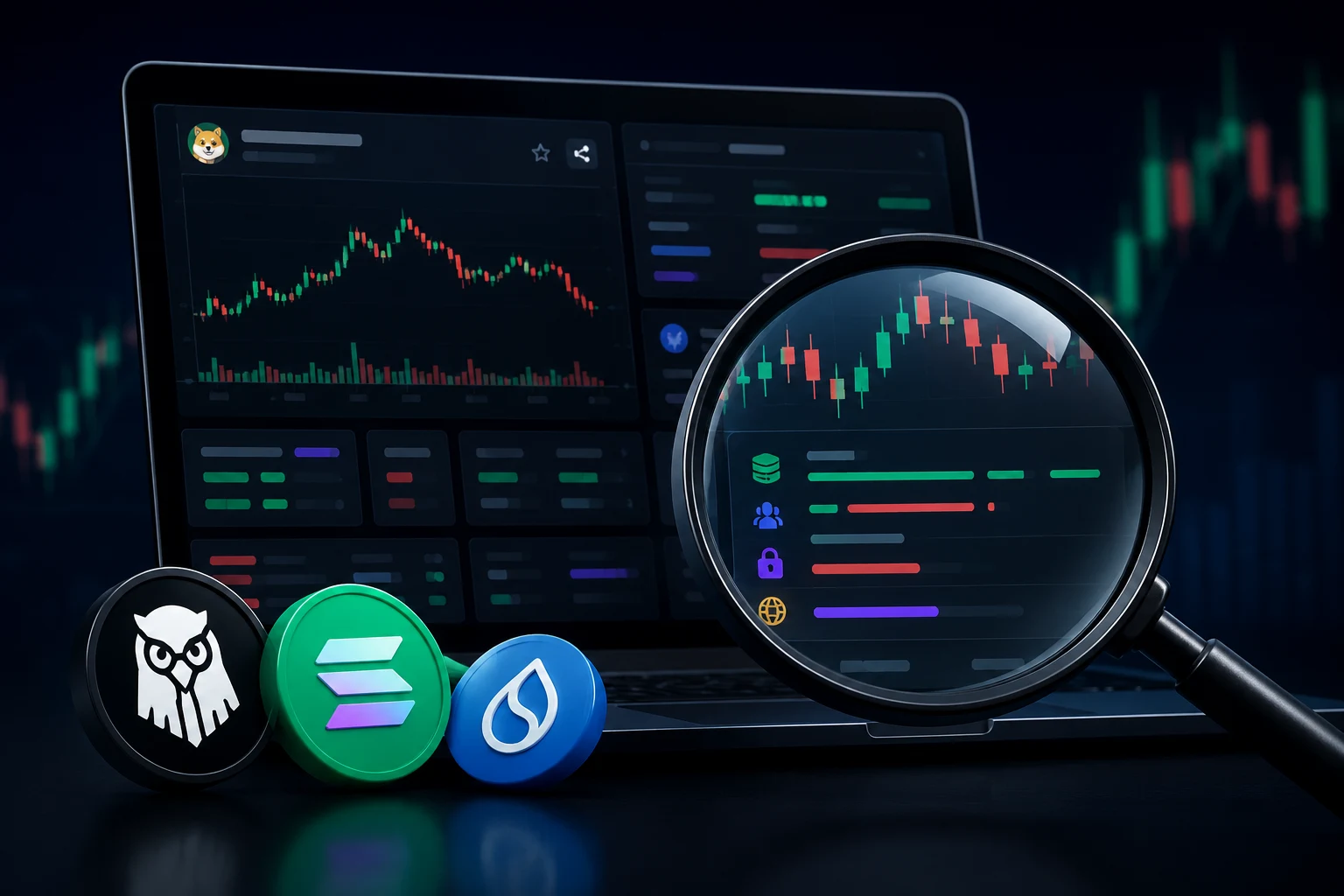
For that reason, the best way to use DexScreener is as a danger surface, not a tip sheet. Every pair page is also a forensic view: pair age, liquidity depth, how many distinct wallets are trading, and where the contract lives. Read those carefully and the page does half your due diligence for you.
The risks you accept the moment you open a pair page
Anyone selling you a fresh token has financial incentives to misrepresent almost every number on the page. Some of these risks are technical, some are behavioral, and a few are outright scams. Knowing them up front is the difference between gambling and researching.
The single most common loss pattern on DEXs is the liquidity rug. A deployer launches a token, lists it on a DEX, lets a small group of buyers push the price up, then withdraws the pooled assets (the liquidity) and disappears. Buyers are left holding a token whose only remaining buyer is the deployer's exit wallet. This pattern accounts for the majority of small-cap DEX losses each year.
A close cousin is the soft rug, where the contract owner retains a large share of supply, mints more tokens, or changes the tax or transfer rules from the contract owner address. The chart can look healthy right up to the moment the rules change. There is no field on DexScreener that warns you about pending ownership transfers or mint authority, which is why the contract redirect matters.
Finally, there is the wash-trade risk. Because DEXs are permissionless, a single wallet can buy and sell a token to itself across many fresh wallets to inflate volume. The chart will show real-looking candles, the buy/sell counters will climb, and the trader who only glances at the price action has no way to tell. This is why we treat volume and trade counts as soft signals, not hard ones.
The five core columns, explained honestly
Every DexScreener pair page shows roughly the same set of columns across the top of the chart and in the pair list view. They look interchangeable. They are not.
Liquidity is the dollar value of the assets sitting in the trading pool, usually split between the token and a base asset like ETH, USDC, or SOL. It is the closest thing on the page to a reliable number, because DexScreener pulls it directly from the pool contract. Higher liquidity means a single trade moves the price less. A pair with under ten thousand dollars of liquidity can be moved several percent by a hundred-dollar trade, which is why tiny pools are rug playgrounds.
FDV, or fully diluted value, is the price multiplied by the total supply of the token, including tokens the team is still holding. On a fresh launch where 90 percent of supply sits in the team's wallet, FDV is a fantasy number that assumes the team will never sell. Treat FDV as a marketing figure when circulating supply is small. Market cap, which only multiplies by circulating supply, is closer to the truth, and DexScreener usually shows both.
Pair age is how long the trading pair has existed on-chain. A pair that is fifteen minutes old has no track record. A pair that has survived a week with growing liquidity and organic trading has cleared a low bar, but only a low one. Age is reliable because it is read from the blockchain, not from any team-controlled source.
Buys and sells are counts of transactions in a recent window. They are easy to inflate with wash trades from a cluster of wallets. The ratio matters more than the absolute number. A pair with ten thousand buys and zero sells is almost certainly being traded between wallets the deployer controls.
Makers is the count of distinct wallet addresses that have transacted. Makers is the single best volume-adjacent signal on the page, because wash trades need many wallets to manufacture. A pair with high volume but a tiny maker count is a strong rug tell. As a rule of thumb, if makers are under a few dozen and the pair is several hours old, be skeptical.
Which numbers are routinely faked
Beyond the core columns, the pair page and the linked token page show several signals that look hard but are routinely manufactured. Knowing which is which saves real money.
Volume is the headline fake. Anyone with a hundred wallets and a script can cycle money through a pool and produce a chart that looks like a moon shot. DexScreener does its best to label suspicious volume, but it cannot fully filter wash trades on every chain. Treat the raw volume number as a marketing claim that needs corroboration, ideally via the maker count and an external source like a paid aggregator.
Holder count, when shown, comes from the contract and is technically on-chain, but it is one of the easiest numbers to inflate. Splitting one wallet into fifty, sending tiny amounts to each, and back is cheap. Holder counts under a few hundred tell you very little.
Socials, such as the X/Twitter, Telegram, and website links, are simply whatever the deployer typed into the token's metadata. They can be real communities, freshly created accounts with bought followers, or clones of an unrelated project's site. A blue checkmark, a high follower count, and an active Telegram are all purchasable.
Top holder percentage is more useful but still requires interpretation. A deployer wallet holding 40 percent of supply can rug in one transaction. A locked team allocation that vests over a year is a different story, but DexScreener does not tell you which is which by default. You have to read the contract, or at least skim it on a block explorer.
How to check if liquidity is locked or burned
Many legitimate launches send their initial liquidity pool tokens to a lock contract or burn them, which means the deployer cannot simply withdraw the pool. DexScreener shows a small lock icon next to liquidity on some pairs, but the signal there is partial. Here is how to verify it yourself.
Open the pair page and find the LP token address. On Uniswap-style pairs this is a separate ERC-20 contract. Paste that LP token address into Etherscan, BaseScan, or Solscan depending on the chain, and look at the holdings tab. If the largest holder is a known locker (such as Unicrypt, Team.Finance, or PinkLock on EVM chains) or a dead address with no private key (the classic burn), then the LP is constrained from a rug at the contract level. That is the best signal you will get from this check.
Locked LP is not a guarantee. The token contract itself can still be upgradeable, the deployer can still dump a large team allocation into the pool, or a multisig controlling the locker can release funds early under some setups. Treat locked LP as a necessary, not sufficient, condition. A locked LP with an unlocked team wallet is still a rug waiting to happen.
Bundled wallets, snipers, and other patterns to spot
On a pair that is minutes or hours old, the first buyers are rarely random. They are usually one of three categories, each with very different implications.
Sniper bots are scripts that buy in the same block the liquidity is added. Their wallets often hold many small positions in fresh launches and may have funded themselves from a known bundling service. Sniper presence is not proof of a scam, but a token whose first ten holders are all snipers with the same funding source is showing the signature of an insider launch.
Bundled wallets are clusters of addresses controlled by the same deployer. On a block explorer you can spot them by tracing funding: a single wallet sends ETH to a tree of twenty new wallets, each of which buys the token within minutes. Bundle detection is one of the highest-value checks you can run, because it usually distinguishes insider trading from organic interest. Tools like DEXTools, Bubblemaps, and several paid analytics services surface this automatically; on Etherscan it requires manual tracing.
Real early buyers tend to arrive over hours, not seconds, and their wallet histories show trading in unrelated tokens. If the pair page shows a chart with a clean staircase and zero early sellers, that is the absence of organic activity, not a sign of strength.
Using the contract redirect to Etherscan, BaseScan, and Solscan
Every DexScreener pair page has a contract address field, usually near the top of the token info panel or in the Info tab. Click it. The contract address is the single most important string on the page, because it is the only identifier that is independent of DexScreener's own data.
On Ethereum mainnet, pasting the contract into Etherscan takes you to the source code, the holder list, the transfer history, and any verified social links. On Base or Arbitrum the equivalent is BaseScan and Arbiscan. On Solana it is Solscan. These explorers are not glamorous, but they are the closest thing crypto has to ground truth.
On the explorer, look at four things in order. First, is the contract verified, and does the source match what the project claims it does. Second, who are the top ten holders and what percentage do they control. Third, is there a mint function or an owner-only transfer blacklist, and is ownership renounced. Fourth, are there any large transfers from team wallets into the pair in the last hour. Each of these takes under a minute and catches most common scams before you trade.
A 60-second pre-buy checklist
Before clicking buy on a freshly listed token, run this list. It is short on purpose. If any answer is wrong, skip the trade.
Liquidity: is it over twenty thousand dollars in real terms, and is the LP locked or burned on a known locker or dead address. If either answer is no, the risk of a liquidity rug is high.
Pair age: has the pair been live for at least several hours with steady trading, or is it minutes old with a vertical chart. Minutes-old pairs with vertical charts are insider territory.
Makers vs volume: do the maker counts look plausible relative to volume. A hundred thousand dollars in volume from twenty wallets is almost certainly wash trading.
Contract: open the contract on the relevant explorer, confirm it is verified, check the top holders, and look for an unrenounced owner or a mint function.
Wallet clusters: trace the funding of the top buyers. If they all trace back to one wallet that also funded the deployer, the launch is bundled and the chart is staged.
FDV vs market cap: if FDV is more than three or four times market cap, a large share of supply is still with the team. That supply will, eventually, meet the market.
Follow new token launches without following them blindly
DexScreener surfaces every new pair the moment liquidity is added, which is exactly the moment the chart is least trustworthy. Manually checking liquidity, age, makers, contract, and bundling for every pair that catches your eye is a losing game. Zippfeed aggregates fresh DEX pair launches alongside broader crypto news, applies sentiment scoring so you can see whether a story is being treated as bullish, neutral, or bearish by the wider market, and rates each item by importance. That lets you triage new launches against the rest of the day's news instead of staring at candles and hoping the chart is honest.