Why a crypto wallet feels like a black box
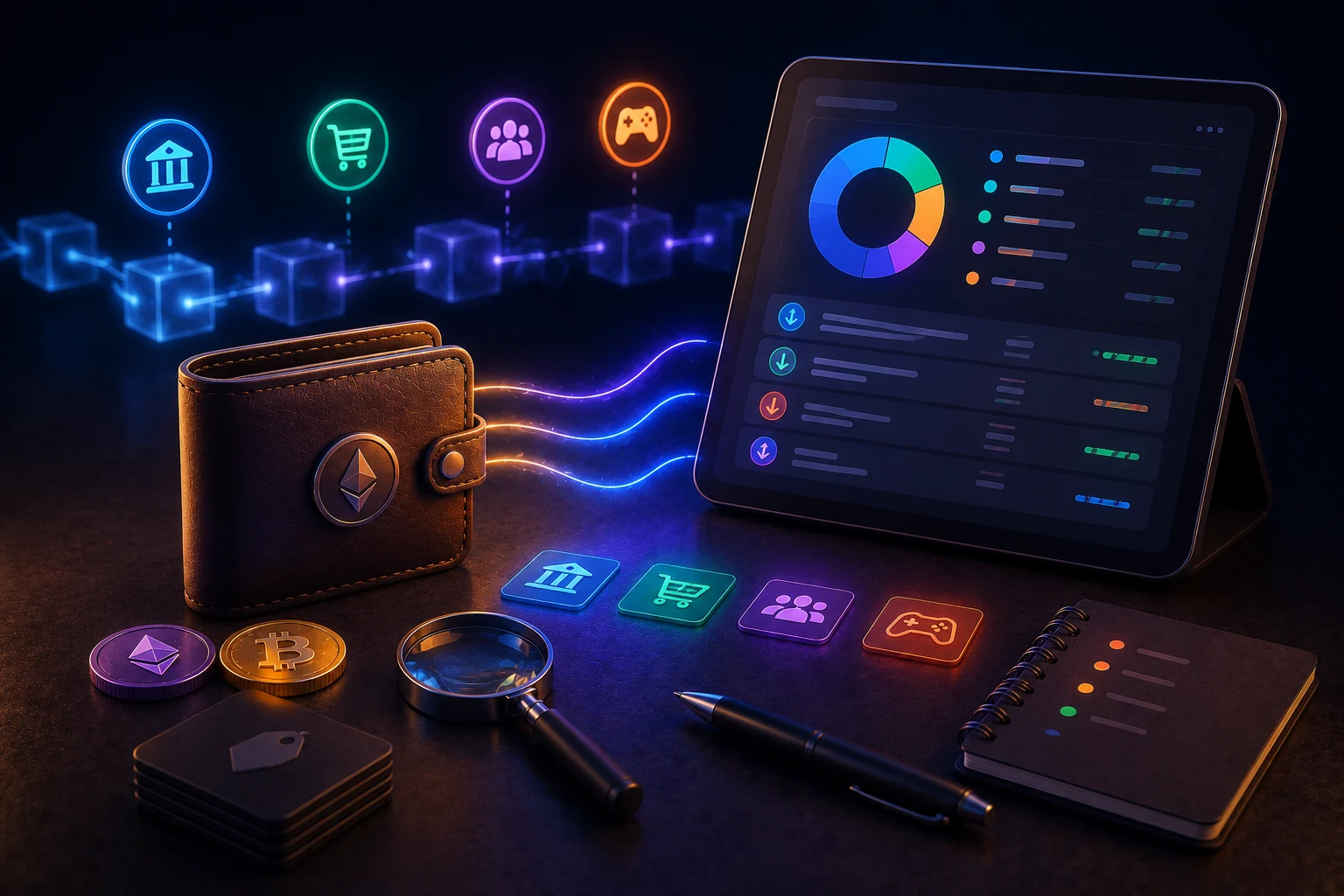
Open any self-custody wallet for the first time and you face a wall of transactions that all look the same: a wallet address, a token symbol, a number, and a date. The chain does not know that one of those transactions was your Coinbase deposit, another was a swap on Uniswap, and a third was a small gift from a friend. That context lives in your head, and as soon as you forget it, the transaction becomes noise.
This is the opposite of how a bank account works. Banks attach merchant names, categories, and notes to every line item, and your credit card statement will tell you that 12.40 USD was spent at a coffee shop. Crypto chains were designed for settlement, not bookkeeping, so the labeling has to be done by the user or by tools that try to reconstruct meaning from on-chain patterns.
The good news is that the tooling has improved a lot since the early wallet era. Every mainstream wallet now ships with some form of address book or contact list, block explorers let you attach private notes, and a growing set of portfolio trackers will auto-label common exchanges, DeFi protocols, and even known scam contracts. None of this is optional for serious users. The question is not whether to label, but where to start.
The real risks of not labeling anything
Skipping labeling does not feel risky at tax time or in a quiet week. It only becomes painful in three specific situations, and understanding them up front is the difference between a calm response and a panic response.
Tax season. In most jurisdictions, every swap, every airdrop you sold, and every transfer between your own wallets is a taxable event that needs a cost basis. If you cannot tell which incoming transfer was an airdrop versus a withdrawal from a centralized exchange, you either overpay tax or spend dozens of hours with a CSV trying to reconstruct history. IRS Form 8949 and equivalent filings in the EU, UK, Australia, and elsewhere all require per-transaction detail. Labeling is what makes that detail cheap.
Security reviews. When you approve a token contract, you are often granting that contract permission to move assets from your wallet later. If an approval you do not remember appears in your history, you cannot tell whether it was for a trusted dApp or for a drainer you visited six months ago. A labeled history that says 'Uniswap router approval, 20 USDC, June 2024' is far easier to act on than a raw 0x approval hash.
Scam recognition. Airdrop scams rely on you being curious about an unknown token that appeared in your wallet. If you have a habit of immediately labeling the token's contract address as 'SCAM: airdrop' on first sight, you build a record that protects you and helps warn anyone you share the label with. Without that habit, every new token looks equally mysterious and equally tempting to inspect.
Built-in labeling in the wallets you already use
The cheapest place to begin is the wallet you already have open. Each of the four most popular consumer wallets ships with a contact or address-book feature that is dramatically underused.
MetaMask. The address book lives under Settings, then Contacts, and applies per browser profile. You can add a name, an Ethereum address, and an optional note. Once added, the name appears in the confirmation screen whenever you send to or receive from that address, which is the entire point: it forces you to confirm a transaction is going to 'Coinbase hot wallet' rather than a random 0x string. MetaMask also has a transaction activity list with a 'See full history' link that opens Etherscan, where you can add private name tags tied to your account.
Rabby. Built by the team behind DeBank, Rabby is famous for showing pre-signed transaction decoding, a clear approval list, and a richer address book. It pulls labels from a public community database, so a Rabby user often sees 'Binance 14' or 'Lido stETH' next to a transaction without doing any work. You can edit or add labels locally, and you can mark an address as trusted, blocked, or 'my own wallet' so the UI shows a clear visual distinction.
Phantom. On Solana, Phantom's address book works similarly, with the added benefit of resolving Solana Name Service names like yourname.sol automatically. You can also pin a contact, which makes phishing a little harder because the same name and avatar appear every time you interact with that address.
Trust Wallet. Trust has a simpler contacts list and is more popular on mobile, where address book hygiene matters most. A 42-character address is genuinely hard to verify on a phone screen, so giving it a contact name and a note like 'my hardware wallet' is one of the highest-leverage habits a mobile user can build.
Going deeper: block explorers, ENS, and name tags
Wallets only see transactions involving your addresses. To label someone else's address, or to understand the history behind a transaction, you need a block explorer. Etherscan for Ethereum and BscScan for BNB Chain are the most familiar examples, and every major L2 and sidechain has an equivalent (Basescan, Arbiscan, Optimistic Etherscan, Snowtrace for Avalanche, Solscan for Solana).
On Etherscan you can sign in for free and attach a 'Private Name Tag' to any address. That tag is only visible to you, and it propagates to the address book of any other Etherscan user that you choose to share it with. Power users build a small library of private tags for their own hot and cold wallets, their exchange subaccounts, and any contract they have approved.
For addresses you do not control, the public Ethereum Name Service (ENS) is the next best label. If someone sends from 'vitalik.eth', you see that name on the transaction page, and many wallets resolve it for you. The same applies to Bonfida on Solana and Space ID on BNB Chain. ENS does not stop scams on its own, because anyone can register a name like 'coinbase-support.eth', but combined with the underlying address it is a useful first filter.
Finally, Etherscan and similar explorers maintain public tags for known entities: exchanges, bridges, mixers, and flagged scam contracts. If a transaction shows a label like 'Tornado.Cash' or 'Address flagged by Etherscan', that is information you would not get from the wallet alone. Always cross-check the underlying address against the tag, since scammers sometimes spin up contracts that mimic legitimate names.
Third-party trackers: Zerion, Zapper, Koinly, Rotki
When the number of chains and protocols you touch grows, manually labeling in four different wallets becomes unmanageable. That is the gap the portfolio trackers fill.
Zerion and Zapper are DeFi-first dashboards. You connect a wallet or paste a public address, and they auto-categorize the holdings: 'lending position on Aave', 'LP position on Uniswap V3', 'staked SOL via Marinade'. The labeling is good but not perfect, and you can override it with custom tags. They are read-only by default, which means they cannot move your funds even if compromised, though they can still see your full balance and history.
Koinly and Rotki sit further down the stack, in tax-reporting territory. Koinly is a hosted service that ingests transactions from wallets, exchanges, and chain APIs, then produces tax reports for the US, UK, EU, Canada, and Australia. Rotki is the open-source, locally-run alternative for users who do not want to upload their full address history to a third party. Both benefit enormously from consistent upstream labeling, because the more accurate the source data, the less manual reconciliation you have to do at year end.
The trade-off is privacy. A cloud-based tracker like Zerion or Koinly sees every address you connect, and therefore your full financial history on-chain. Even if the company is well-intentioned, that data could be subpoenaed, leaked, or repurposed for marketing. Read-only access does not mean risk-free access. Local tools like Rotki, or simply doing the labeling in your wallet and exporting CSVs, are the privacy-preserving alternative at the cost of more manual work.
Spotting unknown tokens and scam airdrops
Random tokens appearing in your wallet are almost always either legitimate airdrops you forgot to opt into, reflections from a token you once held, or outright scams. The default rule is simple: do not interact with them. Trying to swap a small airdrop back to ETH can route your wallet through a malicious contract that drains approvals, and some tokens have transfer hooks that trigger a phishing site the moment you look at them on a block explorer.
Labeling helps even when you do not interact with the token. Open the contract address on the relevant explorer, check whether it is verified, look at the deployer address, and see whether the top holders are dominated by a single wallet. If anything looks off, add a private name tag like 'SCAM airdrop 2024-09' to the contract address so that the next time you see a transfer involving it, you have a one-line answer waiting for you.
Most consumer wallets now hide unknown tokens by default or let you mark them as spam. Phantom, Rabby, and MetaMask all expose a 'hide token' or 'mark as spam' action that removes them from your main view. Combined with a written note in your address book, this gives you two layers of defense: visual clutter goes away, and a permanent record of why it was hidden remains.
What this looks like in practice each week
The whole point of labeling is to make it cheap, not perfect. A realistic routine for an active user is to spend five minutes after the weekend, open the wallet's activity tab, and write one short note on any transaction you do not already recognize. 'Swap 0.2 ETH to USDC on Uniswap', 'Approval for Aave V3', 'Sent 50 USDC to binance.eth'.
At the end of the quarter, export the labeled history as a CSV from the wallet, the explorer, or your tracker of choice. That CSV is the input to your tax tool, the source of truth for a security review, and the answer to the question 'why did my balance change on this date'. Over a year, the five minutes per week adds up to about four hours total, and saves far more than that the first time you face an audit, a hack, or a simple 'where did my USDC go' moment.
Stay ahead of your own wallet history
Your wallet is the only ledger you fully control in crypto, and the only one no one else is maintaining for you. Keeping it labeled turns that ledger into something you can actually read. Zippfeed surfaces crypto headlines with sentiment scoring (bullish, neutral, or bearish) and an importance rating, so you can spend less time guessing which news matters for the assets you actually hold and more time on the wallet habits that compound over years.