What a portfolio tracker promises vs. what it actually does
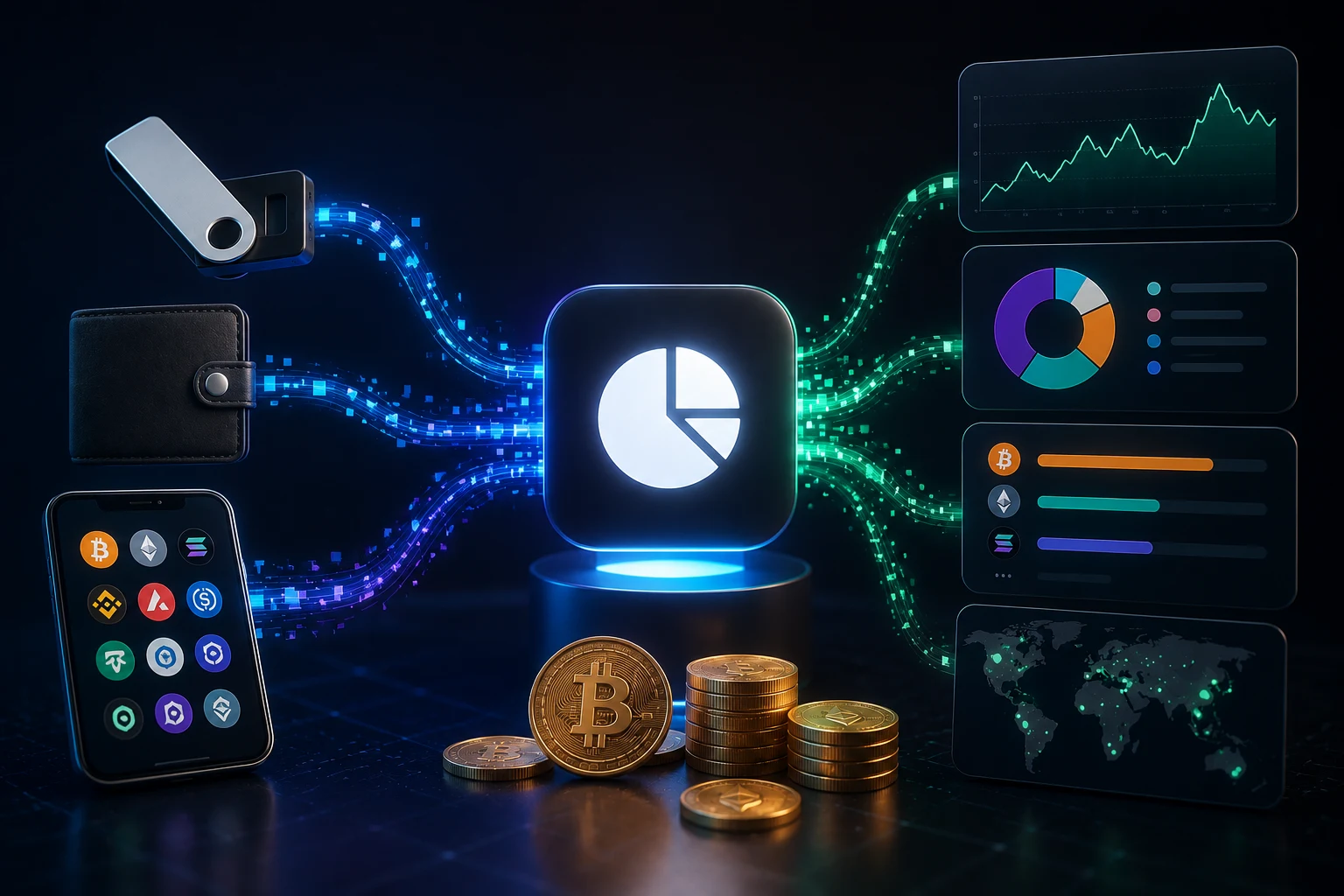
Every mainstream crypto portfolio tracker, from Zerion and CoinStats to Delta, Blockfolio, and the in-app portfolio tab on exchanges like Coinbase or Binance, sells the same idea: connect your stuff, see one clean picture of your net worth across wallets, exchanges, and chains.
The marketing language is almost always the same. "Read-only access." "Your funds stay in your wallet." "Bank-grade security." "We never touch your private keys." For a beginner comparing five apps, that language sounds reassuring and largely identical, which is exactly why it deserves to be unpacked.
The phrase "read-only" in crypto has a specific technical meaning: the credentials you hand over cannot, by themselves, sign a transaction that moves your funds. A wallet "view key" or "watch-only address" cannot send ETH. A CEX read-only API key, scoped without the "trade" permission, cannot place an order on Binance. In that narrow sense, the marketing is true.
What the marketing almost never explains is the other half. Read-only is about signing, not about seeing. The same credential that cannot move your coins can still read everything about them: every address in your wallet, every token balance, every historical transaction, every counterparty you've transacted with, and in the CEX case, every trade, deposit, and withdrawal you have ever made on that account.
What data actually leaves your device
To show you a portfolio, a tracker has to receive a specific bundle of data from you. The exact list varies by app, but the categories are stable across the category.
From a self-custodial wallet connection (WalletConnect, MetaMask "read-only" mode, or a manual address import): the public address or xPub/extended public key of every wallet you connect, which exposes the full tree of derived addresses whether or not you have used them yet, plus the full on-chain transaction history associated with those addresses, plus token balances and NFT holdings at the time of each sync. An xPub in particular is a permanent window into every past and future address in that wallet, so once it leaves your device, you cannot easily retract it.
From a centralized exchange API key: the key itself plus whatever scopes you granted, typically "read" account balances, "read" trade history, and sometimes "read" deposit addresses. If you accidentally checked the "enable trading" or "enable withdrawals" box when generating the key, the tracker can also place orders or initiate withdrawals on your behalf. Most mainstream trackers tell you to leave trade and withdrawal scopes off, but the checkbox is on the exchange side and many users click through it.
From the device and network layer, regardless of connection type: your IP address, which leaks rough geolocation and ISP, your user agent string and device fingerprint, your email address (you have to create an account), and your push notification token if you opt into alerts. If the app uses third-party analytics, all of the above are also sent to those vendors.
Almost none of this data is stored only on your phone. The tracker's whole job is to aggregate it on a server so it can show you a dashboard, sync across devices, and (in many cases) power tax reports, alerts, and price feeds. Aggregation on a server is the product. That is also where the privacy risk lives.
Why "read-only" is not the same as "private"
On a public blockchain like Ethereum or Bitcoin, every wallet address is already public. Anyone who knows your address can look up your balances and history on a block explorer. So in a narrow sense, a tracker is just looking at public data on your behalf.
But there is a large gap between "I can paste one address into Etherscan" and "a single company has a searchable database linking my email, my IP, my device, and every address I have ever used." That aggregation is the privacy-relevant event, and it is what the tracker's servers actually hold.
Three things turn that aggregation from mildly uncomfortable to genuinely risky:
1. Address clustering deanonymizes you. Once a tracker has several of your addresses, it (and any attacker who steals its database) can group them as belonging to the same person. Cross-reference that cluster with public ENS names, Twitter doxxing, exchange KYC leaks, or donation addresses you have shared publicly, and the cluster suddenly has a name attached.
2. The data is a target. A database that maps email to multi-chain net worth, trade history, and exchange accounts is exactly the dataset that organized phishing groups, physical "wrench attackers," and identity thieves want. It is also the dataset tax authorities, litigation adversaries, and ex-partners in divorce cases may subpoena.
3. Breaches are not hypothetical. The category has already been hit, more than once, and the cases below are not folklore.
Real breaches and near-misses the marketing will not mention
The pattern matters more than any single incident. Portfolio trackers sit at the intersection of three things attackers want: a list of crypto users, evidence of how much crypto they hold, and credentials or APIs that can sometimes reach those funds directly.
CoinStats, June 2024. Attackers compromised CoinStats' internal systems and used the platform's own push notification feature to send phishing links to 1,590 user wallets. The fake prompts were tailored using the data the app already had on those users, which made them unusually convincing. CoinStats disclosed the incident, shut down parts of the product, and warned affected users to treat any signature requests received during the window as malicious.
Zerion, December 2022. An attacker briefly gained access to Zerion's read-only API endpoint and used it to drain wallets of users who were tricked into signing malicious transactions elsewhere. Zerion's own read-only infrastructure was not used to move funds, but the incident highlighted how a compromised tracker can become a launchpad for further attacks against its user base.
Blockfolio (now FTX app), October 2020. Blockfolio's "Signal" push notification system was hijacked and used to send spam, including pornographic content, to roughly half of the app's user base. No funds were lost, but the breach exposed how thin the operational security was at a company that had just been acquired.
Third-party SaaS in the supply chain. Multiple trackers and exchanges have had user data exposed not through their own code but through a vendor they shared it with, including analytics tools, customer support platforms, and email service providers. This is the same class of breach that hit companies like Twilio and Mailchimp, and crypto users are over-represented in those datasets because of the industry-wide use of crypto-friendly KYC and onboarding tools.
The common thread: in every case, the attacker did not need to "hack a blockchain." They hacked a company that had already aggregated the data for them.
The tax-export feature as a data honeypot
Most beginners adopt a portfolio tracker for one reason above all others: tax season. The U.S. IRS treats crypto as property, many other jurisdictions have similar rules, and the only realistic way to file a return on hundreds or thousands of trades is to export a tidy CSV or PDF from a tool that has already done the cost-basis calculation.
Tax exports are convenient, and they are also the single most sensitive feature in the app. To generate them, the tracker has to retain, in one place, your full multi-year trade history across every venue, every wallet-to-wallet transfer, every realized gain, your full fiat on-ramp history, and (if the export includes "complete" mode) sometimes your deposit and withdrawal addresses. That is a fuller picture of your financial life than most banks hold on you in a single file.
Two practical risks follow:
Storage duration. Tax records should be kept for around seven years in many jurisdictions. If your tracker also keeps them for seven years, that data sits in its database through that entire window, including any future breach, leadership change, or acquisition. Some trackers explicitly delete tax data on account closure; others retain it for the legally required period. The retention policy is usually buried in the privacy policy.
Export files in transit. The CSV you download to your laptop is one attack surface; the same CSV sitting in your email inbox as an attachment is another. If you also store it in cloud sync (iCloud, Google Drive, Dropbox) and that account is compromised, the tax export becomes a roadmap of your crypto holdings available to whoever stole your cloud credentials.
The honest framing: tax features are useful, and they concentrate exactly the data that an attacker, a litigator, or a hostile government actor most wants to find.
Privacy-preserving alternatives (and their trade-offs)
You do not have to choose between "give a tracker everything" and "track nothing." There is a middle band, but it costs you convenience.
Local-only trackers. Tools like Rotki, Koinly's desktop mode, or a self-hosted instance of an open-source tracker keep your data on your machine. Rotki in particular is built around the principle that your addresses, API keys, and trade history never leave your device unless you explicitly choose to sync them. The trade-off is no cross-device dashboard, no mobile app sync, and you are responsible for your own backups.
Read-only, no API keys, manual address list. You can paste a list of addresses into a tracker's "watch-only" mode without ever granting an API key. You still send the addresses to the tracker's server, which still knows your IP and email, but you remove the risk of an API key being abused or having the wrong scopes. This is the "use this if you want aggregation" tier in the decision tree.
Block explorer + spreadsheet. For users with a small number of wallets and exchanges, a block explorer like Etherscan combined with manual CSV exports from each exchange is enough to reconstruct a portfolio. It is tedious and does not handle DeFi positions well, but the data never sits in a third-party database.
Multiple identities. Some privacy-conscious users deliberately split holdings across several wallets and tracker accounts so that no single compromise reveals the whole picture. This is operational security, not paranoia: it works the same way splitting investments across several brokerages works in traditional finance.
Hardware wallet + native portfolio view. Wallets like Ledger Live and Trezor Suite include a portfolio view that talks to nodes directly rather than to a centralized aggregator. You still leak your addresses to whatever nodes you query, which is its own consideration, but no single company ends up holding the bundle.
How to choose: a decision tree
If you want the simplest answer: most beginners are fine using a mainstream tracker, as long as you understand what you are trading for the convenience. The trade is data for convenience, and the question is whether you are making that trade knowingly.
If you want a sharper rule of thumb:
Use a mainstream tracker (Zerion, CoinStats, Delta, etc.) if you want a clean dashboard, you accept that your addresses and trade history will sit on a third-party server, you generate CEX API keys with only "read" scope and IP-restrict them on the exchange side, you turn off every optional permission during onboarding, and you use a dedicated email plus a strong unique password plus two-factor authentication. Review the tracker's incident history before signing up.
Use a local tracker (Rotki, self-hosted, or spreadsheet) if your holdings are large enough that being individually targeted is a realistic threat, you file taxes in a jurisdiction that requires multi-year history, you do not need cross-device sync, and you are willing to manage your own backups. Expect to spend a weekend on setup.
Use the watch-only address list mode of any tracker if you want portfolio aggregation without handing over any API keys, you are willing to manually refresh balances, and you understand the tracker still has your address list, your email, and your IP. This is the safest "centralized" option for most users.
Skip trackers entirely if your crypto activity is genuinely small, you only hold on one or two exchanges, and you do not need cost-basis calculations. The in-app portfolio view on the exchange itself, combined with a yearly export for taxes, is enough.
In every case, the operational habits matter more than the app choice: revoke CEX API keys when you stop using them, do not reuse the API key across services, do not store tax exports in cloud-synced folders without encryption, and assume that any address you have ever pasted into any tracker will, eventually, be in a breach.
How to follow crypto tooling news the smart way
Portfolio trackers change ownership, get acquired, suffer breaches, and quietly expand their data collection. The category is also where most "crypto app" scams originate, since a fake tracker is a more convincing phishing vector than a fake exchange. Tracking the news around these tools manually means sifting through dozens of low-signal product updates to find the handful of incident disclosures and policy changes that actually affect your data. Zippfeed surfaces crypto tooling headlines with sentiment scoring, so you can immediately see whether a story about a tracker you use is being treated by the market as bullish, neutral, or bearish, and an importance rating, so you can tell a routine app update apart from a real security disclosure before it hits your inbox.