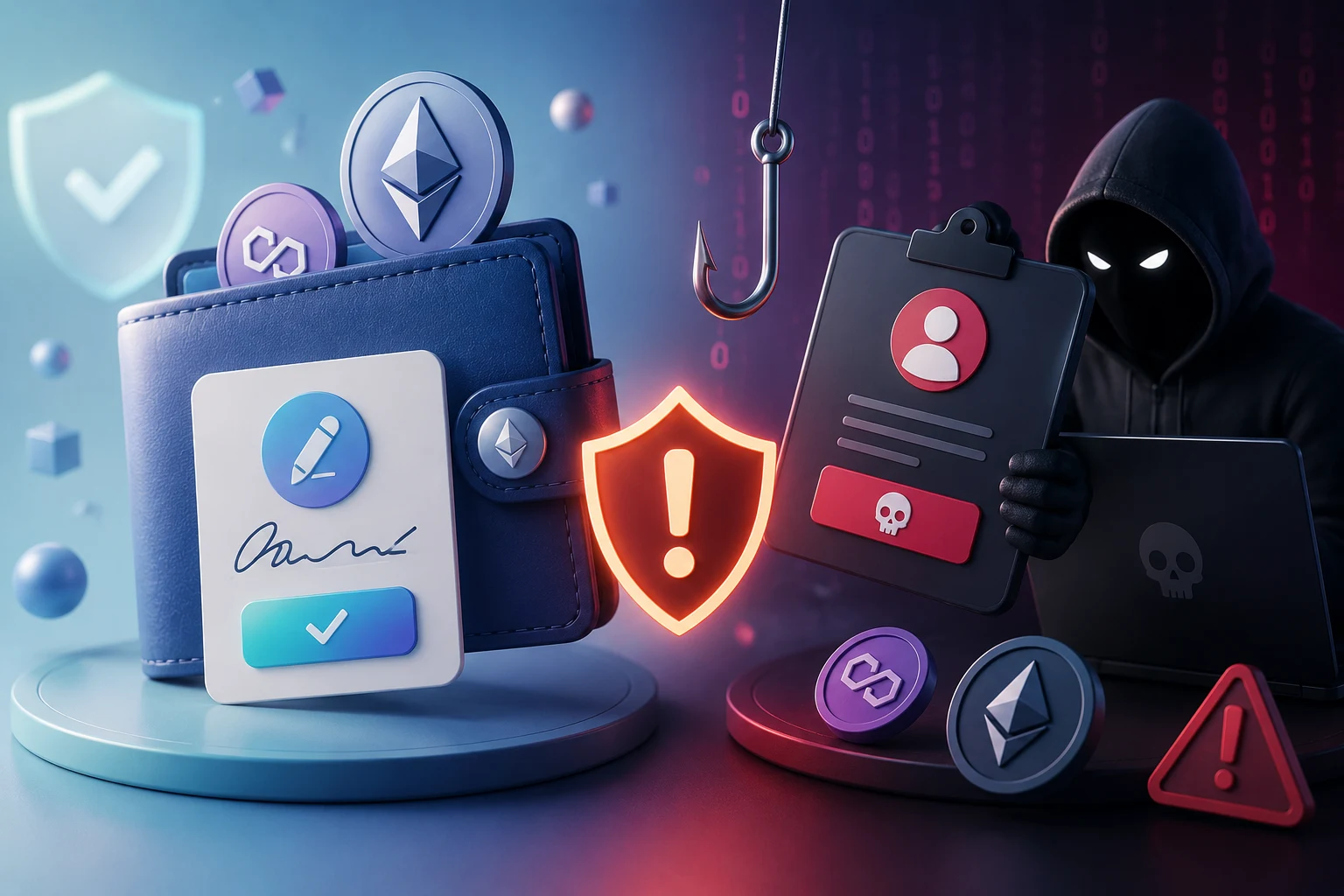
Why most crypto users underestimate wallet signatures
Wallet pop-ups all look similar: a website name at the top, a method name in the middle, a Confirm button at the bottom. Because the visual chrome barely changes between a $5 token swap and a full wallet drain, users learn to click through. That habit is exactly what signature phishing exploits.
The truth is that the four most common signature types, approve(), setApprovalForAll(), permit, and eth_sign, do radically different things. Three are well-understood and have legitimate uses. One, eth_sign, has no legitimate use in modern Ethereum and exists almost exclusively in phishing kits. Treating them as interchangeable is how people lose their collections.
Before walking through each one, it helps to remember that a wallet signature is an authorization, not just an authentication. When you sign with your private key, you are not merely proving who you are; you are often handing the recipient permission to move an asset on your behalf. The signature is the permission.
The signature types, ranked by how often they drain wallets
Not every signature puts your funds at equal risk. Here is how the four main types compare, ordered roughly from most dangerous to most benign.
eth_sign: almost always a scam
eth_sign produces a raw ECDSA signature over arbitrary text, with no structured data and no on-chain domain. There is no standard message format, so the site must tell you in plain English what you're signing, and most wallets won't even parse it. Anything that asks you to sign an eth_sign message in 2026 is overwhelmingly a phishing attempt. A few legitimate tools still use it (older authenticators, some debug consoles), but for everyday DeFi and NFT use you should treat eth_sign as an automatic refuse.
setApprovalForAll: blanket NFT access
setApprovalForAll(tokenAddress, operator, true) tells the NFT contract to let a specific operator address move every NFT you own of that collection, present and future. Approving an NFT marketplace like OpenSea or Blur is normal: the marketplace needs to transfer NFTs out when your listing fills. The problem is that the same call to a phishing contract hands over your entire Bored Ape collection, not just one token.
The damage is not bounded. If you mint a new NFT in that collection later, the old approval still covers it. If you receive an airdrop into the same ERC-721 contract, the operator can sweep that too. There is no expiry and no per-token cap.
Permit signatures: gasless token approvals
Permit (EIP-2612) and its successor Permit2 let you authorize an ERC-20 spend with an off-chain signature instead of an on-chain approve transaction. The benefit is real: no gas, smoother UX, no separate approval step. The cost is that a permit signature is a blank check the spender can submit at any time before the deadline you set.
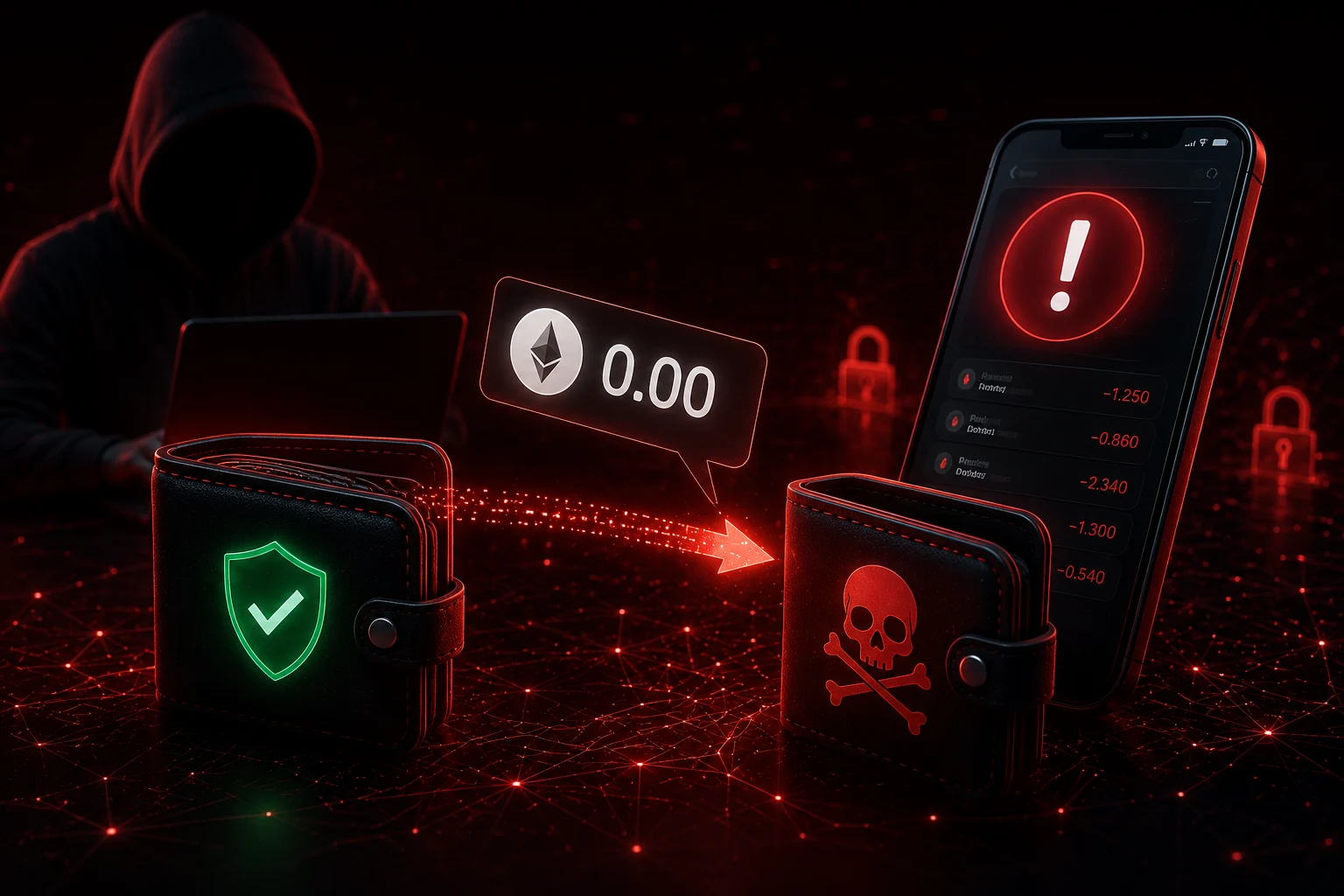
Stablecoins are the prime target. A phishing site offering a "USDC claim" or "airdrop checker" can quietly request a permit that gives the attacker unlimited USDC for the next hour or longer. You might leave the site, walk away, and return hours later to find your USDC gone. The transaction even shows the legitimate token and your own address, which makes it look normal in block explorers.
approve(): the bounded, but still risky, default
approve(spender, amount) sets a token allowance. If amount is small (say, 5 USDC for a swap), the blast radius is small. If amount is the magic constant MaxUint256 (~2^256 - 1), the approval is effectively unlimited and behaves much like a permit.
Many legitimate DeFi protocols request unlimited approvals by default because they only need to ask once, then settle later. That convenience is also the attacker's convenience: when the spender's keys leak, your tokens leave with them.
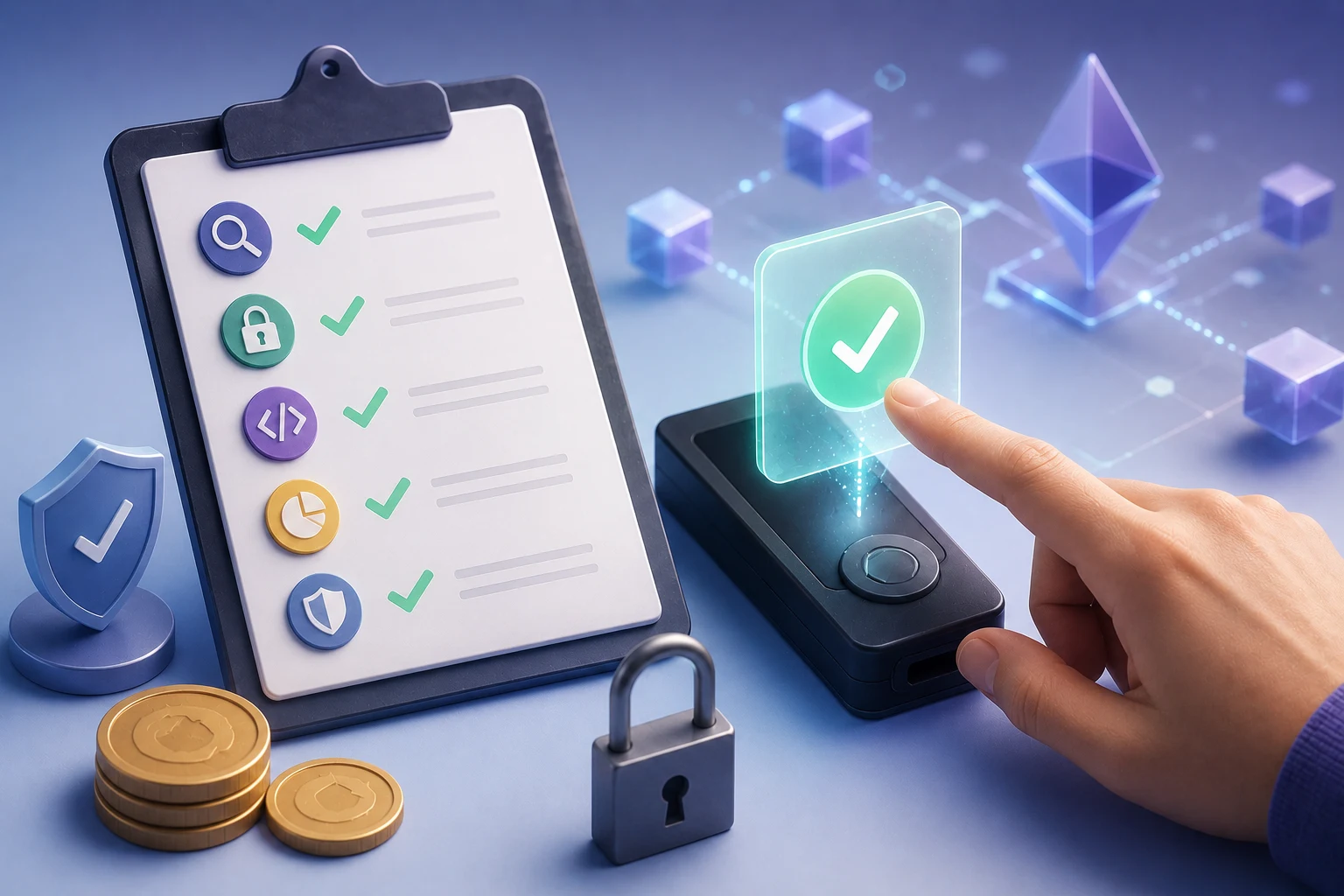
The step-by-step: how to read a wallet popup before you sign
Whatever the wallet, the routine is the same. Do not sign on autopilot.
Step 1: read the function name
If you see setApprovalForAll, permit, or eth_sign, slow down. Each one carries the risks above. A clean swap will show transferFrom or a swap router call, not a permission grant.
Step 2: read the parameters
For approvals, check who the spender is. For setApprovalForAll, check the operator address. Cross-reference both against the protocol's real contract (Etherscan "Contract" tab, project docs). If the address is brand-new or has no public name, treat it as hostile until proven otherwise.
Step 3: read the simulation
Modern wallets (Rabby, Frame, MetaMask with Tenderly simulation) show a state-change preview: which tokens move, in what direction, on which contract. If the simulation is empty or fails to load, that itself is a red flag. Legitimate signatures produce predictable simulations.
Step 4: check the deadline
Permit messages include a deadline timestamp. A deadline a year out is more dangerous than one expiring in ten minutes. Permit2's signatureTransfer includes additional fields (witness, expiration) that determine how broadly the signature can be used. Treat unusually large deadlines as suspicious.
Step 5: use a dedicated burner wallet
For airdrops, mints, and unfamiliar sites, keep a separate wallet funded with only what you're willing to lose. Approvals on the burner can never touch your main holdings. This is the cheapest insurance in crypto.
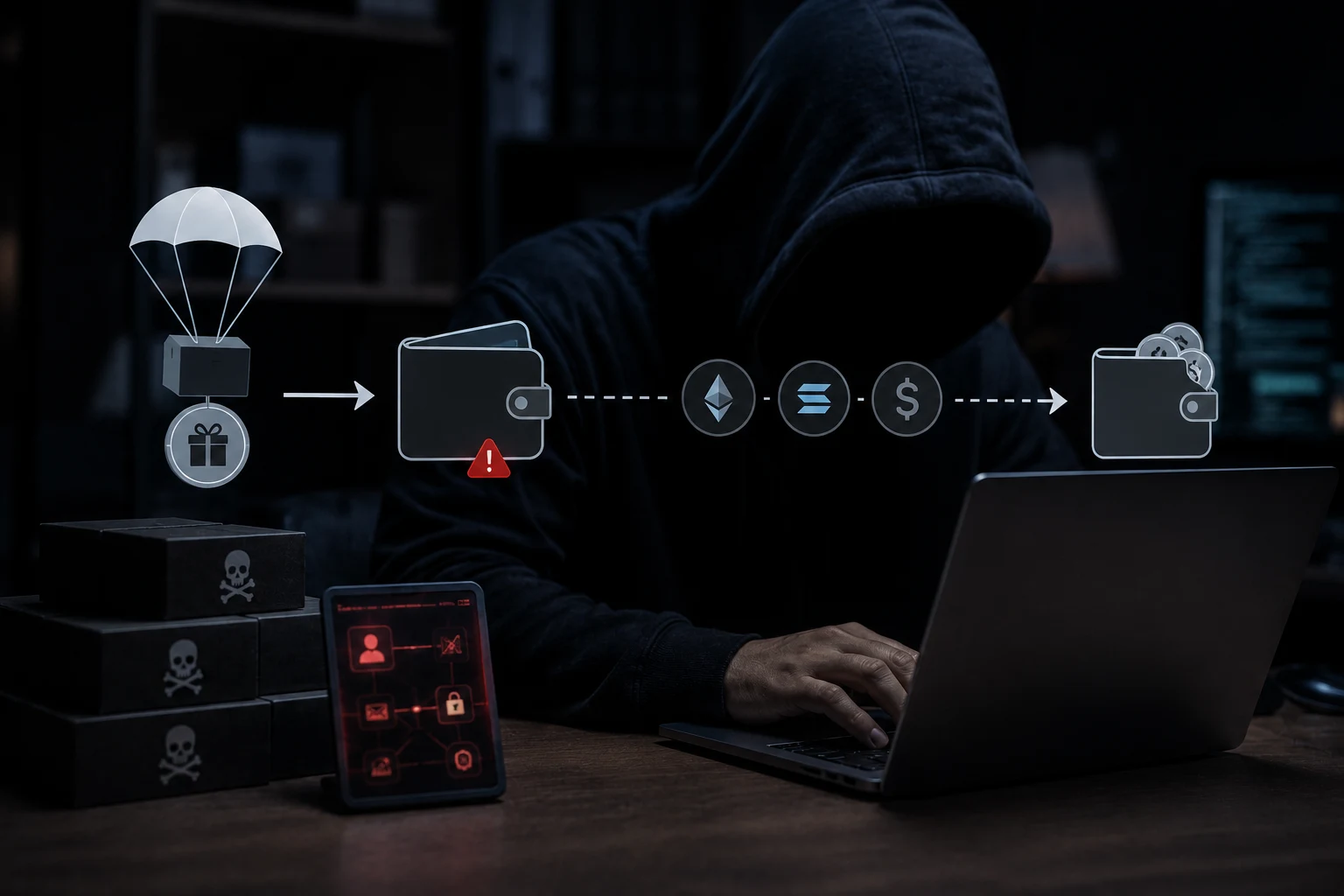
How attackers turn legitimate signatures into drains
The scary part is that the attacker rarely needs to break any cryptography. They just need you to click Confirm once.
The classic NFT listing trap
You land on a fake OpenSea page that mirrors the real UI. It asks you to "cancel a stuck listing" by signing a setApprovalForAll to the marketplace contract. Most users don't realize that "cancel listing" doesn't require any signature, so they sign. The attacker now controls every NFT in that wallet for that collection, and the approval never expires.
Seaport-style marketplace signatures
OpenSea's Seaport protocol uses off-chain order signatures (rather than on-chain listings) to make offers and listings cheaper. A signed Seaport order is a bundle of parameters: zone, conduit, fulfilling components, etc. Phishing pages have learned to mimic these signatures because users see "OpenSea" in the signature and assume it's safe. Read the parameters, not the protocol name.
Stablecoin permit phishing
USDC and USDT support EIP-2612 permits. A site that "verifies your USDC balance" can hide a permit in the Sign button. You confirm once, walk away, and the signature sits in the mempool waiting for the attacker to submit it within the validity window. The on-chain transaction looks like a normal USDC TransferFrom, which makes it harder to spot on a block explorer later.
Address poisoning meets approvals
Some phishing kits now generate a vanity address that starts and ends with the same characters as your real counterparty. When a user eyeballs the recipient, the prefix match looks correct. The same trick is being adapted to approval spender fields: the malicious spender shares the first and last four characters of a legitimate one, hoping you approve visually instead of reading the full address.
Practical implications: how to make your wallet harder to drain
Reading signatures is habit, not talent. Build a few defaults that survive tired evenings.
- Use Rabby or Frame as a daily-driver wallet. Both parse common signature types into plain English and show the function being called, not just the method name.
- Keep a hardware wallet for any meaningful holdings. The signing keys never touch an internet-connected machine, so even a malicious dapp cannot extract a usable signature.
- Run a monthly approvals audit using revoke.cash (popular, friendly UI) or the Etherscan approval checker (no login, raw data). Revoke anything for a contract you haven't used in 90 days.
- Replace blanket approvals after each big swap: change the allowance to 0, then re-approve a small amount. This invalidates old unlimited approvals.
- Disable eth_sign in your wallet settings if the option exists. MetaMask, Rabby, and Rainbow all expose this in advanced settings.
- Bookmark the dapps you actually use. Most phishing reaches users through search ads or Twitter links, not bookmarks. Anything reached through a search result deserves an extra read.
None of these are heavy lifts. The point is that the marginal effort to verify a signature is small, while the cost of skipping it is the entire wallet.
Frequently asked questions about signature phishing
Following are the questions readers most often type into search engines about wallet signature phishing. The answers stick to educational facts, not financial advice, because the right behavior here depends on each reader's holdings and threat model.
How to follow wallet security the smart way
Wallet-signature phishing moves fast because the attack surface moves fast: every new DeFi primitive is a new signature type to learn, and every new wallet feature is a new visual cue to interpret. Tracking approvals, scam reports, and post-mortems across multiple chains is a full-time job, and most users do not have the time.
Zippfeed aggregates security headlines across Ethereum and the wider crypto ecosystem, scores each story for sentiment (bullish, neutral, or bearish on the protocol named) and surfaces a 0-100 importance rating, so you can scan the day in minutes, see which signatures and approvals are being abused right now, and rotate out of risky spenders before they get drained.


 WuBlockchain
 Crypto Capital Venture
 Lookonchain
 TheBlock
 CoinDesk