Why a DeFi safety checklist matters more than a "good project"
If you have spent any time in crypto Twitter, you have seen posts that read like obituaries: a wallet drained, a token approval exploited, a fake airdrop site, a bridge that quietly sent funds to an attacker. The detail that almost always goes unmentioned is that the user, not the protocol, clicked the last button. The protocol may be honest, audited, and well-known, and you can still lose everything by signing the wrong thing in the right place.
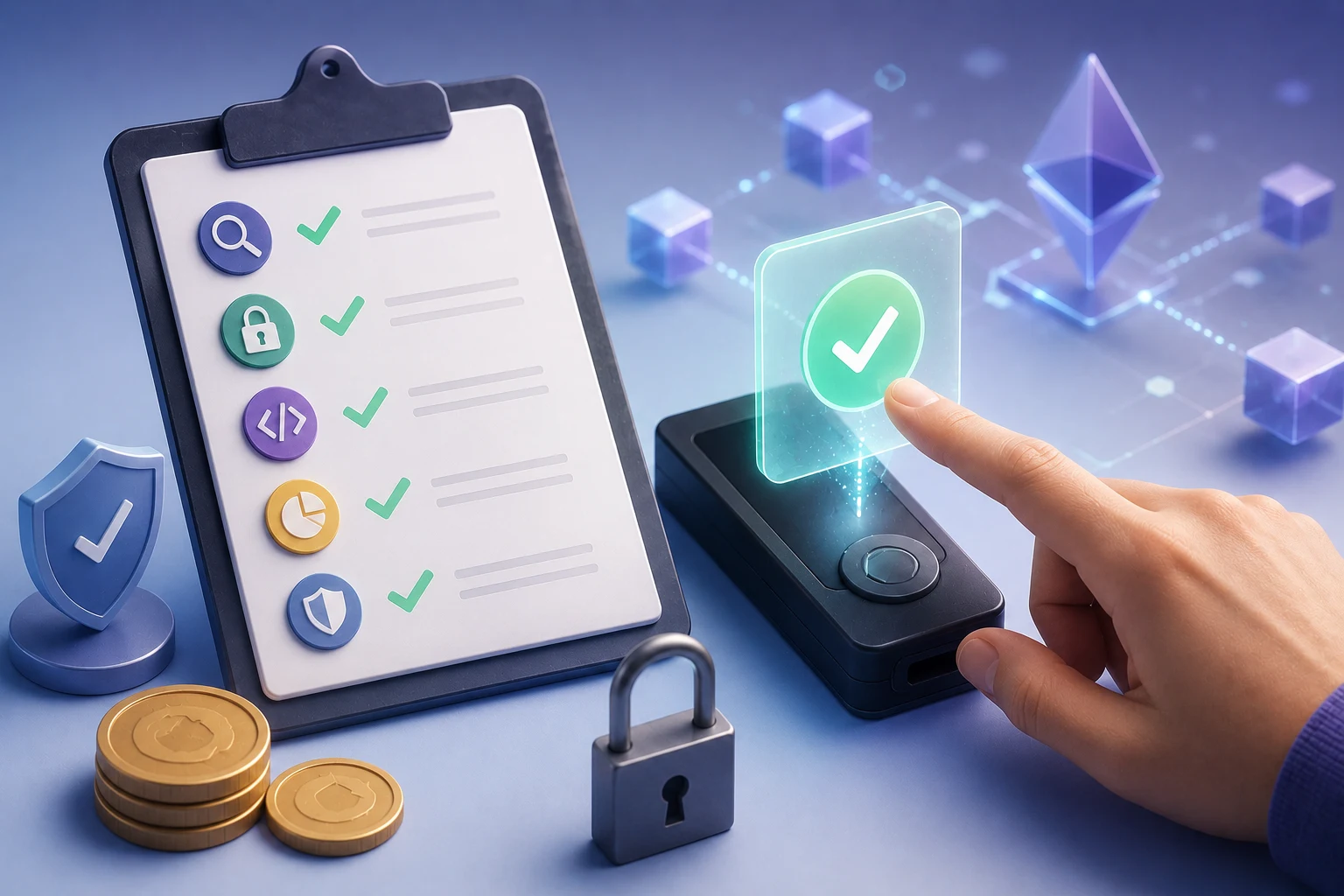
That sounds bleak, but it is actually good news. It means the failure mode is human and procedural, not cryptographic. There is no exploit to patch, no zero-day to wait for. There is a routine to build, and the routine fits on an index card. The goal of this DeFi safety checklist is to give you that routine: a small set of checks you run in the same order, every time, before you sign a transaction in a self-custody wallet.
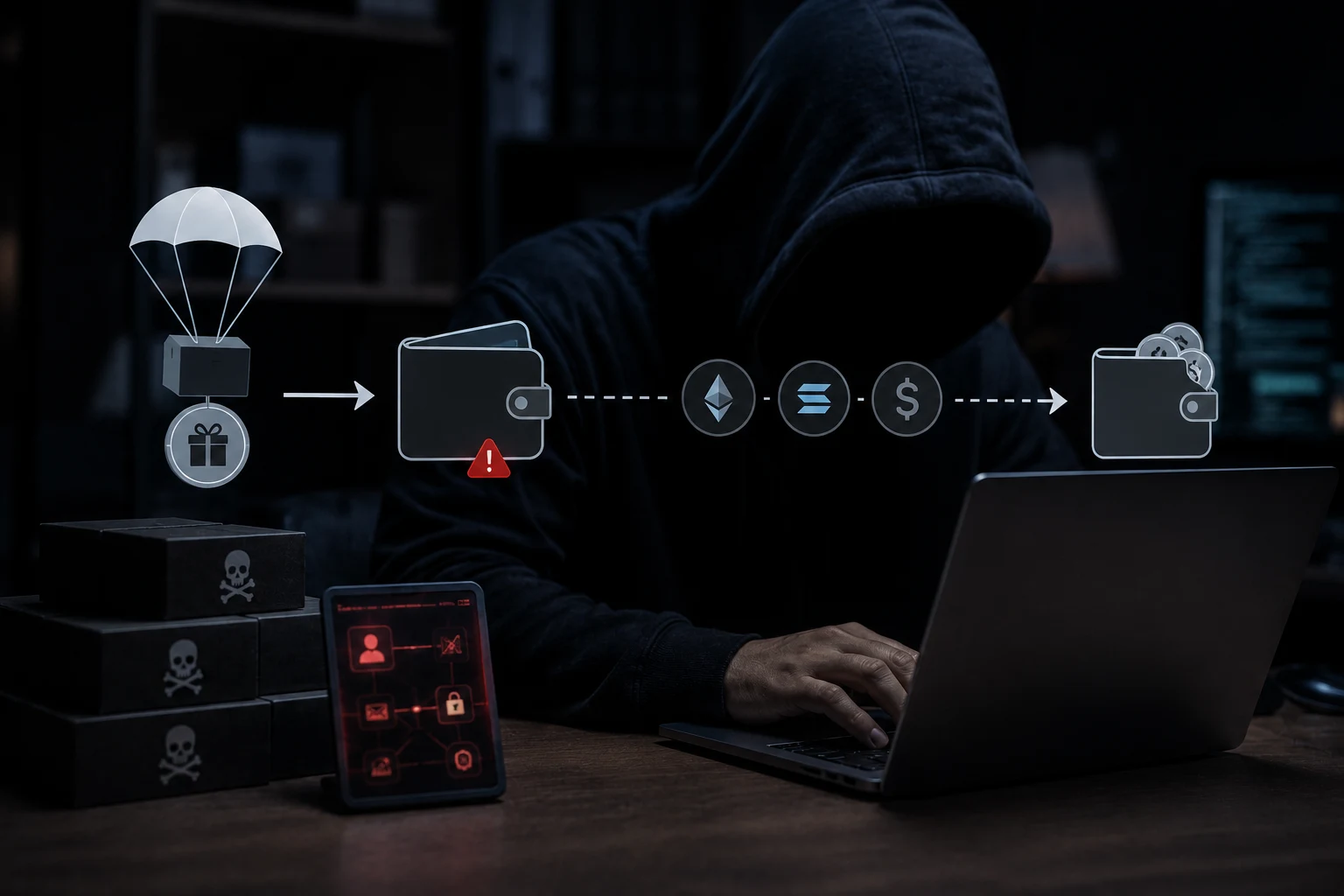
Before walking through the seven steps, it helps to name what you are actually defending against. Three patterns account for the overwhelming majority of real-world losses for everyday users, and each one is addressed by a specific step later in this article.
- Phishing and copycat sites. A domain that looks identical to a real one but is registered by an attacker. A search result, an ad, or a paid link can send you there.
- Misunderstood approvals. You sign a token approval granting a contract permission to move a token from your wallet, sometimes in unlimited quantity, and that permission lives on-chain until you revoke it.
- Unsigned-looking transactions that do something unexpected. A "claim airdrop" button that is actually a token approval, a "swap" that is a permit signature letting a third party move your funds, or a bridge that deposits into a contract with a backdoor.
The real risks: how DeFi users actually lose money
It is worth being concrete about the failure modes, because abstract warnings about "doing your own research" do not change behavior. A few patterns account for most losses, and each is preventable with a specific habit.
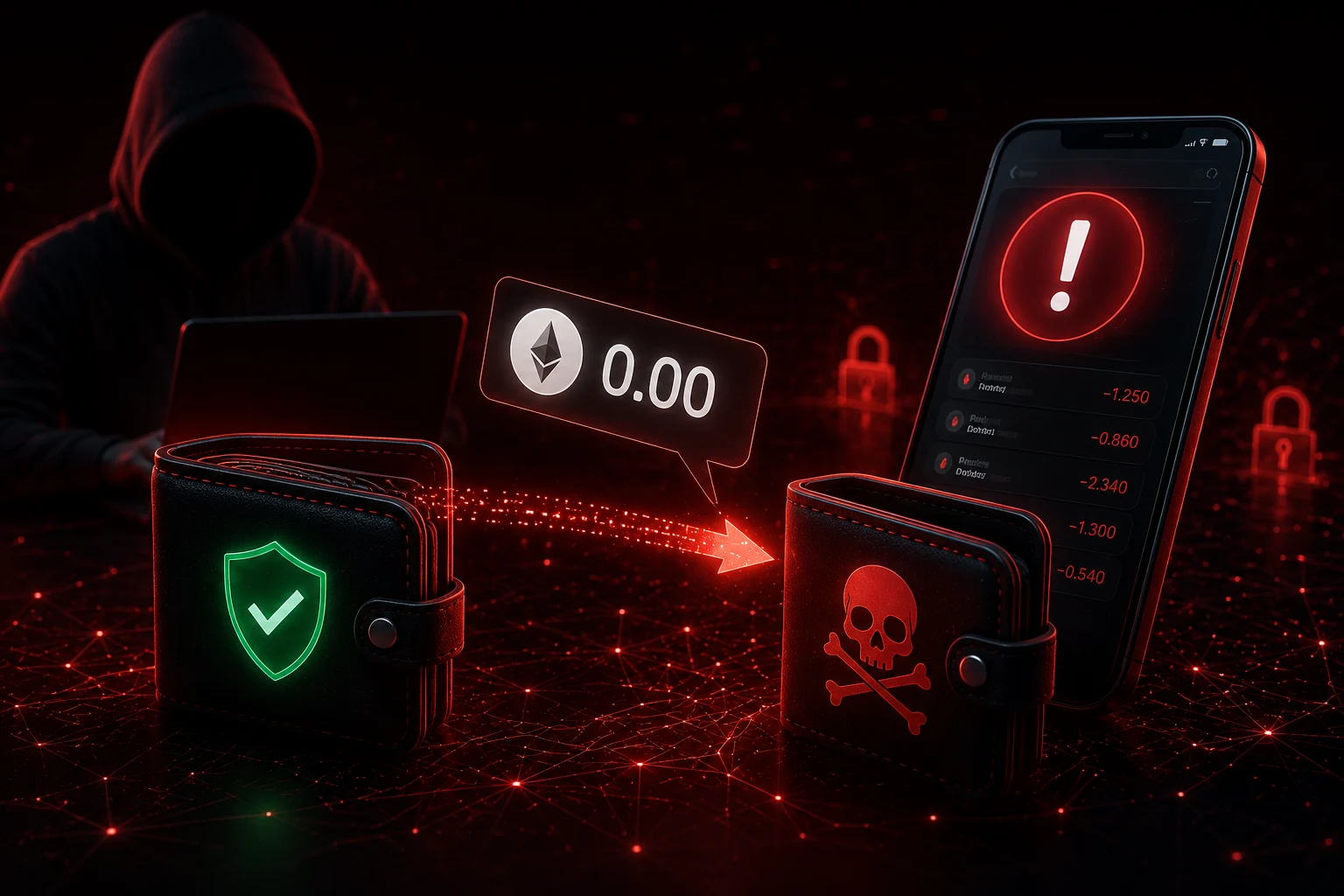
Approval-based drains are the single biggest category. When you swap a token on a decentralized exchange, the site usually asks you to approve the router contract to spend that token on your behalf. That approval is stored on-chain and survives across sessions. If the router contract is later upgraded, hijacked, or was never trustworthy in the first place, the attacker can call transferFrom on that approval and move your tokens at any time. Unlimited approvals are convenient but they are also a long-lived liability. A useful rule of thumb: treat every approval as a key you are handing to a stranger, and ask how long you want that key to last.
Permit signatures (EIP-2612) and off-chain signatures add a second layer. Some dapps will ask you to sign a message rather than a transaction. The message may look like gibberish, but it can grant the same spending power as an approval, with no gas cost and no on-chain record by default. Tools that decode signatures exist precisely because this format is easy to misuse. If you sign a permit from a malicious site, the attacker can submit it on-chain later and move your tokens without any further interaction from you.
Bridges and cross-chain swaps are a third hot spot. Bridging ETH from mainnet to ARB or SOL wrapped versions usually involves locking funds in a contract on the source chain and minting a wrapped equivalent on the destination. Bugs in bridge contracts have produced some of the largest losses in DeFi history, and the surface area is wider than a typical swap. Bridging also tends to be one of the operations where users tolerate the most friction, which is exactly when scammers push hardest.
Finally, there is plain old wallet hygiene failure. A single hot wallet that has been used to sign approvals for twenty different dapps over two years is a single point of failure. Revoking old approvals is a real, useful habit, not a paranoia. Sites like revoke.cash exist to make this easy, and a quarterly pass through them is well worth the ten minutes.
Step 1: Land on the correct URL, the boring way
Before you do anything else, confirm you are on the real site. Most phishing is not clever; it is a paid search ad or a sponsored social-media post linking to a domain that differs from the real one by one character, or by a Unicode lookalike. The "l" in a URL may not be a Latin lowercase L. It may be a Cyrillic character that renders identically. The only reliable defense is to never arrive at a DeFi site through a link you did not personally control.
Type the domain into the address bar yourself, or use a bookmark you created the first time you visited the legitimate site. If someone in a Discord channel sends you a link to "the airdrop page," assume it is malicious until proven otherwise, no matter how plausible the username looks. Verify the URL character-by-character. Confirm the contract on a block explorer such as Etherscan before you connect your wallet or sign anything; the contract address on the explorer's verified page is the source of truth, not the address shown in a pop-up or a tweet.
Two further habits help. First, bookmark the real domain on day one, and never click a link that bypasses that bookmark. Second, if a site asks you to connect a wallet, the connection prompt in your wallet is the moment to pause, not the moment to speed up. Read the wallet prompt, not just the web page.
Step 2: Understand the exact approval being requested
An approval is a separate, persistent on-chain permission. When you sign one, you are not making a single trade. You are telling a smart contract that, from now until the approval is revoked or spent, it can move a specified amount of a specified token out of your wallet on your behalf. If you approve the wrong contract, the attacker can drain that token later without any further action from you.
Most wallets, including the major ones, now show the human-readable amount in the confirmation screen. The number to notice is the second one, not the first. If the site says "swap 100 USDC for ETH" and the wallet prompt says "approve unlimited USDC," you are being asked for more than the trade requires. For large or unfamiliar contracts, set a custom allowance that is just enough to cover the trade, then revoke it afterward. The friction is real. The alternative is worse.
Pay special attention to approvals for stablecoins like USDC and USDT, and for high-value tokens like ETH. An unlimited approval of USDC to a malicious router is functionally equivalent to handing someone a signed blank check on your stablecoin balance. Also note that some dapps have started using permit2 or EIP-2612 signatures instead of on-chain approvals, which can carry the same risk without showing up on a typical approval list. If a site asks you to sign a message rather than a transaction, treat it with the same suspicion as an unlimited approval.
Step 3: Simulate the transaction before you sign
Simulation tools run your transaction against the current chain state in a sandbox and show you what it will do: which contracts it will call, which tokens it will move, and what your balances will look like after. Two well-known options are Tenderly and Blowfish, and many wallets now have simulation built in. If your wallet has a simulation pane, read it. If it does not, run the transaction through an external simulator first.
The thing to look for is any line that does not match your intent. If you intended to swap 100 USDC for ETH and the simulation shows a different token moving, or a different amount, or an approval being set, stop. If the simulation shows the transaction failing on-chain, you will save gas and time by not sending it. If it shows a contract call to an address you cannot identify, do not sign.
Simulation is not a silver bullet. Sophisticated attackers can craft transactions whose malicious behavior only triggers under specific conditions, and a static simulation can miss that. But for the routine case of a user about to make a typo or land on a phishing site, simulation is one of the highest-leverage habits you can build, and it is free.
Step 4: Use a "browsing" wallet, separate from your "signing" wallet
Single-wallet setups are the single most common reason a small mistake becomes a total loss. The fix is structural: keep one wallet for day-to-day DeFi interaction, and a second, funded only when needed, for storage. This is the most important habit on the entire checklist, and the easiest one to delay.
Concretely: your "browsing" or "hot" wallet holds small amounts, connects to dapps, and signs approvals. Your "vault" or "cold" wallet holds the bulk of your funds and rarely connects to anything. When you want to do something meaningful, you send only the amount you need from the vault to the hot wallet, do the operation, and (if appropriate) send any remaining balance back. If the hot wallet is compromised, the loss is bounded by whatever was in it at the time.
This pattern also lets you use a clean wallet for first-time interactions with a new protocol. The first time you visit a site, you are at the highest risk of landing on a phishing variant. Doing that first visit with an empty wallet costs you nothing if it goes wrong. Only after you have confirmed the contract, bookmarked the URL, and seen a successful transaction should you consider moving real funds in.
The same logic applies to chains you do not yet trust. If you are trying a new bridge to SOL for the first time, do it from a wallet that holds a small amount, not the wallet that holds your main stack. New chains, new contracts, and new bridges are where the most aggressive phishing tends to cluster.
Step 5: Mind the chain and the asset
A surprisingly large share of "where did my tokens go" support tickets come from a simple chain mismatch. The user connected their wallet, saw a balance that looked correct, and approved a transaction on a chain they did not intend to be on. The most common case is mainnet ETH versus an L2 like ARB, or an EVM chain versus SOL: the address format is similar, the dapp is similar, the URL is similar, and the user does not notice which network their wallet is on at that moment.
Check the network indicator in your wallet on every transaction. Check the asset symbol: "USDC" on mainnet is not the same contract as "USDC" on ARB, and neither is the same as the bridged version minted by a third-party bridge. If a site says it accepts USDC and your wallet is showing the wrong network's USDC, the approval you are about to sign may be for a token the site cannot actually receive, or worse, for a token the site can receive and sell for its own benefit.
For SOL, the equivalent habits apply. SOL wallets show a clear network indicator, and the SPL token universe is large enough that a phishing token can imitate a real one. Verify the token's mint address on a block explorer rather than trusting the symbol in a list. The same principle applies across ecosystems: the on-chain identifier is the truth, the symbol is a label.
Step 6: Revoke old approvals on a schedule
Approvals are sticky. Once you grant a contract permission to move your USDC, that permission lives until you revoke it, even if you never use the dapp again. If the contract is later exploited, upgraded maliciously, or was always a scam, your tokens are reachable through that old approval. This is why a periodic revocation pass is part of the routine, not a one-time chore.
Tools like revoke.cash make this straightforward. They read the chain, list all current approvals, and let you submit a revocation transaction for any of them. A reasonable cadence is once a quarter, or immediately after any interaction with a dapp you do not plan to use again. Revocation costs gas, but a few dollars of gas is a small price compared to losing the underlying balance.
Two practical notes. First, you do not need to revoke every approval every time; focus on unlimited approvals and on contracts you no longer recognize. Second, when you revoke, you are also confirming the dapp is still functioning, which is a useful side effect: a dapp that has gone dark may have left its contracts under new control, and the moment you revisit it to revoke, you can update your bookmarks accordingly.
Step 7: Read the wallet prompt, every time
The wallet confirmation screen is the last line of defense, and it is the one users skip most often. It is also where the most relevant information actually appears: the contract address being called, the function being invoked, the asset and amount, and any signature payload. Reading it takes a few seconds. Skipping it can cost everything.
Concretely, check four things. The contract address: paste it into a block explorer and confirm it is the contract you expected, with the verification status you expected. The function: "approve" is different from "swap," and a "permit" signature is different again. The amount: a custom number is different from "unlimited," and "0" usually means you are signing a cancellation, which is fine. The receiving address: if the prompt shows a transfer to an address you do not recognize, stop.
If any of those four checks fails to match your mental model of what you are doing, do not sign. Close the prompt, revisit the site from your bookmark, and start over. The most expensive sentence in DeFi is "I am sure, just sign it." The cheapest is "let me re-read this."
What to do if something goes wrong
Even with a perfect routine, mistakes happen. The response matters as much as the prevention, and the first few minutes are the ones that count. If you realize mid-signature that something is wrong, do not sign. If you have already signed and now suspect the approval, go straight to revoke.cash and revoke the approval from a clean device. If funds have already moved, the funds are usually unrecoverable on-chain, and anyone who contacts you promising to recover them for a fee is running a second scam on top of the first.
Beyond the immediate moment, a few habits make future incidents survivable. Keep a written record of which wallet holds what, so you can act quickly without having to figure it out under stress. Keep a small "first-time" balance in any new wallet you use. Practice the revocation flow once, on a test approval, before you need it under pressure. None of this is exciting. All of it works.
The honest summary is this: DeFi safety is not about finding a protocol that cannot be attacked, because no such protocol exists. It is about reducing the blast radius of the mistakes you will inevitably make, and about making the cost of those mistakes small enough that they are recoverable. The checklist above is a small, boring routine. That is the point. Boring routines are the ones people actually follow.
How to follow DeFi safety the smart way
DeFi moves fast, and so does the news around it: new exploits, fresh phishing campaigns, contract upgrades, bridge closures. Tracking the signal manually, especially across multiple chains like Ethereum, Arbitrum, and Solana, is a losing game. Zippfeed surfaces DeFi and security headlines with sentiment scoring, bullish, neutral, or bearish, and an importance rating, so you can spot risky protocols and copycat-site warnings before they reach your wallet, not after. Pair that feed with the checklist above, and the boring routine becomes a fast one.
Frequently asked questions
Is DeFi safe for beginners?
DeFi is safer for beginners who follow a routine, and riskier for those who treat it like a regular website. The technology itself is audited and on-chain, but the user is the last line of defense against phishing, wrong approvals, and copycat sites. If you are new, start with a small balance in a separate "browsing" wallet and only move larger funds in after you have used a protocol successfully a few times. This is education, not financial advice; always do your own research before signing any transaction.
How does a token approval actually work?
An approval is an on-chain message that lets a smart contract move a specific token from your wallet, up to a limit you set, until you revoke it. Unlimited approvals are convenient but they give that contract a long-lived spending right. Revoking an approval, through a tool like revoke.cash, is a separate transaction that costs gas but removes that right. Treat approvals like keys and only hand them to contracts you trust, for as long as you need them.
Should I use a hardware wallet for DeFi?
A hardware wallet adds a strong layer of protection because the private key never touches your computer, but it does not by itself prevent you from signing a malicious approval. The device will show the transaction details, which is a real benefit, but you still have to read them. Pairing a hardware wallet with the checklist above, especially the simulation and approval-review steps, is a sensible setup for larger balances.
What is the fastest way to check whether a dapp URL is real?
Do not click links from search results, social media, or DMs. Instead, type the domain into your address bar, or open it from a bookmark you created the first time you visited the legitimate site. Then cross-check the contract address on a block explorer. The two-step habit of "URL plus contract address" catches the vast majority of phishing attempts in under a minute.





 Lookonchain
 WuBlockchain
 Crypto Capital Venture