What a wallet drainer actually is in 2026
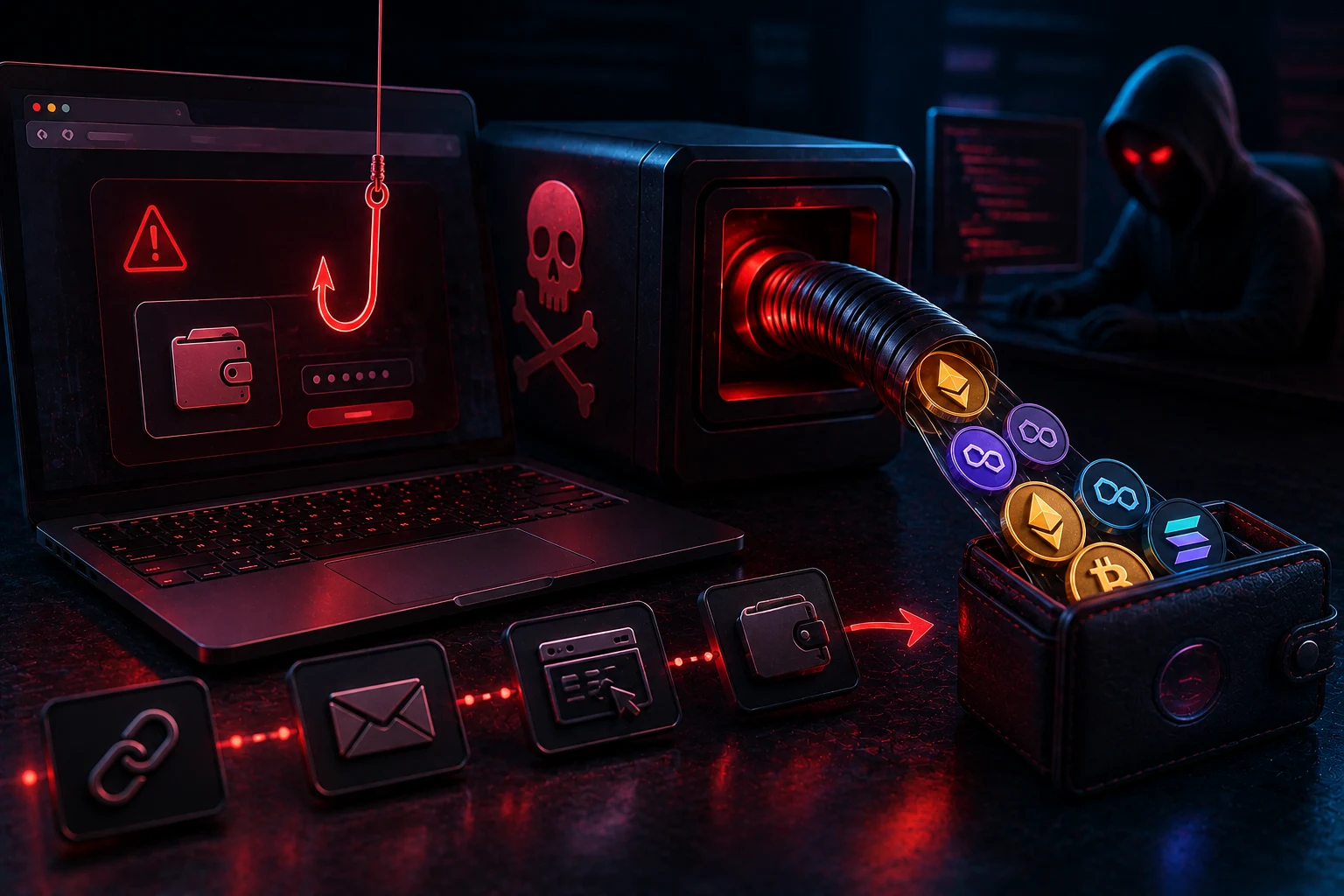
A wallet drainer is a piece of malicious code, usually a smart contract plus a phishing website, designed to convince you to grant it permission to move assets out of your wallet. The old version of this scam, the fake airdrop site that asked for your seed phrase, is now mostly obsolete because years of warnings have trained users not to type those twelve words anywhere online.
What replaced it is more sophisticated. Modern drainer kits are sold as subscription services on dark-web forums, with monthly fees, dashboards, and customer support for the criminals renting them. Operators get a friendly admin panel that lets them pick which tokens and NFTs to target, set approval limits, and track revenue in real time. Some of these kits have been used to steal nine-figure sums in a single campaign.
The shift matters because the user experience has changed. You no longer need to be fooled into giving away your keys. You only need to be fooled into clicking "sign" on what looks like a routine confirmation. By the time the wallet finishes explaining what just happened, the drainer has already submitted a transaction that pulls out your stablecoins, your ETH, your SOL, or your most valuable NFTs.
This is why the 2026 threat landscape looks different from anything that came before. The defense is no longer "never share your seed phrase." It is a longer, more technical checklist that the average user has never been taught.
Why old advice no longer protects you
If your mental model of crypto theft is "someone tricked me into typing my seed phrase," you are defending against yesterday's attack. Three changes have made that advice insufficient.
First, hardware wallets and modern software wallets now warn loudly when a site asks for seed input. The drainer economy responded by moving to signature-based theft, where no secret ever leaves your device. You sign what looks like a normal login or claim, and the wallet shows a vague message about "interacting with a contract." That vagueness is the attack.
Second, most legitimate dapps now use batched approvals, gasless signatures, and off-chain messages to make the user experience feel smooth. Drainers exploit the same plumbing. From the wallet's perspective, signing a Permit2 message is indistinguishable from signing a Uniswap quote. The wallet cannot tell which is malicious without reading the contract, and most wallets do not read it for you.
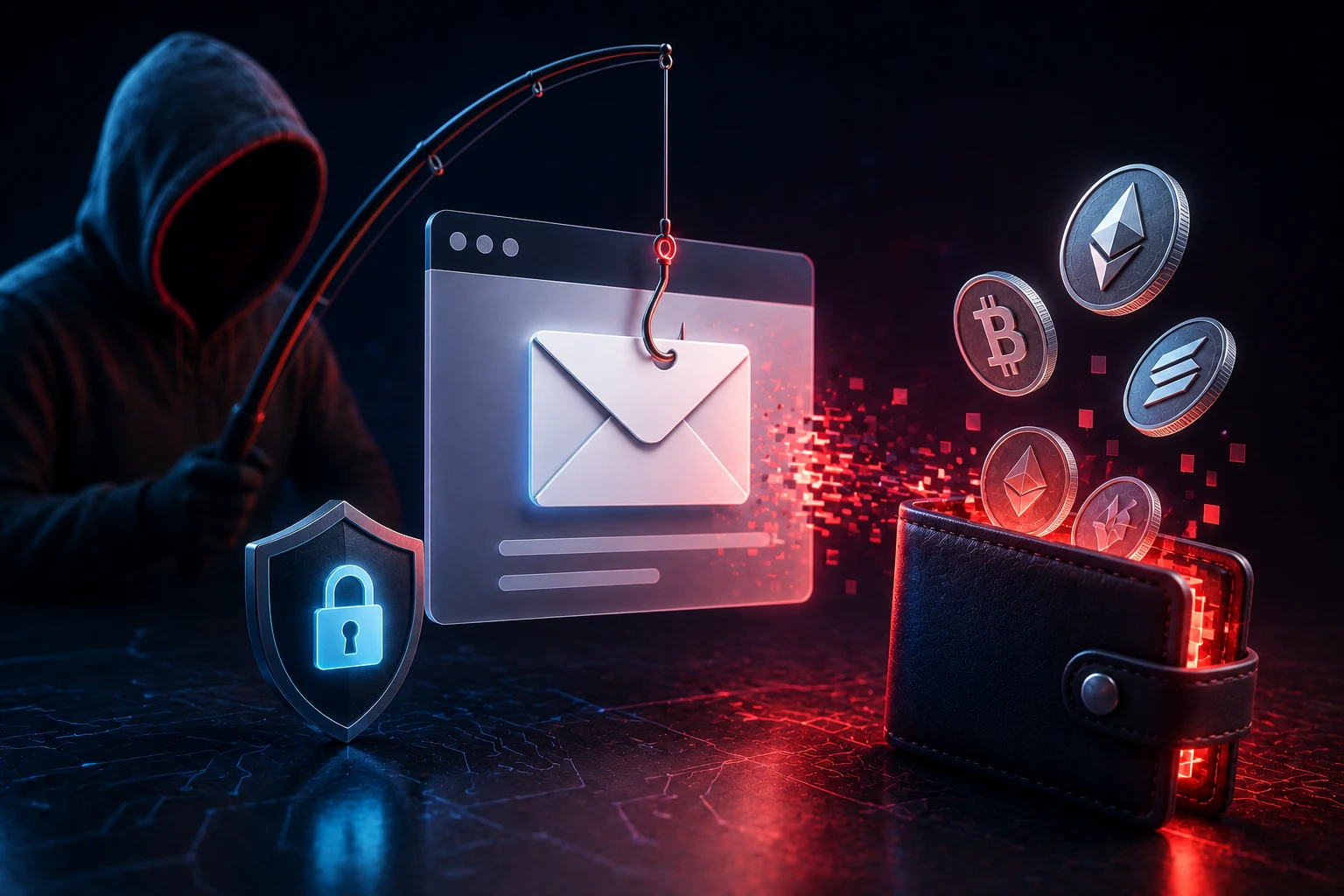
Third, attackers have moved their social engineering off-chain. The phishing website is just the front door. The real manipulation happens in DMs, Telegram groups, Discord servers, and search-engine ads that lead you to a convincing clone. By the time you reach the malicious site, you have already been primed to trust it.
Permit and Permit2 signature abuse
Permit is an Ethereum token standard (EIP-2612) that lets you authorize a contract to spend your tokens without paying gas for the approval transaction. Permit2, pushed by Uniswap, generalizes this so a single off-chain signature can grant sweeping rights across many tokens at once.
For honest users, this is convenient. For drainers, it is a gift. A single signed Permit2 message can say "allow the spender to move any amount of the listed tokens, with no expiration." The wallet pops up something like "Sign message" with a long blob of text most users will not read. If the user clicks confirm, the drainer's backend can later call the permit function and pull funds out at any time, even days later.
The danger is amplified by what wallets do not show. Many wallet interfaces display truncated or humanized versions of signatures, and they cannot always decode a Permit2 payload into "this lets a stranger drain your USDC." Some wallets have begun adding warnings for known Permit2 patterns, but coverage is uneven, especially on Solana, where similar off-chain message signing behaves differently.
Defensive habits here are mechanical. Treat any "Sign Message" prompt that is not from a dapp you intentionally connected to as a red flag. Read the decoded payload if your wallet offers it. For large balances, prefer on-chain approvals with a specific amount and a short expiration, and revoke them when you are done.
Address poisoning at industrial scale
Address poisoning exploits the fact that blockchains let anyone send tokens to anyone else for a tiny fee. A drainer operator generates thousands of wallet addresses, picks ones whose first and last few characters match the addresses you have recently transacted with, and sends you a dusting transaction worth essentially nothing.
You do not notice the incoming dust. Later, when you copy an address to send funds, you grab the poisoned one from your transaction history, because the first six and last four characters look identical to the real recipient. The transfer goes through, and the funds land in the attacker's wallet.
On Ethereum, the cost of generating thousands of these look-alike addresses and dusting them is now low enough that operators run this as background infrastructure, not a targeted campaign. On Solana, the economics are even cheaper because base transaction fees are a fraction of a cent and SPL token transfers can be even cheaper.
The mitigation is mostly procedural. Always confirm the full address, not just the prefix and suffix. Use your wallet's address book feature so you are copying from a labeled contact, not from a transaction list. For high-value transfers, send a small test transaction first. Consider wallets that flag incoming dust from unknown sources.
AI-generated support impersonation
The most human layer of modern drainer attacks is the impersonation of customer support. Operators seed Discord servers, Telegram groups, and even X replies with accounts that look legitimate: profile pictures scraped from real team members, realistic handle variations, and a history of helpful comments in unrelated threads.
What changed in 2025 and 2026 is the use of generative AI. Voice clones of founders have been used in live Telegram calls to convince users that a "support agent" is real. AI-generated video avatars have appeared in private DMs pretending to be compliance staff at major exchanges. AI chatbots maintain long, patient conversations with victims, walking them through the "verification" process that ends at a drainer site.
The reason this works is that the impersonation is patient. The attacker does not need to rush you through a bad link in thirty seconds. They can spend days building rapport in a Discord server, then DM you about a fake airdrop, then walk you through a "claim" process that signs a Permit2 message. By the time you reach the malicious site, you believe you are talking to a real employee.
Defense is to treat all unsolicited DMs as hostile by default. Real support teams at major projects almost never initiate contact in a DM; they direct you to a ticket system or an official email address. If someone messages you first claiming to be from a project's support team, it is, with overwhelming probability, a scam. Verify through a channel you opened yourself, not one the contact provided.
Malicious browser extensions and wallet piggybacks
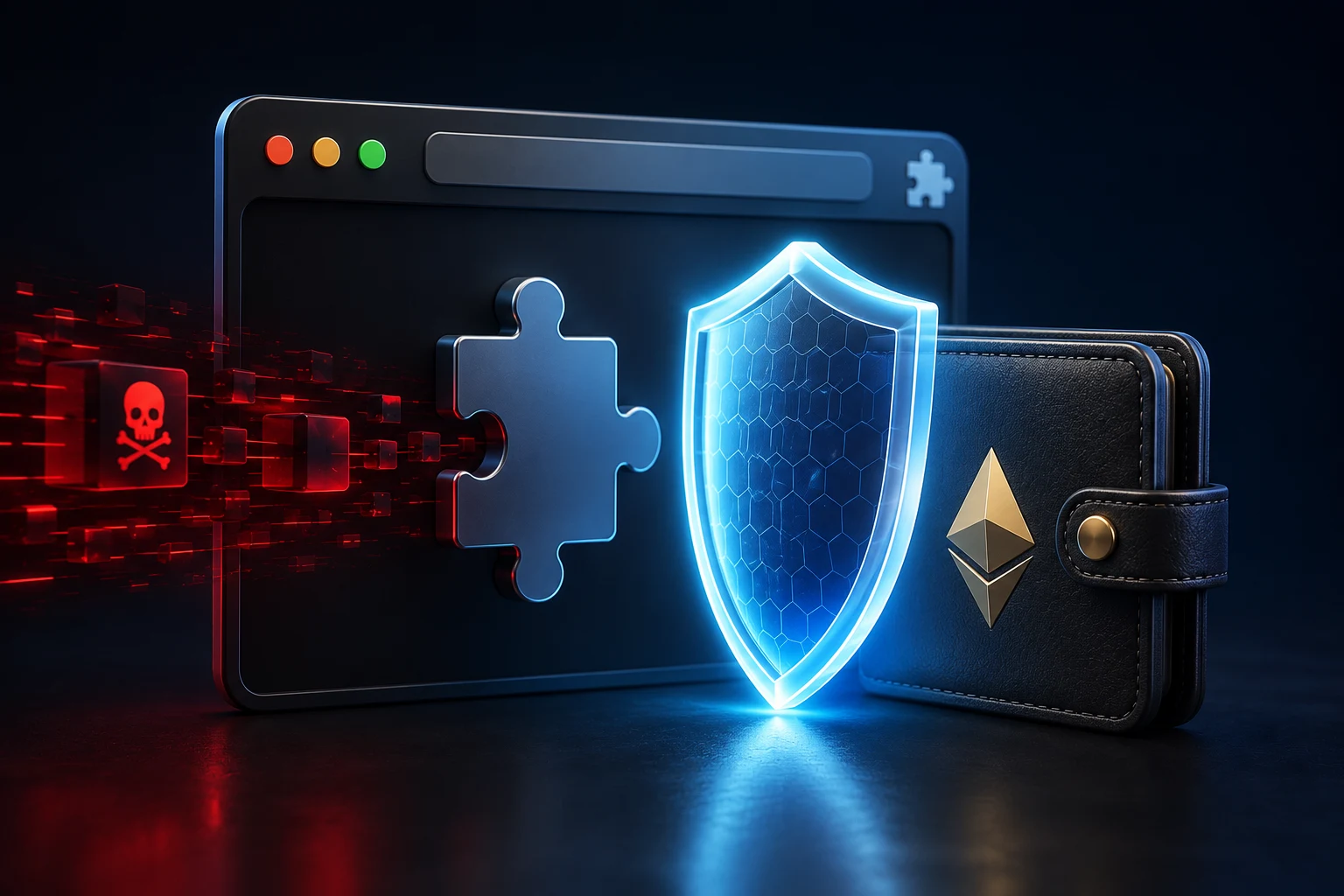
Browser extensions are a quieter but growing vector. The pattern is straightforward. An attacker clones or skins a legitimate wallet extension, lists it on a Chrome or Firefox store with a similar name and icon, and waits for users to install it by mistake. Once installed, the extension can rewrite addresses on web pages, swap transaction details in the wallet popup, or call phishing contracts the moment the user connects.
A subtler variant piggybacks on legitimate extensions. Some drainer operators buy existing extensions with small install counts, push a malicious update, and let the existing user base auto-update into a compromised version. The extension still appears to work normally, but it now harvests signed messages and relays them to attacker-controlled servers.
Mobile wallets face a parallel risk. Fake wallet apps appear in app stores, sometimes briefly reaching the top of search results through paid promotion, and they generate seed phrases that the attacker already knows. By the time the user funds the wallet, the assets are routed out within minutes.
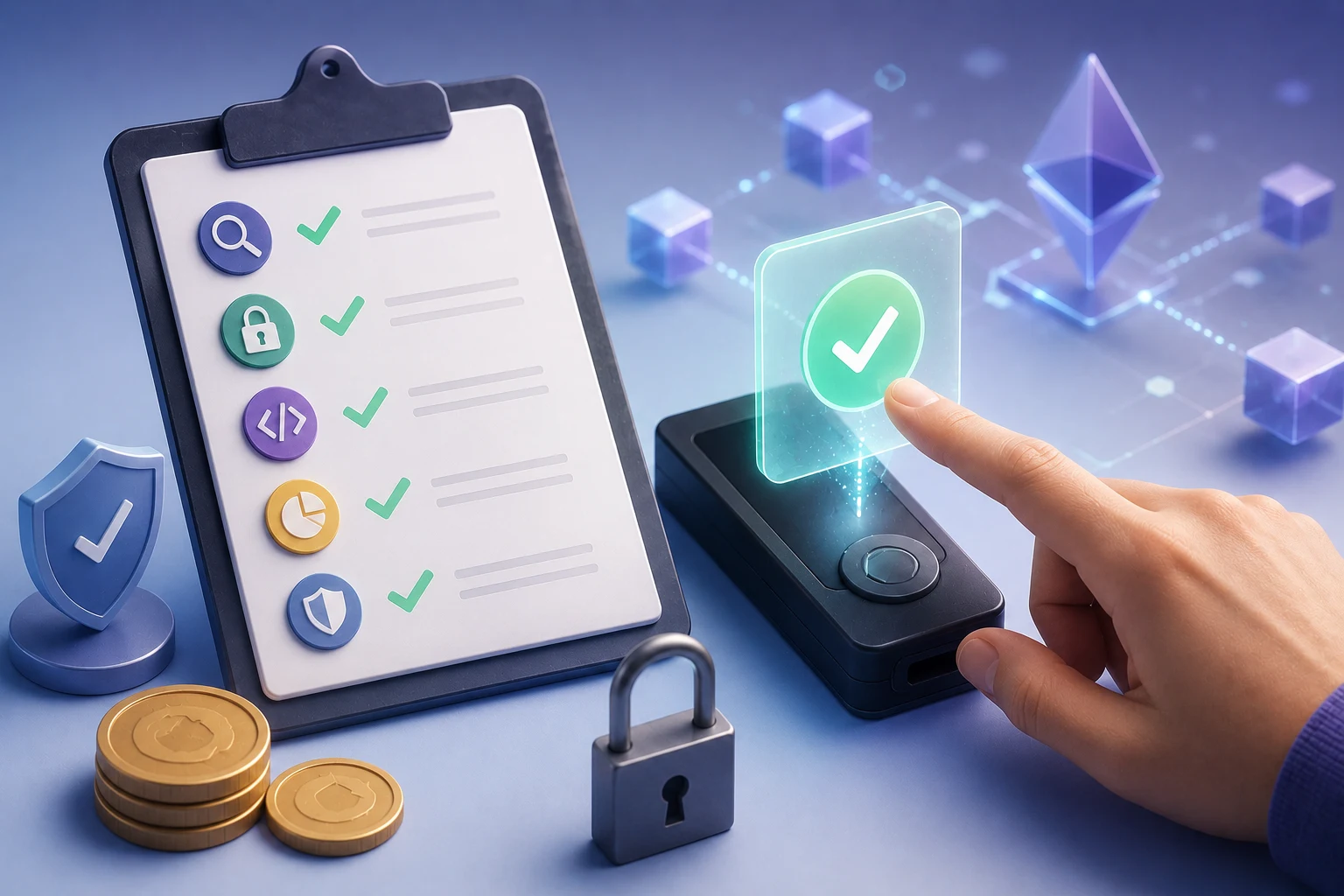
Defenses here are environmental. Install wallet extensions only from the official websites of the projects you intend to use. Review the permissions an extension requests and revoke anything not needed for wallet operations. On mobile, verify the developer name, the install count, and the last update date before funding any new wallet app.
First-aid: what to do in the five minutes after a bad signature
If you suspect you have signed something malicious, the next few minutes determine how much you lose. Speed matters because many drainers wait minutes or hours before cashing out, hoping you will not notice.
Step one is to stop interacting with the dapp that produced the signature. Close the tab, disconnect your wallet from the site if the option is still available, and do not sign any further transactions from the compromised wallet. The next signature you sign might be a second-stage payload that further compromises your approvals.
Step two is to move your remaining assets to a clean wallet that has never interacted with the suspicious site. Use a hardware wallet if you have one, or a freshly installed wallet whose seed phrase was generated offline. Do this from the compromised wallet, signing a normal transfer (not an approval) to the new address. If the drainer has already burned specific tokens, prioritize moving the ones that were not yet taken.
Step three is to revoke approvals. On Ethereum, services like revoke.cash can enumerate every approval your wallet has ever granted and let you submit on-chain revocations. Do this from the compromised wallet before moving it to a watch-only state. Note that revoking costs gas and that drainers sometimes watch the mempool for revocations, so move funds first, then revoke.
Step four is to review the actual transaction or signed message. On Etherscan or Solscan, find the most recent transaction from your wallet and check whether it interacted with a known drainer contract. If you signed a Permit2 message but no on-chain transaction has appeared yet, the drainer may still be waiting to submit. Treat any unconfirmed signed message as live ammunition.
Step five is to alert the projects involved. If the drainer posed as a known protocol, message that protocol through an official channel so they can warn other users. Report the malicious site to Google Safe Browsing, the wallet vendor, and any chain analytics firms that publish scam addresses.
How to read the new wave of drainer news critically
Drainer news in 2026 tends to come in two flavors. The first is breathless headlines about a single campaign stealing tens of millions, which often recycle old screenshots and inflate the figures. The second is overly technical post-mortems from security firms that name contracts but do not explain the social engineering that led to the signature.
Use the details that matter: which signature type was abused, which dapp was impersonated, which chain was targeted, and whether the campaign is still active. Ignore round-number loss totals unless they come from a verifiable on-chain wallet, and ignore promises that a "new tool" will make you immune. No tool substitutes for the basic discipline of reading what you sign.
Stay ahead of wallet drainers with Zippfeed
Wallet drainer tactics evolve weekly, and tracking which signatures, chains, and impersonation plays are active right now is a job on its own. Zippfeed pulls crypto headlines from across the web, scores each one as bullish, neutral, or bearish, and rates them by importance, so you can spot new phishing patterns and security alerts before they reach your wallet. Use it to keep your finger on the pulse of crypto without having to chase every forum thread yourself.


 Lookonchain
 WuBlockchain
 Crypto Capital Venture