Day 7 is the right time to audit your crypto setup
One week into crypto, most beginners have done enough to be dangerous. They may have bought a little BTC or ETH, opened an exchange account, installed a wallet, watched a few videos, and clicked through terms they did not fully understand. That is normal. The problem is that crypto punishes small operational mistakes more harshly than most financial apps.
A bank transfer error, a hacked email, or a forgotten password can often be escalated through customer support. A crypto transaction usually cannot. If you send funds to the wrong address, approve a malicious contract, or expose your seed phrase, there may be no help desk that can reverse it.
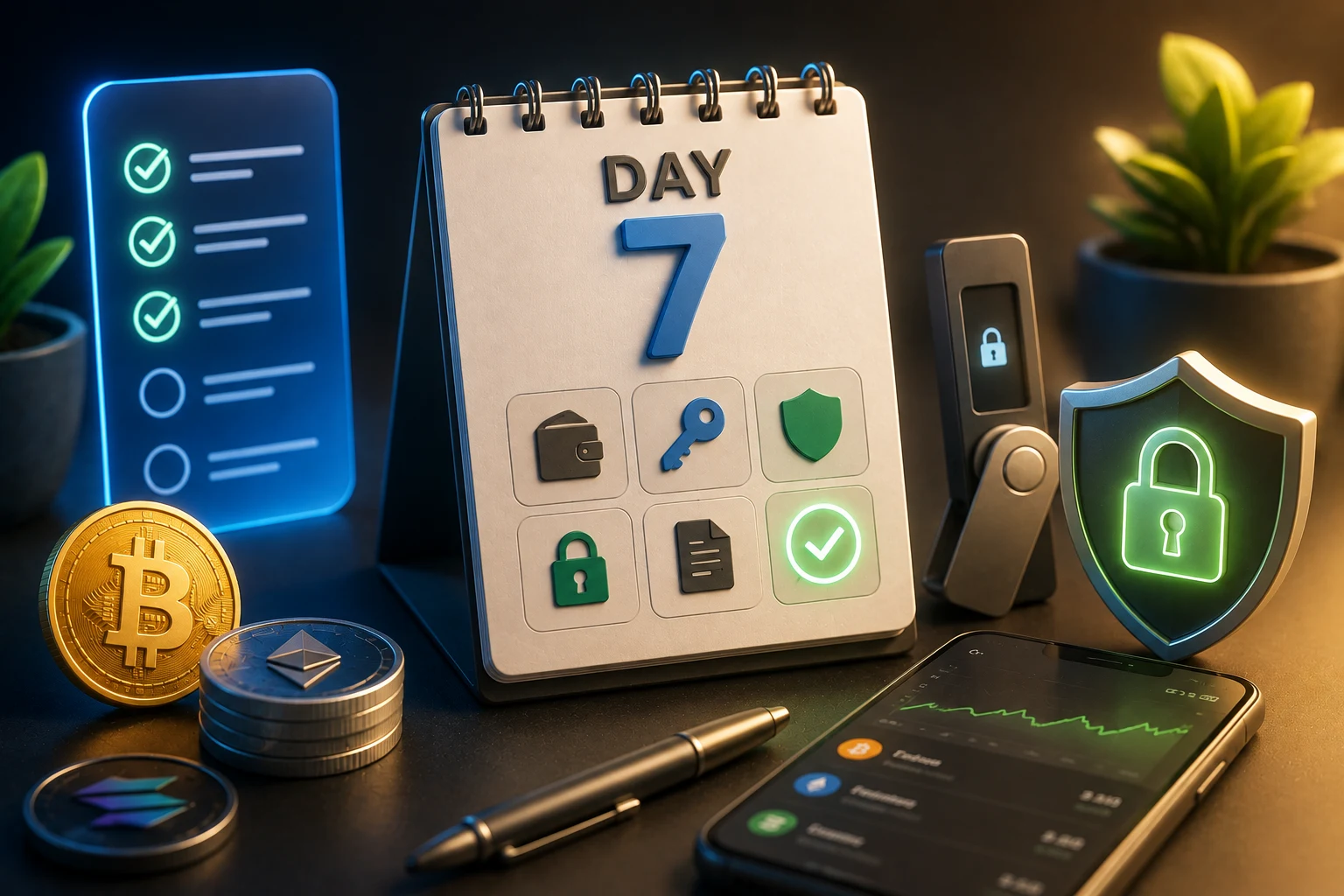
This checklist is not a top-coins guide. It is a safety audit for your first week. Think of it like a senior friend looking over your shoulder and asking whether your setup can survive common beginner failure modes: phishing, weak passwords, stolen seed phrases, fake mint sites, hot-wallet drains, and address-poisoning tricks.
If you are still learning the basics, pair this with What is a crypto wallet?, How Bitcoin transactions work, and Crypto exchange vs wallet. The goal is not to become an expert by day 7. The goal is to stop making mistakes that can wipe out your account before you understand the market.
The biggest first-week risk is losing access, not missing upside
Beginners often worry that they bought too late, chose the wrong token, or missed a fast move in BTC or ETH. Those things matter less than the risks that can take your balance to zero instantly. A compromised email, a fake browser extension, or one bad wallet signature can erase months of saving in seconds.
Crypto has a long history of losses that did not come from normal price volatility. People have lost funds after storing seed phrases in cloud photos, entering recovery words into fake support forms, approving malicious NFT mints, downloading fake wallet extensions, or copying a poisoned address from their transaction history. These are not rare edge cases. They are recurring scam patterns because they work.
Market risk is still real. BTC and ETH can fall sharply, and smaller assets can drop more than beginners expect. But market losses are at least visible. Security losses are often sudden, confusing, and irreversible. If your setup is weak, it does not matter how good your investment thesis is.
Your first-week mindset should be simple: protect the account, protect the wallet, protect the recovery method, and slow down before signing. If you do nothing else after reading this, make sure your seed phrase is offline, your exchange login is unique, and your wallet is not approving contracts you do not understand.
Checklist item one: secure the exchange before adding more money
Your exchange account is the front door for many beginners. It usually holds your bank connection, identity details, trading history, and sometimes your coins. That makes it a target. A weak exchange setup can expose you even if you never touch DeFi or NFTs.
Start with unique email and password hygiene. Ideally, your crypto exchange should use an email address that is not public, not reused across social accounts, and not easy to guess. The password should be long, unique, and stored in a reputable password manager. Reusing an old password is dangerous because large data breaches are constantly traded and searched by attackers.
Turn on 2FA on the exchange. 2FA means two-factor authentication, a second check beyond your password. An authenticator app or hardware security key is usually safer than SMS because phone numbers can be hijacked through SIM-swap attacks. SMS is better than nothing, but it should not be your long-term security plan if stronger options are available.
- Use a unique email: it reduces the chance that a leaked personal login becomes a crypto login.
- Use a unique password: it prevents credential stuffing, where attackers test stolen passwords across many sites.
- Enable 2FA: it makes a stolen password less useful by itself.
- Review withdrawal settings: address whitelists, withdrawal delays, and alert emails can slow down attackers.
Also learn what real exchange emails look like, but do not trust appearance alone. Phishing emails often copy logos and urgent wording. Instead of clicking login links from email or social media, type the exchange address yourself or use a saved bookmark you created. That boring habit prevents many fake-site losses.
Checklist item two: store your seed phrase offline and test recovery thinking
A seed phrase is the list of recovery words that controls a self-custody wallet. Whoever has those words can usually restore the wallet and move the funds. This is why every serious beginner checklist includes seed-phrase storage offline. A seed phrase in a screenshot, email draft, cloud note, printer queue, or messaging app is not safely stored.
Write the phrase on paper or a durable offline backup and keep it somewhere private. Some people use metal backups for fire and water resistance, especially as balances grow. The exact storage method depends on your situation, but the principle is the same: offline, hidden, and recoverable by you or by a trusted plan if something happens to you.
Do not type your seed phrase into a website, do not share it with support, and do not enter it into a random app because someone says your wallet needs to be synchronized. Real wallet support should never need your recovery words. Many scams begin with a fake helper who sounds calm and technical while guiding a beginner into giving away the entire wallet.
Also think about recovery before there is a crisis. If your phone breaks, your laptop is stolen, or your wallet extension is deleted, do you know where the backup is? Can you read it clearly? Did you write the words in the correct order? A seed phrase that is private but unusable can be almost as bad as no backup.
Checklist item three: clean up wallet approvals before exploring DeFi or NFTs
Wallet approvals are permissions you give to a smart contract, which is code that can interact with tokens on a blockchain. Some approvals are normal. For example, a DEX may need permission to move a token you are swapping. The danger is that beginners often approve more than they realize, sometimes on fake sites.
Revoking approvals means removing old or risky permissions from your wallet. This matters because a malicious or compromised contract may be able to move approved tokens later, even after you have left the site. If you tested a new mint, claimed an airdrop, connected to a random game, or approved a token on an unknown app, review those permissions.
Fake mint sites are a common example. A scam page may promise a free NFT, early access, or a token claim. The wallet pop-up may look routine, but the signature or approval could give the attacker permission to drain assets. Beginners often focus on the website design and ignore the wallet message, which is the part that actually matters.
- Review approvals regularly: especially after trying new apps or signing anything under time pressure.
- Use a separate test wallet: keep your main holdings away from experiments, mints, games, and unknown links.
- Read wallet prompts: if a message says unlimited approval or set approval for all, pause and verify why.
- Revoke what you do not use: old permissions are unnecessary risk if you no longer trust or use the app.
Revoking approvals is not a magic shield. It does not reverse a transaction that already happened, and it cannot save a wallet after the seed phrase is stolen. But it reduces future exposure from permissions you forgot you granted. For a beginner, that is a meaningful improvement.
Checklist item four: avoid browser-extension drainers and address poisoning
Browser-extension drainers are malicious tools or sites designed to empty a wallet after you connect or sign. Some pretend to be wallet extensions. Others are fake versions of popular mint pages, token claim pages, or portfolio dashboards. The page may look polished, but the transaction it asks you to sign may be hostile.
Install wallet extensions only from official sources, and be careful with search ads. Attackers often buy ads that appear above real results. Bookmark official sites after verifying them, then use the bookmark instead of searching every time. If you are unsure, check multiple sources before installing anything that will touch your wallet.
Address poisoning is a different trick. Attackers send tiny transactions from addresses that look similar to one you recently used. The goal is to make the fake address appear in your wallet history so you copy it by mistake later. Because blockchain addresses are long strings, beginners often check only the first and last few characters. That habit can fail if the attacker creates a lookalike address.
Protect yourself by using saved addresses, address books, hardware-wallet screens if available, and test transactions when the amount matters. Before sending BTC, ETH, or any token, compare the full address when practical, or at least compare more than the first and last characters. Never copy a destination from your transaction history without verifying it from the original source.
What your day-7 crypto routine should look like
A good beginner routine is not complicated. It is a short pause before risky actions. Before logging in, ask whether you reached the site through a trusted bookmark. Before sending, check the destination. Before signing, read the wallet prompt. Before buying more, ask whether your security setup can handle a larger balance.
It also helps to separate purposes. Your exchange account can be for buying and selling. Your main wallet can be for longer-term self-custody if you understand the responsibility. A small hot wallet can be for experiments. A hot wallet is connected to an internet device, which makes it convenient but more exposed. Keeping everything in one wallet makes every new app a higher-stakes decision.
Keep a simple weekly audit. Check exchange login activity, withdrawal settings, wallet approvals, browser extensions, and recent transactions. Remove extensions you do not use. Revoke permissions you no longer need. Confirm your seed phrase backup still exists and has not been photographed, copied, or moved into cloud storage.
Most importantly, slow down around urgency. Scams love countdown timers, limited mints, private links, fake support chats, and messages that say your wallet is at risk unless you act now. Real security usually gives you time to verify. If a decision involves money and pressure, assume the pressure is part of the attack until proven otherwise.
How to follow beginner crypto risks the smart way
Crypto beginner security changes quickly, and so do the scams around BTC, ETH, wallets, exchanges, and new apps. Manually tracking every fake mint, address-poisoning campaign, exchange warning, and wallet-drainer headline is hard. Zippfeed helps surface crypto headlines with bullish, neutral, or bearish sentiment and an importance rating, so you can spot meaningful risk signals without treating every post as an emergency.


 Crypto News
 Lookonchain
 CoinDesk
 CoinTelegraph
 TheBlock