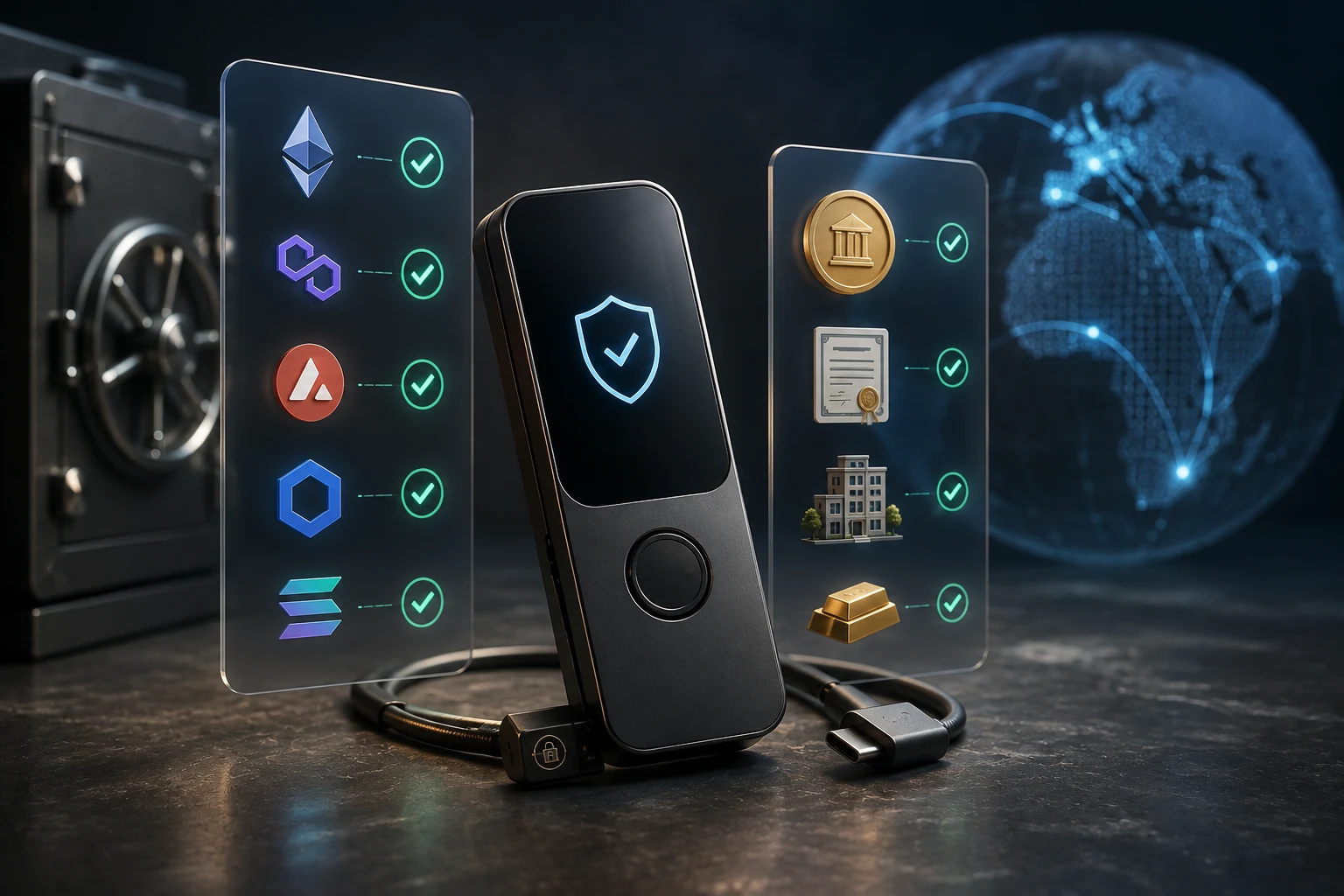
What does hardware wallet RWA support actually mean?
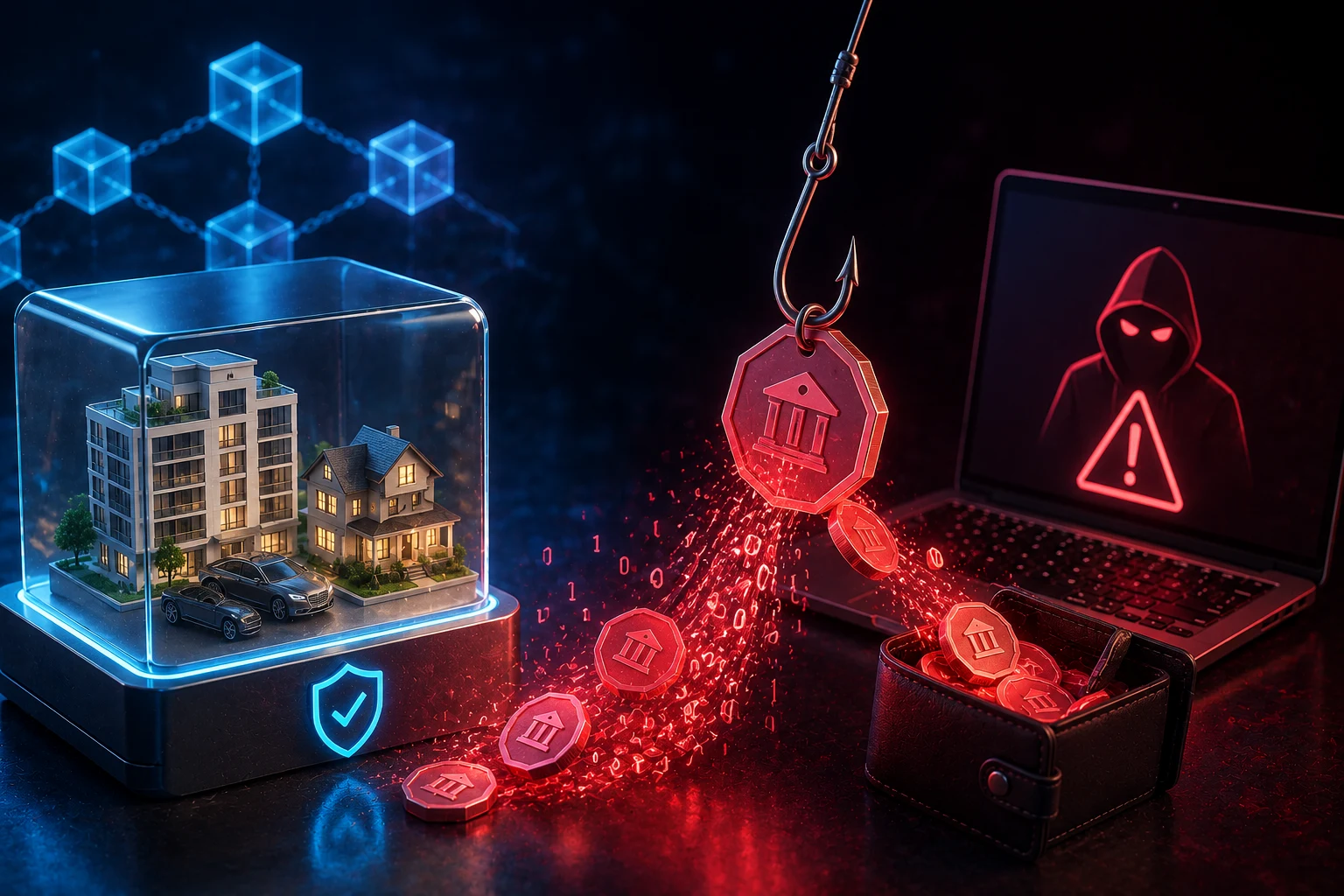
A hardware wallet does not physically contain OUSG, BUIDL, USDY, CC, ONDO, or any other token. The token remains recorded by a blockchain contract. The device protects the private keys used to authorize transactions from your address, ideally without exposing those keys to an internet-connected computer.
Compatibility therefore has several layers. The device must support the token’s blockchain, its firmware must understand the requested transaction, and a wallet interface must be able to connect the device to that network. The token contract may also enforce investor eligibility, jurisdiction, lockup periods, or approved-address rules. Failure at any one layer can leave a token invisible or temporarily unable to move.
This explains the gap between supports Ethereum and supports OUSG. A Ledger, Trezor, or Keystone may sign ordinary Ethereum transactions, but that does not guarantee that its first-party app displays OUSG, identifies the correct contract, integrates with the issuer’s portal, or satisfies the token’s whitelist. Network support is necessary, but it is not complete token support.
Tickers are not reliable identifiers. The same ticker can be copied by a scam token, used on several networks, or refer to different assets. CC is particularly difficult to identify from its ticker alone. Start with the issuer, product name, network, and official contract address rather than assuming a familiar symbol proves authenticity.
The biggest risks before moving an RWA token
The most common operational failure is sending a legitimate token on the wrong network or to an unsupported destination. A transfer to your own compatible address may be recoverable if you still control the same key on that network. A transfer to an exchange deposit address is different. If the exchange does not support the exact token and chain, it may never credit the deposit, and recovery may be unavailable or expensive.
Counterfeit contracts are another major threat. Scammers create tokens using names such as OUSG, BUIDL, USDY, or ONDO, then promote fake claim pages or send worthless tokens to real wallets. Address-poisoning scams place a lookalike address in transaction history, hoping the user later copies it. A hardware wallet cannot determine that a correctly signed transfer is going to a scammer.
RWA tokens also retain risks that key security cannot remove. An issuer or transfer agent may freeze addresses, pause transfers, redeem tokens under contractual conditions, or reject an ineligible holder. The underlying fund, custodian, bank, smart contract, bridge, or legal structure can fail. Crypto users have previously suffered severe losses from exchange collapses such as FTX, lender failures such as Celsius, bridge exploits, stablecoin breakdowns, and compromised signing interfaces. A hardware wallet would not have prevented every one of those losses.
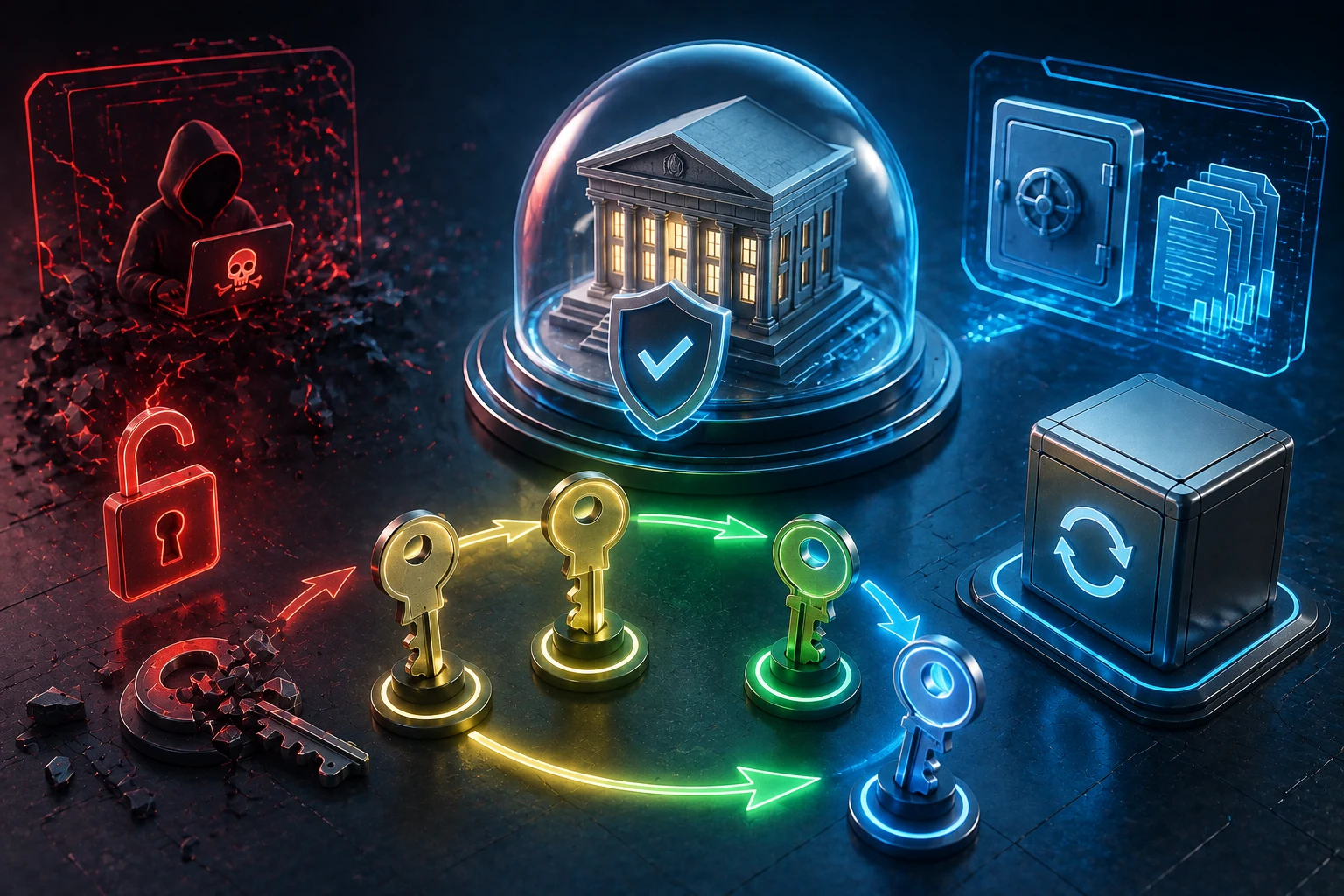
Passphrases add a separate lockout risk. A passphrase creates a different wallet from the same recovery seed, and every spelling, space, and capitalization change creates another valid but empty wallet. If OUSG is held under a passphrase-protected account and the passphrase is forgotten, the recovery seed alone will not restore that position. Never enter a seed or hardware-wallet passphrase into an issuer site, wallet extension, support form, or block explorer.
Ledger, Trezor, and Keystone support matrix
Hardware-wallet support changes with device models, firmware, companion applications, and third-party interfaces. The matrix below is a decision guide rather than a permanent compatibility promise. Confirm the current documentation for your exact device before buying or transferring a token.
AppChain and contract support matrix
- Ledger: Common Ethereum and EVM-compatible transactions are generally signed through the Ethereum app, while other ecosystems such as Solana use separate device apps. Ledger Live may not display every custom token even when the device can control it. AppChains, custom networks, and issuer portals may require a compatible third-party wallet and may not work with every Ledger model.
- Trezor: Ethereum and many EVM-compatible assets can generally be controlled through Trezor Suite or compatible third-party interfaces. Token recognition, Solana availability, device-model support, and custom-chain integration vary. A token missing from Trezor Suite may still be controllable, but only after its network and contract have been independently verified.
- Keystone: Support depends on the Keystone model, firmware, chain, and software wallet used for QR-based signing. Ethereum, EVM, and some non-EVM workflows may be available, but an issuer dapp may not support Keystone’s connection method. Air-gapped QR signing reduces some cable and browser exposure, but it does not validate the economics or legal status of a token.
- AppChains: An AppChain is a blockchain built primarily for one application or ecosystem. Even when it uses EVM-style addresses, the hardware device, wallet interface, chain ID, transaction format, and issuer application must all work together. Do not assume that every EVM-compatible AppChain is automatically supported.
- Token contracts: BUIDL, OUSG, USDY, ONDO, and assets using the ticker CC must be checked individually. Their available networks, contract versions, share classes, transfer restrictions, and interface support can differ. A green check for Ethereum cannot serve as a green check for every contract deployed on Ethereum.
There is also a difference between signing support and display support. A hardware device may be fully capable of signing a transfer while its companion app shows only the network’s native coin or labels the token as unknown. Conversely, a token logo in an interface is not proof that the contract is genuine or that a transfer is permitted.
For RWA products available on multiple chains, treat each deployment as a separate compatibility question. BUIDL on one network is not operationally interchangeable with BUIDL on another. USDY on an EVM network and USDY on Solana require different transaction formats and wallet integrations. Bridged versions add another contract and bridge-risk layer, so use only routes identified by the issuer.
From buying OUSG to seeing it on a Ledger
Begin with the purchase or subscription record. Confirm the exact legal product, token ticker, blockchain, contract address, quantity, and destination address registered with the issuer or platform. If you bought exposure through a broker, exchange, or managed account, you may own an account claim rather than a transferable onchain token. In that case, there may be nothing you can withdraw to a hardware wallet.
Pre-transfer checklist
- Obtain the contract address from the issuer’s official documentation or authenticated investor portal.
- Confirm which network holds your tokens and whether withdrawals are enabled on that network.
- Check whether the receiving hardware-wallet address must complete KYC or be added to an issuer whitelist.
- Verify that your device model and current firmware support transaction signing for that network.
- Choose a compatible interface, such as the device maker’s app, a supported browser wallet, or the issuer’s own portal.
- Make sure the address has enough of the network’s native coin to pay future transaction fees.
- Send a small test amount if the token’s minimums, fees, and transfer restrictions permit one.
For a Ledger workflow, install the required network app only through Ledger’s official manager, then create or select an account for the correct chain. Connect through an interface supported by both Ledger and the issuer. If OUSG does not appear automatically, use the interface’s verified custom-token feature, if available, and enter the official contract address. Never trust a contract supplied through an unsolicited message or search advertisement.
Before sending, open the appropriate block explorer and search the destination address. Confirm that it exactly matches the address shown on the hardware device, not merely the computer screen. Search the token contract separately and compare it character by character with the issuer’s source. Review the contract page for the correct token name, issuer links, decimals, holders, and transaction activity, while remembering that explorer labels can be incomplete or wrong.
After the test transfer, search the transaction hash on the explorer. A successful transaction should show the destination, token contract, amount, and final status. Then search your address and inspect its token holdings. If the explorer shows the correct balance but Ledger Live does not, the likely problem is display support rather than custody. Do not repeat the transfer merely because the companion app has not rendered the token.
Why whitelists and contract controls change the answer
Many tokenized securities and fund interests are not freely transferable like ordinary ERC-20 tokens. The issuer may need to verify identity, sanctions status, investor classification, jurisdiction, or subscription documents. Its smart contract can consult a whitelist, which is a record of addresses approved to send or receive the asset.
The phrase whitelisted contract address can describe two different checks that should not be confused. First, the investor must use the issuer-approved token contract rather than a copy. Second, the investor’s own wallet address may need to be whitelisted by that contract or its transfer agent. A valid Ledger address can receive ETH yet still be rejected by OUSG transfer rules because the address has not been approved.
Restrictions to confirm with the issuer
- Whether self-custody addresses are allowed for your account type and jurisdiction.
- Whether both sending and receiving addresses must be approved.
- Whether there is a holding period, transfer window, minimum balance, or redemption minimum.
- Whether changing to a new passphrase account requires fresh KYC and whitelisting.
- Whether transfers use the normal token function or must begin inside an issuer portal.
- Whether the issuer can pause, freeze, force-transfer, or redeem tokens under the governing documents.
These controls are not automatically evidence of a scam. They may be part of the asset’s regulatory structure. They do, however, mean that possession of the private key is not absolute control in the same sense as holding a permissionless native asset. Read the offering documents and tokenized Treasury guide to understand which rights belong to the token holder and which remain with the issuer, administrator, or custodian.
A practical decision checklist for RWA buyers
Decide on custody before initiating a purchase. Ask whether the product is withdrawable, which chains are available, and whether your intended address can be approved. Buying first and investigating later can leave you with a position that must remain on the issuing platform or can move only through a narrow set of supported interfaces.
Proceed only when every layer checks out
- Asset: You can identify the issuer, product, rights, and official contract without relying on the ticker.
- Chain: Your hardware-wallet model and firmware support the exact blockchain or AppChain.
- Interface: A reputable wallet or issuer portal can connect to the device and construct the required transaction.
- Eligibility: The issuer has approved the receiving address and permits self-custody.
- Visibility: You know how to verify the balance on a block explorer even if the companion app does not display it.
- Recovery: Your seed backup and optional passphrase are accurate, private, and recoverable by you.
- Exit route: You understand how redemptions or transfers back to the issuer work before an urgent sale is needed.
Do not use an exchange deposit address as a convenient intermediate wallet. Exchanges often reuse addresses, require a memo, support only selected networks, and do not credit arbitrary ERC-20 or RWA contracts. Even if the address can technically receive the token, you do not control its key, and the exchange may refuse recovery. Look for an explicit deposit page naming both the exact token and exact network. General ETH or USDC support is not enough.
Finally, test your recovery process before storing a large position, but do so without exposing the seed. Confirm that you understand which account is protected by which passphrase and that the receiving address can be reproduced. Follow the device maker’s safe recovery procedure or use a spare trusted device in a controlled setting. The hardware wallet security guide can help separate legitimate recovery steps from seed-stealing support scams.
Follow hardware wallet RWA support with better context
RWA deployments, wallet firmware, issuer whitelists, and supported networks can change faster than static compatibility lists. Zippfeed organizes RWA and hardware-wallet headlines with bullish, neutral, or bearish sentiment scoring plus an importance rating, helping you identify updates worth verifying instead of treating every integration announcement as proof of full support.
Use news as a prompt to check primary documentation, not as authorization to move funds. A newly announced wallet integration may cover one network, one device model, or only transaction signing. Contract addresses, issuer rules, block-explorer records, and a test transfer remain the stronger operational checks.





 TheBlock
 Crypto Capital Venture
 CoinDesk