What is a fake NFT mint, and why does it look like a normal one?
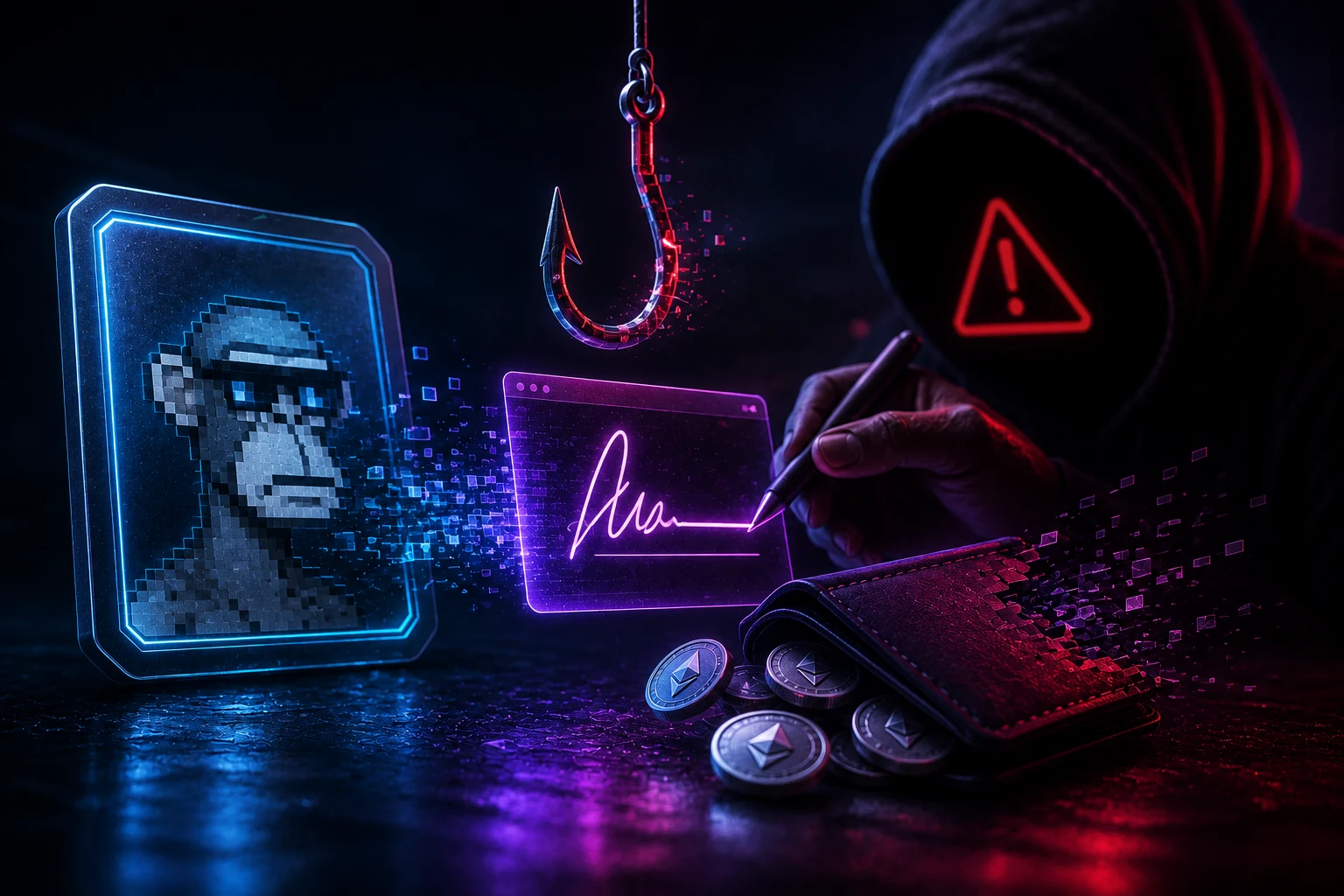
A fake NFT mint is a webpage, Discord link, or Twitter post that imitates a real collection's mint page so you will sign something you do not understand. The goal is not to give you an NFT. The goal is to obtain a signed message or an on-chain approval that lets the attacker move your existing tokens or NFTs later. The page usually loads, your wallet pops up, and you click confirm without reading because the wording looks plausible, the countdown timer is ticking, and the artwork is convincing.
Two things make this attack different from older phishing. First, the attacker often does not need to deploy a malicious contract at all. They can use the standard interfaces that real collections already use, like ERC-721's setApprovalForAll, and just point you at a contract address they control. Second, the attack can be split across two transactions. The first transaction is small and harmless, sometimes even a free mint that mints nothing. The second is executed later, sometimes weeks later, by a bot that calls transferFrom on every approved address. By the time you notice, your wallet is empty.
The reason this matters for collectors is that minting is the one moment in crypto where you are expected to sign something you did not write. Logging into a CEX (centralized exchange) or buying on Uniswap does not require you to read a typed-data payload. Minting does, which means the on-ramp to NFT collecting is also the easiest place to drain a wallet. Treat the signature prompt the way a banker would treat a wire request: read the destination, read the amount, and if the wording does not match the story on the screen, walk away.
The real risks: how drainer kits actually empty wallets
Most modern NFT drainers are sold as a service. Operators pay a subscription, paste in a contract address or a wallet address to drain to, and receive a phishing page that looks like a mint, an airdrop claim, or a free mint. The kits come with anti-detection features that rotate domains, hide the approval in a sub-transaction, and even simulate a successful mint so the victim sees a fake confirmation. In the second half of 2024 and through 2025, on-chain researchers at firms like Scam Sniffer and Blockaid tracked drainer volumes in the hundreds of millions of dollars per year, with a meaningful share attributed to NFT mint pages specifically.
There are four signature patterns that account for the vast majority of these drains. Knowing them by name is the single biggest upgrade you can make to your own security. None of them require you to send ETH to the attacker. They only require you to sign something, which is why the wallet prompt looks harmless.
Beyond the signature itself, drainers rely on a few social tricks. They impersonate a project's official Discord, mint in a name that is one character off the real collection, and time their drops to coincide with real mints so the noise covers the signal. They also seed fake comments under the project on X/Twitter and pay for sponsored links on Google. If you reached the mint page through a search ad, a DM, or a Discord link from someone you do not know, slow down before you sign anything.
The honest truth is that no signature inspection routine will save you 100% of the time. Drainer authors update their payloads to mimic legitimate prompts, and some use real mint contracts deployed by the project itself. The goal of this article is not to make you invincible. The goal is to make the cheap attacks obvious so the only remaining risk is the sophisticated ones, which most attackers will skip because easier victims exist.
The four signatures to never sign blindly
- setApprovalForAll: 'Allow this contract to move all of your NFTs (or all of one collection) at any time, forever, until you revoke.' A legitimate mint almost never needs this. If a mint page asks for it, treat the site as hostile.
- permit (ERC-2612): 'Allow a spender to take a fixed amount of your token at a future time, with no expiry, just by calling permit.' Drainers wrap this in a fake mint button. The token being approved is usually a stablecoin or a blue-chip like USDC or USDT, not an NFT.
- increaseAllowance / approve: 'Allow a spender to move a specific amount of a token.' Like permit, but the amount and the token are spelled out. Read both. If the token is something you hold, do not sign.
- eth_sign / personal_sign with a URL or hex blob: 'Sign this message.' Real sites use personal_sign only for logins, and the message reads like English. If the prompt is a long hex string or contains 'opensea', 'blur', or a marketplace URL inside a personal_sign payload, it is almost certainly an off-chain order or a Seaport listing exploit.
safeMint vs setApprovalForAll: what a legitimate mint actually does
The single most useful comparison for a collector is the one between a real mint signature and a drainer signature. They look superficially similar in the wallet popup, but they do completely different things on-chain, and the difference is visible if you know where to look.
A legitimate ERC-721 mint typically calls a function named safeMint (or mint, publicMint, teamMint, depending on the contract). When your wallet pops up, you are being asked to send a transaction, which costs gas, and the transaction has a clear 'To' address that matches the official mint contract the project announced. The function name is readable in your wallet. The value field is the mint price, denominated in ETH or a stablecoin. There is no approval being requested separately, because the contract does not need to touch your existing assets: it is going to mint a new token to you. That is the whole point.
A drainer mint does one of two things. The cheap version skips the on-chain mint entirely and asks you to sign an off-chain EIP-712 message that contains an order for a marketplace like Blur, OpenSea Pro, or LooksRare. The dangerous version asks you to call setApprovalForAll on a contract address the attacker controls, which then has unlimited permission to transferFrom any NFT in your wallet at any point in the future, for as long as you do not revoke.
Reading the wallet prompt, line by line
- To: Should be the official contract address. Verify it on the project's own website, not on a link someone sent you. One off letter or number is enough to redirect you to an attacker contract.
- Function: Should be safeMint, mint, or a similarly named function. Should not be setApprovalForAll, approve, or a method named something like 'claimRewards' or 'airdrop'.
- Value: Should be the mint price in ETH or a stablecoin. Should not be zero on a 'free mint' that asks for an approval on the next prompt. Zero-value mints that ask for approvals are a known drainer pattern.
- Spender / Approval target: If the prompt mentions an approval at all, the spender should be a contract you recognize, and you should still revoke it on Revoke.cash after the mint settles.
How to read EIP-712 typed data before you sign
EIP-712 is the standard that makes signature requests readable. Instead of asking you to sign a blob of hex, the wallet shows you a structured payload with named fields like 'from', 'to', 'value', 'deadline', and 'nonce'. This is a usability upgrade, but only if you actually read it. Most collectors do not, which is why drainers love EIP-712: the payloads look official.
For a legitimate NFT mint, the typed data usually has no spender, no permit fields, and no token contract. It might say 'Minting 1 NFT for 0.08 ETH' with your wallet address as the recipient. For a Blur or OpenSea-style listing signature, the payload contains an order book entry with prices, expiration times, and a counter. For a drainer, the payload usually contains a permit object with your stablecoin balance as the value, or a Seaport order that lists one of your valuable NFTs at zero ETH.
A checklist for EIP-712 popups
- Domain: The 'name' and 'version' should match the project. A legitimate Blur order says 'Blur', a legitimate OpenSea order says 'Seaport', and a legitimate LooksRare order says 'LooksRare Exchange'. If the domain is something like 'MintNFT-Free' or the version field is empty, stop.
- Primary type: Should match what the site claims to be doing. A mint site showing a 'Permit' or 'Order' type is a red flag.
- Token address: If a token is mentioned, paste the contract address into a block explorer. Make sure it is the real USDC, USDT, WETH, or whatever the site claims, not a lookalike token with the same name.
- Amount: If a permit or approval mentions an amount, it should be a normal transaction size. Anything close to your full balance, or anything that uses the special 'unlimited' sentinel value (often 2^256 - 1), should be refused.
- Nonce and deadline: Legitimate messages have a deadline in the future and a nonce that matches your wallet. Old nonces and missing deadlines are signs of a replay or a hand-crafted payload.
The 'free mint' that asks for an approval: a worked example
This is the most common drain pattern in 2024 and 2025, and it is worth walking through because it is the one collectors fall for the most often. A Twitter account impersonates a real project and announces that holders of a partner collection can mint one free NFT. The link goes to a clone of the real mint page. The mint button triggers two wallet prompts in sequence.
The first prompt is a personal_sign or eth_sign for a 'verification' message. The attacker hopes you sign without reading because it looks like a login. The second prompt is setApprovalForAll on the attacker's contract, often scoped to a blue-chip collection like Pudgy Penguins or Bored Apes. After you confirm, the page either mints a worthless NFT to you or fails silently. Either way, the attacker now has approval to move your real NFTs.
The defense is mechanical. A real free mint either costs gas and calls safeMint, or it is a merkle-claim that calls a function named claim, claimAirdrop, or similar, and writes a token to you. It does not need to approve anything. The moment a 'free mint' asks for any kind of approval or signature that is not a plain login, assume the worst. Close the tab, find the project through your own bookmark, and confirm with their team in Discord before doing anything else.
Common disguises the same attack wears
- 'Verify you are human' prompts that ask for a personal_sign on a long hex string.
- 'Claim your gas refund' buttons that pop a permit on USDC.
- 'List your NFT for free' buttons on fake marketplace pages that produce a Seaport or Blur order signature instead of an on-chain listing.
- 'Bridge rewards' and 'snapshot registrations' that ask for setApprovalForAll on a multisend contract.
How to set up a wallet that survives a bad signature
Even with perfect signature hygiene, you will eventually sign something you did not intend to. The question is how much you lose when you do. The standard answer from professional collectors is to keep two wallets: a hot wallet for minting and trading, and a cold wallet for storage. The hot wallet holds nothing you cannot afford to lose. The cold wallet holds the blue-chips and never connects to mint pages.
This sounds paranoid until you price it. A burner wallet costs nothing and takes ten minutes to set up. A drained Bored Ape costs six figures and cannot be replaced. The asymmetry is so extreme that 'always use a burner' is the closest thing to free money in NFT collecting.
Operational checklist before every mint
- Use a burner wallet funded with only the ETH needed for gas and the mint price.
- Simulate the transaction with Pocket Universe, Blowfish, or Wallet Guard before confirming in your real wallet.
- Check approvals on Revoke.cash immediately after minting. If the mint asked for any approval, revoke it before you do anything else.
- Revoke again the next day. Some drainers use delayed execution to slip past immediate revoke habits.
- Never mint from a wallet that holds seed-phrase-derived assets like a hardware-wallet hot-side account that also holds BTC or ETH staking positions.
What to do if you have already signed something suspicious
If you have signed a setApprovalForAll or a permit, you have not lost anything yet, but the attacker now has the keys to take it. Time matters. The fastest path is to open Revoke.cash, connect the affected wallet, and revoke every approval to the contract address that just signed. If you do not know the contract address, revoke everything you do not recognize.
If you signed a Seaport or Blur order by mistake, the attacker may already have an open order to buy your NFT at zero or one wei. Go to the marketplace, find your listings, and cancel them. On Blur, this is under 'My bids' and 'My listings'. On OpenSea, it is under 'Listings'. Cancelling an off-chain listing requires a second signature, which is the price of admission for using marketplaces, but it is much cheaper than letting the order execute.
If your NFTs are already gone, do not negotiate with the scammer, do not pay a 'recovery service' that DMs you on Twitter, and do not sign any further transactions from that wallet. Move any remaining assets to a fresh wallet, file a report with the project's community moderators, and consider reporting the contract to Etherscan or the relevant block explorer's flag mechanism so the next collector gets a warning.
How to follow NFT mint news without becoming a drainer victim
NFT mint announcements move fast, and the gap between a real drop and a fake clone is measured in minutes. Tracking every official channel manually is a losing game, and that is exactly what drainer operators count on. Zippfeed surfaces NFT mint headlines with sentiment scoring marked bullish, neutral, or bearish and an importance rating, so you can spot the real drops, ignore the impersonators, and only click through to mint pages you have already verified. Pair that feed with the burner-wallet habit above, and you turn the most dangerous moment in collecting into a routine.