What is a browser extension supply chain attack?
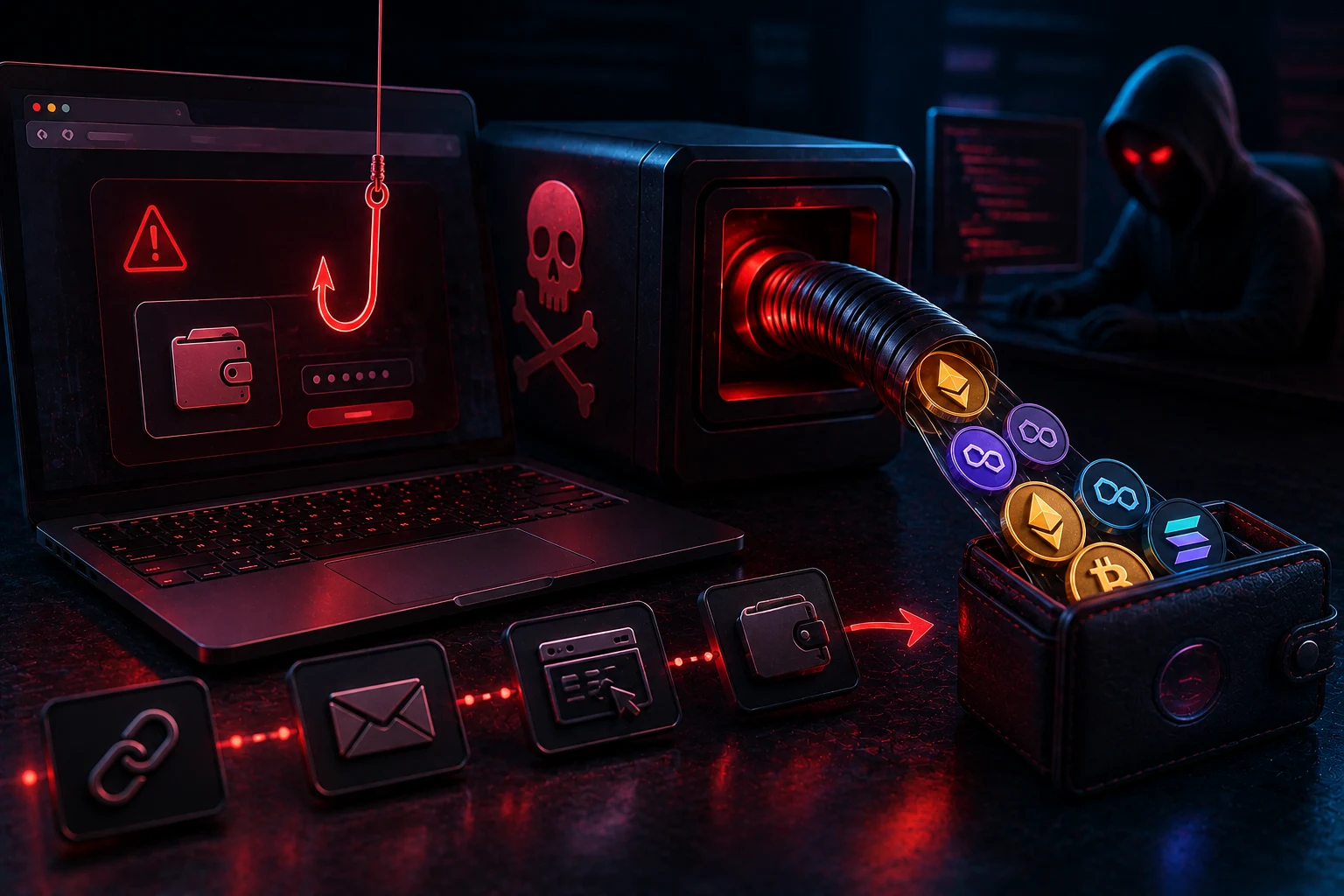
Every browser extension you install, including crypto wallets like MetaMask or Phantom, is a small program that runs with broad permissions inside your browser. A supply chain attack targets the software delivery pipeline rather than the wallet itself. Instead of breaking your cryptography, the attacker poisons something your wallet, or your wallet's developer, trusts. That something can be a code library, a software update, a domain name, or the publisher account that pushes updates to the store.
When the poisoned element ships, it lands on your machine as a routine update you have no reason to question. The extension still looks and behaves normally, but it now contains a small extra routine. That routine can read the contents of any web page, rewrite transaction details before they reach your wallet, or quietly swap the destination address of a transaction you are about to sign. For an ETH or SOL user, that single line of injected code is enough to drain a hot wallet in one approval.
The phrase 'supply chain' comes from the way modern software is built. The wallet you run is rarely written from scratch. It pulls in hundreds of open-source packages from registries such as npm, and those packages pull in more packages. Each link in that chain is a possible point of compromise, and the wallet vendor is only one of many actors whose security you are implicitly trusting when you click 'Install'.
How attackers actually hijack the chain
There are several practical patterns, and most real-world crypto thefts combine two or three of them. Understanding the mechanics is the only way to recognize the warning signs before, not after, your funds move.
Dependency-confusion in the npm registry
Dependency-confusion exploits a quirk in how package managers resolve names. When a developer types internal-wallet-utils in their build script, the package manager first checks the public npm registry if a package with that name already exists, and prefers the higher version number. Attackers watch internal package names leak through public repos, job postings, and JavaScript bundles, then publish a public package with the same name and a much higher version. On the next build, the wallet team pulls the malicious public copy instead of their private one.
This is not theoretical. Major incidents at companies like Mercedes-Benz and the U.S. Army have shown how widespread the exposure is. For a crypto wallet, the compromised package would be shipped as part of the next legitimate update, with the wallet vendor's own digital signature and a familiar changelog. Users would have no way to know anything was wrong.
Typosquatting and name collisions
Typosquatting is simpler and just as effective. The attacker publishes a package with a near-identical name to a popular one, hoping a developer will fat-finger the import. ethers.js becomes ethhers, @solana/web3.js becomes @solannna/web3.js, lodash becomes lodahs. If a wallet team accidentally includes the look-alike, the attacker now ships code into the production build.
The npm ecosystem has tens of millions of packages and constant churn. Automated lockfiles and reproducible builds reduce the risk, but they only help if the wallet team uses them correctly and a security researcher reviews every dependency. Smaller teams often do not have that luxury.
Rogue updates through compromised publisher accounts
The most dramatic attacks have come from stolen publisher credentials. In one well-documented case, attackers gained access to a developer's Chrome Web Store account and pushed a malicious update to a popular password manager that doubled as a wallet-adjacent tool. The update looked identical to the real thing, kept all the old features, and added a hidden script that exfiltrated the data the extension could see.
Crypto wallet extensions are a particularly attractive target because their users hold valuable assets. A single hijacked update to a wallet with hundreds of thousands of installs can net attackers millions in ETH or SOL before anyone notices. The extension store has no real way to inspect the runtime behavior of an update, so the malicious version ships the moment it is uploaded.
Browser-store impersonation
Even without a real publisher compromise, attackers clone legitimate wallet extensions under look-alike names, buy fake five-star reviews, and pay for search ads so their listing appears above the real one. The victim installs what looks like MetaMask or Phantom, types their seed phrase into a perfectly crafted phishing interface, and that is the end of the wallet.
What 'verified publisher' really guarantees
The green or blue 'verified' badge in the Chrome Web Store or Firefox Add-ons site is one of the most misunderstood trust signals in software. Here is what it actually proves, and what it does not.
The badge confirms that the publisher behind the extension has verified their identity with the store, usually by paying a small fee and confirming control of a domain or business entity. It tells you that the listed extension genuinely comes from the company whose name appears on the listing. It does not tell you that the company has a perfect security record. It does not tell you that today's update is the same code as yesterday's. It does not tell you that the open-source dependencies inside the extension have not been hijacked. It does not tell you anything about the integrity of the developer's own credentials, which can still be phished, stolen, or sold.
For crypto users, the practical implication is uncomfortable. Even a wallet from a well-known, verified team can ship a malicious build tomorrow if any link in the supply chain fails. The verified badge is a useful filter against obvious scams, but it is not the kind of guarantee that lets you skip the rest of this checklist.
The realistic risks you actually face
Before listing defenses, it is worth being honest about the failure modes. Supply chain attacks are not hypothetical edge cases. They are an active, well-funded category of crypto theft, and a few patterns recur in post-mortems.
The single biggest risk is signing a transaction whose destination address has been swapped. A malicious extension reads the page, detects that you are about to send 1 ETH to a legitimate address, and silently rewrites that address to one controlled by the attacker. The amount, the gas fee, and the visible interface look exactly right. You click confirm and the funds move.
The second risk is seed phrase capture. A poisoned extension can read everything in the page DOM, including any HTML form where a careless user has pasted or typed a recovery phrase. Once the phrase is exfiltrated, the wallet is compromised forever, regardless of any future defensive measures.
The third risk is blind approvals. New token standards, including the EIP-7702 mechanism that went live for Ethereum in 2025 and continues to mature through 2026, allow EOAs (externally owned accounts, the regular wallets you use) to temporarily delegate control to smart contract code during a transaction. A malicious extension can abuse this to bundle an approval that lets attacker-controlled logic drain your wallet within the same block. The transaction still says 'approve', but what is being approved is the ability to move every token you hold.
The fourth risk is the 'almost legitimate' update. Even after a hijacked extension is removed from the store, the damage persists for every user who already auto-updated. Store take-downs are slow, and browser caches sometimes keep running the bad version long after it has been flagged. By the time the warning reaches you, the attacker has usually already moved the funds through a mixer.
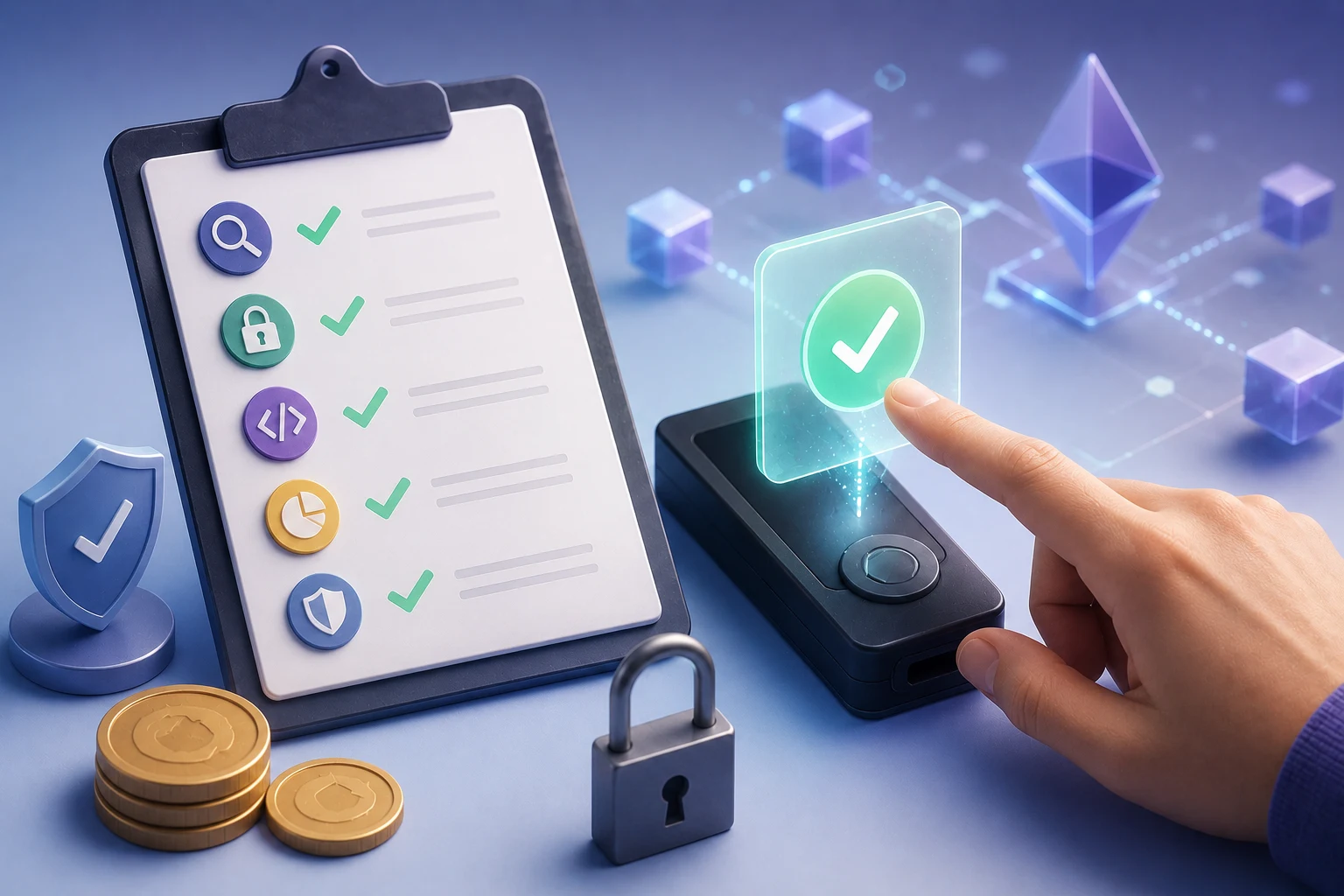
Defending yourself: a practical checklist
None of the steps below are silver bullets. The goal is to layer them so that a compromise at one stage does not become a total loss.
Audit what is actually installed
Open your browser's extension list and look at every single entry. For each one, ask three questions: do I still use this, do I know who made it, and does it need access to every site I visit. Extensions that request 'read and change all your data on websites you visit' should be treated as effectively having your banking password. If you cannot answer 'yes, I trust this developer with that level of access', remove the extension.
Crypto-specific: keep the wallet extension you actually use and at most one or two tightly scoped helpers. Every additional extension is another supply chain you are inheriting.
Pin critical extensions and review updates
Most browsers let you disable automatic updates on a per-extension basis. For your wallet and any extension that touches keys or transactions, turn off auto-update and review the changelog manually before installing a new version. Compare the version number against the project's official GitHub releases page, not the in-store link, which can be spoofed.
If you are technically inclined, install extensions from their source code rather than the store, using a load-unpacked workflow. This lets you inspect the build, verify checksums against the team's published hashes, and freeze a known-good version. Tools like Extension Auditor for Chrome can list every permission an extension actually requests versus what it visibly uses, which is a strong red-flag detector.
Verify the publisher, the package, and the path
For every critical extension, identify the canonical source: the official GitHub repo, the official website, the official verified publisher entry. Bookmark those, and never install from a search result. If you see an ad for 'MetaMask' above the real MetaMask listing, assume it is a scam, because it usually is.
For ETH and SOL users, this also means being skeptical of wallet add-ons that promise 'gas optimization', 'MEV protection', or 'airdrop boosts'. Many are wrappers around real wallets that add exactly the kind of page-read and rewrite capability an attacker would want.
Use a hardware wallet for final signing
This is the single most effective defense against any browser-level compromise, including a successful supply chain attack. A hardware wallet, such as a Ledger or Trezor device, holds your private keys in a secure element that the browser and every extension on it cannot read. When you connect it to MetaMask, Phantom, or Rabby, the extension assembles the transaction and sends it to the device. The device displays the destination address, amount, and any contract calls on its own trusted screen. You confirm physically, with a button press, on hardware that is air-gapped from your browser.
This breaks every common extension attack. Even if a malicious extension swaps the destination address in the browser, the address shown on the hardware wallet will not match. You see the discrepancy before signing, and the funds stay put. Even a seed-phrase-capturing extension learns nothing, because the phrase never leaves the hardware device.
The trade-off is friction. Hardware wallets cost money, take a few extra seconds per transaction, and occasionally require firmware updates. For any balance large enough to hurt you, this trade-off is overwhelmingly worth it.
Practice approval hygiene
Regardless of how your wallet is signed, never approve unlimited token allowances. When a dApp asks for permission to spend your USDC or other ERC-20 tokens, set a custom cap that matches what you actually intend to transact. Revoke old allowances periodically using a tool such as Etherscan's approval checker or Revoke.cash for ETH, and similar explorers for SOL tokens.
Be especially cautious with the new EIP-7702 delegation flow that became part of Ethereum's mainstream experience during 2025 and is rolling out through wallets in 2026. A delegation lets an EOA act like a smart account for the duration of a transaction, which is convenient for gas sponsorship and batched approvals, but also gives the delegated contract the ability to move assets you sign for. Read the human-readable summary your wallet displays, confirm the contract being delegated to, and avoid signing delegations on unfamiliar sites.
Separate hot, warm, and cold funds
Do not keep your entire ETH or SOL stack in a browser wallet. Use a tiered setup: a small hot wallet for active trading and dApp exploration, a warm wallet for medium-sized holdings, and a hardware-secured cold wallet for long-term savings. Funds only flow downward, never upward, from cold to hot. If a supply chain attack drains your hot wallet, the loss is bounded.
How to stay ahead of extension-level threats
Browser extension supply chain attacks evolve quickly. New npm incidents, new impersonation patterns, and new wallet standards such as EIP-7702 shift the threat surface every quarter. Tracking which extensions have been compromised, which publishers have lost credentials, and which dependency incidents are relevant to the wallets you actually use is a full-time research job if you do it manually.
Zippfeed surfaces crypto security headlines with sentiment scoring (bullish, neutral, or bearish) and an importance rating, so you can spot a flagged extension or a major npm hijack before it reaches your browser's update queue.


 CryptoSlate
 Altcoin Daily
 CoinDesk
 TheBlock
 Crypto Capital Venture