What clipboard-hijacking malware actually does
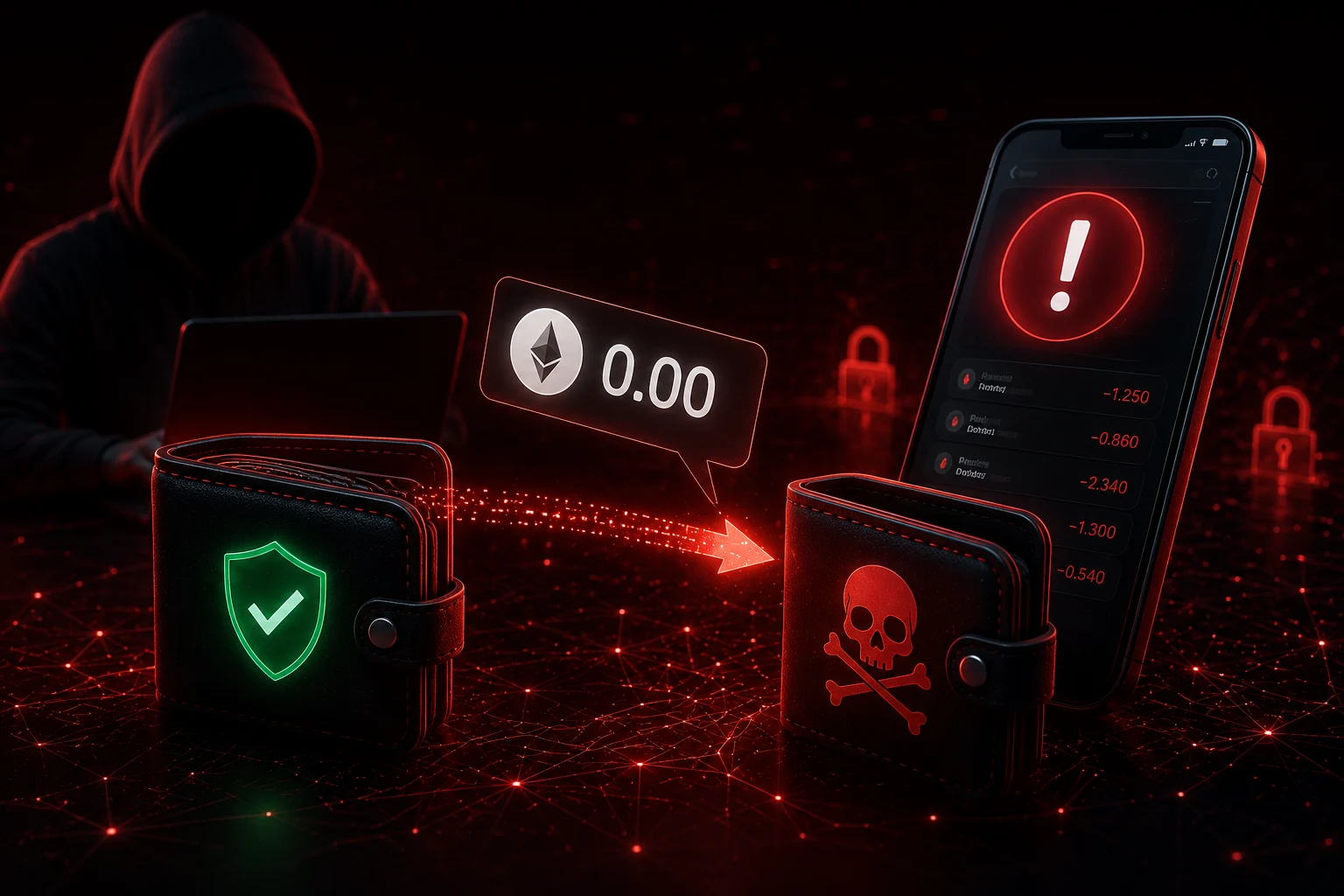
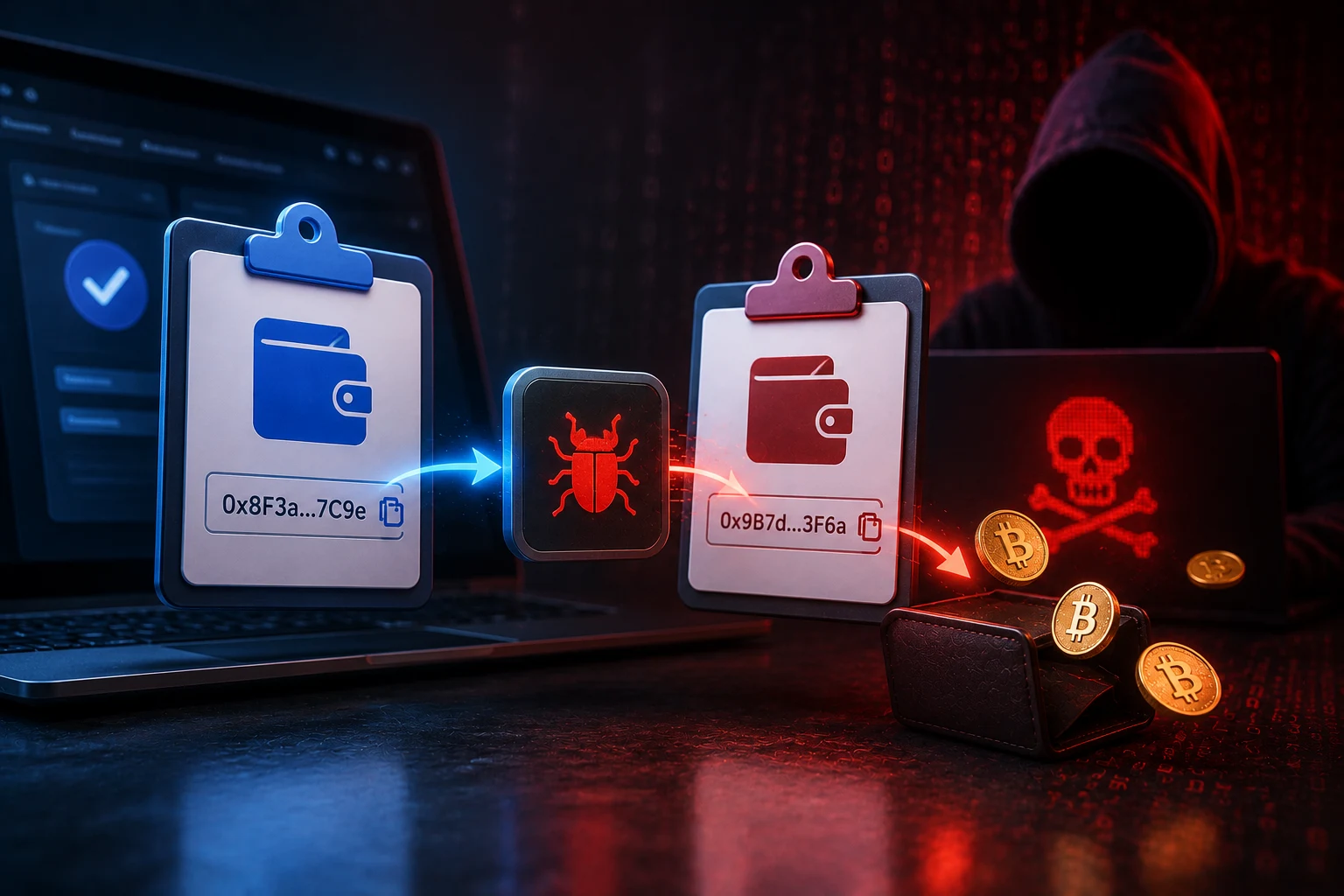
The attack starts with a moment almost every crypto user does without thinking: you spot a deposit address on an exchange, copy it, open your wallet, paste it into the send field. On screen, the address looks correct. Your wallet software confirms a valid checksum. You click send. The transaction goes out, lands on a blockchain, and is gone forever. The destination, however, was never the address you copied. It was an attacker's address that the malware swapped in during the fraction of a second between your copy and your paste.
This kind of malware is commonly called a clipboard hijacker or address swap malware. It runs quietly in the background of an infected computer, often as part of a broader stealer package such as those distributed through cracked software downloads, fake browser updates, phishing attachments, or trojanized game plugins. The malicious code does not need to do anything dramatic. It just watches the system clipboard for strings that match the patterns of crypto addresses, and when one appears, it overwrites your copied text with a different string from a list the attacker controls.
The replacement is chosen so it looks legitimate at a glance. Crypto addresses are long, base58 or hexadecimal strings, often 26 to 42 characters. Most users glance at the first four and last four characters and assume the rest is fine. Clipboard malware exploits that habit by generating look-alike addresses, also called vanity-match or prefix-suffix-match addresses, that share the same first and last characters as the legitimate address but differ in the middle. For BTC and many BTC-derived chains, this is harder than it sounds, but for ETH, USDT on Ethereum, and most ERC-20 tokens, where addresses are 40-character hex strings, the attacker can generate thousands of candidate addresses from a private key until one matches the prefix and suffix of your copied address. The visible string appears identical. The actual destination is different.
The real risks: speed, irreversibility, and invisible failure
The first thing to understand is how fast the swap happens. When you press Ctrl+C, the operating system briefly holds your selection on the clipboard, and the malware intercepts that buffer before your wallet ever reads it. The swap can complete in tens of milliseconds. There is no animation, no warning, no dialog. The clipboard simply contains a different string when your wallet queries it. From the user's perspective, copy and paste look completely normal.
The second risk is the irreversibility of blockchain transactions. Once a BTC, ETH, or USDT transfer is signed and broadcast, no customer support line can reverse it. There is no chargeback mechanism. If the receiving address belongs to a thief, the funds are effectively gone the moment the transaction is confirmed. Some victims have reached out to the exchange the thief later sends funds through, and a small number of cases have resulted in frozen accounts, but recovery is the exception, not the rule.
The third risk is that the failure is invisible. Your wallet will not tell you that the address you pasted does not match the one you copied, because your wallet has no way of knowing what you originally copied. The software only sees the final string on the clipboard, validates its checksum, and treats it as a legitimate destination. There is no malware warning, no red flag, no suspicious activity alert. The transaction looks perfectly normal until the funds fail to arrive at the destination you expected, which can be minutes, hours, or days later.
Losses from this technique have piled up into the millions of dollars across BTC, ETH, and stablecoin transfers. Individual victims have reported five-figure and occasional six-figure losses. Scam-tracking services and chain-analysis firms have documented entire clusters of addresses that received mismatched deposits, often in predictable amounts such as the full available balance of a compromised wallet.
How the malware actually substitutes a look-alike address
The substitution is the heart of the trick, and it has two layers. The first layer is detection. The malware watches the clipboard for strings that match the structural pattern of a crypto address. BTC mainnet addresses start with 1, 3, or bc1. ETH and most ERC-20 tokens including USDT start with 0x and contain 40 hex characters. Solana addresses are base58 strings around 32 to 44 characters long. When the malware sees a string that fits one of these patterns, it knows it has a crypto address and triggers the swap.
The second layer is the substitution. The attacker maintains a list of their own addresses, often generated by a script that brute-forces keys until the resulting address matches the first N and last M characters of the user's copied address. For ETH, where addresses are short hex strings, generating a vanity-match address that shares the first six and last four characters of the original is feasible within minutes on a single GPU. For BTC legacy addresses, full vanity-match addresses are expensive to mine, so attackers often settle for a partial match or rely on user inattention. Either way, the malware picks the closest entry from its precomputed list and silently overwrites the clipboard.
Some variants go further. A few stealer families compare the checksum of the original address and, if a valid look-alike is not available, simply replace the clipboard with a completely unrelated attacker address, betting that the user will not notice the difference. Other variants add a small delay so that the paste appears in the wallet a moment after the user expects, mimicking normal system latency. None of this is visible without inspecting the clipboard contents at the byte level.
Where the attack lives: operating system vs browser extension
Clipboard malware can sit at two layers, and which layer matters for what defense you need. The most common is operating-system-level malware: a process running on your computer with full access to the system clipboard. It does not care which wallet software you use, which browser you open, or which exchange you are logged into. Any program that reads the clipboard gets the swapped string. This is the most dangerous form because it bypasses almost every browser-based defense.
The second layer is browser-extension-level malware. A malicious extension installed from a Chrome, Firefox, or Edge web store can read the clipboard of the active tab, intercept copy and paste events in web pages, and rewrite what web-based wallets or exchanges see. Browser-level attacks are typically narrower, since the extension only sees clipboard activity inside the browser, but they are also easier to distribute, sometimes through fake productivity tools or fake wallet helpers that pass store review and then update themselves with malicious code.
Defending against the two layers requires different tools. Browser-level attacks can sometimes be caught by reviewing your installed extensions, sticking to well-known wallet extensions, and avoiding any extension that asks for broad clipboard permissions. Operating-system-level malware is harder. It can come from a keylogger bundled with pirated software, from a trojan hidden in a phishing email attachment, or from a second-stage payload delivered by an initial infostealer. Standard endpoint scanners such as Malwarebytes, Windows Defender, or reputable antivirus suites can detect many known stealer families, but signature-based detection lags behind new variants, and sophisticated attackers rotate payloads faster than scanners update.
This is why antivirus is not the primary defense. A scanner can raise the cost of an attack and catch sloppy campaigns, but it cannot guarantee detection. The primary defense is procedural: never trust the clipboard.
Why the address-book approach is fragile
A common reaction to clipboard malware is to avoid copying addresses altogether and instead save trusted addresses to a wallet's address book. On the surface, this looks like it solves the problem. If you never copy and paste, the clipboard swap cannot happen. In practice, the address book has its own weaknesses.
The first weakness is that malware can sometimes rewrite the contents of an address book after the user has populated it. Some stealer families target browser-based wallets and inject new entries that look like legitimate contacts. The user thinks they are picking a saved address from a dropdown, but the dropdown now includes an attacker-controlled address sitting next to the real one.
The second weakness is auto-fill behavior. Many wallets and exchanges fill the destination field automatically once you select a contact from the address book. If the malware has not changed the contact entry but has hooked the autofill routine, it can swap the address between selection and rendering. The user sees their contact name, but the underlying string is not the one they originally saved.
The third weakness is human error. Address-book entries can be mislabeled. A user might save an exchange deposit address but then send to a withdrawal address, or save a personal wallet under the wrong contact. Address books reduce copy-paste mistakes, but they do not eliminate destination mistakes, and they cannot tell the user that the address was rewritten at some earlier step.
The address book is worth using as a convenience layer, but it is not a security boundary. It reduces the surface for casual mistakes. It does not stop a determined attacker.
The defense that actually works: verify on the hardware wallet screen
The single defense that holds against clipboard malware is verifying the full destination address on a hardware wallet, the small dedicated device that stores your private keys and signs transactions internally. Devices like Ledger, Trezor, and similar products include a small trusted screen that displays the address the transaction is actually being signed for. Because the address is displayed on the hardware wallet and not on the potentially compromised computer, the malware cannot rewrite it without also compromising the device itself, which is a much harder attack.
The habit is simple, even if it feels tedious at first. After pasting or selecting an address in your wallet software, before clicking send, you confirm the transaction on the hardware wallet and read every character of the destination address on its screen. If the address on the device does not match the address you intended, you reject the transaction. This catches clipboard swaps, address-book tampering, and any other form of last-mile address rewriting, because the malware would have needed to compromise the hardware wallet to display a different address there.
This single habit is the difference between losing funds and not losing funds in the vast majority of documented clipboard-hijack cases. It is also why experienced crypto users treat the hardware wallet screen, not the computer screen, as the source of truth for every transaction.
For users who do not yet own a hardware wallet, the practical mitigation is to send a small test transaction first. Send a few dollars' worth of BTC, ETH, or USDT to the destination, wait for it to arrive, then send the larger amount. This is not a guarantee against malware, but it surfaces a swap before the bulk of the funds leave. The cost is time and a small network fee. The benefit is the ability to catch a compromised clipboard before it costs you everything.
The role of malware scanners, and why they are not enough
Endpoint security tools do play a role, just not the lead role. Scanners like Malwarebytes, Microsoft Defender, and similar products maintain signatures for known stealer families and can quarantine infected files, scan browser extensions, and flag suspicious behavior. For users who install software from untrusted sources, click email attachments from unknown senders, or download cracked applications, running a reputable scanner is far better than running none at all.
However, signature-based detection is always one step behind. New variants of stealers appear daily, often distributed through pay-per-install networks that load different payloads onto different victims to evade fingerprinting. A scanner that was up to date yesterday may not recognize today's build. Behavior-based detection helps but produces false positives that drive users to disable it.
The realistic framing is this: scanners raise the cost of the attack and catch the careless campaigns. They are a useful second layer. They are not the layer you bet your funds on. Bet your funds on the hardware wallet verification habit. That single act, repeated every transaction, closes the door the clipboard malware tries to open.
How to follow clipboard-malware news the smart way
Clipboard malware evolves quietly, with new stealer families and new distribution channels appearing faster than any single write-up can document. Tracking which campaigns are active, which wallet extensions have been flagged, and which OS-level trojans are circulating requires more signal than a casual search. Zippfeed surfaces crypto security news with sentiment scoring and an importance rating, so you can spot emerging clipboard-hijack campaigns early and adjust your defenses before the next wave reaches your machine.



 WuBlockchain
 CryptoSlate
 Glassnode
 WatcherGuru
 Altcoin Daily