What "firmware tampering" actually means on a hardware wallet
Firmware is the low-level software baked into the chip of a hardware wallet like Ledger or Trezor. It controls the screen, the buttons, the USB or Bluetooth stack, and, most importantly, the secure element or general-purpose MCU that generates and stores your private keys. When people talk about firmware tampering, they are usually conflating two very different threats, and the distinction matters more than any specific brand comparison.
The first threat is supply-chain tampering: someone intercepts a sealed package between the factory and your mailbox, opens it, swaps or modifies the device, and reseals the box. This is the scenario that gets the headlines because it is dramatic, but it is also rare in practice. Postal interception requires knowing who ordered what, when, and where, and most attackers prefer softer targets.
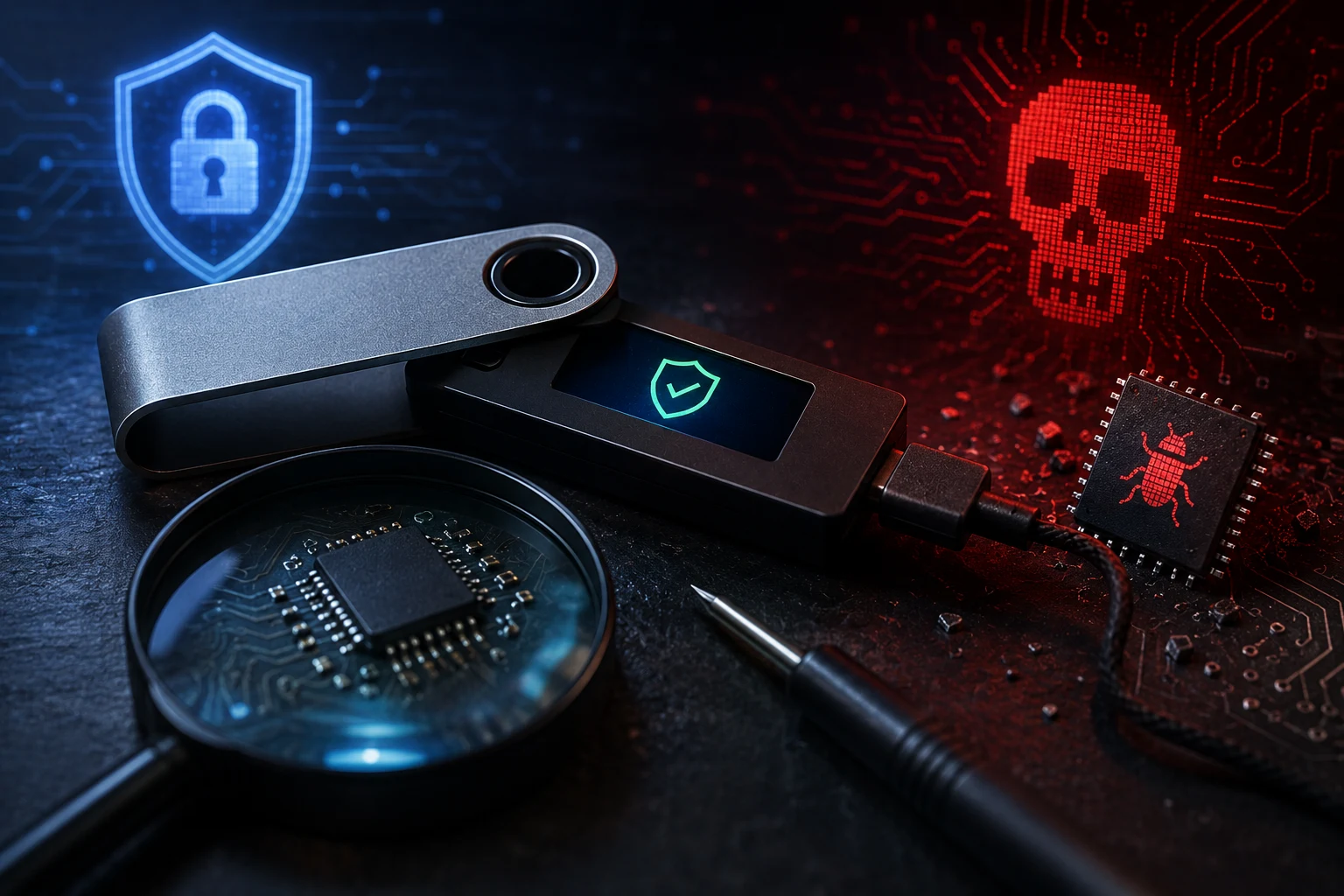
The second threat is firmware-level compromise: a device arrives looking normal but is running modified code that leaks your seed phrase, swaps recipient addresses on the device screen, or signs transactions the user did not intend. This threat does not require intercepting mail at all. It happens when a wallet is sold second-hand by someone who already compromised it, when a counterfeit device ships with pre-installed malicious firmware, or when an attacker convinces a user to bypass the signature verification step on first boot.
Both threats are real. They are not, however, equally likely, and the defenses against them differ. Conflating the two leads to either paranoia (refusing to ever order a wallet online) or complacency (assuming a sealed box is proof enough), and both outcomes hurt the user.
Risks you should take seriously before unboxing
The honest risk picture starts with the failure modes that have actually caused losses, not the ones that make for good spy movies. According to publicly reported incidents and post-mortems, the documented harm to self-custody users over the last decade has clustered around a small set of patterns, and understanding them tells you where to spend your attention.
Used and resold devices are the largest category. A hardware wallet is a small computer with persistent storage. A sophisticated attacker can flash custom firmware, recover it, and resell the unit, leaving no obvious sign. The new owner generates a seed on a compromised device, the seed is exfiltrated, and the funds are drained days or weeks later when the wallet holds meaningful balance.
Counterfeit look-alikes are the second. Marketplaces such as eBay, AliExpress, and informal Telegram channels have hosted convincing fakes of Ledger and Trezor devices. Some are obvious (wrong weight, wrong font, missing the holographic seal). Others are clones with identical cases and modified internals, and the only reliable check is firmware signature verification on first boot.
The Ledger customer database breach of 2020 belongs on this list even though it was not a firmware attack. Personal information including names, email addresses, phone numbers, and home addresses of Ledger customers leaked. The downstream consequence was a wave of targeted phishing, fake replacement device mailings, and, in some reported cases, physical extortion attempts. The lesson is that holding self-custody makes you a known target in a database you cannot delete yourself from.
Firmware downgrade attacks are a narrower category but worth knowing. Some devices can be tricked into installing an older, vulnerable firmware version that the manufacturer has since patched. This is why both Ledger and Trezor now refuse to downgrade firmware past a certain point, and why the on-device signature check exists at all.
The common thread is that none of these attacks require a sophisticated interception of your mail. They require you to either receive a device that was already compromised, or to skip a verification step the manufacturer built in specifically to catch them.
How Ledger and Trezor actually verify firmware signatures
Both major hardware wallet manufacturers publish their firmware, sign it with a private key held only by the company, and embed the corresponding public key into the device's secure element or bootloader at the factory. When you power on a device for the first time, the bootloader checks the cryptographic signature of the installed firmware against that baked-in public key. If the signature does not match, the device refuses to generate a new seed or to operate.
This is not a marketing claim. It is a verifiable engineering property. The relevant code is open source on GitHub for Trezor's bootloader and documented in Ledger's security target materials for the secure element. Independent researchers, including the team that disclosed the 2018 Trezor wallet extraction vulnerability and the Kraken Security Labs team that exposed Ledger Nano X Bluetooth issues, have tested and confirmed the basic signature-verification behavior on multiple occasions.
What the signature check actually protects you against is straightforward: a modified firmware image will not boot on a genuine device. So if you buy a Ledger Nano S Plus or a Trezor Model T from the official store and the device boots, displays the genuine firmware version on its screen, and asks you to set up a new wallet, you have strong evidence that the firmware has not been swapped.
What the signature check does not protect you against is a compromised supply chain at a higher level. If an attacker substitutes a counterfeit device with a clone bootloader that does not perform the check, or that uses the attacker's own signing keys, the screen will still say "Genuine Ledger" or "TREZOR is ready." This is why the next layer, the human verification layer, exists.
On first boot, every legitimate device shows you a specific set of checks: the firmware version, a prompt to either generate a new seed or recover from an existing one, and, on newer Trezor devices, a request to confirm the firmware fingerprint against the value published on the manufacturer's website. Ledger devices show a "Genuine" confirmation screen after running Ledger Live's authenticity check. Skipping this step, or trusting a used device's pre-generated recovery sheet, is the single most common way users undermine their own security.
Tamper-evident packaging: a real signal, not a guarantee
Trezor and Ledger both ship devices in tamper-evident packaging with serialized holographic seals, security tape, and (in some cases) shrink wrap with anti-tamper perforations. The intent is that you, the customer, can see whether the box has been opened before it reached you.
The honest framing is that tamper-evident packaging is a first line of defense, not a proof. Holographic seals in particular have been defeated in lab settings and in real-world fraud, including attacks on consumer electronics and pharmaceutical packaging well outside the crypto industry. A determined attacker with a few hours, a heat gun, and a quality holographic film printer can produce a convincing reseal. Researchers have demonstrated this publicly on multiple occasions.
What tamper-evident packaging is good for is raising the cost and time required for an attack, which dramatically reduces the pool of attackers willing to attempt it. A casual opportunist who wants to steal one device from a returned-item bin at a warehouse will not bother with resealing. A nation-state actor who has specifically targeted you will not be stopped by a hologram. The vast majority of real attackers fall in the middle and care about cost and risk.
The practical advice is to treat the packaging as one data point, not the final answer. If your Trezor Model T arrives in a resealed box, with a hologram that looks wrinkled, with a serial number that does not match the one printed on the device, or with packaging that smells faintly of adhesive remover, those are reasons to stop and contact the manufacturer's support team before powering on the device. They are not, individually, proof of tampering. They are reasons to apply additional scrutiny, including the firmware signature check, before you trust the device with funds.
Why buying from official resellers matters more than the brand
The single largest variable in your firmware tampering risk is not the device you choose. It is the path it took to reach you. A genuine Ledger ordered from a reputable authorized reseller is meaningfully safer than a genuine-looking Ledger ordered from an anonymous online marketplace, and the price difference is rarely worth the risk.
Authorized resellers are businesses with public reputations, regulatory obligations, and direct relationships with the manufacturer. Ledger and Trezor both maintain public lists of authorized resellers on their websites. These resellers buy in volume, store inventory in secure warehouses, and ship in original sealed packaging. Their incentive structure is to avoid the cost and reputational damage of distributing a tampered product.
The second-hand market, by contrast, has no such structure. When you buy a hardware wallet from a stranger on Reddit, a flea market, or a peer-to-peer crypto exchange, you are trusting that person's security practices across an unknown window of time. You do not know whether the device was reset to factory defaults, whether the firmware was ever modified, whether the recovery seed sheet that comes with it was generated on the device or generated in advance and stored on the attacker's server, or whether the device has a hardware implant that phones home.
This is why the guidance "never buy a used hardware wallet" is the most consistently correct piece of advice in the self-custody community. It collapses the entire supply-chain attack surface into a single rule the user can follow. The exceptions, refurbished units sold directly by the manufacturer with a documented reset and reseal process, are narrow and verifiable.
If a deal seems too good to be true, it usually is. Hardware wallets are sold at or near MSRP by manufacturers because the margins are not large and the volume is modest. A 50% discount on a brand-new sealed Ledger from an unfamiliar seller is not generosity. It is a red flag.
Practical verification you can do on first boot
Assuming you have bought your device sealed from an authorized source, the next ten minutes matter more than any other step. The goal is to confirm, with your own eyes, that the device is genuine and running the firmware the manufacturer published.
Step one is the physical inspection. Confirm that the holographic seal on the box is intact and matches the design shown on the manufacturer's website. Compare the serial number printed on the box to the serial number displayed when you plug the device into a computer. If the two do not match, stop and contact support.
Step two is the on-device firmware check. When you power on a Ledger device and connect it to Ledger Live, the application performs a genuine-device check that verifies the secure element's attestation certificate and confirms the firmware version matches what Ledger has published. On a Trezor, the device displays a firmware fingerprint on first boot that you can compare to the value published at trezor.io. Modern Trezor devices will refuse to proceed if the firmware is not the latest signed version.
Step three is the seed generation step. Generate a new recovery seed on the device itself, not from a pre-printed card that came in the box. Write it down on paper or stamp it into metal, and store it offline. Never type the seed into a computer, a phone, or any device connected to the internet. A genuine device with malicious firmware can leak the seed at generation time, so this is the moment the cryptographic and physical protections either pay off or fail.
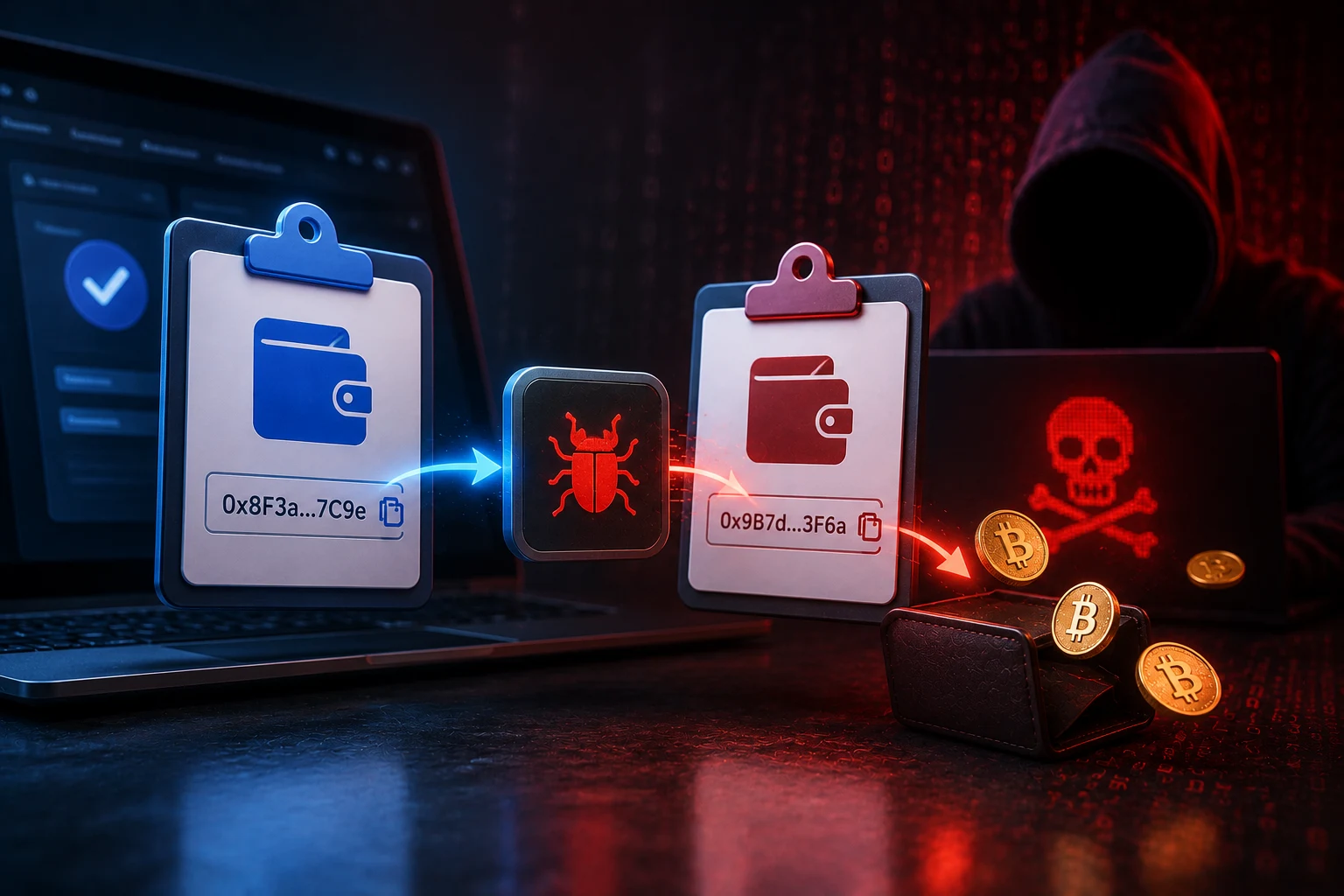
Step four is the test transaction. Before moving meaningful funds to the wallet, send a small amount of BTC or ETH to it, then send it back to a known exchange address. Confirm that the address displayed on the device's own screen matches the address you expect. This catches a class of malware that swaps recipient addresses on the host computer, which is not strictly firmware tampering but lives in the same threat family.
If any of these steps produces a result you did not expect, do not fund the wallet. Contact the manufacturer's support team. Wipe the device, return it, and start over with a different unit.
What to do if you bought a device from an unverified source
Already bought a hardware wallet from a non-authorized reseller, a peer-to-peer marketplace, or a stranger? The honest answer is that you cannot fully verify that the device is safe, and treating it as compromised is the cautious default. There are, however, steps that materially reduce your exposure.
Update the firmware to the latest signed version using the official manufacturer's software, which forces the bootloader to re-verify the signature against the manufacturer's public key. On Trezor devices, this is a relatively forgiving step. On older Ledger devices, firmware updates require a genuine-device check first, and if the device fails that check, you have your answer.
Generate a fresh seed on the device and never use any recovery sheet that came with it. Treat any recovery words provided with the device as compromised from the moment they were created.
Fund the wallet with a small test amount first and confirm the test transaction before moving larger balances. Watch for any anomaly: unexpected prompts, odd screen behavior, transactions that fail or take an unusual path, addresses that do not match what you expect.
If any red flag appears, stop using the device and move funds to a freshly purchased wallet from an authorized source. The cost of a new device is trivial compared to the cost of a drained wallet.
How to follow hardware wallet security the smart way
Hardware wallet security moves slowly, but the news around it moves fast. New firmware attacks, new phishing campaigns, and new supply-chain incidents are reported constantly, and it is hard to tell which developments actually affect the device in your drawer. Zippfeed surfaces hardware wallet and self-custody headlines with sentiment scoring (bullish, neutral, or bearish) and an importance rating, so you can spot the stories that matter without doomscrolling through noise.


 WuBlockchain
 CryptoSlate
 Glassnode
 WatcherGuru
 Altcoin Daily