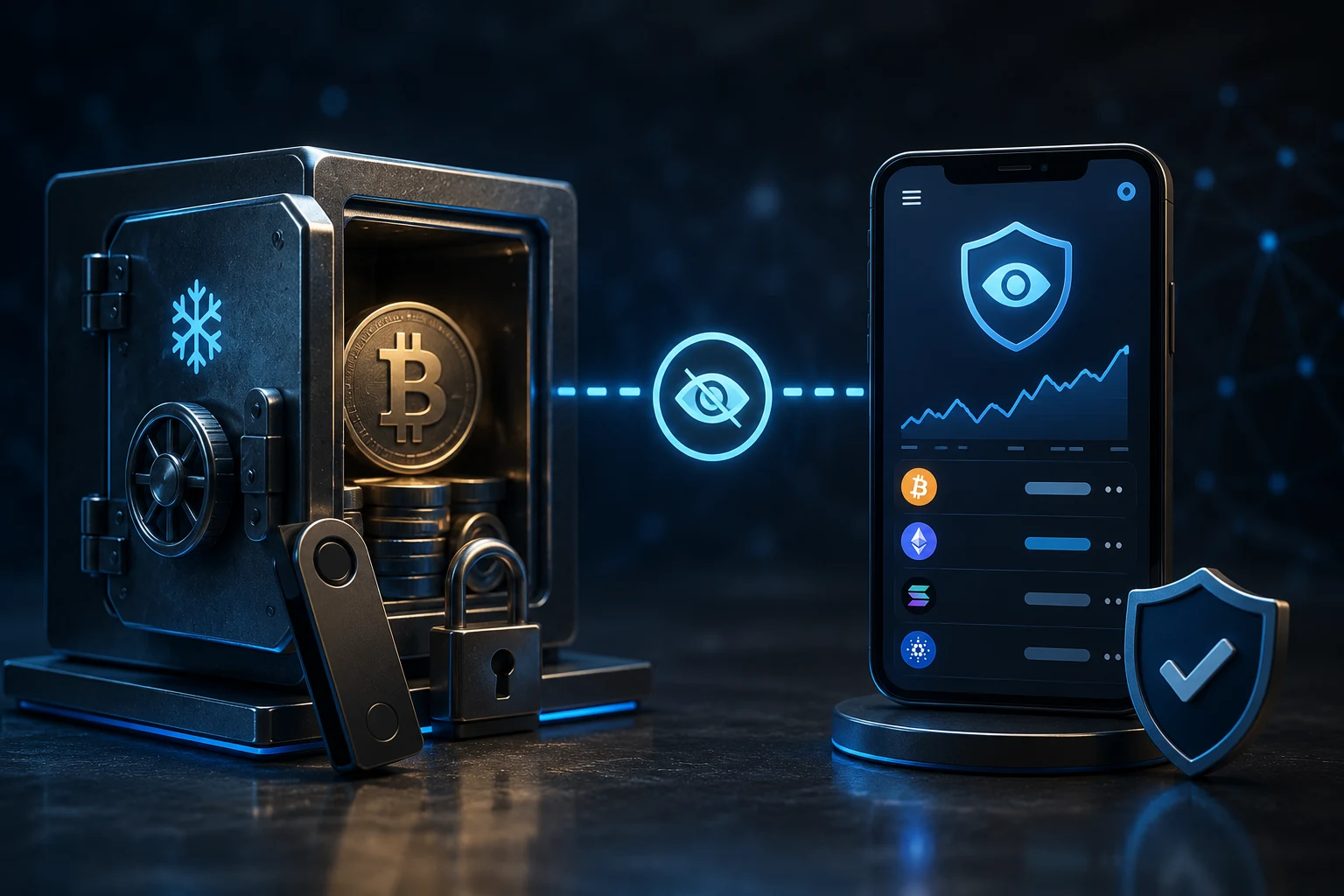
What a watch-only wallet actually is
A watch-only wallet is a Bitcoin wallet that has been loaded with only the public half of your keypair setup. It knows your addresses, your balance, and your transaction history, but it has no private keys and therefore cannot sign a transaction. When you think about it, this is the perfect separation of concerns: one device handles the dangerous action of signing, and another handles the read-heavy job of monitoring and address generation.
The trick that makes this work is the structure of a Bitcoin wallet. Modern wallets are not single key files. They are derived from a master seed through a tree of children, and the public side of that tree can be exported as a single string called an extended public key. The most common formats are xpub (legacy), ypub (native segwit), and zpub (taproot). Anyone with that string can derive every present and future address your wallet will ever generate, but they cannot spend from those addresses because the private branch is never shared.
So a watch-only wallet is really just a normal wallet that has been initialized with an extended public key instead of a seed. The software cannot tell the difference, except that all the spending buttons are grayed out. You can watch balances roll in, you can generate fresh receive addresses for the sender, and you can construct a transaction template. The moment you try to broadcast, the wallet refuses because it has nothing to sign with.
What can go wrong: xpub leaks are the real risk
Most beginner guides treat watch-only wallets as basically free security. They are not free. The most common mistake is to share an xpub, ypub, or zpub casually, treating it like a public payment link. It is not. An extended public key is a deterministic generator for every address your wallet will ever produce, past and future. Anyone who holds it can map your entire balance history, label every address in their own database, and watch new deposits land in real time.
The risks split into three buckets. First, privacy loss. Chain analytics companies treat leaked xpubs as gold. Once one is in their database, every address derived from it is tagged to the same entity forever, which often de-anonymizes pseudonymous holders. Second, targeting. If an attacker sees a large balance on an address they can predict, they have a strong incentive to find operational mistakes: a phishing email, a careless custodian, a vulnerable software supply chain. Third, social engineering. A leaked xpub combined with a stolen username or address book entry is enough to launch convincing impersonation attacks against you or your counterparty.
The honest summary: a watch-only wallet is safe because it does not contain your keys. It is also a tool that, if mishandled, leaks a remarkable amount of information about your finances. Treat the extended public key like a bank statement that auto-updates. Do not paste it into web forms, do not store it in cloud notes, and do not share it with anyone who does not strictly need it.
Electrum vs Sparrow: which one to pick for watch-only
Electrum is the older, more battle-tested option. It has watch-only support baked in. When you create a new wallet, Electrum asks you how you want to import it, and one of the options is to use a master public key. You paste the xpub, ypub, or zpub, and Electrum reconstructs the address tree and begins synchronizing. The interface is functional rather than pretty, and it works on basically every desktop operating system.
Sparrow Wallet is the more modern choice and is increasingly popular with self-custody users. It supports the same watch-only import, but it adds two things that matter for cold storage. The first is a clear visual model of your wallet's structure, including UTXO management and coin control. The second is a built-in airgap mechanism, where unsigned transactions can be exported as PSBTs (Partially Signed Bitcoin Transactions) to a file or QR code, signed offline, and re-imported with the signature attached. That airgap workflow is the gold standard for keeping the cold device disconnected from the network permanently.
For most long-term holders, Sparrow is the better default today. It has better coin control, better fee estimation, and a more transparent airgap mechanism. If you already use Electrum and are comfortable with it, switching is not required. The important thing is that whichever you choose, you run it on a hardened machine, verify the download signature, and never type your seed into the watch-only device.
Step-by-step: building a watch-only wallet in Sparrow
Start on the cold device. This is the machine that will hold your seed and will never touch the internet again. Install Sparrow from the official site, verify the developer's signature, and then create a new wallet. Choose a strong passphrase beyond the 12 or 24 word seed, write everything down on paper or metal, and let Sparrow generate the wallet. Once the wallet is created, you have a single seed and a master extended public key.
Now, from the cold device, export the wallet file. In Sparrow, go to File, then Export Wallet, and choose the file format. This file contains the xpub, ypub, or zpub for each of your scripts, plus the derivation paths and any labels you have set. Save this file to a USB drive or SD card. Do not export the seed under any circumstance. Exporting only the public data is the whole point of the workflow.
Move the USB or SD card to your online device. Install Sparrow there as well, but instead of creating a new wallet, choose Import Wallet and point it at the file you exported. Sparrow will reconstruct the address tree and start synchronizing against the Bitcoin network. After a few minutes, you should see your balance, your UTXOs, and your transaction history. The Send button will be visible but disabled.
From this point on, the online device is your monitoring terminal. You can generate fresh receive addresses, watch incoming transactions confirm, and build unsigned PSBTs when you want to spend. The cold device stays in a drawer, only powering on when you need to sign.
Verifying addresses on a block explorer
One habit that separates careful holders from sloppy ones is address verification. Every time you generate a new receive address in your watch-only wallet, you should verify on a block explorer that the address actually belongs to your wallet. This is not paranoid. It is a cheap defense against a real class of attacks, including clipboard malware, browser extensions, and compromised wallet software that quietly substitutes addresses.
The process is straightforward. Generate a fresh receive address in your watch-only wallet, then open a block explorer like mempool.space or a block explorer that you trust. Paste the address into the search bar and confirm it shows the expected transaction history. If the address is brand new and has no history, that is fine. You are checking that the address is, in fact, a valid Bitcoin address that your wallet claims to control, and that it is not a substitution from a malicious process on your computer.
For extra rigor, you can cross-reference by deriving the first few addresses from your seed on a separate device and confirming they match. This is especially important when setting up a new wallet for the first time, because any compromise at setup time will be invisible to you later.
The airgap signing workflow in practice
When the time comes to spend, the airgap workflow is what keeps your keys safe. Start on the online device and build the transaction in Sparrow as usual. Choose the UTXOs you want to spend, enter the destination address and amount, and set the fee. Instead of clicking Sign and Broadcast, click Save PSBT to File or Show as QR.
Transfer the PSBT to the cold device via USB, SD card, or QR code. On the cold device, open Sparrow, load the cold wallet, and import the PSBT. Sparrow will show you the transaction details so you can verify the destination address and amount on a device that has never been online. This is the most important verification step. If you do not check the destination address on the cold device, you are trusting the online device to be honest, which is the part of the system you did not want to trust in the first place.
Once verified, click Sign. Sparrow produces a signed PSBT. Export it back to the online device the same way it came in, and load it. Sparrow will detect the signatures, complete the transaction, and broadcast it to the network. The cold device never connected to the internet. The private keys never left it. The online device never saw them. This is the entire promise of cold storage, and watch-only wallets are what make it operationally possible for people who do not want to plug a hardware wallet into a mainstream computer every time they need to check a balance.
Common mistakes to avoid
The first mistake is treating an xpub as harmless. It is not. The second is exporting the seed from the cold device by accident. Most wallet software makes exporting the seed possible, and that is a footgun. Disable or ignore that button. The third is using the same online wallet for both watch-only and spending duties. If your online device is compromised, you do not want it to also have a hot wallet with real funds.
The fourth is skipping address verification. The fifth is reusing addresses unnecessarily. Even with a watch-only wallet, generating a fresh address for each incoming transaction is good practice and improves privacy. The sixth is failing to back up not just the seed but the wallet descriptor. If you ever need to recover the wallet on a new device, the descriptor tells the software exactly how the addresses were derived. Without it, you can have the seed and still reconstruct the wallet incorrectly.
Finally, do not assume that watch-only means risk-free. A compromised online device can still mislead you. It can show you a fake balance, generate a fake address, or construct a transaction that pays an attacker. The cold device is your only source of truth, which is why airgap verification matters.
How to watch Bitcoin cold storage the smart way
Watch-only wallets change how long-term holders interact with their coins. They let you check balances and generate receive addresses from a convenient device without ever touching the private keys, and they make airgap signing practical for everyday use. But the setup only works if you treat the extended public key as sensitive data, verify addresses on a block explorer, and trust the cold device for the final read on every transaction.
Bitcoin news and on-chain signals move quickly, and monitoring them by hand is a losing game. Zippfeed surfaces Bitcoin headlines with sentiment scoring (bullish, neutral, or bearish) and an importance rating, so you can filter the noise and focus on what actually moves your thesis.

 CoinDesk
 Altcoin Daily
 Crypto News
 WuBlockchain
 Glassnode