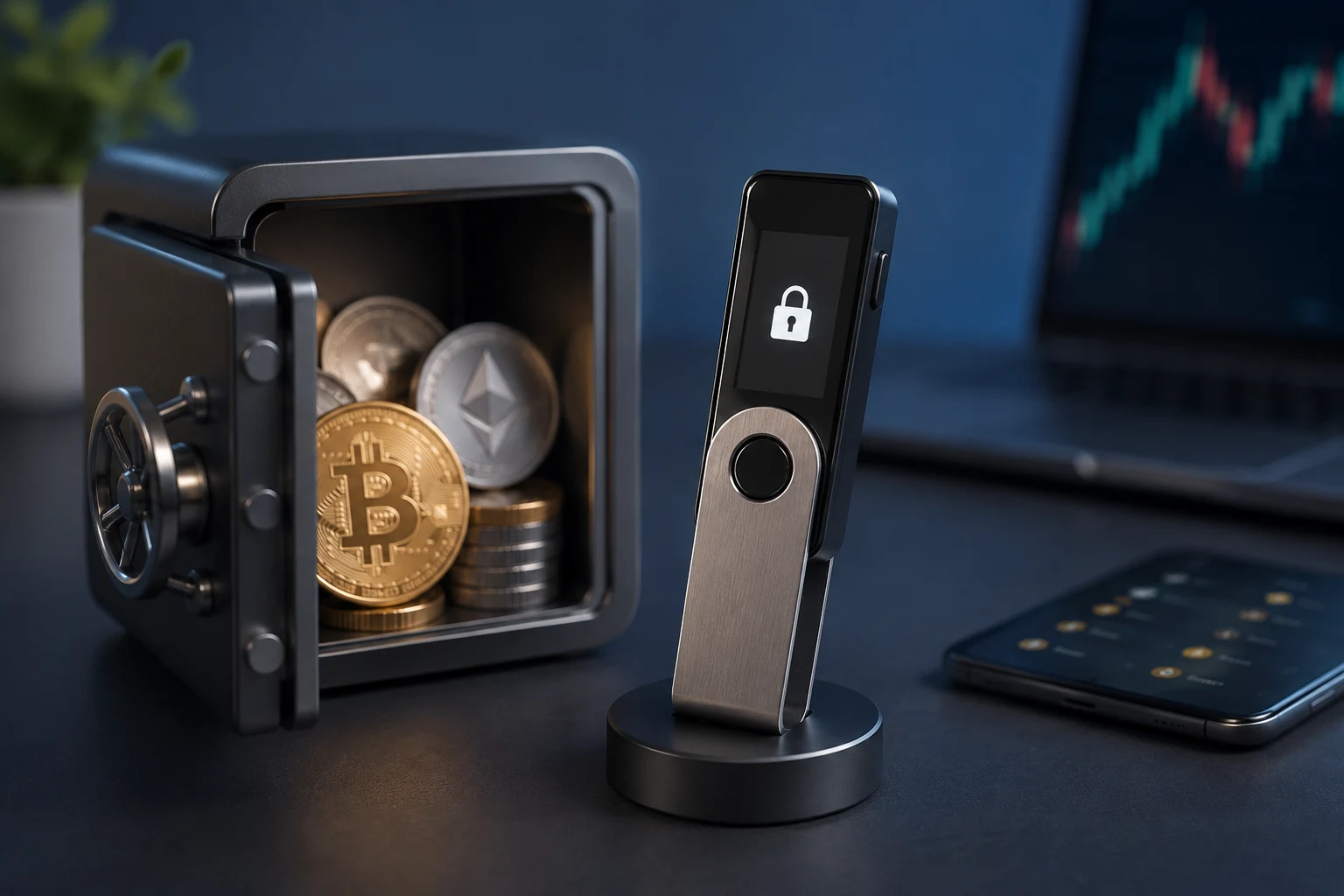
What a hardware wallet actually is
A hardware wallet is a single-purpose device whose only job is to generate private keys, store them, and use them to sign transactions. When you want to send BTC or ETH, your normal wallet software builds the transaction and hands it to the device. The device signs it internally using the private key, then returns the signed transaction. The key itself never leaves the hardware, which is the entire point.
This is different from a software wallet on your phone or laptop, where the private key lives in the same memory as your browser, your apps, and whatever else you have installed. On a phone, a malicious app, a clipboard hijacker, or a remote exploit can sometimes read that key. On a hardware wallet, there is no browser, no app store, and no way for the host computer to read the key directly. The host sees a signed transaction; the device sees a transaction to sign.
The trade-off is speed and convenience. Every transaction requires physical interaction with the device, usually pressing one or two buttons. For someone who trades once a month, that is fine. For someone farming airdrops across twenty chains, it becomes a tax.
The risks a hardware wallet does and does not solve
This is the part most beginner guides skip, and it is the part that decides whether you actually need one.
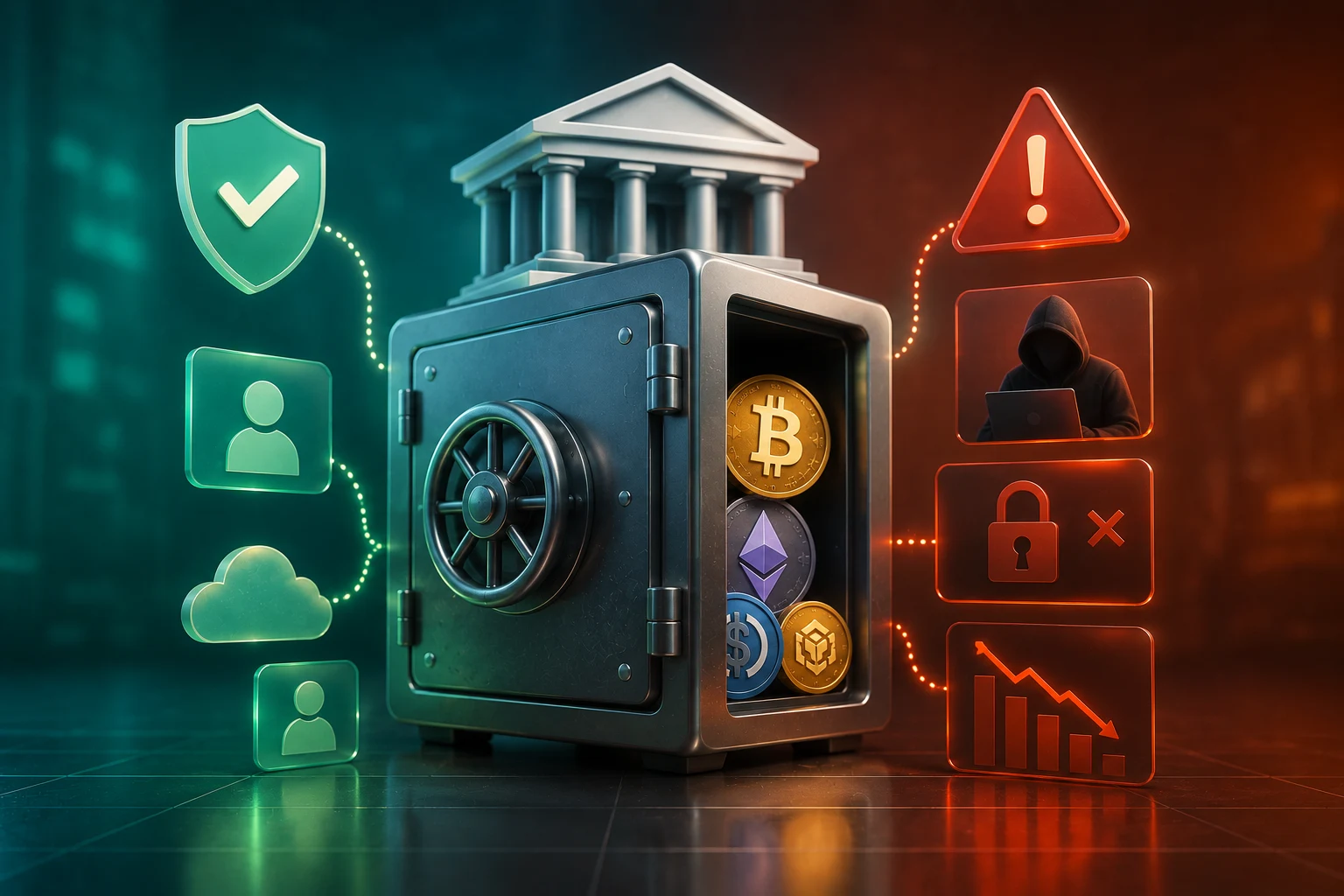
Threats a hardware wallet does help with. If an attacker compromises your computer with malware, the worst they can usually do is build a transaction and ask your device to sign it. They cannot extract the private key. This neutralizes a large category of attacks: clipboard swap malware that rewrites addresses, remote access trojans, and most browser-based wallet drainers that rely on stealing a key from memory.
Threats a hardware wallet does not solve. The first is phishing. If you are tricked into connecting your device and approving a malicious transaction, the device will happily sign it, because from its perspective the signature request looks legitimate. Drainer kits that fake Uniswap or OpenSea interfaces exploit this exact gap. The second is physical coercion. If someone forces you to unlock the device, the signature goes through. A passphrase can help, but only if you do not reveal it under pressure. The third is supply-chain tampering. A device bought from an unauthorized reseller, or one that has been intercepted in the mail, could in theory ship with a compromised chip. The fourth is the human factor with the seed phrase. If you store the 12 or 24 words in a cloud note, in a photo, or in a password manager, the device is irrelevant. The seed is the wallet.
A common misconception is that a hardware wallet makes you immune to scams. It does not. It shifts the attack surface from your computer to your own decision-making, which is sometimes a better place to defend, and sometimes not.
How a hardware wallet works under the hood
At the center of every hardware wallet is a seed, usually 12 or 24 words generated from a standardized word list, from which all of your private keys are derived. The seed is created on the device, displayed once on its screen, and ideally written down on paper or stamped into metal. That piece of paper is now worth the contents of the wallet. Lose it and your funds are gone, unless you have a backup. Hand it to someone else and they own the funds.
When the device signs a transaction, it does so using a private key derived from that seed. The host computer, the wallet interface, and the blockchain never see the private key. They only see the resulting signature, which proves the holder of the key authorized the transaction without revealing the key itself.
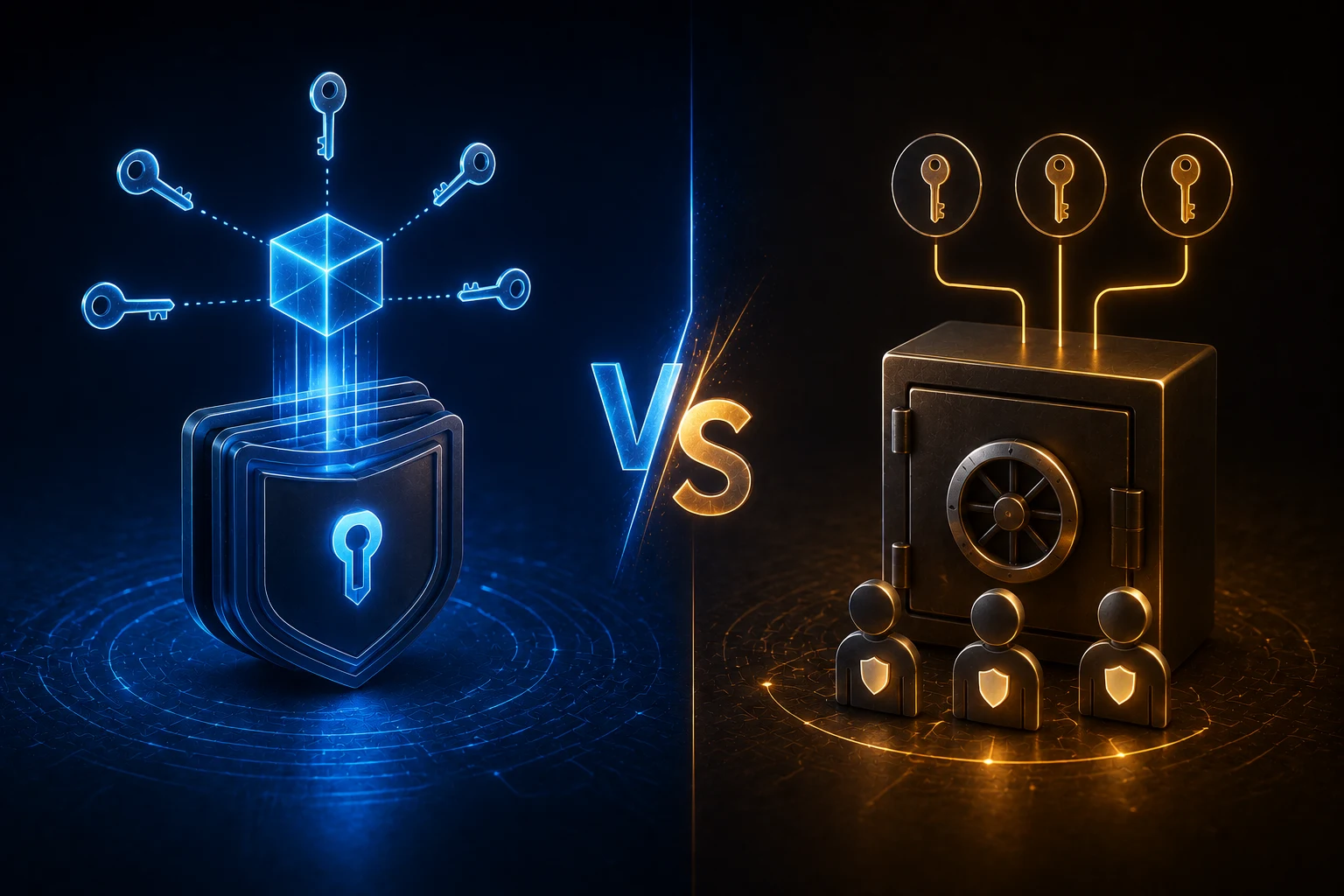
Secure element vs general-purpose microcontroller. This is the main technical split among hardware wallets. A secure element is a tamper-resistant chip designed for things like credit cards and passports, with built-in defenses against physical attacks such as voltage glitching, side-channel analysis, and decapping. Ledger uses secure element chips in most of its devices, which is why it tends to dominate enterprise and high-value custody discussions. A general-purpose microcontroller, like the one in early Trezor devices, is cheaper and more flexible but is more vulnerable to sophisticated physical attacks. For a beginner holding a few thousand dollars in BTC, the practical difference is small, because nobody is going to decap your $70 device in a lab. For someone holding seven figures, it matters more.
What "the seed never leaves the device" actually means. The seed is generated on the device, stored in the device's secure memory, and used only inside the device to derive keys and produce signatures. The host never receives the seed, even in encrypted form. If you want to restore a wallet, you re-enter the seed words on the new device, at which point the seed does briefly exist in that new device's memory. The protection is not absolute; it is a meaningful barrier against the most common remote attacks.
The realistic options on the market
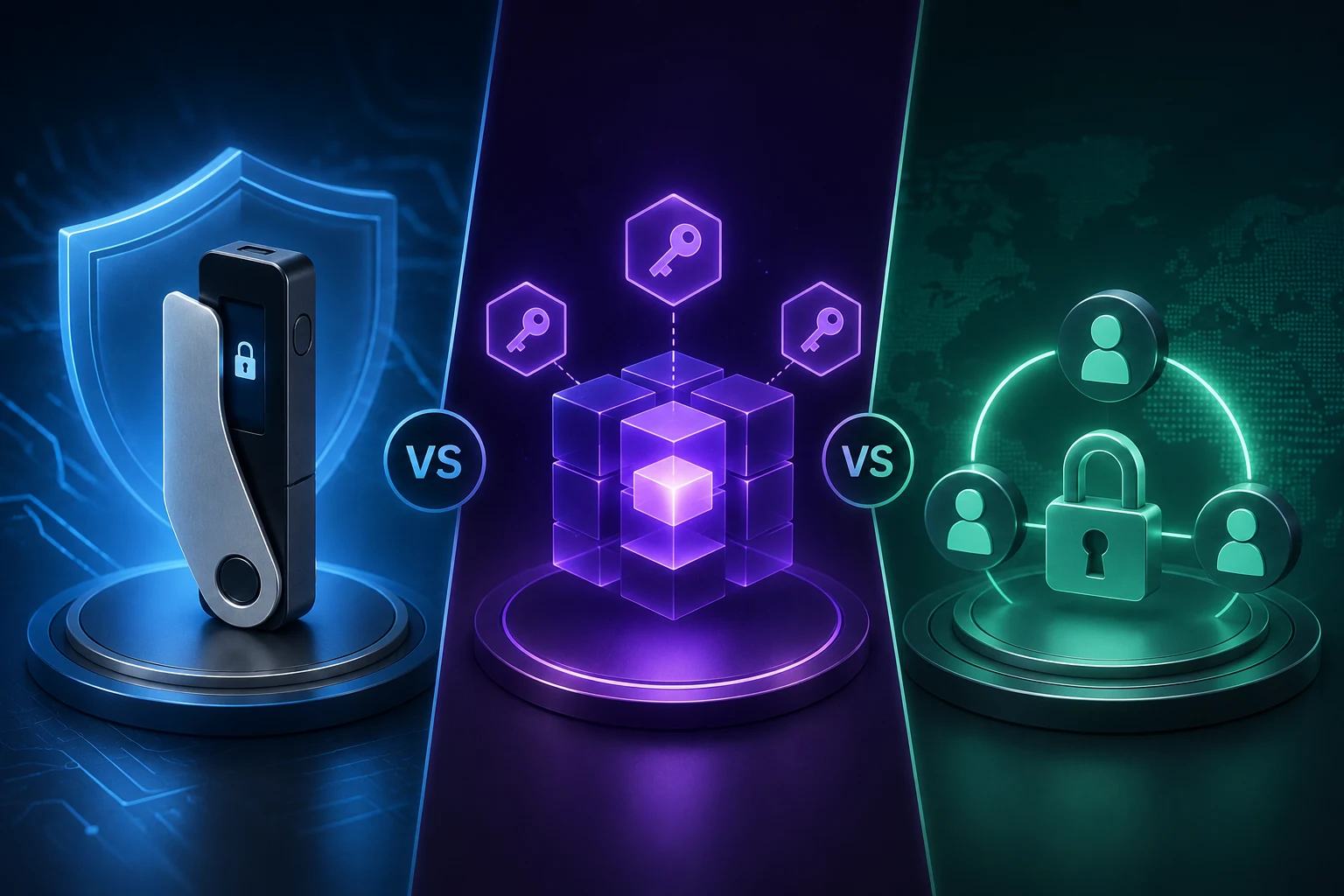
You do not have a huge number of credible choices, and that is healthy. The main players are Ledger, Trezor, Keystone, and GridPlus, each with a slightly different philosophy.
Ledger (Nano S Plus, Nano X, Stax) is the most commercially visible brand and uses secure element chips. The trade-off is that the device runs a closed-source firmware, which means you are trusting Ledger that the code matches the spec. Ledger's recovery service, which lets the company shard your seed across custodians, has been controversial among privacy-focused users.
Trezor (Model One, Model T) is the open-source alternative, popular with users who want to verify the firmware themselves. Trezor was the victim of a well-publicized physical attack in 2020 that extracted seeds from older devices under lab conditions, which pushed the company toward secure elements in newer flagship models. Trezor is generally considered solid for cold storage of BTC and ETH.
Keystone (formerly Cobo Vault) is an air-gapped device that communicates via QR codes only, with no USB or Bluetooth connection to a host. For users worried about any wired attack surface, this is appealing. It supports a wide range of chains and is often recommended for users in higher-risk environments.
GridPlus (Lattice1) is more expensive and more oriented toward active DeFi users. It has a large touchscreen and is designed to make complex transaction signing legible, which helps with the blind-signing problem discussed below.
There are also smaller brands and many lookalikes on Amazon. The honest advice is to buy directly from the manufacturer, never from a third-party reseller, and to assume any device shipped in non-original packaging is suspect.
The blind signing problem and why it matters
Blind signing is when your device signs a transaction whose contents you cannot actually read on the device's small screen. A common case is interacting with a new smart contract on Ethereum. The hardware wallet receives a blob of data and a message that says "approve spending of unlimited USDC," but the screen is too small to show you the full contract logic. You press confirm because the wallet interface told you the action was safe.
This is exactly how many high-value drains happen. The user has a hardware wallet, did everything right, and still loses funds because they signed a malicious approval. The defense is not the hardware wallet itself. It is using wallets and interfaces that decode the transaction into plain English on the device screen, such as GridPlus, Keystone, or newer Ledger firmware with clear-signing support. It is also discipline: if you cannot understand what you are signing, do not sign it.
For a beginner holding only BTC and a little ETH, this is mostly a theoretical concern. For a user interacting with DeFi protocols, it is the single biggest practical risk in the entire hardware wallet story.
When a hardware wallet is genuinely overkill
The reflexive advice online is "buy a hardware wallet." That advice is not always right.
Sub-$1,000 holdings. A hardware wallet costs $70 to $200, and that is before a metal seed plate, which adds another $30 to $100. If your total crypto holdings are a few hundred dollars, you are spending a meaningful percentage of your portfolio on security infrastructure. A reputable software wallet on a clean device, combined with good operational hygiene, is reasonable for small balances.
Active DeFi use. Hardware wallets and active DeFi interact poorly. Approving dozens of contracts, signing multiple transactions per session, and rotating between protocols make the friction noticeable. Worse, the marginal security benefit shrinks if you are constantly approving contracts you do not fully understand. For heavy DeFi users, a dedicated hot wallet with a small balance is often the better trade-off.
Airdrop farming and testnet work. If you are interacting with brand-new protocols, minting testnet tokens, or chasing airdrops, you are signing high-risk transactions by design. A hardware wallet does not protect you from a malicious airdrop contract, and connecting it to dozens of fresh dapps increases the chance of hitting one. Use a burner hot wallet for this work, not your long-term storage.
Anyone who cannot reliably back up the seed phrase. A hardware wallet without a secure seed backup is a single point of failure. If you cannot store the words in a safe place that survives fire, flood, and your own forgetfulness, do not buy one. You will eventually lose access to your funds.
How to decide if you need one
A simple framework. If your holdings exceed an amount that would meaningfully hurt you to lose, you are mostly holding rather than trading, and you can keep a seed phrase in a secure location, a hardware wallet is worth the cost. If you are actively trading, farming, or holding small amounts, the operational cost of a hardware wallet probably exceeds the security benefit.
There is no rule that says you must own one. Plenty of experienced users keep small balances on reputable software wallets and large balances on hardware, treating it as a tiered system rather than a binary choice. The goal is to match the security to the threat, not to maximize the security regardless of cost.
Stay ahead of wallet security without the marketing
Wallet security moves slowly, but the news around exploits, drainer kits, and new device firmware does not. Zippfeed surfaces wallet and security headlines with sentiment scoring, so you can see whether a story is bullish product news, neutral technical reporting, or bearish coverage of a fresh exploit, and an importance rating that helps you skip the noise. hardware wallet and cold storage topics sit alongside broader BTC and ETH coverage in the same feed, so context arrives with the headline.


 WuBlockchain
 CryptoSlate
 Glassnode
 WatcherGuru
 Altcoin Daily