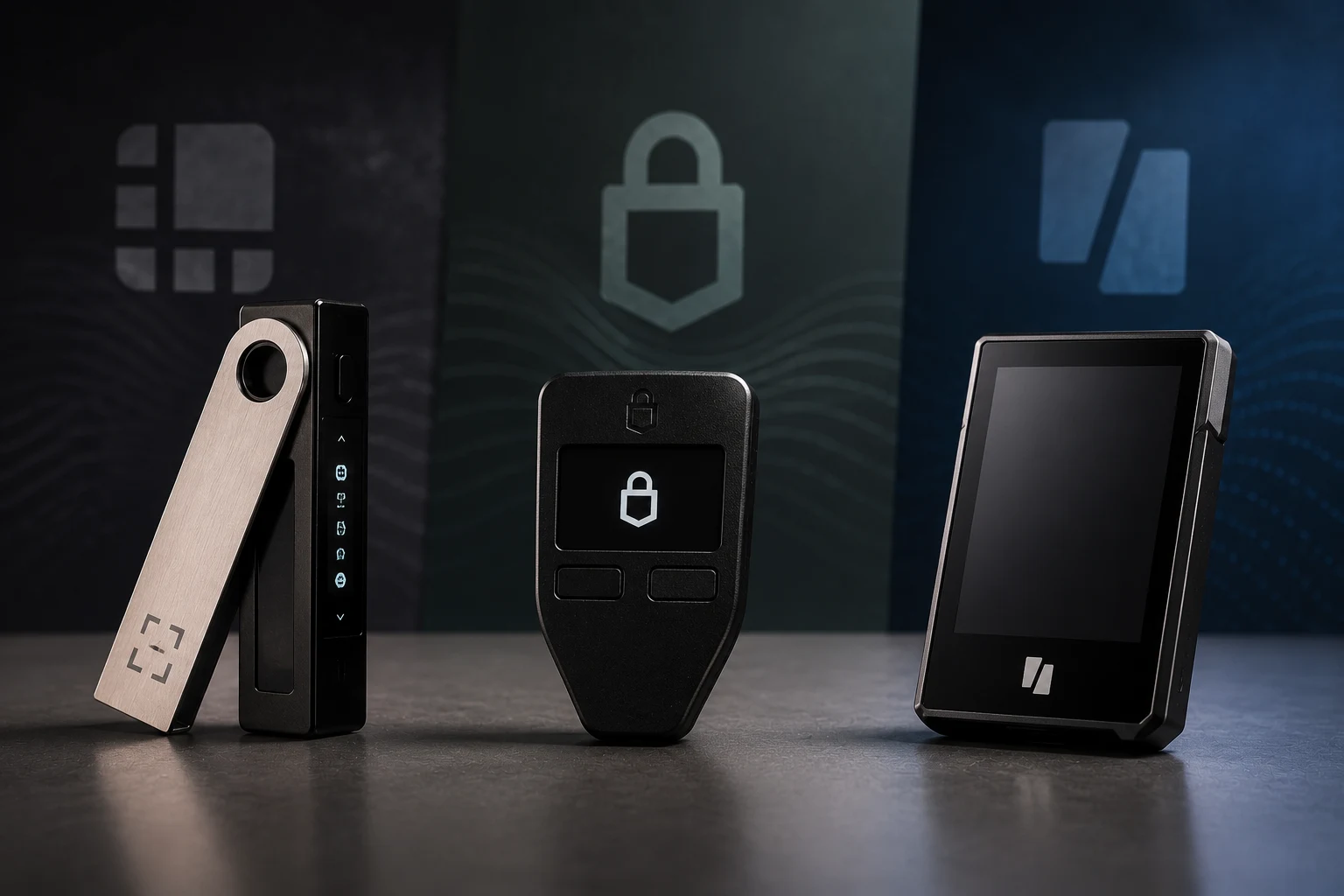
What a hardware wallet actually does, and what it does not
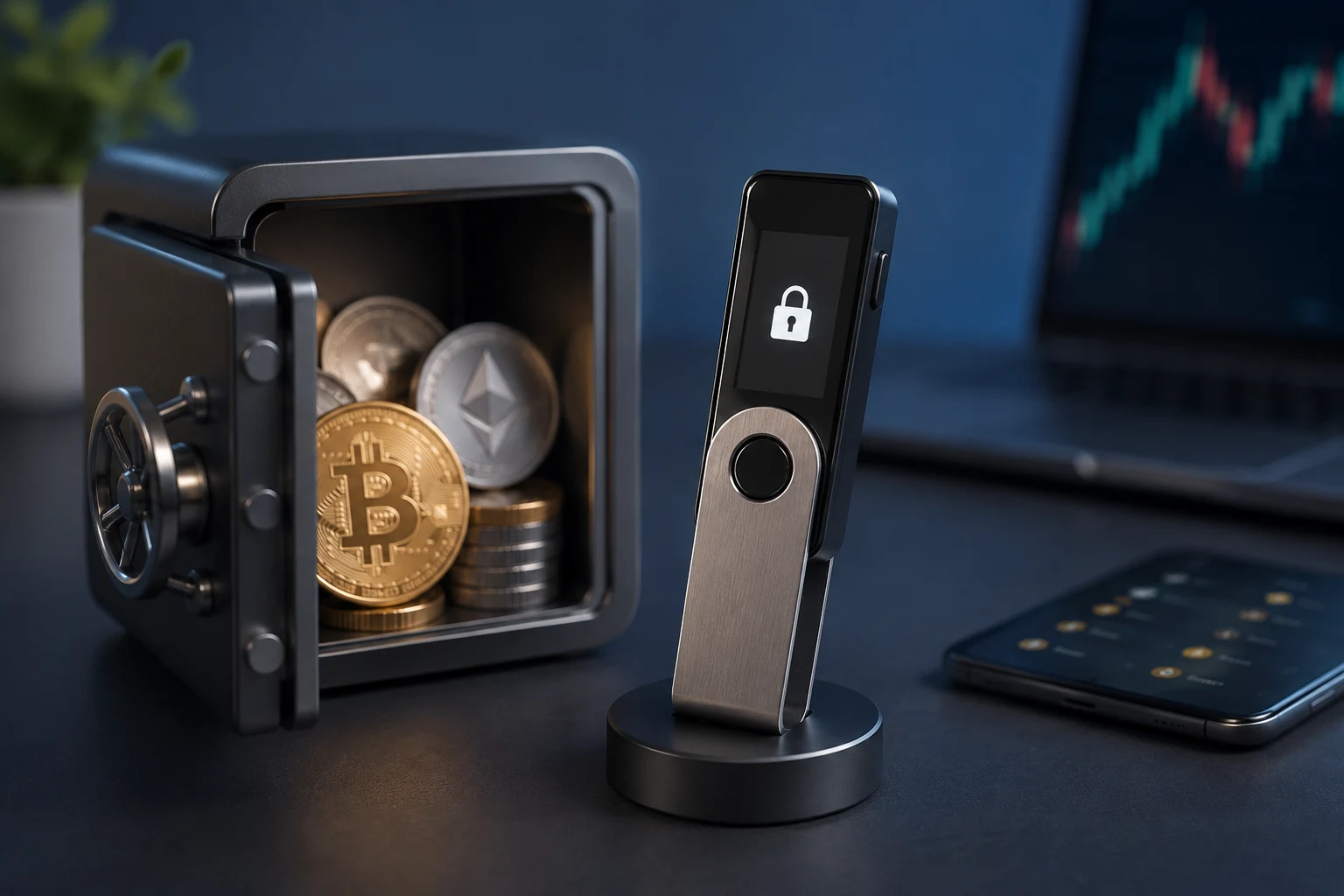
A hardware wallet is a small purpose-built computer that stores the private keys which control your crypto. It does not hold coins. Coins live on a blockchain; the device holds the cryptographic secret that proves you own them. When you send a transaction, the wallet signs it inside the device and then hands a signed message back to the software on your phone or laptop, which broadcasts it to the network.
That separation is the entire point. If your laptop is infected with malware, the attacker sees only the signed transaction, not the key. The catch is that this protection is only as strong as the device's resistance to tampering, the trust you place in its firmware, and the discipline you bring to backing up the seed phrase.
Three concepts come up constantly when comparing devices: the seed phrase (a list of 12 or 24 words that mathematically generates every key in your wallet), the secure element (a tamper-resistant chip designed to erase its secrets if physically probed), and air gapping (keeping the device physically isolated from any internet-connected computer, often via QR codes instead of USB).
The risk layer most reviews skip
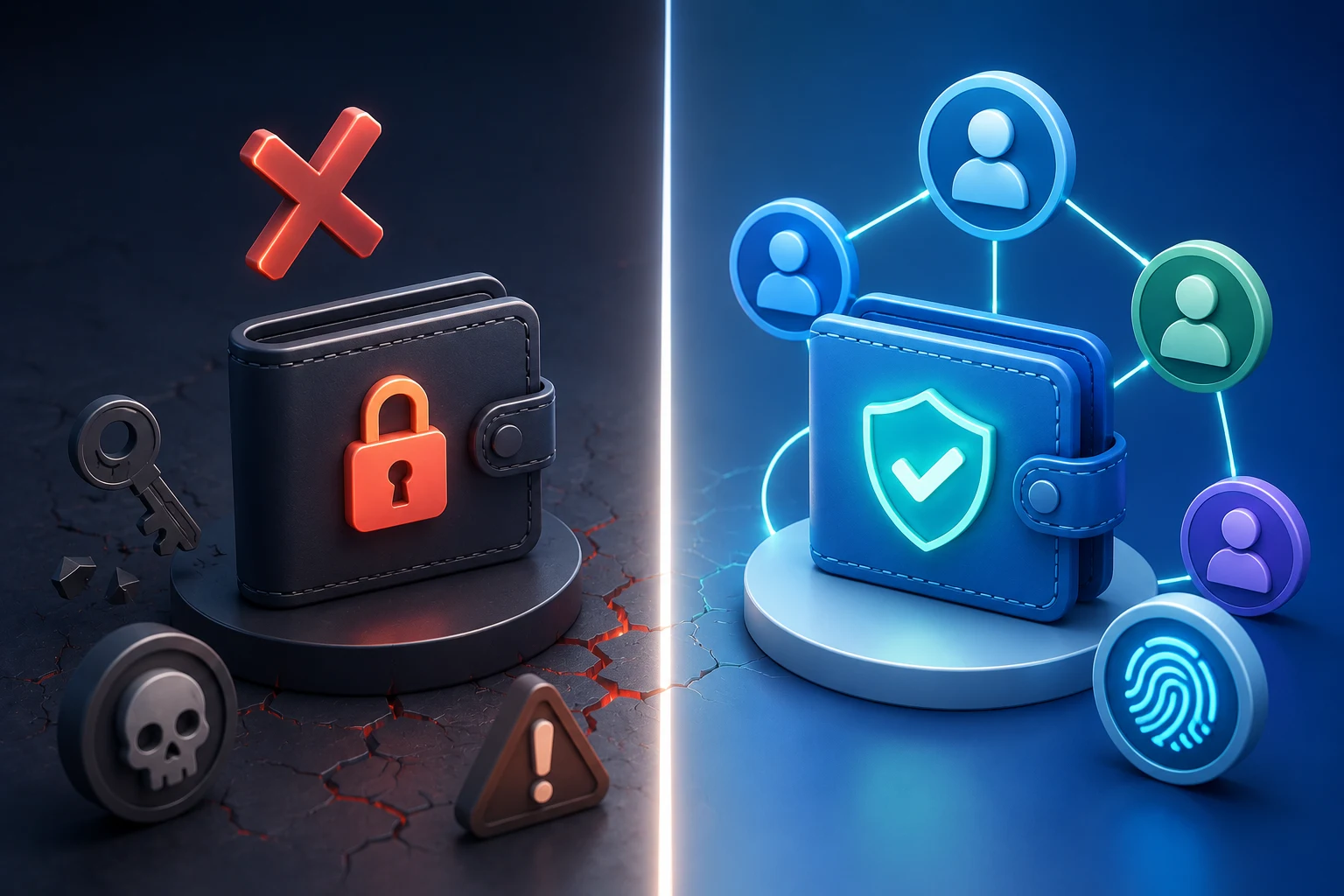
Marketing pages list screens, buttons, and supported coins. The honest comparison sits somewhere else: every device refuses to do something, and that refusal is what protects you. Ledger refuses to run unaudited third-party firmware. Trezor refuses to put a secret inside a secure element you cannot inspect. Keystone refuses any wired connection at all. Each of those refusals is also a constraint, and each creates a different failure mode.
The failure modes worth weighing before you buy:
- Supply chain interception. A tampered device can generate a seed phrase the attacker already knows. Most buyers never check whether their wallet was tampered with. Tamper-evident packaging helps only if you actually inspect it.
- Firmware backdoors. Closed firmware is a black box. Even well-meaning companies cannot patch every bug if no one outside the firm can audit the code.
- Phishing of recovery material. Scammers posing as wallet support will ask for your seed phrase. The phrase itself cannot be phished off a hardware wallet, but users are repeatedly tricked into typing it into fake support sites.
- Physical coercion. A $5 wrench attack is a real threat. Devices with plausible-deniability passphrases (a hidden second wallet under a fake word) shift that calculus slightly.
- Vendor insolvency or abandonment. If the company folds, software updates stop and device support may lag behind new chains. Open-source firmware is the partial insurance policy.
Keep that list open while reading the next sections. Every device below solves some of these and inherits others.
Ledger: closed hardware, closed firmware, optional Recover
Ledger's devices are built around secure element chips of the same family used in credit cards and passports. The chip stores the seed and signs transactions, and it is designed to wipe itself if someone tries to physically probe it. Ledger also pairs the chip with a separate general-purpose microcontroller running closed-source firmware that talks to your computer or phone.
This design is the reason Ledger is compact and integrates smoothly with Ledger Live, MetaMask, and most DeFi interfaces. It is also the reason the company has attracted persistent criticism from the open-source community for never publishing the firmware source under a permissive license, only portions of the secure-element code via a漏洞 bounty-style program.
The biggest trust inflection point arrived in 2023 with Ledger Recover. Recover is an opt-in subscription service that splits an encrypted, identity-bound backup of your seed across third-party custodians. To restore it, the user verifies identity through a passport or national-ID check, which means the seed fragments are tied to a verified human identity rather than purely to a passphrase. For users who fear losing their own seed phrase, that is genuinely useful. For users who believe a seed phrase should never leave a hardware device on cryptographic grounds alone, it is a dealbreaker, because it proves the device's firmware is capable of exporting seed material under certain conditions.
What Ledger refuses to do: it refuses to run unsigned firmware, refuses third-party firmware loaders, and refuses to operate without its companion app. What it asks in return: trust in Ledger as a company, trust in its firmware-as-binary, and trust that neither Ledger, a subprocessor, nor a future subpoena chain will coerce you into ID-verified recovery.
On supply chain, Ledger ships tamper-evident packaging and verifies device authenticity on first connect. On device lineage, multiple independent security firms have audited the secure element's certification-level defenses, but the application-layer firmware remains opaque to the public.
Trezor: open-source firmware, exposed silicon
Trezor's hardware philosophy is essentially the opposite of Ledger's. The firmware is fully open-source under a permissive license, and the secure material lives on a general-purpose microcontroller rather than a dedicated secure element. That openness is the reason developers, researchers, and cypherpunks have historically gravitated toward Trezor, and it is also the reason the devices have been publicly disassembled and prodded more than any others.
The Trezor Model One and Model T are microcontrollers, not secure elements. This exposes them to specific physical attacks: voltage glitching (briefly under-powering the chip to put it into a faulty state), side-channel analysis (reading tiny fluctuations in power draw or electromagnetic emissions while the chip signs), and decapping (chemically dissolving the chip package to read memory). After a 2020 Kraken Security Labs demonstration showing that a $5 glitching setup could extract seeds from a Trezor in about 15 minutes, Trezor shipped a fix that keeps the seed encrypted until use, but the underlying silicon choice still means physical-access risk is meaningfully higher than on a secure-element device.
What Trezor refuses to do: it refuses to hide its firmware, refuses proprietary signing paths, and refuses to lock users into a vendor app. What it asks in return: that you handle physical security yourself, that you keep firmware updated, and that you treat the seed phrase as the sole point of failure.
On supply chain, Trezor users have reported tampered devices with altered firmware in the past, which the company mitigates today with tamper-evident holograms and a bootloader that verifies signatures on every firmware update. The work-around: always buy direct from the manufacturer, and verify the hologram before first use.
On the upside, Trezor's open firmware means independent researchers can and do publish findings, and the company can ship a fix within weeks rather than waiting for a closed certification process. For a technically literate user who values auditability over tamper resistance, this is a meaningful feature.
Keystone: open firmware on a secure element, air-gapped by design
Keystone is the third major brand to know. It was originally a fork of the Cobo Vault project and runs fully open-source firmware on a secure element chip, which is a meaningful middle path: the hardware is tamper-resistant like Ledger's, while the software is auditable like Trezor's. The defining design choice is that Keystone is air-gapped. There is no USB data line that connects it to a computer for transactions. Signing happens entirely through QR codes.
The flow is deliberate friction. You build a transaction in a wallet software (Keystone integrates with MetaMask, Sparrow, BlueWallet, and others), Keystone scans the partially signed transaction as a QR code, you verify the destination and amount on Keystone's screen, sign it offline, then display the signed transaction as a QR code for the wallet software to broadcast. Nothing crosses a USB cable during signing, so a compromised computer cannot intercept or modify what reaches the screen.
This is the most virus-resistant signing model of the three. The trade-off is operational: every transaction is at minimum a scan-and-display cycle, and users who frequently interact with DeFi or do many small sends will feel the friction. Power users who treat hardware wallets as cold storage for larger balances and pair the Keystone with a hot wallet for daily activity tend to land here happily.
What Keystone refuses to do: it refuses any wired connectivity, refuses closed firmware, and refuses to outsource trust to a vendor's signing service. What it asks in return: that you tolerate slower transaction flow and that you trust the QR-based pairing with whatever companion wallet you use.
What each device refuses to do, summarized side by side
A useful lens for ledger vs trezor vs keystone is to flip the usual feature checklist on its head and ask what the device refuses to do, because the refusal is what protects you in adversarial conditions.
Ledger refuses third-party firmware and air-gapped signing, and protects against most physical attacks through a certified secure element. It trusts itself as a company, which means it also trusts you to read the firmware-update prompts carefully and to opt out of services like Recover that change the device's threat model.
Trezor refuses closed firmware and vendor lock-in, and protects against most software attacks through fully open code. It does not protect against cheap physical attacks, so it trusts you to keep the device physically secure and to verify packaging on arrival.
Keystone refuses wired connectivity and closed firmware, and protects against both remote malware and most physical attacks. It trusts you to use companion wallet software that does not lie about the transaction being signed, and to live with the QR-only workflow.
None of these is a tiebreaker on its own. The right one is the device whose failure mode you are most willing to live with, because every hardware wallet inherits at least one you cannot engineer away.
Practical implications before you spend a dollar
Before you commit, run through four checks that apply across all three brands.
Buy direct. Counterfeits are not hypothetical. They exist on marketplaces and even on auction-style sites. Order from the manufacturer's official store and avoid third-party resellers whose chain you cannot audit.
Verify the device on arrival. Check tamper-evident seals, confirm the device generates a seed on first power-on (a tampered device will sometimes hand you a pre-generated phrase), and update firmware immediately before funding the wallet.
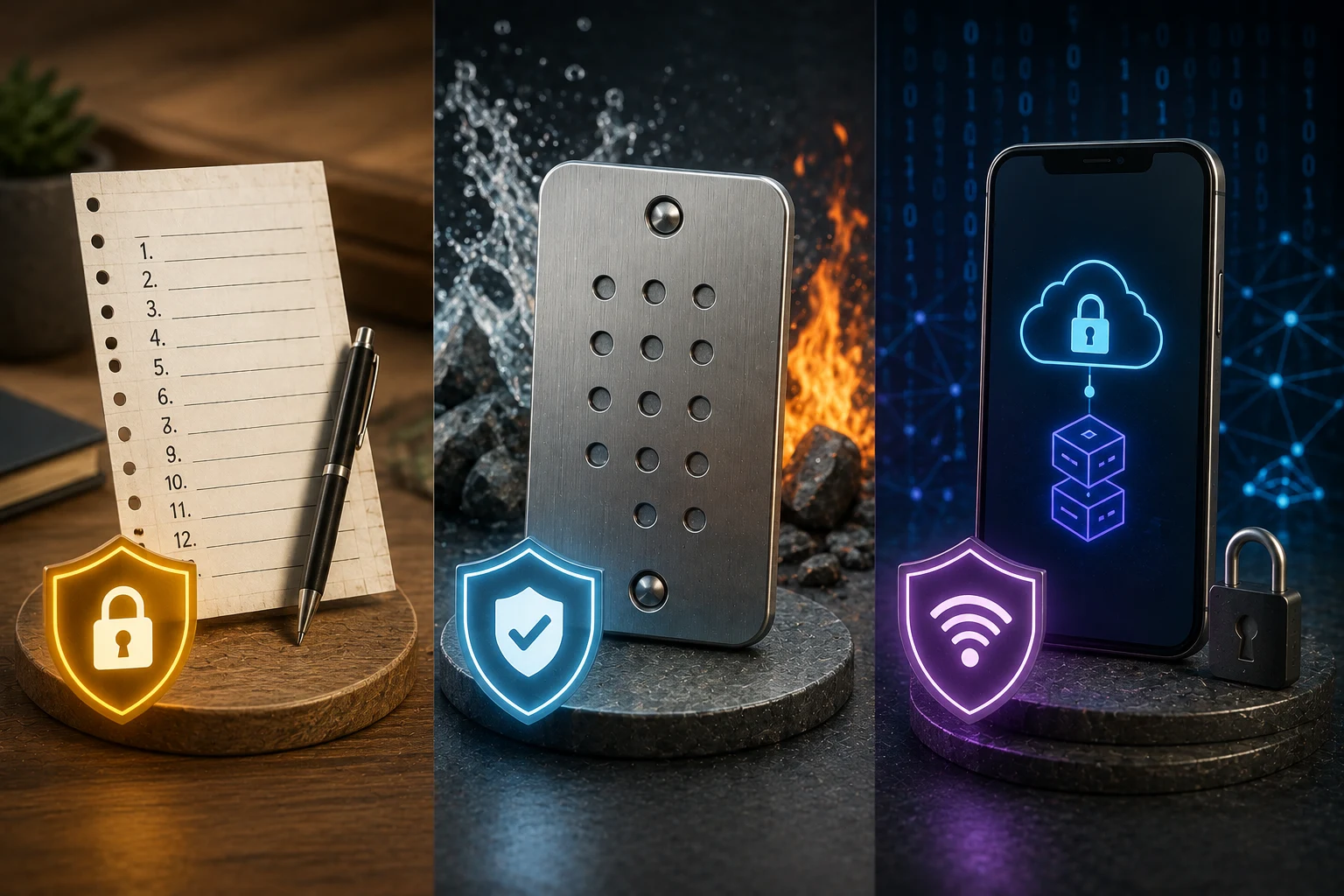
Decide where the seed phrase lives. Write the seed phrase on paper or stamp it into metal, store it in a location that does not also store the device, and never type it into a phone, computer, or website. Whatever device you pick, this step matters more than the model.
Match device to use case. Active DeFi users who need seamless integration with browser wallets may prefer a Ledger, despite the trust overhang. Long-term holders storing meaningful value benefit most from the Keystone air-gap model. Developers, tinkerers, and users who care deeply about auditability will lean toward Trezor.
How to follow wallet and security news the smart way
Hardware-wallet risks evolve quickly: new firmware vulnerabilities get disclosed, supply-chain incidents surface, and feature changes (Recover-style services, new secure-element chips, new firmware loaders) shift the trust calculation. Following ledger vs trezor vs keystone debate manually means tracking X threads, GitHub advisories, vendor changelogs, and incident write-ups across at least three companies. Zippfeed pulls the underlying wallet and security headlines into one feed with sentiment scoring (bullish, neutral, or bearish) and an importance rating, so you can see which disclosures are noise and which require actual changes to your setup.