What is a wallet address book, really?
An address book is simply a list of blockchain addresses paired with human-readable names. Most wallet apps keep one. MetaMask, Rabby, Trust Wallet, Phantom, and the Ledger Live desktop app all ship with a contacts feature. Standalone tools like Blowfish and Revoke.cash add an approvals-focused view on top of whatever wallet you already use.
The address book has two halves, and most beginners confuse them. The first half is local labels, the names and notes you store inside your own wallet or password manager. Nobody else can see these. The second half is on-chain labels, public tags attached to an address by block explorers such as Etherscan, by analytics firms like Arkham Intelligence or Nansen, or by naming services such as ENS (.eth), ARB (.arb), and Farcaster profiles. When someone sees vitalik.eth resolve to a known address, that is an on-chain label doing work.
Both halves matter, but for different reasons. Local labels are how you keep yourself from sending five figures to a poisoned lookalike address. On-chain labels are how a stranger receiving funds from you can sanity-check that the address matches your stated identity. If you only set up one of the two, you are missing half the protection.
Why a hardware wallet alone is not enough
A hardware wallet, such as a Ledger, Trezor, GridPlus, or Keystone, secures your private keys inside a secure element. That is genuinely important: it means malware on your laptop cannot move funds without your physical confirmation. It does not, however, help you decide which address to confirm in the first place.
Consider a real shape of failure. In 2024, a trader copied an address from their own transaction history in a block explorer and pasted it into MetaMask to send a large stablecoin transfer. The most recent transaction on that history page, displayed at the top by default, was not the trader's previous send. It was a vanity-address scam: an attacker had sent a tiny amount from an address whose first and last few characters matched the trader's real destination, hoping the next time the trader copy-pasted, they would grab the wrong one. They did. The trader's hardware wallet cheerfully signed the transaction because the address was cryptographically valid.
Reports of similar losses have ranged from a few hundred dollars to well over a hundred thousand. A 2025 estimate from on-chain security firm Scam Sniffer put the annual loss from address-poisoning alone in the high tens of millions across all chains. The exact figure is impossible to pin down because most victims never report, but the pattern is consistent: a moment of inattention, an unsigned visual check, and an irreversible transfer to a stranger.
Two defenses would have caught this. First, a local label on the counterparty's true address would let MetaMask show the recipient's name next to the address being signed for, turning a raw string into a recognizable counterparty. Second, verifying against an on-chain label such as an ENS name would have shown that the lookalike resolved to nothing while the real counterparty resolved to counterparty.eth . Either one alone is enough. Both together is belt and suspenders.
Local labels vs on-chain labels: who can see what
Local labels are stored in your wallet software, browser extension, or a password manager such as 1Password or Bitwarden. They are visible only to you and to anyone with access to the device or vault that stores them. If you lose the device and have no backup, the labels are gone, even though the addresses and funds remain on-chain forever.
On-chain labels are different beasts. An ENS name is a smart contract record that maps a human-readable string to an address, and it costs an annual fee to keep. ARB names and Farcaster profiles work similarly on their respective chains. Explorer tags are not on-chain at all; they are notes attached by Etherscan, BscScan, Solscan, Arbiscan, and the rest of the Etherscan family, set by the team after manual or community review.
The practical difference shows up in two situations. First, when you receive funds and a sender wants to confirm they are paying the right person, only your on-chain labels will be visible to them. Second, when you are triaging an incident such as a hack or an airdrop claim, an address with rich Etherscan tags attached tells a much faster story than a blank hex string.
One subtle trap: on-chain names can be transferred. Whoever owns yourname.eth at the moment of resolution is who a sender reaches. Treat ENS as a pointer, not an identity, and always cross-check the underlying address before sending large amounts.
A naming convention you can actually live with
The point of a convention is that you do not have to invent a label from scratch at the moment of danger. Pick a format, write it down once, and apply it every time you create a new wallet or onboard a new counterparty. Here is one that has aged well across several years of multi-wallet use.
The four-part wallet label
- Purpose. What does this wallet exist to do? Examples: cold-storage, trading, airdrops, degen-ll, ll-business, treasury.
- Chain. Which network is it primarily for? Examples: eth, arb, sol, base, bsc, polygon. If you segregate by chain, this is also where to record the chain ID.
- Date opened. Use ISO format, YYYY-MM, so labels sort chronologically. Examples: 2024-03, 2025-01.
- Free-form suffix. Anything that distinguishes one wallet from another of the same type. Examples: v1, v2, the last four characters of the address, or a memorable nickname.
Putting it together, a realistic address-book entry looks like this: cold-storage / eth / 2024-03 / a3F2. The slashes separate fields, not folder hierarchies; most address books are flat lists, and slashes read cleanly on screen.
Counterparty labels
- Centralized exchanges: CEX / binance / main-spot, CEX / coinbase / prime. Never store anything more than the deposit address; exchanges rotate sub-accounts and sub-deposit addresses frequently, so a label like CEX / binance / binance-account-17 ages badly.
- DEX routers and bridges: DEX / uniswap-v3-router, bridge / across, bridge / stargate. These addresses are public and well-known, so an attacker spoofing them has to create a lookalike, which a label makes obvious.
- Lending and staking protocols: defi / aave-v3-eth, defi / lido-stETH, lsd / eeth. Pair these with the contract address from the protocol's own docs, not from a Google result.
- Friends, family, counterparties, OTC desks: person / alex-trader, otc / wintermute-hot, vendor / payroll-2025-Q1. Always pair with the counterparty's verified ENS or a secondary channel confirmation the first time.
Incoming unknown addresses
When an unknown address sends you funds, your address book should grow by exactly one entry per event, at minimum. Open the address on Etherscan, Arbiscan, BscScan, or Solscan, depending on the chain. Look at the labels column. If the address is tagged as a known exchange, mixer, bridge, or drainer, record that. If it is not tagged, record it as unknown / first-seen-2025-04-12 / tx-0xabc... and move on. Over time, the unknown entries become a useful audit trail of who has touched your wallets.
For a higher-resolution picture, paste the address into Arkham Intelligence, Nansen, or a similar analytics tool. These services spend considerable engineering on clustering addresses to the same owner, which is useful for figuring out whether the unknown sender is a real person, a service, or a scam operation.
Labeling approvals is its own job
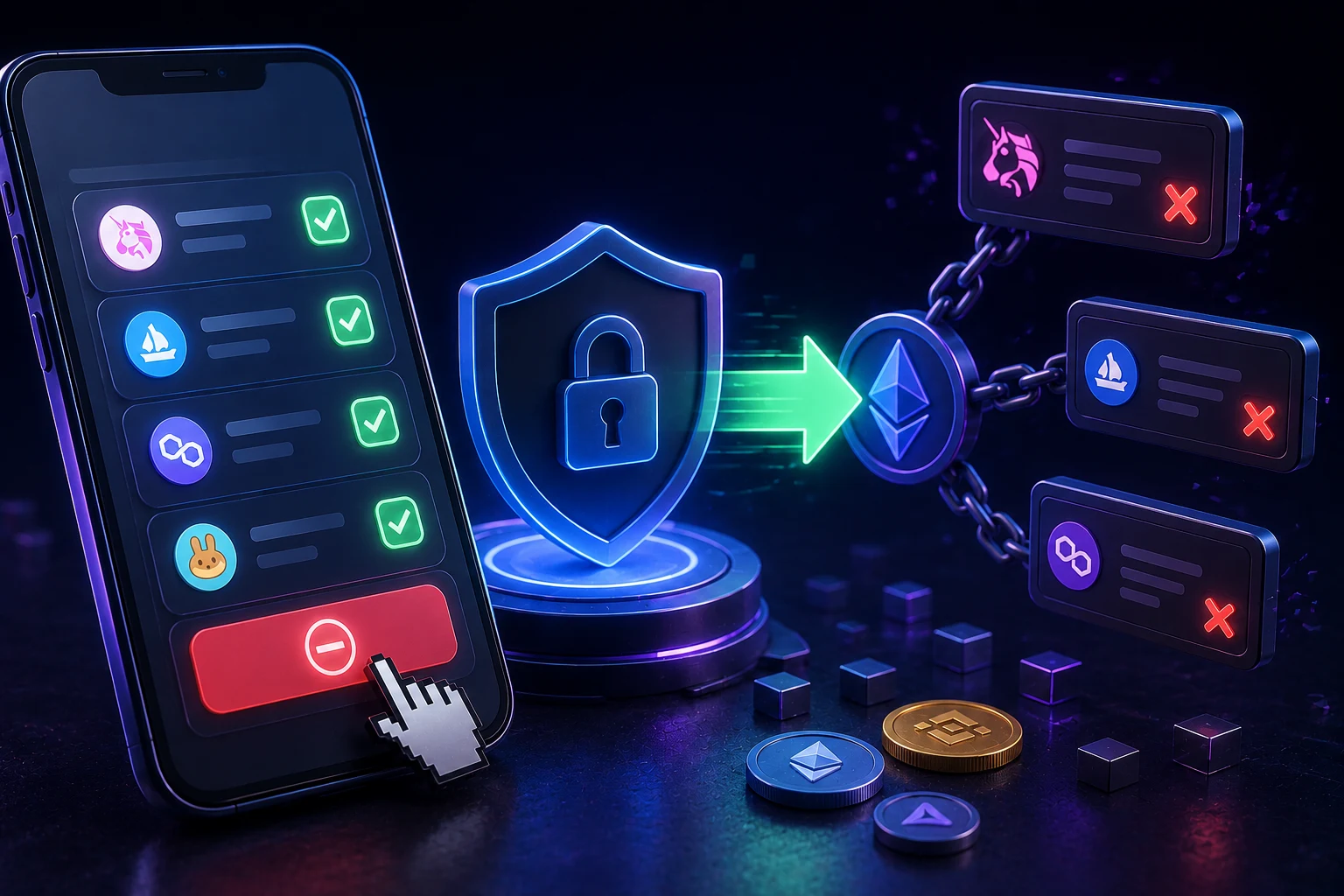
Token approvals are not the same as token holdings, and they should not share a label. An approval is a smart-contract permission you sign once that allows another contract to move a specified amount of a specified token from your wallet. It persists on-chain until you revoke it or the spender calls transferFrom up to the allowance. Most DeFi interactions silently request an unlimited approval, which means once you have interacted with a protocol, that protocol can drain the relevant token from your wallet at any point in the future.
The Revoke.cash site, plus built-in tools in Blowfish, Etherscan, and Rabby, will list every active approval tied to your address. A reasonable cadence is to review approvals monthly for active wallets, immediately for any wallet that interacted with a protocol later flagged as exploited, and at minimum quarterly for cold-storage wallets.
Label each approval in the same notation you use for the wallet itself. Examples: approval / uniswap-v3-router / USDC / unlimited / granted-2024-08-12. The trailing date matters because some protocols, including many older DeFi ones, interpret an unlimited approval as perpetual, and a long-forgotten approval on a previously trusted protocol is one of the most common vectors for drainer kits sold on crime forums.
The tooling stack, plain and simple
You do not need every tool on this list. Pick one from each row and stick with it.
Wallet software with an address book
- MetaMask ships an address book under the Contacts tab in the extension and the mobile app. It syncs between installs if you are logged into the same MetaMask profile, which means a label added on your laptop appears on your phone. Treat the sync as a convenience, not a backup, because logging out or reinstalling can drop local state depending on version.
- Rabby is built by the same team and is widely preferred for desktop use because it shows recognized counterparties inline during transaction confirmation, which is the single most useful UX for catching address-poisoning attempts.
- Phantom and Trust Wallet both have address books and are reasonable defaults for Solana and multi-chain respectively.
Block explorers for on-chain labeling
- Etherscan and its sister sites (Arbiscan, BscScan, Polygonscan, Optimistic Etherscan, Basescan, Snowtrace) are the canonical labels source for EVM chains.
- Solscan and SolanaFM cover Solana.
- Arkham Intelligence and Nansen add deeper clustering and entity attribution on top, useful for figuring out who actually controls an address.
Approval reviewers
- Revoke.cash is the most familiar front-end and remains the default.
- Blowfish, Pocket Universe, and the Rabby built-in approval tab also surface approvals and flag known-malicious spenders.
- Etherscan's Token Approvals page, found under the More menu in the address view, is the raw on-chain source of truth and worth checking against any front-end list.
Backup of record
- A password manager such as 1Password, Bitwarden, or Dashlane is the practical place to keep the canonical address book. Wallet apps are convenient but not durable; reinstalls, browser resets, and version migrations have eaten more local labels than hardware failures.
- If you want something offline, a plain text file or spreadsheet on an encrypted USB works. The format matters less than the discipline of updating it whenever the wallet app changes.
Putting it all together: a sample address book
The structure below is a starting point. Cut anything that does not match how you use crypto, and add anything that does.
Wallets you control
- cold-storage / eth / 2024-03 / a3F2 = 0xA3F2... (hardware wallet, primary long-term hold)
- trading / eth / 2025-01 / v1 = 0x71B1... (hot wallet for active trading)
- airdrops / base / 2025-02 / v1 = 0x9C44... (separate wallet for Sybil-resistant airdrop farming)
- business / arb / 2024-09 / treasury = 0x4DDE... (operates only above a threshold; receives payouts from a single client)
Counterparties you send to
- CEX / coinbase / main-spot = verified from the deposit page on the day the label was added
- CEX / kraken / funding = verified from the deposit page on the day the label was added
- DEX / uniswap-v3-router / eth = from the official docs at app.uniswap.org
- bridge / across / eth-to-arb = from the official docs at across.to
- defi / aave-v3 / eth = the Aave pool contract address, paired with the protocol's published address
- person / alex-trader = verified via ENS and a second channel; first send under $50 as a test
Unknown incoming addresses
- unknown / 2025-04-12 / dust = tiny send from an address with no explorer tags; recorded as a possible poisoning attempt and ignored
- unknown / 2025-03-30 / atm-bangkok = identified via Arkham clustering as belonging to a known ATM operator
Active approvals
- approval / uniswap-v3-router / USDC / unlimited / 2025-02-14
- approval / lido / stETH / unlimited / 2024-11-05
- approval / across-bridge / USDC / 50 / 2025-03-19 (lower allowance for a bridge, planned to expire)
How to follow address-book hygiene the smart way
Address-poisoning, approval drainers, and wrong-chain sends are not going away. The pace of new exploit kits, the cheapness of vanity-address generation, and the irreversibility of crypto transactions together mean the threat model is asymmetric: a defender has to be perfect every time, an attacker only needs one slip. Labeling is not glamorous, but it is one of the few defenses that scales without spending gas or trusting third parties. Treat the address book as a living document, review it the same week you review approvals, and back it up somewhere that outlives your wallet app. Crypto news sites flood the timeline with the latest hack, but the boring day-to-day discipline of labeling is what actually keeps funds where they belong. Zippfeed surfaces wallet-security and on-chain-labeling news with sentiment scoring, so you can spot the next wave of address-poisoning campaigns early and update your labels before the dust hits your inbox.