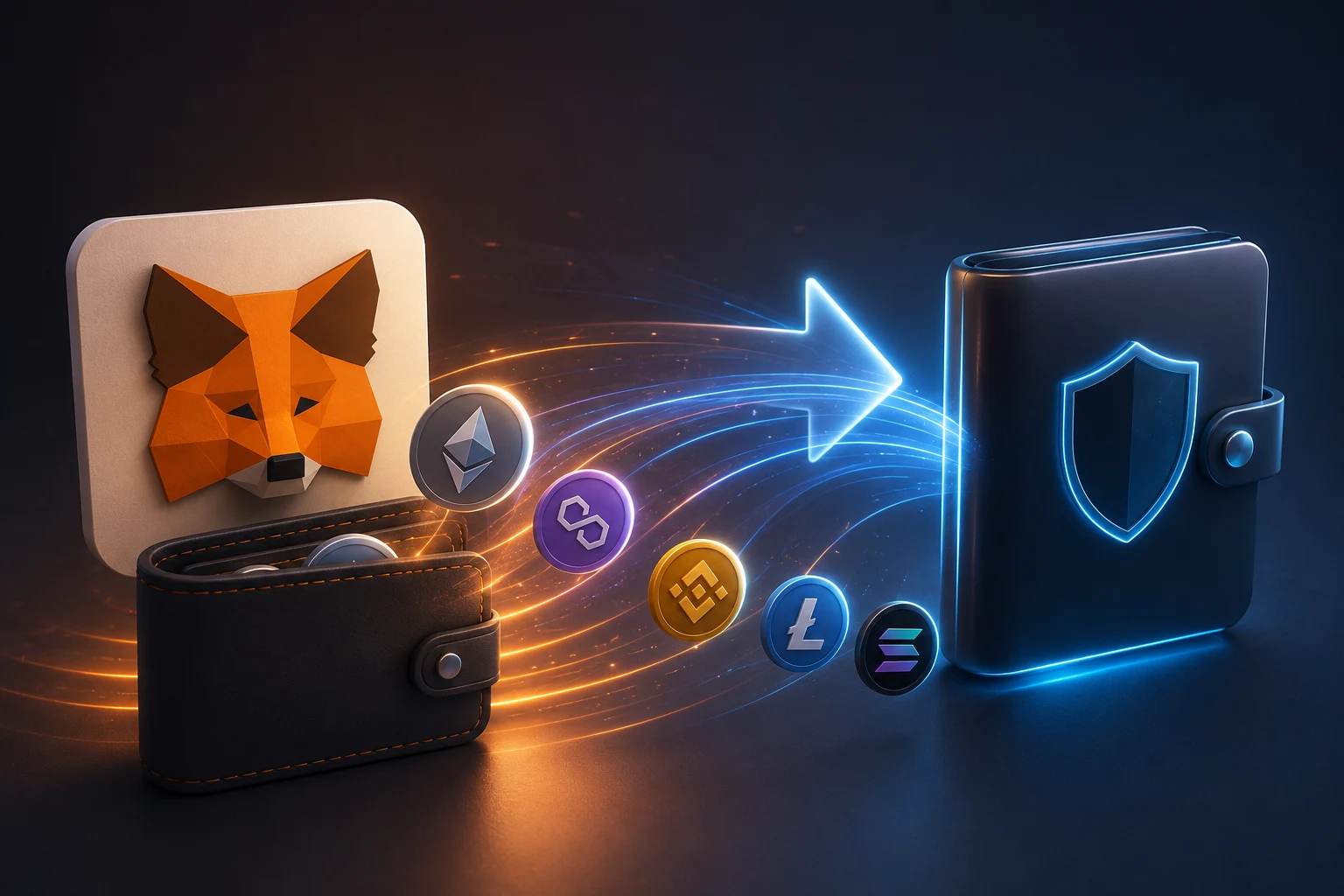
Why most MetaMask migrations end badly
Search any wallet support channel and you will find a recurring story. A user decides MetaMask is too clunky, or they want a browser extension that supports a new chain, or they want a slicker mobile app. They install the new wallet, see a friendly screen asking for their secret recovery phrase, type the twelve words from MetaMask, and confirm. From that second onward, two apps on two devices control the same money. The seed phrase now lives inside whatever antivirus posture, browser sandbox, and operating system the new device has. If that device is worse, the whole wallet is worse.
The reason people do this is intuitive and wrong. They assume a seed phrase is a password, that copying it is like copying a login. A password can be changed. A seed phrase cannot. Anyone who holds those twelve or twenty four words can sign transactions and drain every account derived from them, on every chain, forever. Treat the seed phrase less like a password and more like the title deed to your house: you would not photocopy the deed and hand it to a stranger just because they had a nicer filing cabinet.
There is also a quieter failure mode. Even if you never get phished, every additional copy of a seed phrase is one more place a future attacker can compromise. A laptop sold on eBay years later. A cloud backup of an old phone. A screenshot that synced to a photo account. These are not hypotheticals; they are the most common entry points in the wallet theft cases that get published. So the first rule of any migration is not "how do I copy my seed cleanly" but "how do I avoid copying it at all."
What can actually go wrong during a switch
Before walking through the safe path, it helps to inventory the failure modes so you can recognize them in the wild.
Seed phrase reuse risk. The dominant risk. Typing your MetaMask recovery phrase into another wallet, a web app, or a browser extension doubles the places it can leak. Clipboard malware, browser extensions with hidden permissions, and fake wallet UIs all harvest phrases typed into them.
Malicious wallet software. Clone sites that look like Rabby, Phantom, Frame, or Zerion ship fake installers that look and behave like the real thing. The first time you import your seed, your address shows up with the right balance. The next time you sign a transaction, the wallet rewrites the destination to an attacker address. The seed has already been exfiltrated at import.
Approval carryover. Token approvals are recorded on chain, keyed to your address. They are not stored in your wallet, so swapping wallets does not clear them. A contract you approved two years ago to spend unlimited USDC is still allowed to do so, even if you now sign from a new device. Migration day is the right time to clean these up.
Address poisoning. When a large, visible movement of funds hits the mempool or the chain, bots watch the from and to addresses. They send a tiny dusting transaction from an address that shares the first and last few characters with one of your real counterparties. The next time you copy an address from your history, you may copy the attacker's. This risk spikes immediately after a migration, because an on chain transfer from an old hot wallet to a new address is exactly the kind of event bots look for.
Gas and chain confusion. Users migrating to a new wallet often realize mid transfer that they have balances on chains their new wallet does not display by default. Funds on Polygon, Arbitrum, Base, or BNB Chain can sit invisible for months. A migration checklist should always include a sweep across every chain your old wallet ever touched.
ENS, name service, and contact list loss. ENS (Ethereum Name Service) names resolve to addresses regardless of which wallet you use, so your identity follows you. But local address books, saved contacts, and watch only addresses live inside the wallet app. They do not transfer automatically. Plan to rebuild them.
The hardware wallet pairing path, step by step
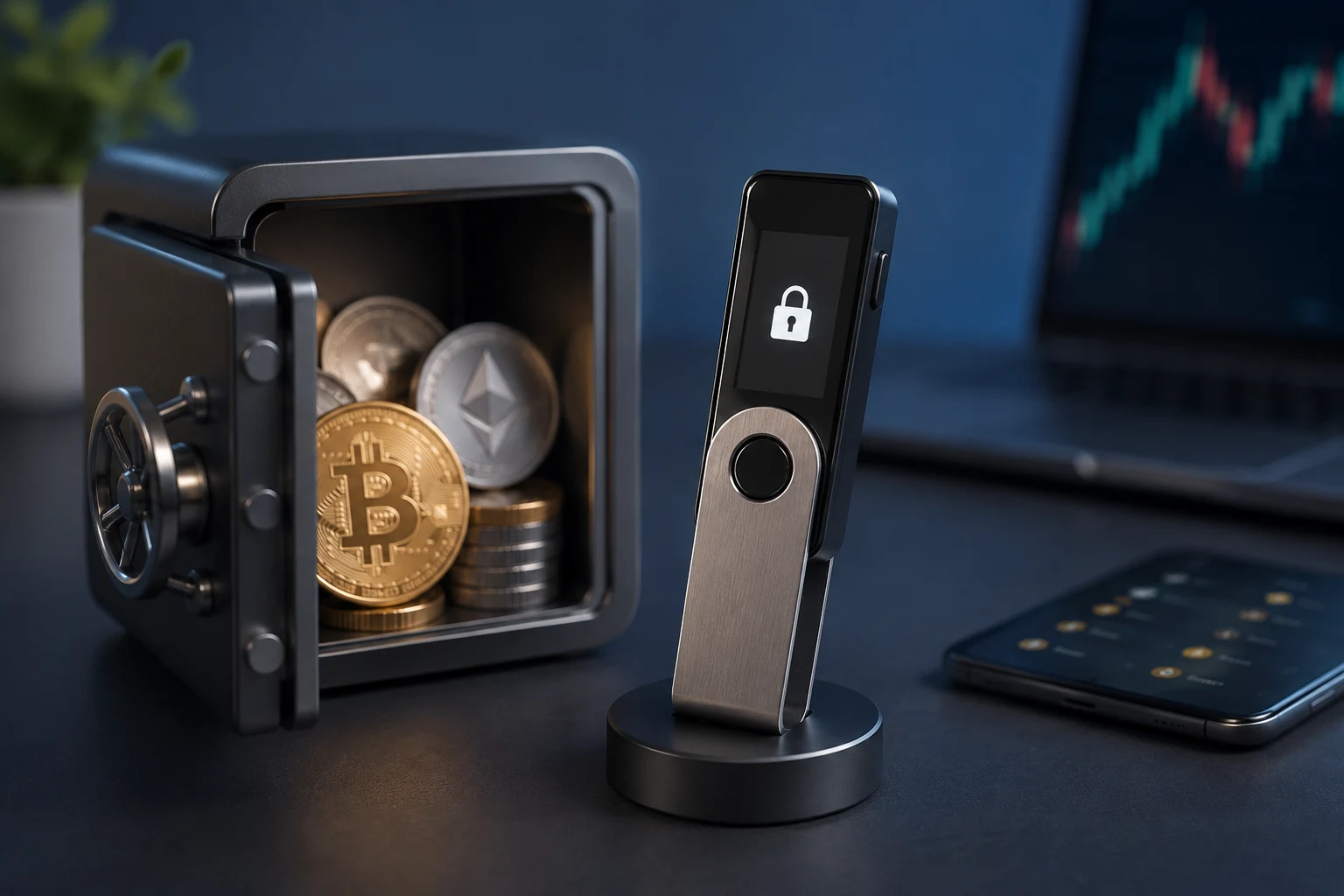
The safe migration is not really a migration at all. It is a continuation. You keep MetaMask (or whatever wallet you trust), you pair it with a hardware device, and you move the activity you care about onto that device. Your seed phrase stays sealed inside the hardware, where it was generated, and is never typed into any other software. This is the only flow that does not increase your attack surface.
Step 1. Buy a hardware wallet directly from the manufacturer. Ledger and Trezor are the established options. Buy from the official store, not a marketplace reseller. Tampered hardware wallets pre loaded with a known seed have been documented on Amazon and eBay. The box should arrive sealed, with a tamper-evident strip. If anything looks disturbed, return it. This is not paranoia, it is the documented threat model.
Step 2. Initialize the device as a new wallet. When the device powers on for the first time, it will generate a fresh seed phrase. Write it down on paper, or stamp it into metal if you intend to hold significant value. Never photograph it, never type it into a phone, never store it in a password manager that syncs to the cloud. The device itself never reveals the seed to the host computer; it signs transactions inside its own chip and returns only the signature.
Step 3. Pair the hardware wallet with MetaMask. In MetaMask, choose Connect Hardware Wallet, pick Ledger or Trezor, and follow the prompts. MetaMask will see a list of addresses derived from the hardware's seed. Pick one (the first is fine) and add it. You now have a MetaMask account whose private key lives entirely on the hardware device. From MetaMask's perspective, this is just another account, but the signing path is hardware bound.
Step 4. Move funds to the new hardware backed account. Send a small test transaction first. Then send the rest. Use the new hardware-backed address as the destination. You can keep small working balances on the original MetaMask hot wallet if you want a hot/cold split, but the bulk of your assets should now live behind the hardware device.
Step 5. Verify addresses on the hardware screen. Every receiving address should be confirmed on the device's own display, not just the computer screen. This defeats address-swapping malware that rewrites copy-paste buffers. Treat any address you cannot verify on the hardware screen as untrusted.
Step 6. Empty or cold-store the original MetaMask. Once the balance on the original MetaMask is at or near zero, you have two choices. Leave it empty, with a small amount of ETH for future gas, or move it to a second hardware wallet for true separation. Do not delete the MetaMask extension and reinstall it later from the same seed, because that re-introduces the original seed phrase into a fresh software environment, and re-exposes it.
Revoking old approvals on your old address
Switching wallets does not revoke the permissions you have granted to smart contracts over the years. If you have ever approved a DEX (decentralized exchange) router to spend your USDC, or a NFT marketplace to move your ERC-721 tokens, or a staking contract to pull from your wallet, those allowances remain valid as long as the contract has not been told otherwise. They are stored on chain, keyed to your address, and they survive every wallet change. A migration is the perfect moment to clear them, because you are already in a careful mindset.
Find every approval. Tools such as Etherscan's Token Approvals page, revoke.cash, or approved.zone will read the chain and list every contract that has an active allowance from your address. Pull the list for the original MetaMask address across every chain it has interacted with: Ethereum mainnet, Arbitrum, Optimism, Base, Polygon, BNB Chain, Avalanche. Each chain has its own set of approvals, and they do not carry over.
Decide which to keep and which to revoke. If you are still actively using a DEX, you can leave a specific token approval at a specific cap (for example, 100 USDC at Uniswap). If you used a dapp once a year ago and have not returned, revoke it. The risk of a malicious or compromised contract draining more than you authorized is real and has caused losses in the eight figures across the ecosystem.
Execute the revokes. Each revoke is a transaction that costs gas. You will need a small amount of native ETH (or the gas token of the chain you are cleaning) in the wallet you are revoking from. Expect to sign dozens of transactions on a wallet that has been active for years. Budget for it. After each revoke, you can re-approve with a tighter cap if you need to use that dapp again later.
Repeat for every chain. The same wallet can have approvals on six or seven chains. Skipping one chain means a contract on that chain still has a live allowance. After the cleanup, run the approval scan again on every chain and confirm the lists are empty or only contain dapps you actively use.
Address poisoning and what changes after a visible migration
Address poisoning is a social engineering attack that exploits the way humans read addresses. Ethereum addresses are forty hexadecimal characters, which is too long to memorize. People scan the first four and last four characters and trust the middle. Attackers generate vanity addresses that mimic the prefix and suffix of addresses their targets have recently transacted with, then send tiny dust transactions from those look-alike addresses. The hope is that the poisoned address ends up in your transaction history, where you later copy it instead of the real one.
This risk spikes immediately after a migration. When you send a meaningful amount from your old MetaMask to your new hardware-backed address, that transaction is public on chain. Bots index it within seconds. Within minutes, you may receive dust from an address that looks almost identical to either the sender or the receiver. Some attackers go further and write their malicious address into ENS or similar name services to make it look human-friendly.
Defending against this is mostly behavioral.
Never trust your transaction history as an address book. It is a list of addresses that sent you something, not a verified contact list. If you want a permanent address book, use ENS names you control, or a hardware wallet's labeled address book, where entries are stored on the device and cannot be silently swapped by malware.
Ignore dust from unknown senders. Do not interact with a dust transaction. Do not try to send it back. Do not click any contract the dust interacts with. Treat every unsolicited transfer as a potential setup.
Always re-verify addresses on the hardware screen. The defense against address poisoning is the same as the defense against clipboard malware: a trusted display that the host computer cannot rewrite. If your hardware wallet shows the address you intended, sign. If it shows anything else, refuse.
Use allowlists where supported. Some wallets and custody layers let you maintain a list of approved recipient addresses, so the wallet will refuse to sign a transaction to anything outside that list. This is the strongest defense, but it requires you to plan ahead, not improvise at transaction time.
Things you should never do, even once
Some mistakes are recoverable and some are not. The following are in the second category.
Do not type your MetaMask seed phrase into another wallet, period. This includes browser extensions, mobile apps, web-based "import" pages, and "recovery tools" advertised in search results. Every additional copy of the seed is a permanent liability. If a wallet product asks for your existing seed, that is a sign it is the wrong tool for a migration.
Do not enter your seed phrase on any website, ever. Legitimate wallets do not need you to do this. MetaMask itself only asks for the seed when restoring a wallet inside the extension, and that is the only place it is safe to do so, because the extension runs locally. Any web page that asks for a seed phrase is stealing it.
Do not store the seed in a password manager. Password managers are excellent for passwords. They sync to the cloud. They can be subpoenaed, breached, or phished. A seed phrase is not a password and should not be treated like one.
Do not send your seed to yourself by email or messaging app. Email and messaging apps store data in plaintext on servers, in backups, and on every device that has ever logged in. The phrase outlives the conversation.
Do not skip verifying the address on the hardware screen. The hardware's own display is the only part of the transaction pipeline you can fully trust. Skipping that verification is the single fastest way to lose everything to address-swap malware.
Do not approve unlimited token allowances after migration. Old habits die hard, but approving a contract to spend your entire balance of an asset is rarely necessary. Set custom caps when the dapp allows it, and revoke aggressively when you are done.
Practical checklist before, during, and after your switch
A migration goes smoothly when you treat it as a deliberate project with phases, not a single afternoon task.
Before. Make a list of every chain your MetaMask has ever touched. Make a list of every dapp you have approved. Confirm you have your recovery phrase backed up in a physical location, because the migration is a bad moment to discover your only copy is gone. Buy a hardware wallet direct from the manufacturer. Plan to do the actual moves on a day when you are not rushed.
During. Initialize the hardware as new, write down the fresh seed, never type it into any other device. Pair the hardware with MetaMask. Send a small test transaction to the new hardware-backed address. Verify the address on the hardware screen. Then send the rest. Repeat for every chain. Sweep any balances you forgot about.
After. Run the approval scanner on every chain, for both the old address and the new address. Revoke anything you no longer actively use. Ignore any unexpected dust. Re-verify every saved contact against the address book inside your hardware wallet, not the transaction history in your software wallet. Consider splitting your holdings into a long-term cold vault on a hardware wallet that rarely connects, and a small hot wallet for active trading.
If something feels off at any step, stop. Wallet migrations are reversible in the sense that funds you have not yet moved are still safe. Transactions you have signed are not reversible. Slower is safer.
Follow wallet migration risks with clear signal
Wallet migrations and the scams that orbit them move fast. New approval-draining contracts appear every week, address-poisoning botnets get more sophisticated, and fake wallet software gets harder to distinguish from the real thing. Tracking these threats manually across chains, social platforms, and security feeds is a losing game. Zippfeed surfaces crypto security and wallet headlines with sentiment scoring (bullish, neutral, or bearish) and an importance rating, so you can spot the risks that actually matter to your holdings before they reach your inbox.