What a browser-extension wallet actually is, and why setup day matters
A browser-extension wallet is a small program that lives inside Chrome, Firefox, Brave, or Edge and acts as the bridge between you and a blockchain. The extension holds your private keys, signs transactions on your behalf, and pops up a confirmation screen every time a website asks to move funds. MetaMask is the dominant example on Ethereum and EVM-compatible chains like Polygon, Arbitrum, and BNB Chain. Phantom is the equivalent on Solana, with a very similar setup flow and threat model. Both are sometimes called hot wallets because the keys sit on an internet-connected device, which is convenient for trading and using dApps, and also the reason the setup moment is so dangerous.
The reason security writers obsess over the first ten minutes of a wallet's life is that almost every catastrophic loss in crypto traces back to one of five things: a fake extension installed from a search ad, a seed phrase saved to a phone screenshot, a seed phrase typed into a phishing site that pretended to be support, an unlimited token approval granted to a malicious smart contract, or a browser infected with clipboard malware that swaps a wallet address at copy-paste time. None of those are exotic attacks. They are mundane, repetitive, and they work precisely because the victim is in a hurry. A careful setup creates habits that survive the moment when you are tired, distracted, or excited about a new token.
There is also a mental model worth installing before you click anything. Your seed phrase, the 12 or 24 English words shown during setup, is the wallet. Not the extension. Not the password. Not the device. Anyone with those words can recreate the wallet on their own device and move your funds, even if your laptop is in your bag next to you. The extension is just a window into a keychain that lives on the blockchain, and the seed phrase is the key. Treat the seed phrase accordingly and the rest of this guide is mostly a checklist.
The real risks before you install anything
Because the user's money is on the line, it is worth being explicit about the failure modes that catch beginners. These are not theoretical. They are the same five stories you will read in every post-mortem of a lost wallet.
First, fake extensions. Search engines regularly serve ads above the real MetaMask or Phantom listing, and copycat extensions with one extra letter in the name have stolen tens of millions of dollars over the years. The extension store page will look identical, including the icon, the screenshots, and the user reviews, because the attackers are patient. The only safe download is the URL you type yourself after checking the spelling, or a bookmark you saved on day one.
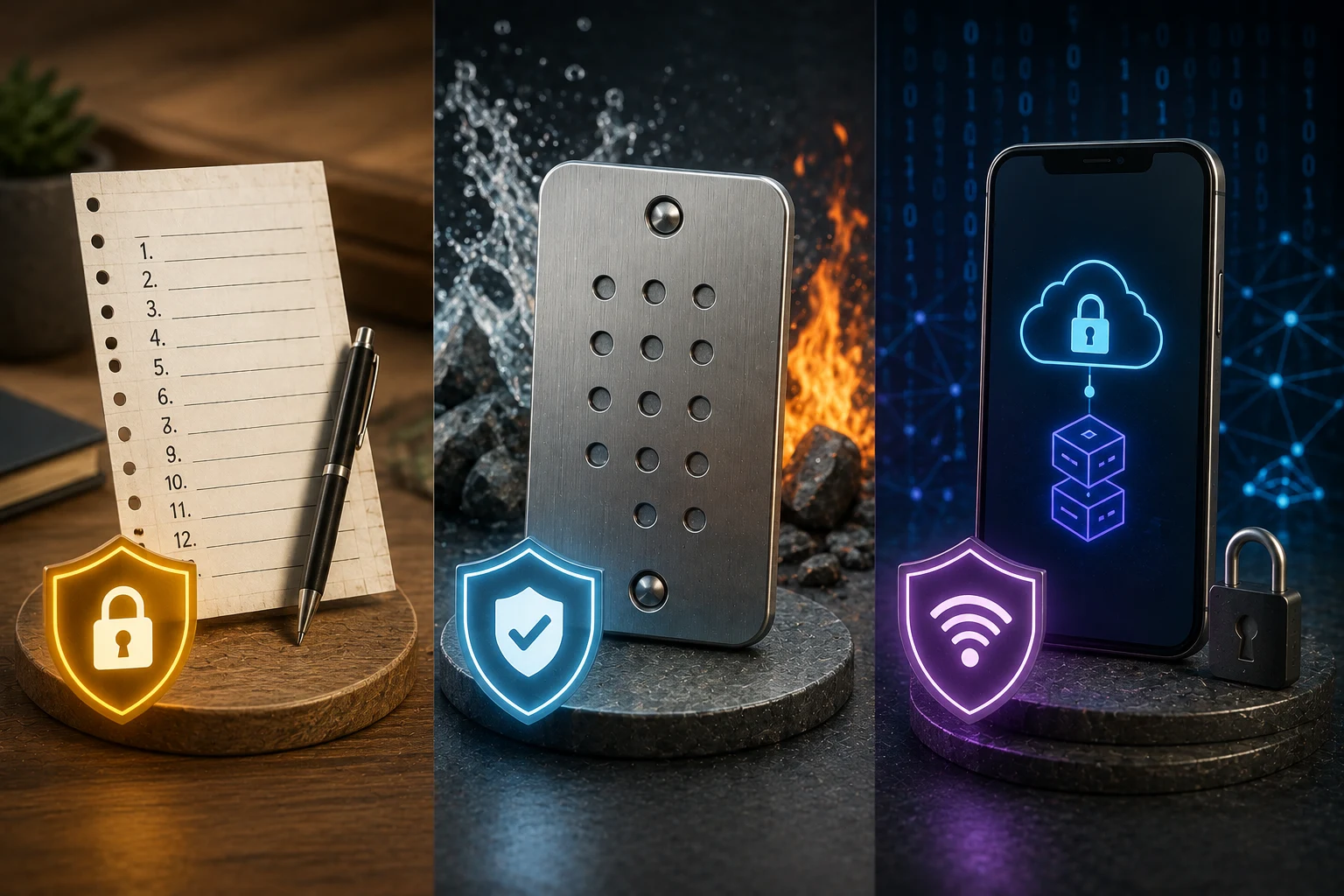
Second, seed-phrase exfiltration. The most common way to lose a wallet is to write the seed phrase into a notes app, email it to yourself, photograph it, or store it in a password manager. Every one of those creates a copy that lives on a server you do not control. Cloud-synced notes have been breached. Photos sync to the cloud. Even a password manager is a single-credential target that, if compromised, hands an attacker the master key to your crypto. The seed belongs on paper, or stamped into a metal plate designed for fire and water, and nowhere else.
Third, phishing sites that mimic wallet support. If you ever Google a wallet error and click a link that opens a live chat, you are likely talking to a scammer. The genuine wallet team will never ask for your seed phrase, will never ask you to enter it on a website to fix a sync issue, and will never reach out to you first. A wallet that asks for your seed is a wallet emptying itself.
Fourth, malicious token approvals. When a dApp asks you to swap, lend, or stake, it usually requests a token approval, which is a smart-contract permission to move a specific token from your wallet later, without asking again. Unlimited approvals, the kind that say 'set spending cap to maximum', are convenient and dangerous. If the dApp is hacked, or was malicious from day one, that allowance is the attacker's key to that token until you revoke it. Revoke.cash and similar tools exist precisely to clean these up.
Fifth, malware that rewrites wallet addresses in the clipboard the moment you copy one. The address on screen looks correct, the address that gets pasted into the transaction is the attacker's, and the funds vanish. This is why hardware wallets display the destination address on a trusted screen before signing, and why you should always read the full address in your wallet's confirmation popup, not just the first and last characters.
Step one: get the extension from the right place
Open a fresh browser tab and type the wallet's official URL yourself. For MetaMask the canonical address is metamask.io, and for Phantom it is phantom.app. From the homepage, look for a clearly labelled download button that links to the Chrome Web Store, Firefox Add-ons, or the Edge Add-ons site. You are not done yet: once you land in the store, check the developer name, the number of installs, the publish date, and the recent reviews. A genuine wallet extension will have millions of installs, a long history, and a developer name that matches the project's official domain. If the store listing says 'by Some Random LLC' or has 200 installs, close the tab.
Never install a wallet from a search ad, a YouTube comment, a Telegram group, a tweet from an account you do not follow, or a link in a Discord DM. The single most important habit in this entire guide is the boring one: bookmark the official site on day one, and only ever use the bookmark. Search engines are an attack surface, and the wallet's own homepage is not.
During installation the browser will warn you about the permissions the extension is requesting. A wallet extension legitimately needs to read and change data on the websites you visit, because that is how it injects its confirmation popup and reads the chain. That broad permission is normal. What is not normal is a wallet extension that asks for permissions unrelated to its function, or that was installed without you clicking an explicit install button. If anything feels off, uninstall it and start over from the official URL.
Step two: create a new wallet and capture the seed phrase offline
Open the freshly installed extension and choose 'Create a new wallet'. The wallet will generate a 12 or 24-word seed phrase using a cryptographically secure random number generator. This is the moment that matters. You will be shown the words one at a time. The correct response is to write them, in order, on a piece of paper, with a pen. Do not type them. Do not photograph them. Do not speak them near a microphone. The act of writing them is the security feature, because pen on paper never connects to the internet.
If you expect to hold more than a few hundred dollars' worth of crypto in this wallet, the paper step is worth upgrading. A metal seed-phrase plate, sold by several reputable vendors, survives a house fire and a flood. The cost is low and the failure mode it prevents is total. Either way, the seed phrase gets stored somewhere physically safe, ideally in a different physical location from the laptop you will use the wallet on, because backups that co-locate with the device they back up are not really backups.
The extension will ask you to confirm the seed phrase by re-entering the words in order. This is a check that you wrote them down correctly. Do not skip it, and do not click through it by re-typing from a screenshot you secretly took. The whole point of the exercise is that the only copy of the seed exists on a piece of paper in your drawer. After confirmation, set a strong wallet password. This password locks the extension on your specific device, so a casual browser visitor cannot open it. It is not the same thing as the seed phrase. The password can be reset on a new device using the seed, but the seed cannot be reset by anyone, ever.
One extra habit that pays off later: enable the in-wallet phishing blocklist, if your wallet offers one. MetaMask maintains a list of known malicious domains and warns you before you connect. Phantom does the same on Solana. Leave this feature on. It is one of the few security features that costs you nothing and blocks whole categories of attack.
Step three: fund the wallet without becoming a target
The first time real money enters a wallet, it is also the first time the wallet becomes interesting to an attacker. A few small habits keep the target small. Start by funding from a centralized exchange you already use, sending a test transaction first. A test transaction is a small amount, often a few dollars' worth of ETH or SOL, sent to the new wallet's receive address. You confirm it arrived, you send the rest. This sounds slow. It is the difference between a $50 mistake and a $5,000 mistake when an address was mistyped.
Always copy the receive address from inside the extension, and always read the full address in the extension's send confirmation screen before you sign. The address will be long. Read it. If you have a hardware wallet later, read it on the hardware screen as a second check. If the address on the exchange side does not match the address in the extension exactly, abort and figure out why. Malware that rewrites clipboard addresses is a real category of attack, and the only defence is the boring one of reading.
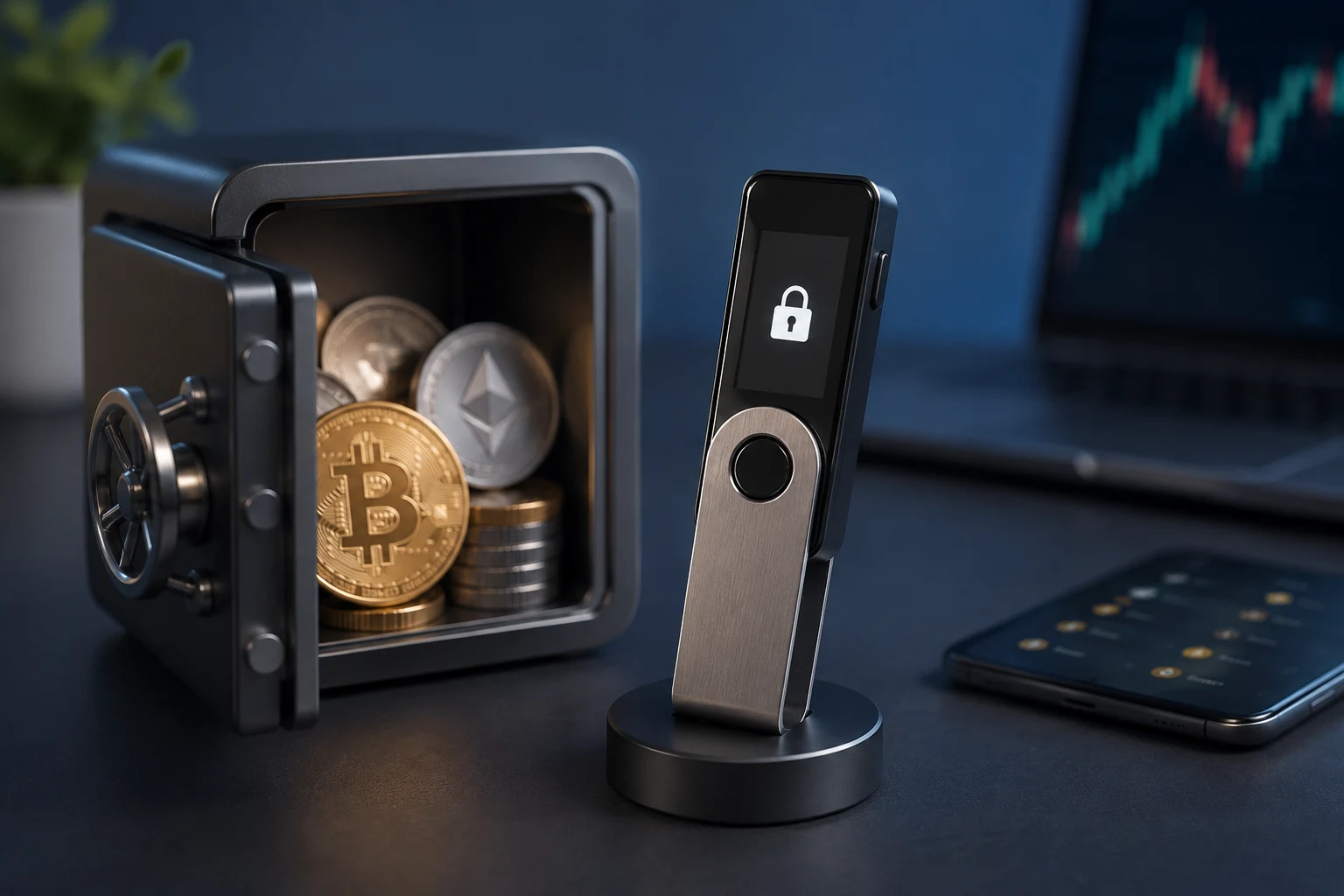
Decide, before you fund the wallet, what role this wallet is going to play. If the answer is 'daily use, dApps, small trades', the browser-extension wallet is the right tool, and you should keep the balance small enough that the loss would be annoying rather than life-changing. If the answer is 'this is where my long-term savings live', the right tool is a hardware wallet, and the browser extension is a thin window onto it. Hardware wallets like Ledger and Trezor keep the private keys on a device that never touches the internet, and the extension only ever sees signed transactions. A long-term store of value should not live in a hot wallet, full stop. The browser extension is for spending; the hardware wallet is for saving.
Step four: connect to dApps, and clean up after yourself
When you visit a decentralized application, the site will ask your wallet to 'connect'. A confirmation popup will list the account the dApp wants to see and the chain it wants to talk to. Read this. If a simple swap site asks to see every account in your wallet, including accounts you have not funded, that is a yellow flag. If a site asks you to sign a message you do not understand, that is a red flag. Signatures are how wallets get drained without a transaction ever being sent; the attacker uses the signature off-site to authorize a malicious action. When in doubt, disconnect, and use a small, dedicated account for dApps rather than your main account.
Best practice is to keep at least two accounts inside MetaMask or Phantom. The first, your 'vault' account, holds long-term funds and never connects to any dApp. The second, your 'spending' account, is the one that talks to Uniswap, OpenSea, Aave, and friends. The extension can flip between them with one click. If a dApp ever asks for an allowance you regret, or signs you up to something fishy, the loss is bounded to the spending account's balance.
After you have used a dApp, the cleanup is to revoke token approvals you no longer need. Tools like revoke.cash read the chain and list every active allowance. Revoking an approval is a small transaction that costs a few cents in gas, and it removes the dApp's permission to move tokens out of your wallet. A simple rule of thumb: if you have not used a dApp in 30 days, revoke its approvals. Unlimited allowances are convenient and dangerous, and they are the way a compromised protocol empties wallets long after you have stopped visiting the site.
A one-page setup checklist
Use this as a literal checklist the first time, and as a review list every few months.
- Download source: Bookmark metamask.io or phantom.app, and only ever install from those bookmarks. Never from a search ad, never from a Telegram link, never from a tweet.
- Store verification: In the browser's extension store, confirm the developer name, the install count, and the publish history match the official project before you click install.
- Seed phrase capture: Write the 12 or 24 words on paper with a pen, in order, offline. No screenshots, no notes apps, no cloud sync, no password manager, no email to yourself.
- Seed phrase storage: Keep the paper (or a metal plate) in a physically secure location, ideally separate from the device you will use the wallet on.
- Password: Set a strong, unique password for the extension itself, different from every other password you use.
- Phishing protection: Enable the in-wallet blocklist for known malicious domains, and never enter your seed phrase on a website, no matter who asks.
- First funding: Send a small test transaction from a major exchange first, and read the full destination address in the extension's confirmation popup before signing.
- Account split: Use one account for dApps and small balances, and keep a separate account (or a hardware wallet) for long-term holdings.
- Approvals: Revoke token approvals after using unfamiliar dApps, and on a recurring basis for the whole wallet.
- Address verification: Always read the full destination address inside the wallet before signing any send, and double-check on a hardware screen if you have one.
How to stay ahead of wallet and dApp risk
Crypto moves fast, and the attacks around wallets move faster than the marketing. A new phishing kit, a copycat extension, a malicious approval, any of these can land the same week a big token launch pulls fresh users into the space. Tracking wallet news, dApp exploits, and approval risks manually is a losing game, because the warning signs are scattered across Twitter threads, GitHub issues, post-mortems, and Telegram channels you will never join in time. Zippfeed surfaces crypto headlines with sentiment scoring, bullish, neutral, or bearish, and an importance rating, so you can see the wallet and dApp stories that actually matter, the moment they break, instead of after the funds are gone.