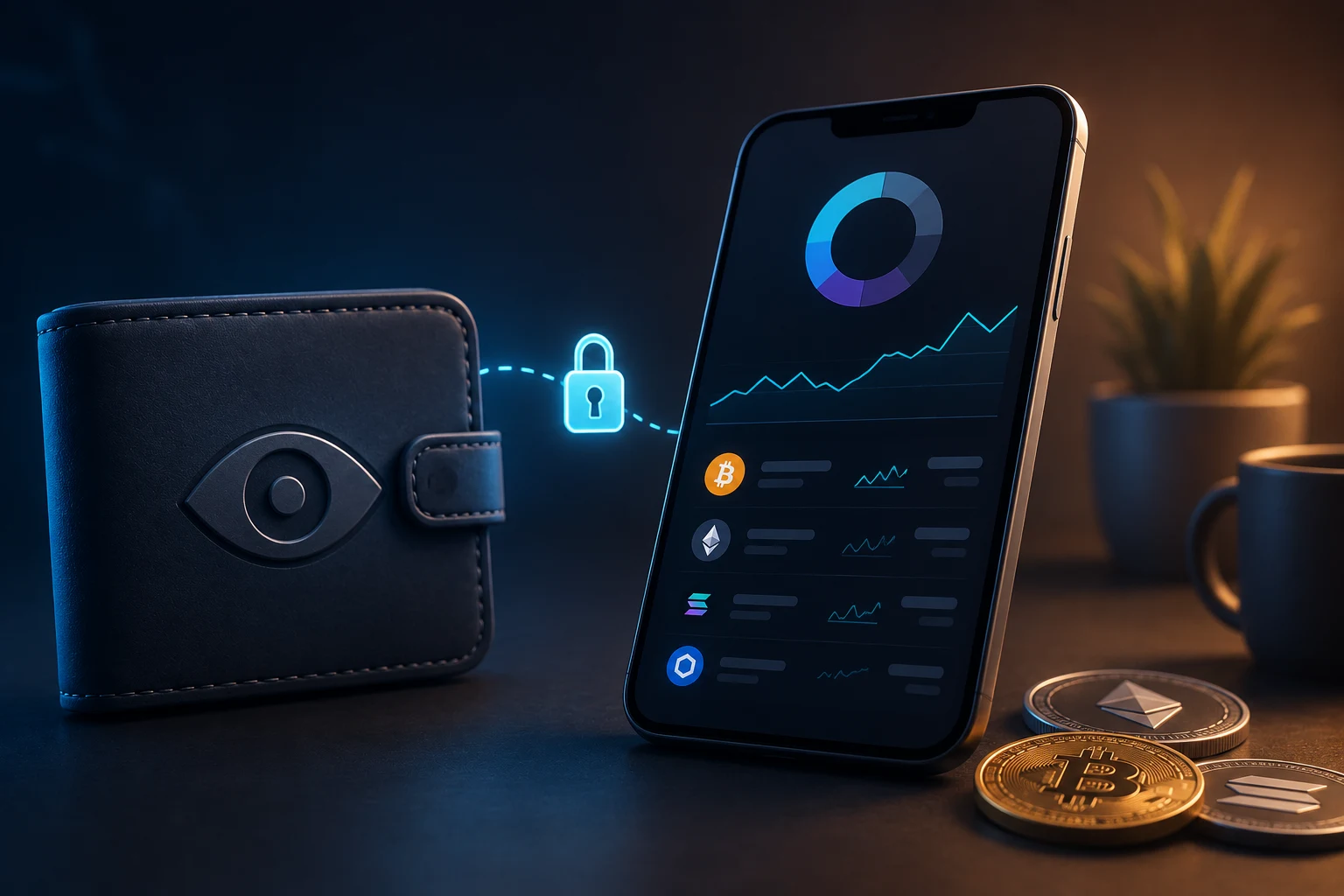
What a watch-only wallet actually is
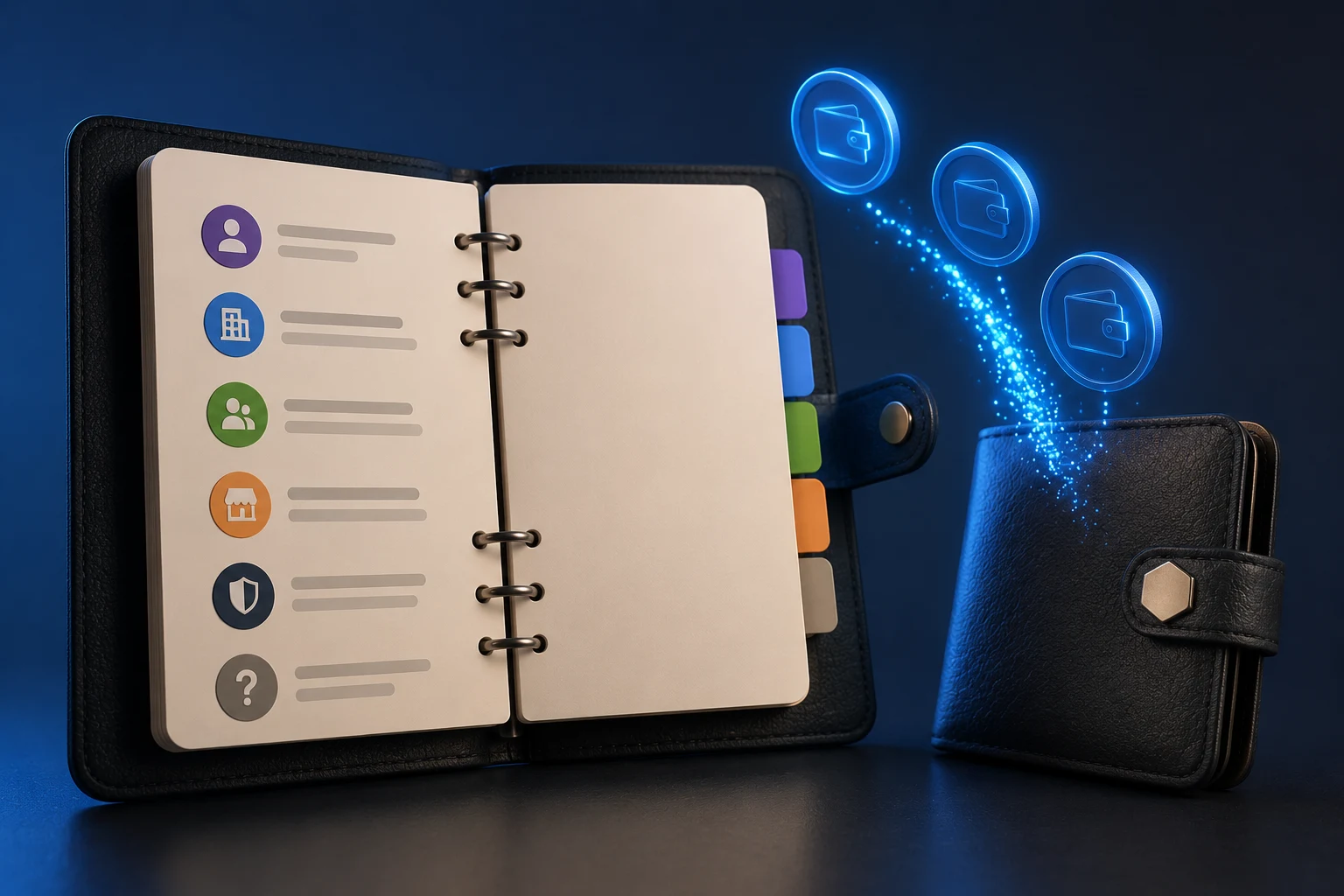
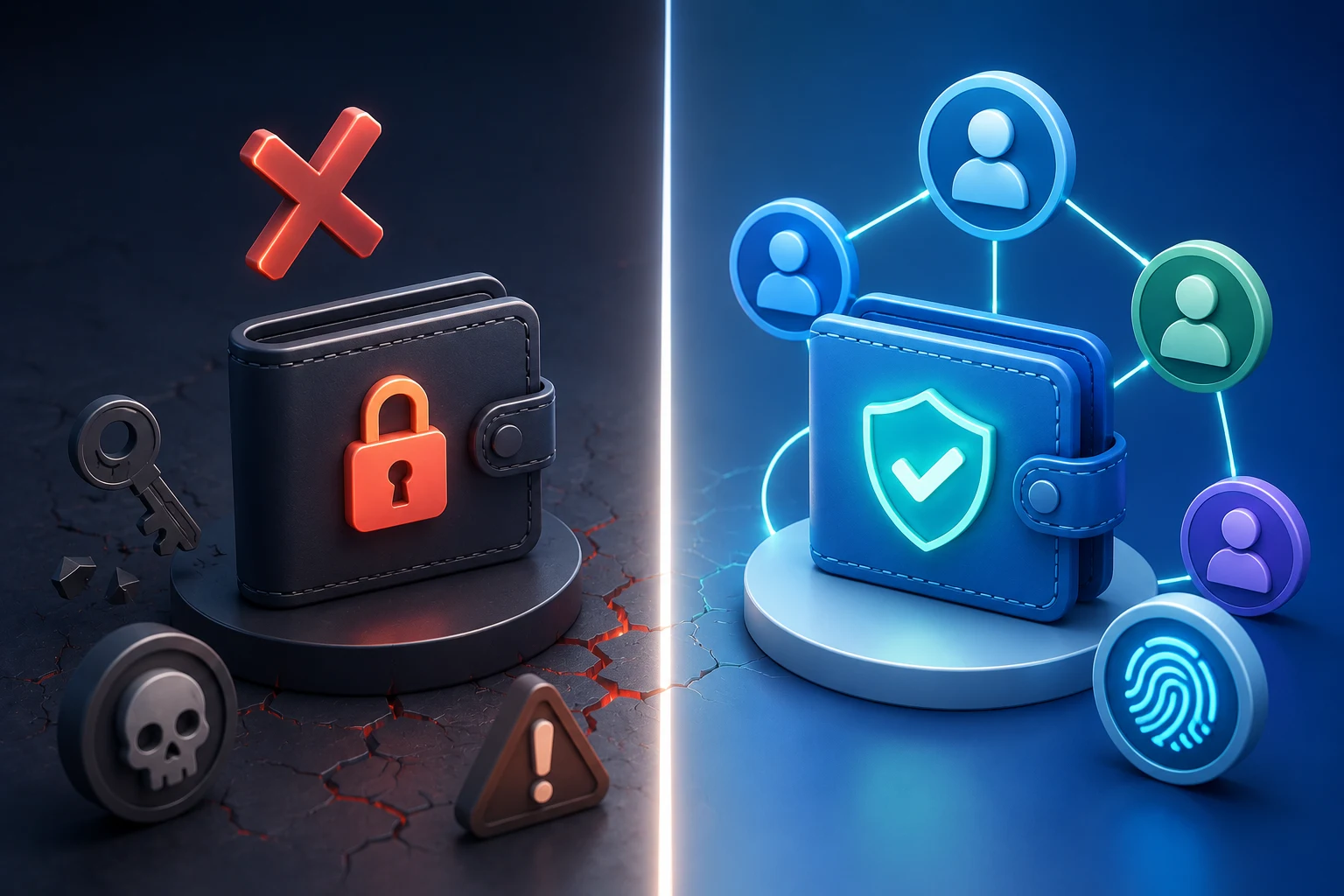
A watch-only wallet is a software wallet configured so it can read a crypto address or set of addresses but cannot sign transactions for them. You load it with public information only, so even if the device running it is infected with malware, the attacker has nothing to steal in the strict sense, because the data on the device cannot authorize a spend.
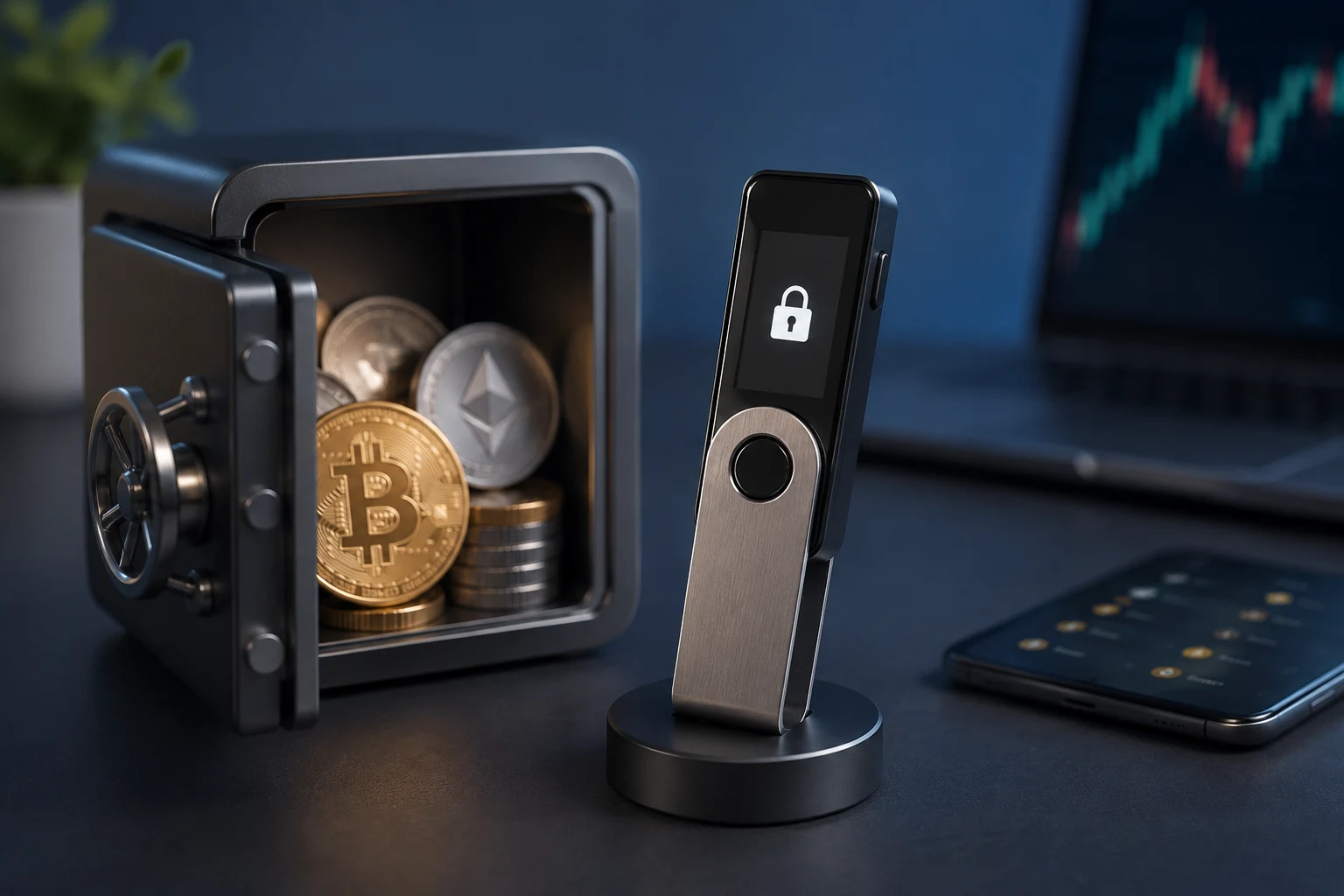
The reason this exists is simple: most users do not want to plug a hardware wallet into a malware-prone laptop every time they want to check a balance. A watch-only setup splits the workflow in two. The signing key stays on a hardware device or paper backup in a safe. A second, lighter interface, often a desktop wallet or a mobile app, mirrors balances and transaction history by importing only the public half of the wallet.
That split is the whole idea. If you understand the difference between a public key and a private key, you already understand the principle. The watch-only side sees everything the blockchain sees. The signing side stays in a drawer. There is no overlap.
How a watch-only wallet works under the hood
The mechanics depend on which blockchain you use, because Bitcoin-style UTXO chains and Ethereum-style account chains expose public data a little differently. The core idea, though, is the same: import something public, derive every future address, and let the software fetch balances and transactions from a node or block explorer.
xpub and address-level watching
On Bitcoin and most UTXO chains, every wallet is built from a single seed, typically 12 or 24 words, that deterministically generates an almost unlimited tree of key pairs. The top of that tree is an extended private key, sometimes called xprv, and from it you can derive an extended public key, called xpub or ypub or zpub depending on the derivation flavor.
The xpub is the magic ingredient. Give an xpub to a watch-only wallet, and the wallet can compute every address your cold wallet will ever generate, both past and future, without ever knowing the private keys behind them. That is why xpub-level watching is more powerful than pasting in a single address. A single address tells the watcher about one address. An xpub tells the watcher about every address in that wallet's tree, including change addresses that have not been used yet.
Address-level watching is the simpler form. You paste one address into a watch-only wallet, and the software polls a block explorer for that address's balance and history. It works fine for a donation address or a single treasury receiving address. It falls down when the cold wallet rotates to a new change address, because the watch-only side does not know that address exists.
UTXO vs account-model differences
Bitcoin and its forks use a UTXO model, where every spend consumes old transaction outputs and creates new ones. Your balance is the sum of all unspent outputs your keys control. The xpub tree fans out into many addresses, and each address can hold many UTXOs, which is why xpub-level watching is so much richer than address-level watching on UTXO chains.
Ethereum and most EVM chains use an account model, where each account has one address and one live balance that updates with every transaction. There is no equivalent of a Bitcoin change address in the same sense. For watch-only purposes on Ethereum, you usually either watch a single address or you watch a contract or a multisig wallet, and the wallet software queries the node for the live balance rather than summing UTXOs.
Practical consequence: on UTXO chains, the xpub is genuinely useful for full coverage. On account chains, watching one address is often enough, and the more interesting question is what contract or vault sits behind that address.
How block explorers achieve the same thing
A block explorer like a public chain browser is essentially a watch-only interface for any address, with no setup at all. You paste an address, and you see its balance, transaction history, and token holdings. For a one-off check, that is all you need.
The limitations show up when you want to watch dozens of addresses at once, label them, group them by purpose, or watch chains that the popular explorers do not index well. A watch-only wallet stitches those views together and refreshes them automatically, which is why serious treasury teams do not just bookmark an explorer tab.
Real risks of using a watch-only wallet
A watch-only wallet is safer than a hot wallet, but it is not magic. The risks are different from the risks of holding a private key on a connected device, and they are easy to underestimate because the setup feels safe.
Spoofed balance dashboards
The single biggest watch-only risk is a fake balance. If the software pulls data from a malicious or compromised server, or if you are tricked into reading a spoofed web page that mimics your wallet, the number on screen may not match reality. Signing transactions is impossible without the key, so a spoofed read does not let an attacker steal funds, but it can trick you into acting on false information, for example signing a recovery transaction on the real device because the watch-only screen told you to.
Defending against this is mostly about source. Use wallet software from a reputable open-source project. Where possible, point it at your own node or a trusted explorer endpoint rather than an unauthenticated API. Treat any balance that cannot be independently verified on a second device as advisory, not as truth.
Clipboard malware during address reuse
Watch-only wallets are commonly used to copy receiving addresses back into the signing device or into a payment file. Clipboard malware watches for strings that look like crypto addresses and swaps them for an attacker-controlled address at the last moment. The watch-only side by itself is not vulnerable, but the workflow around it absolutely is.
The mitigation is the standard one: verify every receiving address on the hardware wallet's trusted screen before signing, character by character. Some teams go further and use address-book whitelists on the signing device, so a swapped clipboard address simply does not match.
Limits you should not forget
A watch-only wallet cannot sign. If the cold-storage device is lost, damaged, or locked behind a passphrase you cannot remember, the watch-only interface cannot help you recover funds. Treat the watch-only setup as a monitor, not as a backup. The actual recovery path lives in your seed phrase backup and any metal plates or multisig configurations that hold those words.
Who actually uses watch-only wallets
The use cases are narrower than the marketing suggests, but for the people they fit, they are genuinely useful.
Treasury teams and DAOs
A DAO or a corporate treasury usually wants to keep the signing keys in cold storage under multisig control, while letting a much larger group of people monitor balances, see incoming transactions, and reconcile the books. A watch-only wallet imported from the multisig's xpub or from each signer address gives the finance team live visibility without giving them the ability to move funds. That separation is a feature, not a limitation.
Some DAOs go further and publish the treasury's xpub publicly so anyone can audit the wallet's full address tree on a block explorer without trusting a single dashboard. The signing keys, distributed across signers in different cities, remain the only path to spending.
Traders and analysts
Traders often want to follow a known whale wallet or a known exchange cold-storage address to gauge inflows and outflows. A watch-only wallet imports the address and labels it, and the trader checks the wallet before and after major market events. There is no private key to lose and no risk of accidentally signing a transaction to the watched address.
The catch is that inflow and outflow patterns can be misleading. An exchange moving funds between its own hot and cold wallets is not a buy or sell signal, and a whale splitting funds into many outputs is often just operational housekeeping. Watch-only data is a starting point, not a conclusion.
Personal users and paranoid holders
Many long-term holders simply want a way to glance at a balance on their phone without dragging out a hardware wallet. A watch-only mobile wallet imported from the cold wallet's xpub gives them a quick check, and the hardware wallet stays in the safe. The convenience is real, and so is the residual risk from the phone's clipboard and screen being compromised.
A short builder's example with Sparrow or Electrum
Setting up a watch-only wallet in Sparrow or Electrum on desktop takes a few minutes and is a good way to internalize the concept. The general flow is the same in both, and the details mostly differ in where the menus live.
Step one is on the cold side. On the device that already holds the seed, open the wallet, find the export or wallet information section, and export the xpub. Some hardware wallets expose this directly. Some software wallets let you view the xpub while the seed stays encrypted at rest. Either way, write it down or copy it to a file on a clean USB stick.
Step two is on the watch side. Install Sparrow or Electrum on a separate machine, choose to create a new wallet, and select the watch-only option. Paste the xpub when prompted, or scan the wallet's QR code if your hardware wallet supports it. The software will derive the full tree of addresses and start syncing.
Step three is to label and verify. Pick a receive address the cold wallet has already used, generate a fresh receive address on the cold device, and confirm the watch-only wallet predicts that same address. If it does, the xpub was imported correctly and the derivation path matches. From this point on, the watch-only wallet will keep up with every future address the cold wallet uses, all without ever seeing the seed.
Step four is operational. Set the watch-only machine to pull data from your own node if you run one, or from a trusted explorer endpoint if you do not. Decide who in your team gets the watch-only file and who does not. And remember that if the cold device is ever lost, the watch-only wallet is useless for recovery, so the seed backup still has to exist somewhere safe.
Practical implications for the reader
If you are deciding whether a watch-only wallet fits your workflow, the honest answer is that it fits a narrow but important use case. You have funds you intend to hold. You want a clean separation between the device that can spend and the device you actually use day to day. You want labels, history, and a live balance without that balance sitting one phishing popup away from being signed away.
If that sounds like you, set up a watch-only wallet as a complement to your hardware wallet, not a replacement for it. Verify the xpub derivation matches before you trust the balance. Keep your seed phrase backup independent of the watch-only machine. And treat any balance displayed on a connected device as advisory until it has been cross-checked on the signing device itself.
If you are a treasury team or a DAO, consider publishing the xpub so anyone can verify the address tree independently. That single step removes a lot of the trust assumptions around your dashboards, and it costs nothing.
If you are a trader using watch-only data as a signal, remember that inflow and outflow data is a hint, not a thesis. Combine it with funding rates, open interest, and on-chain context rather than treating it as a standalone trade trigger.
How to follow watch-only wallet developments the smart way
Watch-only wallet tools evolve quietly as chains add new address formats and derivation paths, and the gap between a hobbyist setup and a production treasury setup keeps widening. Tracking which wallets support the latest xpub flavors, which explorers expose reliable historical data, and which malware campaigns currently target clipboard workflows is a lot to handle manually. Zippfeed surfaces crypto headlines with sentiment scoring (bullish, neutral, or bearish) and an importance rating, so you can spot the changes that actually affect how you monitor funds and ignore the noise.