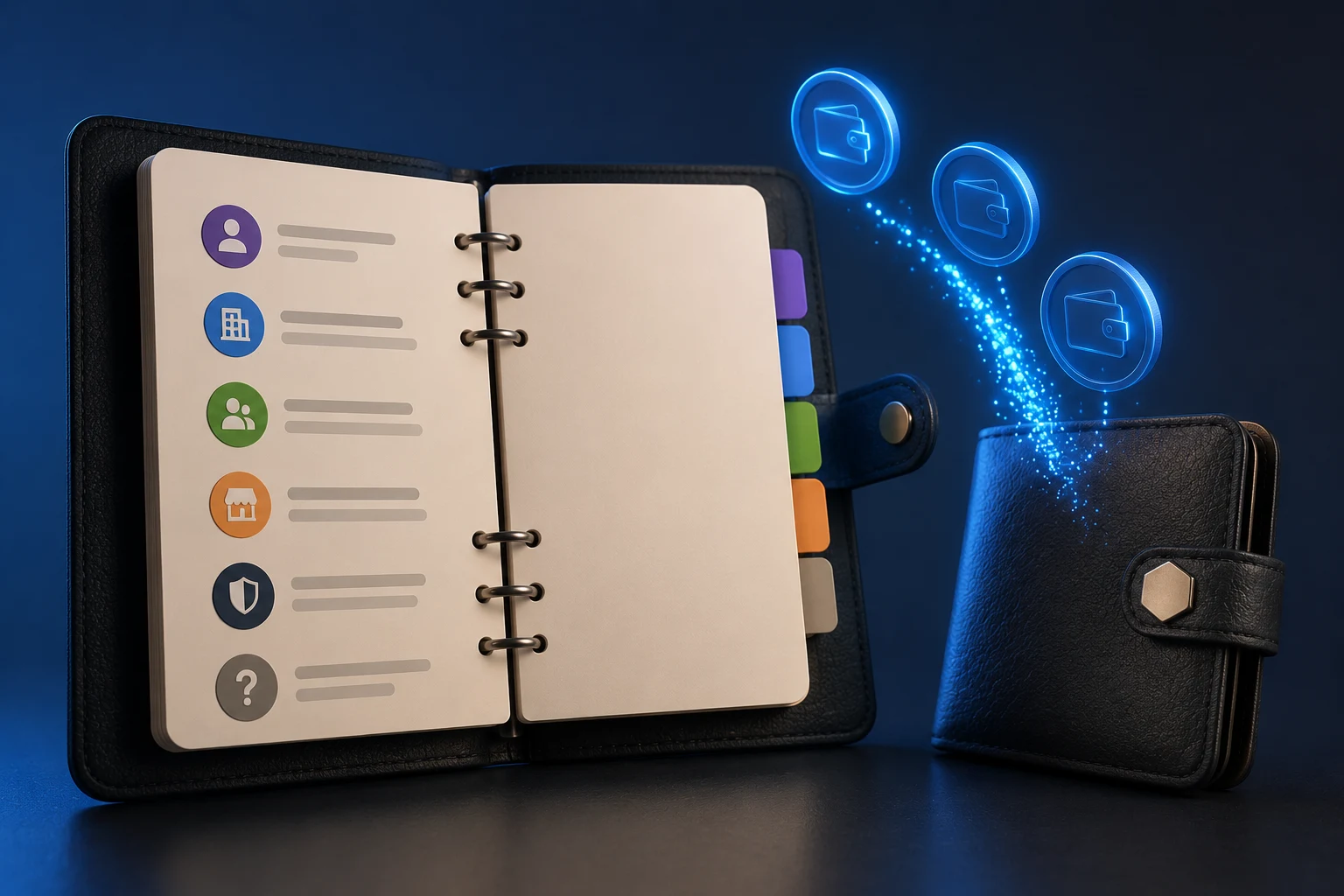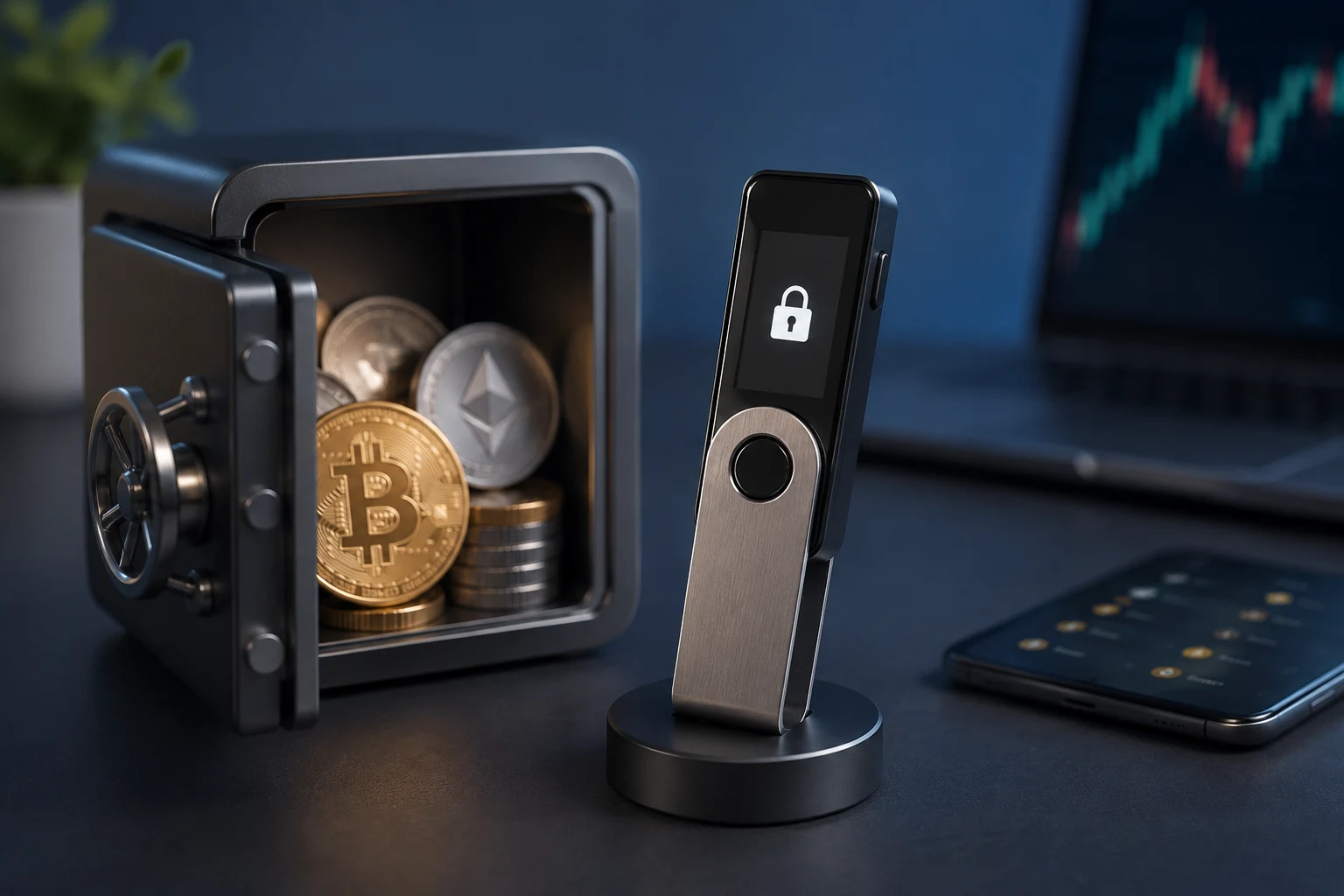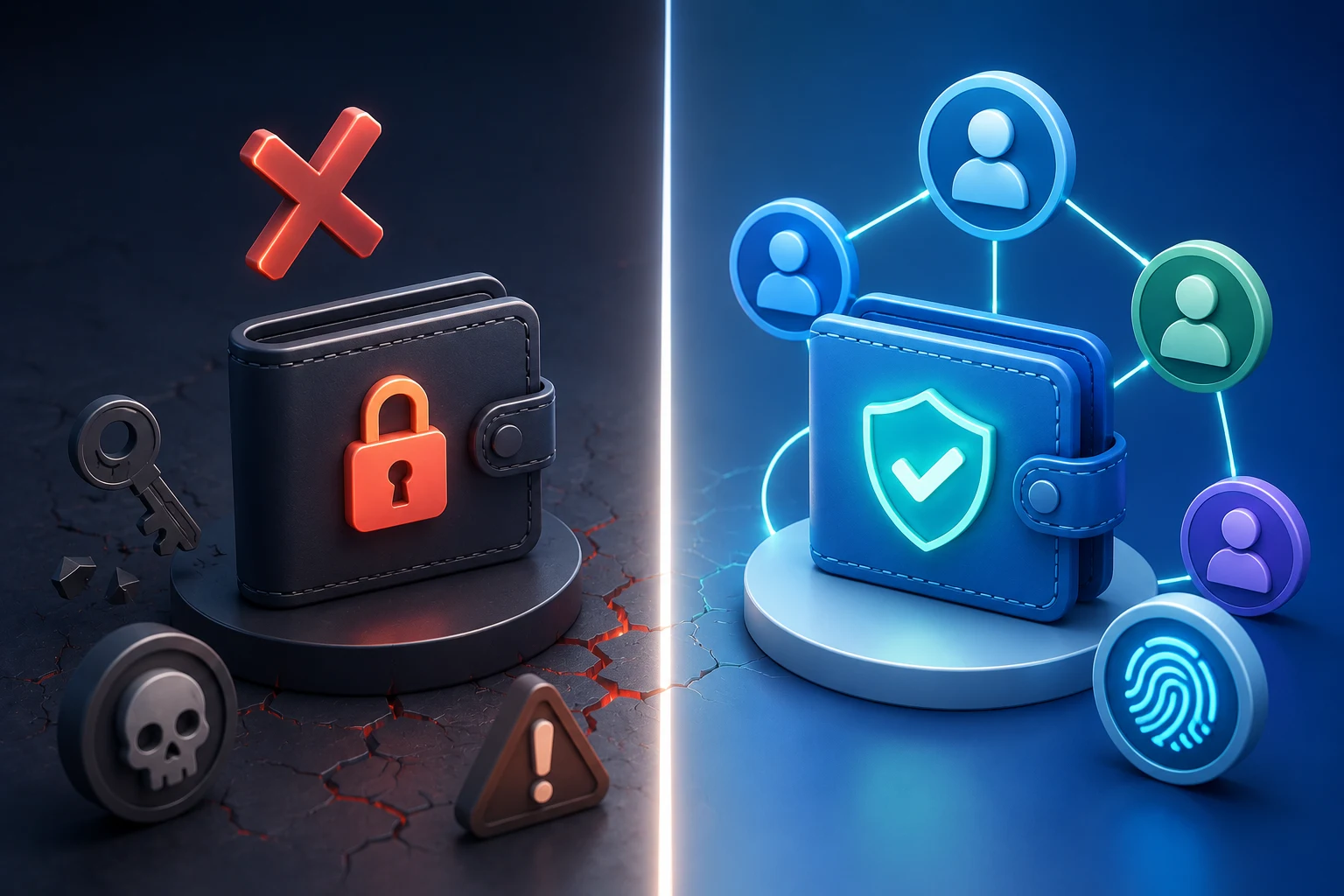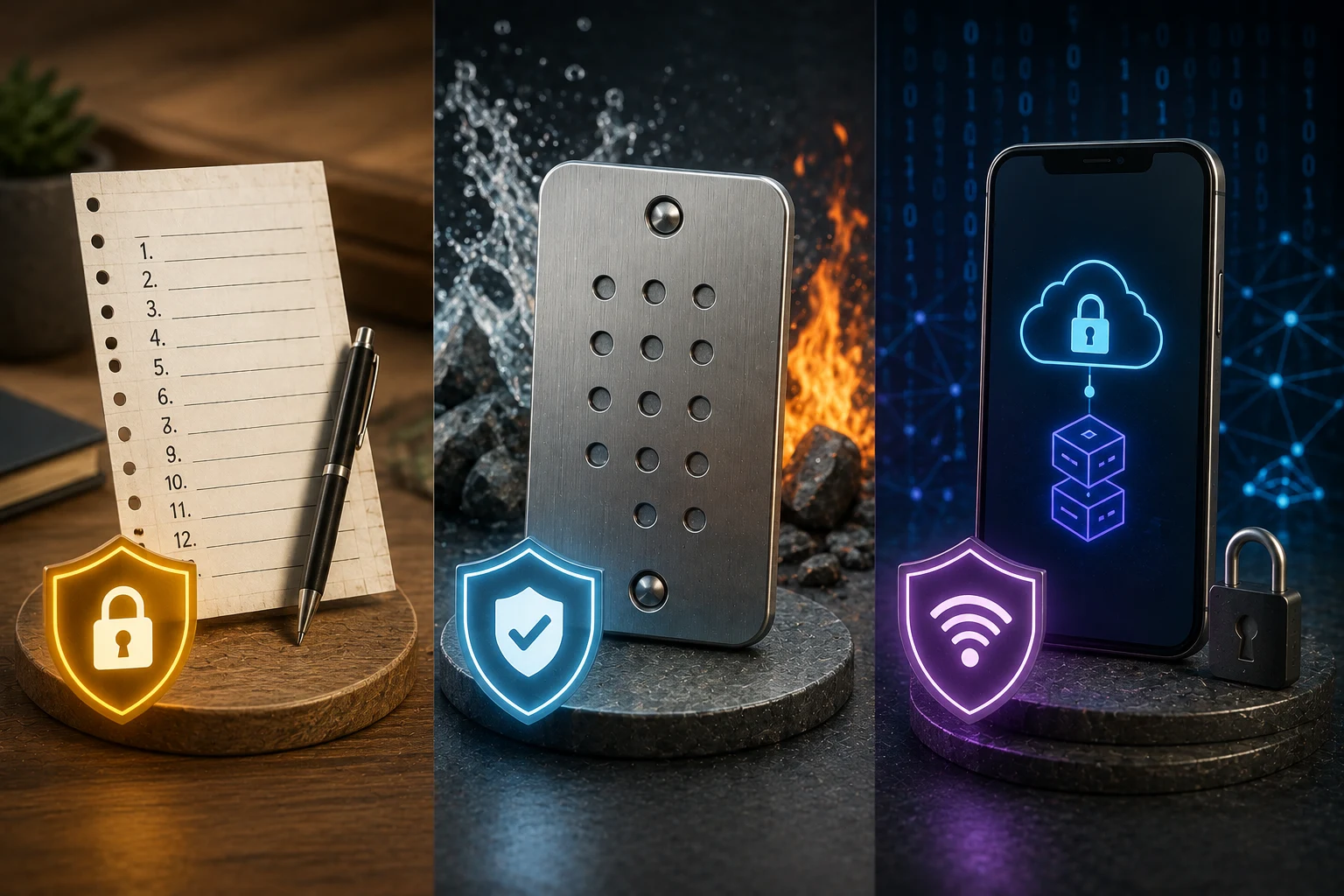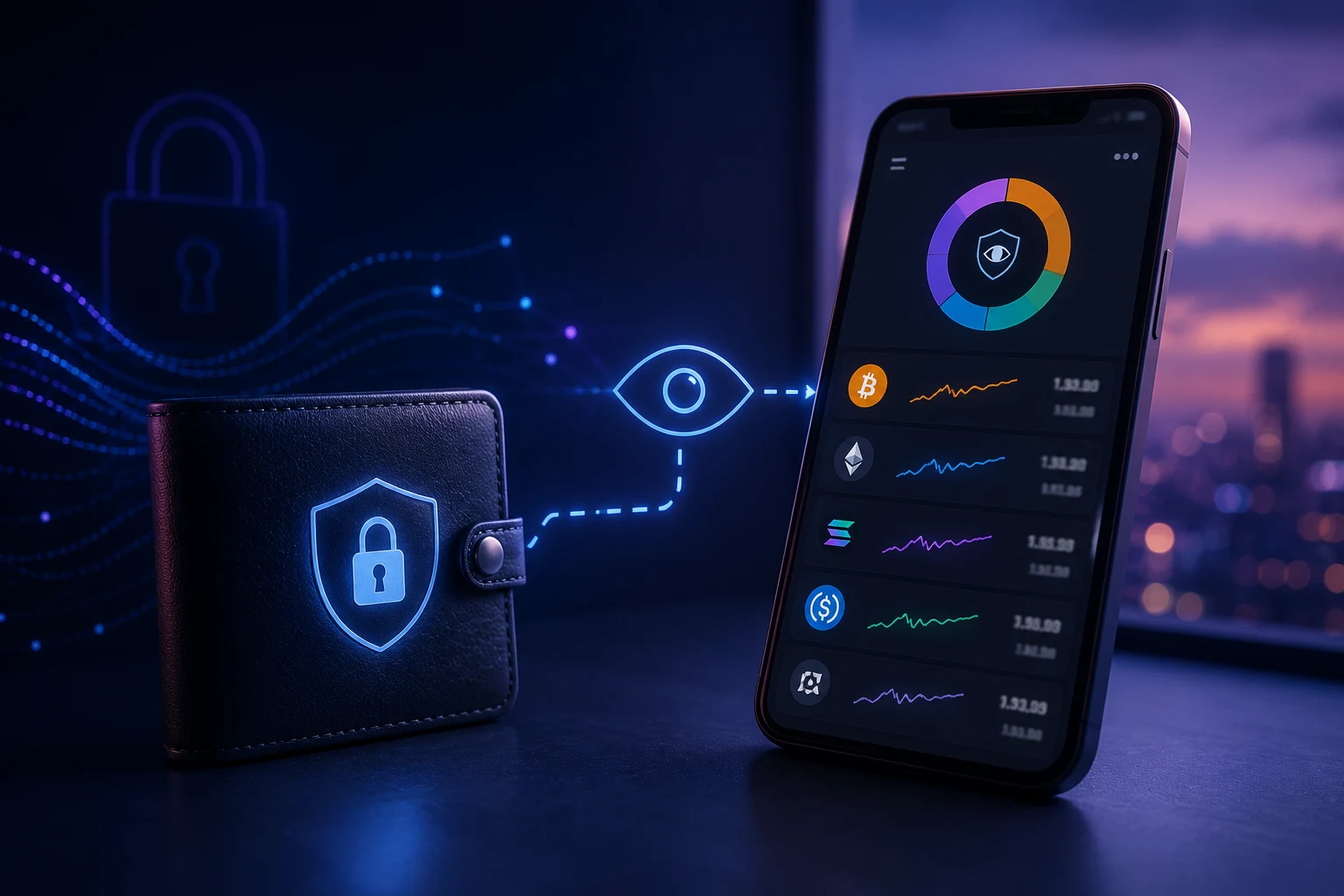
What a watch-only wallet actually is
A watch-only wallet is exactly what it sounds like: a wallet that can watch, but not spend. To understand why that is useful, you need to know the difference between the two pieces of information a normal wallet holds.
Every crypto address is generated from a cryptographic pair. The public key (or its shorter address form) is safe to share with anyone, like an email address or a bank account number. The private key is the secret that actually controls the funds. In a normal hot wallet, both pieces live on the same device. In a hardware wallet, the private key lives on a sealed device and the public information lives on your computer or phone. In a watch-only wallet, only the public information lives anywhere, and the private key never touches the watching device at all.
Because the device has no private key, there is mathematically nothing an attacker can steal from it. Even if your phone is lost, infected with malware, or seized, the funds behind the address are unaffected. The watching device can only display what the blockchain already shows.
Some chains, most notably Monero, add a small wrinkle. Monero hides transaction details by default, so to watch an XMR address you also need an optional view key. The view key still cannot move funds; it only unlocks the ability to decode incoming amounts. Bitcoin, Ethereum, Solana, and most UTXO and account-based chains do not need a view key, because their balances and transactions are public by design.
Risks and limits you should know first
A watch-only wallet is one of the safest setups in crypto, but the safety is narrow. It protects you from one specific risk, which is the watching device being compromised. It does not protect you from every other risk in the space.
First, a watch-only wallet still requires you to add the correct address. If you paste the wrong one, you will be quietly watching a stranger's wallet forever. Always cross-check the first and last six characters against the source. For high-value addresses, verify on a second device.
Second, treat your watch-only address list as semi-sensitive metadata. A list of every address you monitor can reveal your trading history, your treasury structure, or which airdrops you are targeting. If that list leaks, an attacker can profile you, even though they cannot directly steal funds. On a phone, that is a smaller concern than on a shared work laptop.
Third, on chains with smart contracts, watching is not the same as understanding. A watch-only wallet can see that your address approved an allowance to a malicious contract, but it cannot revoke the approval itself. You still need a signing wallet, and likely a separate cleanup transaction, to fix that. Watching does not equal protection.
Fourth, several real scams have impersonated watch-only tools. Fake wallet apps, copycat browser extensions, and phishing sites offering 'view-only access' sometimes try to harvest your seed phrase by claiming it is 'optional'. A legitimate watch-only wallet never asks for your seed phrase, ever. If a tool asks for one to enable view mode, close it.
Three ways to set one up
You can spin up a watch-only wallet in roughly ten minutes using one of three approaches. Pick the one that matches how paranoid you want to be and what you are watching.
Option 1: Mobile app
The fastest path is to use a wallet app that supports adding addresses in read-only mode. Both major hardware wallet companions do this. Ledger Live lets you add any external Bitcoin, Ethereum, or Solana address under 'Accounts' by choosing 'Add account' and selecting 'Use an existing address'. Trezor Suite offers the same for Bitcoin and Ethereum. You paste the address, optionally add a label, and the app starts syncing the balance and history from public nodes.
For a hardware-wallet vendor's own app, the address you add can be derived deterministically from your hardware wallet's seed without ever exposing that seed. This is sometimes called a 'legacy' or 'legacy segwit' derivation path. The app asks your hardware wallet to reveal the public part of address number 1, 2, 3, and so on, and the device signs nothing. It is one of the cleanest watch-only setups available.
Non-custodial mobile wallets also support it. In the Zebedee, BlueWallet, and Samourai apps, for example, you can choose 'Add watch-only' and paste either a Bitcoin address or an extended public key (xpub). With an xpub, the app can derive every address in your wallet's hierarchy and watch them all at once, which is more useful than watching a single address.
Option 2: Browser extension or web explorer
If you only want to glance at balances and do not need a fancy interface, blockchain explorers give you exactly what a watch-only wallet would, with zero setup. Etherscan, Blockchair, Solscan, and Blockstream's Bitcoin explorer all let you paste any address and immediately see its balance, transaction list, and token holdings. Bookmark the page and you effectively have a watch-only view for that one address.
For something more wallet-like, the MetaMask extension supports importing any Ethereum address in 'watch any ERC-20 wallet' mode, which lets you see balances and token lists without ever providing a seed phrase. Similarly, Phantom on Solana supports importing any public key as a watch-only account. These are good choices if you want a familiar wallet UI but still want the safety of never entering a private key.
Browser extensions are convenient but live in your browser, which is also where phishing attacks happen. If you go this route, use a separate browser profile dedicated to crypto, keep the extension count minimal, and never install random 'wallet helper' extensions.
Option 3: A dedicated spare device
For the highest-assurance setup, take an old phone or laptop, factory-reset it, install a single wallet app, add your addresses, and then either disable the network and use it as an offline balance viewer, or leave it online but never install anything else. This is the gold standard for monitoring a corporate treasury or a personal cold-storage nest egg.
The reason this works so well is compartmentalization. Even if your daily-driver phone gets compromised, the watching device has no email, no browser history, no saved passwords, and no other apps to exploit. An attacker who lands on it sees a balance, not a path to funds.
The tradeoff is friction. Updates, app crashes, and battery death all need to be handled separately. For most people, this level of separation is overkill. For a treasury officer or someone watching a seven-figure balance, it is cheap peace of mind.
Practical uses beyond a hardware wallet
The classic use case is monitoring your own hardware wallet. Once your cold storage holds meaningful value, you want to glance at the balance without plugging in the hardware device every time. A watch-only wallet on your phone gives you that instant glance, while the hardware device stays in a drawer.
Treasury teams use the same trick at scale. A nonprofit, DAO, or small company can have its multisig wallet address broadcast to anyone who needs oversight, with no risk that any individual viewer can move funds. Board members, accountants, and outside auditors can all monitor the same address independently. If one of their laptops is compromised, the treasury is unaffected.
You can also watch a friend's address for fun or learning. Watching an experienced trader's wallet (one they have publicly shared) is a common way to learn how onchain movement actually looks in practice. Just remember that following someone's trades is not a substitute for doing your own research, and many 'famous wallets' on social media turn out to be marketing funnels.
A fourth use is more defensive: watching an address you think might receive a future airdrop, without ever connecting that address to a wallet you actively use. The pattern of 'airdrop hunter drains' has become common. Attackers build sites that ask you to 'check eligibility' by signing a transaction, then abuse that signature to drain tokens or future airdrops from the address you signed with. If the address you want to test is in a watch-only wallet, there is nothing to drain, because the wallet cannot sign anything at all. The drainer simply fails.
Adding alerts so you do not have to refresh
A watch-only wallet is most useful when it talks to you instead of waiting for you to open it. There are three common ways to wire up alerts.
Telegram bots are the simplest. Services like Nansen, Moralis, and a handful of community bots let you register an address and pick which events trigger a message: any incoming transaction, transactions above a threshold, interactions with a specific contract, or changes in token balance. You receive the alert on your phone within seconds of the transaction confirming.
Zerion and Zapper offer a similar feature for Ethereum and a handful of other EVM chains, with a friendlier dashboard. You add the address, pick which tokens to track, and the app pushes notifications through your phone's normal channel. The advantage over Telegram bots is better UX and the disadvantage is that they depend on the service staying online and not changing its terms.
For more serious monitoring, onchain analytics platforms like Nansen, Arkham, and Dune let you tag addresses, set up custom dashboards, and trigger webhooks into your own systems. This is overkill for a personal hobby wallet but exactly what a treasury team needs to spot unexpected outflows in real time.
One note on alerts: the more addresses you watch, the more noise you get. A friend who trades memecoins will generate dozens of alerts per day. Decide in advance whether you want every transaction or only those above a meaningful threshold, otherwise the alerts become wallpaper and you stop reading them.
What to do if the wallet you are watching is compromised
Even with a perfect watch-only setup on your side, the address you are monitoring can still be drained through mistakes made elsewhere. A hardware wallet seed leaked from a backup photo, a multisig signer phished, or a smart contract holding the funds exploited. Your watch-only wallet will show the outflow in real time, which is exactly what you want, but the question is what you do next.
If you control the wallet being watched, the move is to move remaining funds to a freshly generated address as fast as possible. This is where a watch-only setup can feel awkward, because you need a separate signing wallet, possibly on a hardware device, to actually do the rescue. Practice the recovery path before you need it, ideally with a tiny test amount.
If you are watching on behalf of someone else, document the transaction hashes, timestamps, and any contract interactions, and share them with the wallet owner or a forensic service. Chainalysis, TRM Labs, and several boutique firms do blockchain forensics for law enforcement and recovery cases. Free resources like the Rekt News leaderboard and various community Telegram groups can also help identify known exploit signatures.
Finally, do not engage with any 'recovery service' that contacts you first. The post-hack environment is full of secondary scams that promise to retrieve stolen funds for an upfront fee. Legitimate forensic work is usually initiated by you, not the other way around.
Stay ahead of onchain movements with the right tooling
Onchain activity moves fast, and a watch-only wallet only helps if you actually look at it. Manually refreshing explorers all day is a losing game, especially once you are tracking more than two or three addresses. Zippfeed surfaces crypto headlines with sentiment scoring, labeled bullish, neutral, or bearish, and an importance rating, so you can see which onchain events and exploits actually matter without drowning in noise.