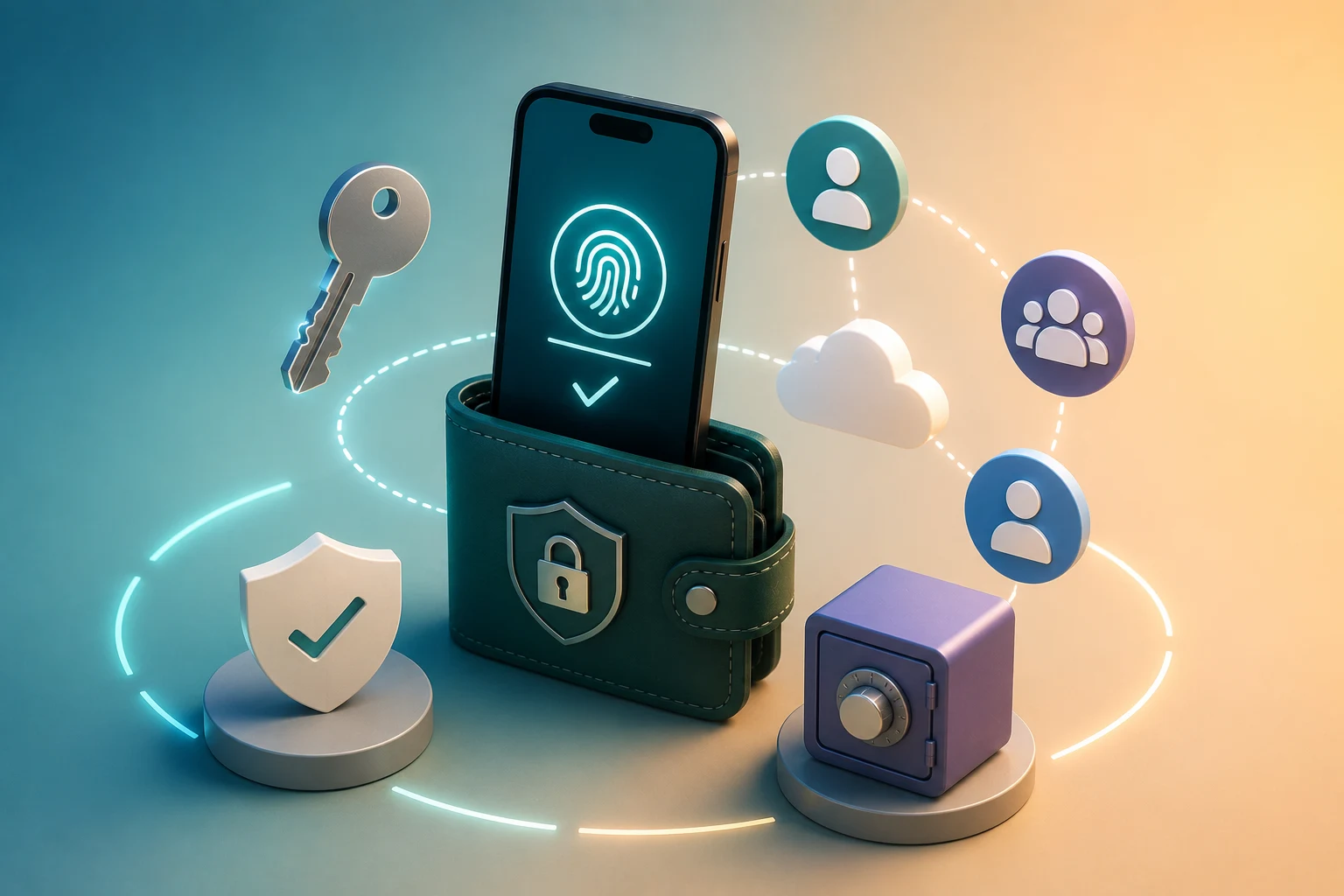
Why passkey and social recovery wallets exist
The standard crypto wallet experience is brutal for newcomers. You install an app, generate a 12 or 24-word seed phrase, and then a single typo, a lost piece of paper, or a sneaky phishing site can drain your balance forever. There is no customer support line to call, no password reset email, no government ID to verify against. The cryptography that makes self-custody powerful also makes it unforgiving.
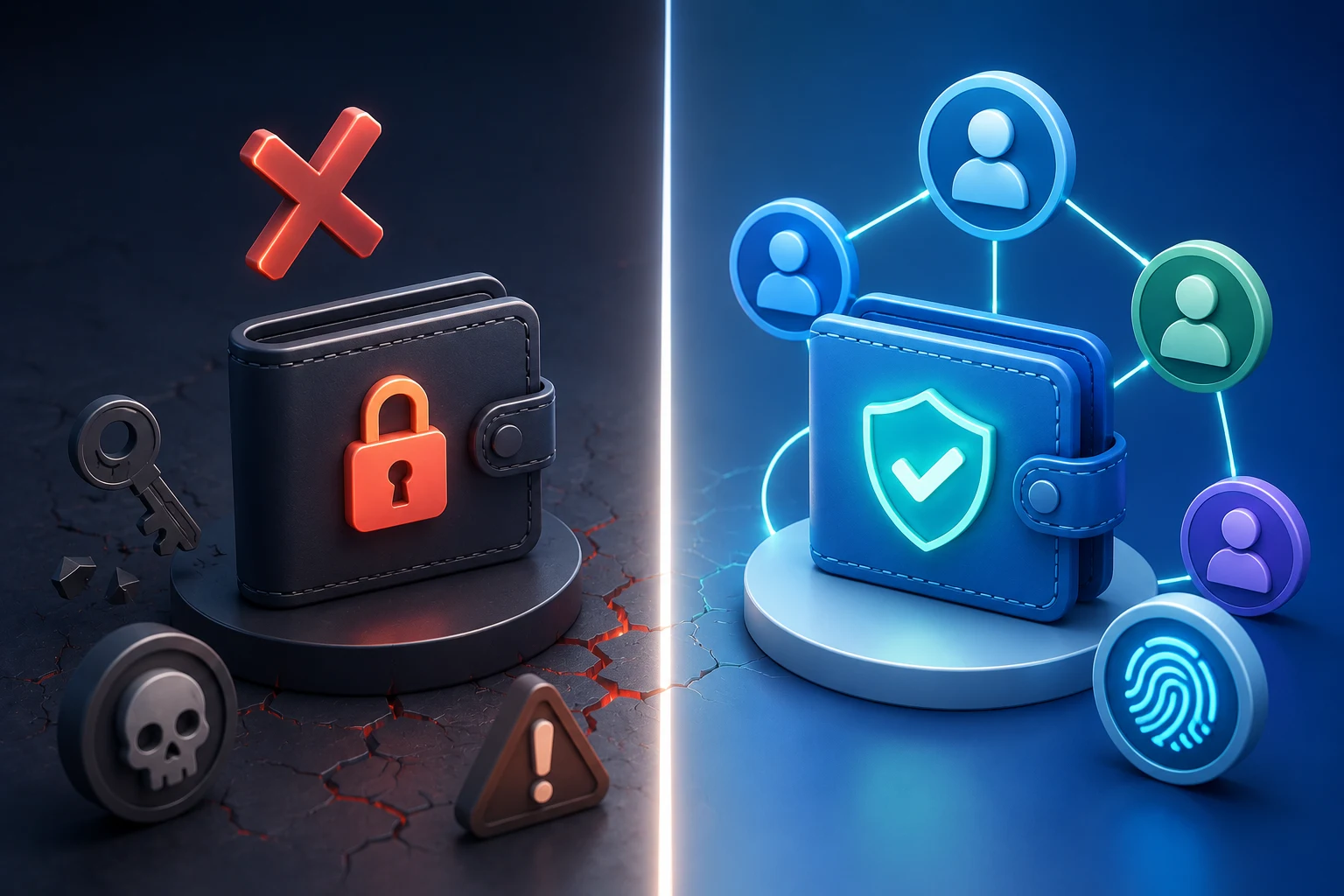
Passkey wallets and social recovery wallets are two practical responses to that problem. Both try to keep the core promise of self-custody, meaning you and only you control the funds, while replacing the single point of failure that the seed phrase creates. A passkey wallet turns your phone or laptop's secure hardware into the key, so signing in feels like unlocking a banking app. A social recovery wallet splits access across a small group of trusted people or devices, so losing one piece does not lock you out.
These are not fringe experiments anymore. The smart account model that powers most of them, standardized around ERC-4337, has been live on Ethereum and several Layer 2 networks since 2023 and is now embedded in mainstream wallets like Safe, Ambire, and ZeroDev-based apps. The question is no longer whether they work in principle, but how to set them up without quietly reintroducing the very risks they are supposed to fix.
What the risks actually look like in 2026
Before walking through a setup, it is worth being honest about what can go wrong, because the marketing copy for these wallets rarely tells you.
Single-device passkey risk. If you set up a passkey wallet and store the key only on your phone, and you never enable iCloud Keychain, Google Password Manager, or a hardware security key as a backup, then a lost or broken phone can mean lost funds. Passkeys are not magic. They are just private keys stored somewhere. If that somewhere is one device, you have simply moved the seed phrase problem from a piece of paper to a piece of glass.
Cloud sync risk. Most users do enable cloud sync, because that is the default and is what makes passkeys convenient across devices. The trade-off is that the security of your wallet now partly depends on the security of your Apple, Google, or Microsoft account. If someone steals your iCloud password, they may gain the ability to sign for your wallet. A strong account password plus two-factor authentication is no longer optional, it is the actual security model.
Guardian risk. Social recovery wallets put a chosen group of "guardians" in charge of helping you get back in. The m-of-n design means, for example, that 3 of 5 guardians must agree to recover your account. This is robust against losing one or two guardians, but it creates a new attack surface: a majority of guardians could collude, be socially engineered, or have their own devices compromised. Smart contract exploits that target the recovery logic itself have also happened, so the wallet you pick matters.
Smart contract risk. Most of these wallets are smart accounts, which means your funds sit behind a contract that has its own code, its own auditors, and its own upgrade path. A bug in that code can be just as final as a bug in any other piece of DeFi. The convenience gain is real, but it does not eliminate the underlying need to trust the team that wrote the contract.
Passkey vs seed phrase vs social recovery: how they actually differ
It helps to lay the three models side by side, because the marketing language around them tends to blur the differences.
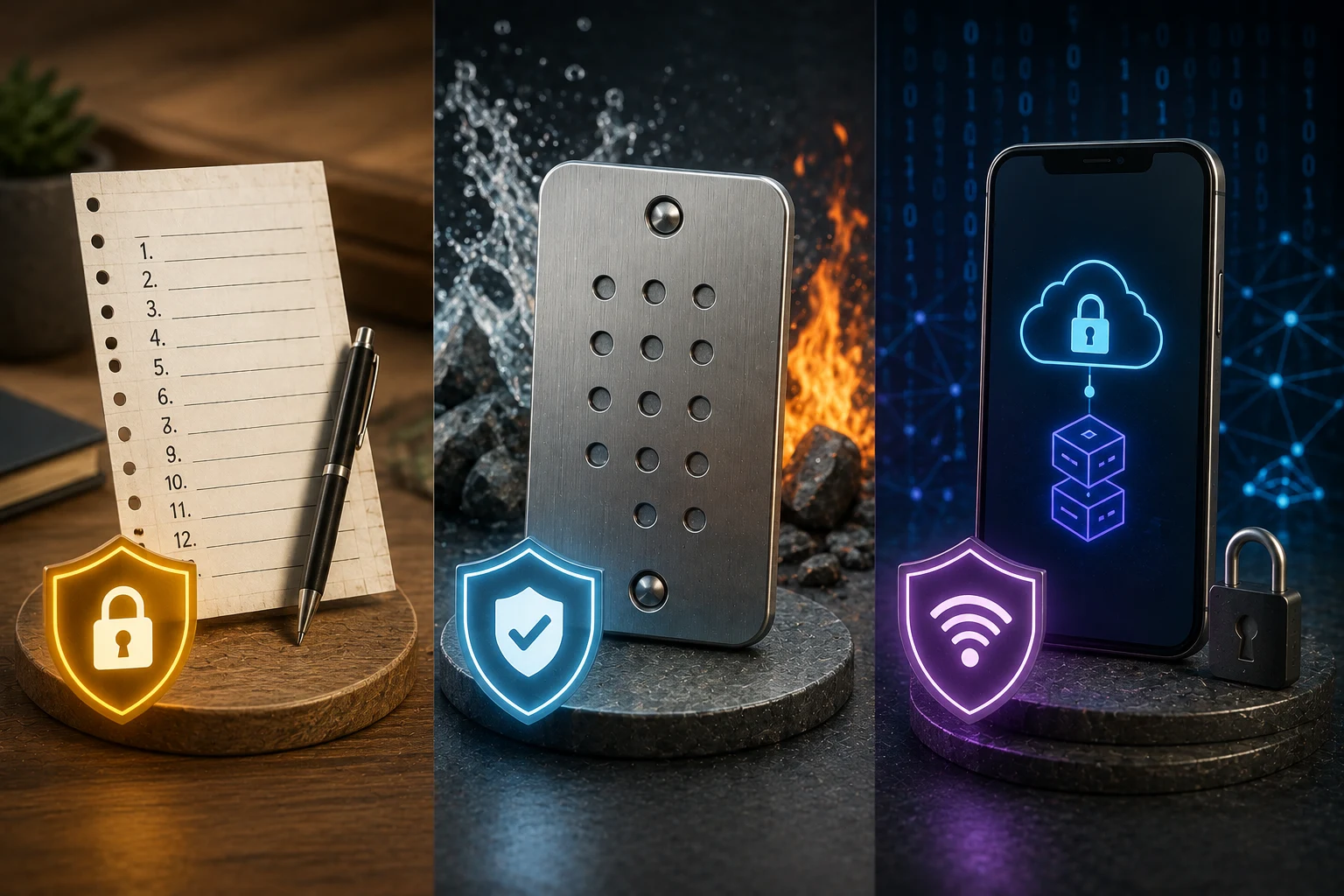
A seed phrase wallet is the original model. Your 12 or 24 words, usually derived from the BIP-39 standard, are the master key. Anyone with those words owns the wallet. They are portable across every wallet app that follows the standard, but they are also a single secret that, if leaked, cannot be revoked. If you lose them, there is no recovery. If someone sees them, there is no recourse.
A passkey wallet, in the crypto sense, takes the same general idea of a master key and stores it as a WebAuthn credential on your device or in your cloud account. When you want to sign, you authenticate with your fingerprint, face, or device PIN, and the wallet uses the underlying key. Because the key never leaves the secure enclave on your device, phishing sites cannot trick you into typing it. The practical effect is that you can approve transactions with a tap instead of copying long strings, and you cannot accidentally reveal a seed phrase to a fake website.
A social recovery wallet keeps a single master key but adds a recovery layer. You pick guardians, which can be other people, hardware wallets, or even other devices you own. If you ever lose access, a configured threshold of guardians can sign a transaction that rotates the master key to a new one you control. You never need to back up a seed phrase, and the recovery process is recoverable itself: the attacker would have to compromise a majority of your guardians, and you can change who your guardians are at any time.
For most users, the honest answer is that a passkey wallet with no recovery plan is a downgrade from a properly stored seed phrase, and a social recovery wallet with carefully chosen guardians is a meaningful upgrade. The interesting case is combining them: many modern smart account wallets let you log in with a passkey and also designate guardians, so a lost phone does not mean lost funds.
ERC-4337 and the smart account model in practice
Most passkey and social recovery wallets are built on top of what the industry calls "smart accounts," formalized in the Ethereum request for comments standard known as ERC-4337. You do not need to memorize the standard to use these wallets, but understanding the basic shape helps you see why the experience feels different from a traditional wallet.
In a normal wallet, your account is controlled by a single private key, and every transaction is signed directly by that key. In a smart account, your account is a contract that lives on-chain. That contract defines its own rules about who can sign for it, how signatures are verified, and what happens during recovery. The key you use day to day is just one possible way to authorize actions.
Three practical consequences flow from this:
- You can change the key that controls the account. If your passkey is on a phone you are about to wipe, you can sign a transaction with the old key, install the new key, and walk away. The address of your wallet does not change, so your balance and history are preserved.
- You can pay gas in tokens other than ETH. Because the smart account executes the transaction, it can be designed to accept payment in USDC, USDT, or even sponsored by an app, which removes one of the biggest friction points for new users.
- You can add logic like spending limits, allowlists, and session keys. The same flexibility that enables social recovery also enables parents to give children a wallet with a daily cap, or apps to grant temporary permissions that expire automatically.
The cost of this model is that you are trusting the smart account implementation. Bugs in the recovery logic, in signature verification, or in the entry-point contract that processes all smart account transactions have historically been lucrative targets. Pick wallets that have been audited, that have been live on mainnet for a meaningful period, and that publish their source code.
How to choose and configure guardians
If you go the social recovery route, the guardian selection step is the single decision that determines whether the wallet actually protects you. It deserves more thought than the rest of the setup combined.
First, decide on a threshold that matches your threat model. A common starting point is 3-of-5, meaning five guardians, any three of whom can help you recover. Lower thresholds, like 2-of-3, are easier to use but make collusion or compromise of two friends enough to drain you. Higher thresholds, like 4-of-7, are more secure but require more coordination, and if you lose three guardians, you are locked out.
Second, choose guardians who do not know each other, or at least do not all communicate in the same channel. A common mistake is to pick three friends from the same group chat. If one of them is socially engineered, or if the group chat is compromised, you have effectively chosen one guardian three times. Diversity of guardians across geography, social circles, and device types materially raises the cost of an attack.
Third, mix people and devices. Your guardians can be other humans, hardware wallets like a Ledger or Trezor that you store in a safe, or even other smart accounts you control. A common pattern is two trusted friends, one family member, and two hardware wallets in separate physical locations. You keep the hardware, your family and friends keep access only to their own devices, and no single person or place holds the wallet.
Fourth, do not use exchange accounts, custodial services, or social media profiles as guardians. The whole point of a self-custody wallet is that no platform can seize your funds. If one of your guardians is "my Binance account," you have re-introduced the very dependency the wallet was designed to remove.
Fifth, test recovery before you trust it. Most smart account wallets let you practice the recovery flow on testnet, and several let you do a real recovery on mainnet with a small amount first. Do this. The first time you run the flow should not be the day you have lost access.
How to recover on a new device
Recovery looks different depending on which model you chose, and the steps matter more than most guides admit.
For a passkey-only wallet with cloud sync, the practical recovery is the same as recovering access to your Apple, Google, or Microsoft account. You prove your identity to that provider, restore your synced passkeys to a new device, and then open the wallet app. This works well if your cloud account is in good shape and you still know its password. It fails badly if you have forgotten the cloud account password, lost access to its two-factor device, or never had two-factor enabled in the first place.
For a social recovery wallet, the flow is roughly the same regardless of the specific app. You install the wallet on a new device and select "recover" instead of "create new." The app generates a new key for that device, then asks you to contact your guardians. Each guardian uses their own device to sign a recovery message that the smart account contract accepts. Once the threshold of signatures is collected, the contract rotates control to your new key, and your address, balance, and history remain unchanged.
The recovery can take anywhere from a few hours to a few days, depending on the guardians' availability and the wallet's time-lock settings. Many implementations add a waiting period, often 24 to 48 hours, between when a recovery is requested and when it can be completed. This is a feature, not a bug: it gives you time to notice if someone else is trying to recover your account and to cancel the request.
If you change phones often, the most important habit is to make sure that before you wipe or sell your old device, your wallet's key has been moved to the new one. Most smart account wallets make this visible in their settings as something like "add a new device" or "rotate key." Doing it before the old device is gone turns a stressful situation into a routine one.
Stay ahead of passkey and social recovery news
Passkey and social recovery wallets are still a fast-moving corner of crypto. New audits, new smart account standards, new wallet apps, and occasional exploits all happen on a monthly cycle. Reading about them after the fact is usually too late to protect yourself. Zippfeed surfaces wallet and security headlines with sentiment scoring, bullish, neutral, or bearish, and an importance rating, so you can tell which stories are noise and which ones actually affect the security of the setup you have chosen.