Why address verification is the single highest-leverage habit in crypto
Crypto transactions are irreversible. Once a transfer is signed and broadcast, no support team, exchange, or developer can reverse it, because there is no central authority with that power. The network will execute whatever your wallet signed, even if the destination address was a typo, a pasted scam, or a malicious substitution. That property is part of what makes blockchain useful, but it is also what makes address verification unusually important compared with, say, a bank transfer where a fraud department can sometimes recover funds.
The good news is that the most common mistakes are also the cheapest to prevent. Address-poisoning attacks, clipboard malware, and human copy-paste errors all rely on the user glancing at an address and approving it. A short, repeatable verification routine blocks the overwhelming majority of real-world losses. The rest of this article walks through what that routine looks like, why each step works, and where it still has limits.
If you only take one idea away, let it be this: the destination address is the one fact that determines who gets your funds, and every other safeguard in crypto, from hardware wallets to multi-sig, ultimately depends on you reading it correctly. Everything below is in service of that one moment.
The real risks: address poisoning, clipboard malware, and copy-paste errors
Before walking through the checklist, it helps to understand the three failure modes the routine is designed to defeat. They are not theoretical, and together they account for a large share of the funds lost by people who thought they were being careful.
Address poisoning. An attacker watches the public blockchain, finds an address you have used before, and generates a fresh address that shares the same first six and last four characters. They then send you a tiny transaction, often for zero value or a worthless token, from that look-alike address. The idea is that when you later open your history or copy an address from it, autocomplete or muscle memory hands you the attacker's address instead of the real one. Because the start and end match, you glance and approve. This is address-poisoning, and it costs victims everything they send.
Clipboard malware. Some malware running on your computer silently watches your clipboard. The moment you copy a wallet address, the malware swaps it for one owned by the attacker. The replacement is usually engineered to match visually, so the user does not notice. This is why verifying the address visually on a hardware wallet, where the clipboard has no influence, is the strongest defense.
Copy-paste and human error. Even without an attacker in the loop, addresses are long strings of mixed-case letters and numbers. Truncating, transposing a character, or pasting from a stale clipboard into the wrong field is easy to do. On EVM networks, most of those mistakes are caught by the checksum described below. On Bitcoin, the equivalent safety net is the Base58Check format, which embeds a checksum in the string itself.
The honest framing is that none of these attacks are exotic. They are routine, they are automated, and they specifically target users who believe they are being careful. A verification habit is the difference between being careful and being protected.
How crypto addresses actually work, and where the safety nets hide
Crypto addresses look random, but most modern address formats embed a built-in error-detection system. Understanding roughly how that works makes the checklist feel less like superstition and more like reading a checksum, which is what you are doing.
On EVM networks, the family that includes Ethereum, BNB Chain, Polygon, Arbitrum, Base, and most EVM-compatible chains, addresses are written as 42-character hexadecimal strings starting with 0x. The letters in those strings are deliberately mixed case, and that mix is not cosmetic. The capitalization is a checksum, which means the letters encode a hash of the address. If even one character is mistyped, the capitalization pattern will not match the new string, and any well-built wallet will flag it as invalid.
This is why checksum verification on EVM addresses is the first technical line of defense. Wallets that respect the standard, including MetaMask, Rabby, Frame, and most hardware wallet interfaces, refuse to send to an address whose checksum does not validate. If your wallet accepts any mixed-case variation, that is a warning sign, not a feature.
Bitcoin addresses use a similar system called Base58Check. Each address contains a four-byte checksum derived from the hash of the public key. The encoding is case-sensitive, which means 1BitcoinAddress and 1bitcoinaddress are not interchangeable, and a wallet that receives a mistyped string will detect the mismatch. SegWit addresses, which start with bc1, use a different but equally robust checksum called Bech32, designed specifically to be human-readable and typo-resistant.
Solana addresses are shorter and use Base58, but they include a similar internal checksum, and mainstream wallets reject malformed strings. The same general principle applies across networks: a valid address is a string that passes a built-in mathematical test, and an invalid one is a string that does not. Your job, as the user, is to give the wallet a string that has any chance of passing that test, which is mostly a matter of not letting anything tamper with it on its way from the source to the field.
The 30-second verification routine, step by step
Below is a routine that takes roughly thirty seconds for a typical address. It is designed to be boring, repeatable, and easy to do even when you are in a hurry, because in practice people approve transactions in a hurry more often than not.
Step 1: Get the address from a trusted source
The verification chain is only as strong as its weakest link. If you receive the address through a channel that an attacker can read, you cannot trust it. Where possible, prefer sources that are end-to-end verified: a QR code scanned in person, a domain you reached by typing it yourself, an exchange withdrawal page you logged into directly, or a signed message from the recipient's known account. Treat addresses sent through Discord DMs, Telegram, unsolicited emails, or website contact forms as untrusted by default.
For businesses, prefer an address you pulled from your own account, not one that arrived in a support conversation. For peer-to-peer transfers, ask the counterparty to send the address via a second channel so you can compare, which is slow but effective.
Step 2: Read the full string, not just the start and end
This is the step that defeats address poisoning. Look-alike attacks are designed to survive a glance that only checks the first and last characters, so resist that shortcut. Read the entire address, ideally out loud or by tapping each segment on a hardware wallet screen. If you are reading on a computer, paste it into a plain text editor with a monospaced font so every character is visually distinct. Watch for substitutions of 0 and O, 1 and l, and capital I and lowercase l.
There is no shame in admitting that comparing two 42-character strings is hard. That is the whole point. Treat it as a deliberate act of comparison, not a peripheral check, and you will catch most attacks.
Step 3: Confirm the checksum where applicable
On EVM networks, the checksum is implicit. If you mistype a character or paste a string with the wrong capitalization, a reputable wallet will warn that the address is invalid. Do not override that warning. If you want a deeper check, tools such as Etherscan accept an address and display whether it is checksummed correctly, which is a quick way to validate a string you copied from an unusual source.
On Bitcoin, the same logic applies but the warning usually comes from the wallet itself, since most modern wallets refuse to broadcast to an address that fails Base58Check or Bech32 validation. Again, do not override. A wallet that lets you send to a clearly malformed address is not your friend.
Step 4: Verify on a hardware wallet screen
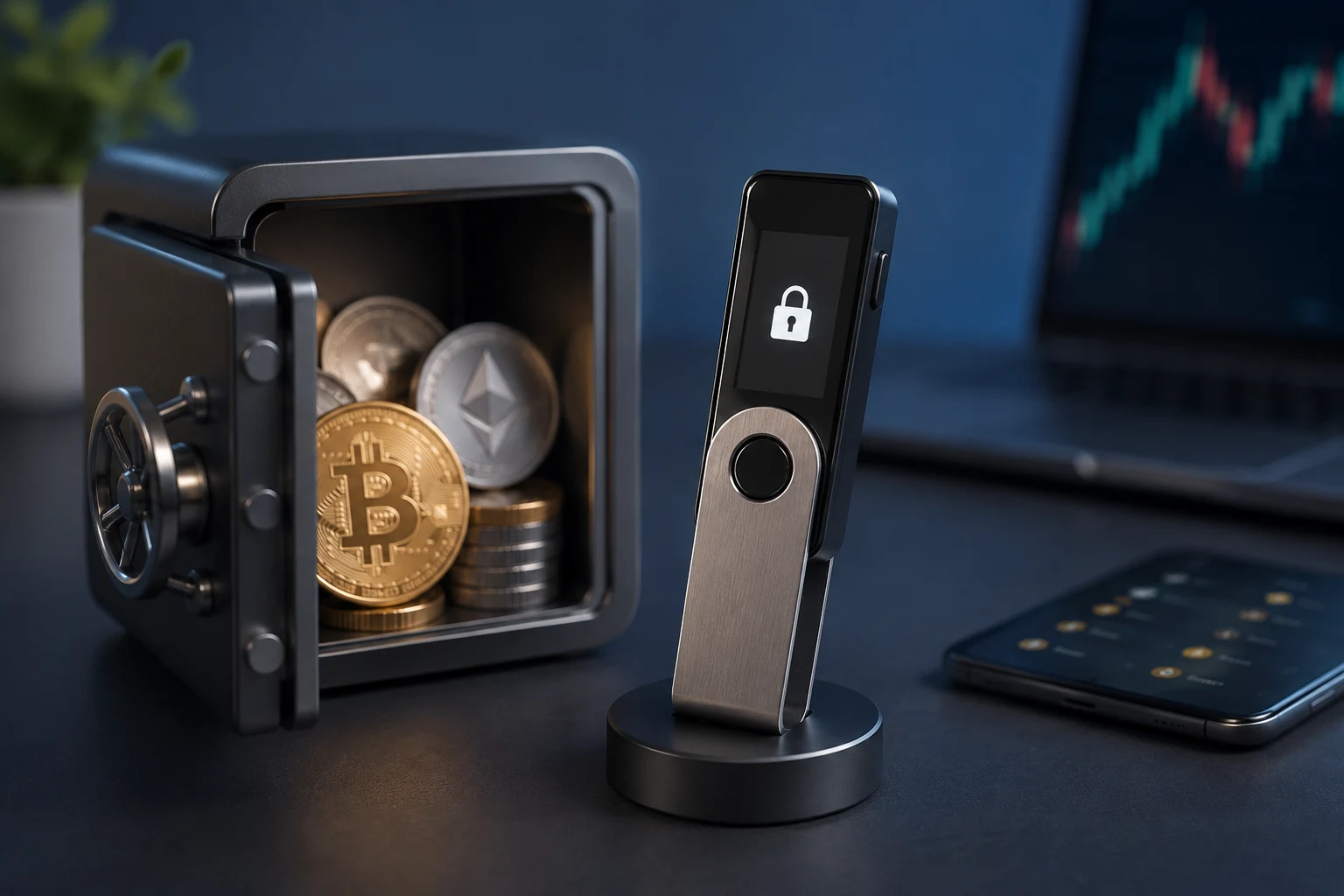
A hardware wallet such as a Ledger, Trezor, GridPlus, or Keystone is more than just cold storage. It is a trusted display, meaning the address shown on the device's own screen cannot be tampered with by malware on the host computer. When you sign a transaction, the device shows the destination address on its screen. That screen, and not your computer monitor, is the one you should be reading.
The workflow is straightforward. Initiate the transaction in your software wallet, then watch the hardware device prompt. Confirm that the address shown on the device matches what you expect, character by character. Only approve the transaction if it does. This single step defeats nearly every known clipboard and display-swap attack, because the attacker cannot control what appears on the secure screen.
Step 5: Send a small test transaction first
Before sending the full amount, send a small test transaction, ideally the minimum the network will accept, and wait for it to confirm. This costs a small fee but it forces real, on-chain confirmation that the address is correct and reachable. If the test lands where you expect, you can send the remainder with confidence.
For high-value transfers, many experienced users send two test transactions: a tiny one to confirm the address, and then a second one for, say, ten percent of the total to confirm that the recipient's infrastructure is working. For very large transfers, a multi-sig setup, where multiple hardware wallets must co-sign, adds yet another layer.
The test transaction is the part of the routine most beginners skip, and it is the part that catches the largest number of real-world mistakes. Fees feel expensive until you compare them with the alternative of sending the whole amount to a poisoned address.
Network-specific quirks worth knowing
The general routine works across chains, but a few details catch people out. Knowing them in advance saves time and reduces the chance of panic during a transfer.
Same address, different networks
Many modern wallets use the same public address across multiple networks, including Ethereum mainnet, Arbitrum, Base, Optimism, and Polygon. That is convenient, but it also means a valid address on one network can be valid on another, and the wallet will happily send whatever asset is selected on whatever network is selected. If you intend to send USDC on Ethereum but your wallet is set to send on a different chain, you can lose funds by sending a token the recipient does not control on that chain. Always confirm both the address and the network before signing.
Memo, tag, or destination tag fields
On chains like XRP, Stellar, Cosmos, and some exchange deposits, the recipient address alone is not enough. You must also include a memo, tag, or destination tag that tells the recipient which customer the funds belong to. Forgetting this field usually means the funds arrive at the exchange but cannot be credited, and recovery requires a slow support ticket. Treat the memo as part of the address for verification purposes.
ENS, Unstoppable Domains, and human-readable names
Some users prefer human-readable names such as vitalik.eth to long hexadecimal strings. These names resolve to addresses via on-chain registries, which is convenient but adds a layer of trust. The name resolves to whatever address the registry currently says it does. If the registry is compromised, or if you mistype the name and it resolves to a squatter's address, you can lose funds. Always verify what the name resolves to before sending, and treat the resolved address as the source of truth.
What this looks like in practice
Imagine you need to send 1 ETH to a counterparty. The counterparty sends you the address over Signal. You open your wallet, paste the address into the recipient field, and your wallet displays the string. The 30-second routine, applied in order, looks like this.
You reply to the counterparty on Signal asking them to confirm the address via email, which is your second channel of verification. You confirm it matches. You open a hardware wallet, paste the address into the destination field of your software wallet, and watch the hardware device prompt. You read the full address on the device screen, not the computer screen, and confirm it matches the email. You see that your wallet accepted the checksum, which is implicit but worth noting. You send 0.001 ETH as a test, wait for one confirmation, and confirm with the counterparty that the test landed. You then send the remaining amount.
The whole process takes about half a minute of attention, plus the wait for confirmation. It feels slow the first time. It feels invisible by the tenth time, because you stop noticing the extra steps. Most importantly, it makes the routine failure modes described above structurally impossible, or at least far less likely to succeed.
If you are sending funds from a centralized exchange, the same principles apply, with one twist: exchanges usually enforce network selection, address format checks, and sometimes whitelists for known addresses. Whitelisting, where you register an address with the exchange and withdrawals require additional confirmation to a new address, is a strong protection. Use it if your exchange offers it.
How to follow wallet security the smart way
Wallet security moves fast, and so does the news around new attack patterns, wallet updates, and phishing campaigns. Tracking wallet advisories, exploit disclosures, and protocol changes manually is a losing game, because by the time a story reaches a general-interest crypto publication, the attacker has usually moved on. Zippfeed surfaces wallet security headlines with sentiment scoring, bullish, neutral, or bearish, and an importance rating, so you can tell at a glance which stories deserve attention and which are noise.
Frequently asked questions
Is it safe to copy and paste a wallet address?
Copying and pasting is fine in principle, but it assumes your clipboard is clean. Clipboard malware exists and silently swaps addresses, which is why a hardware wallet screen, or at minimum a full-string comparison against a trusted source, matters. Treat paste as a convenience, never as verification.
How does the EVM address checksum work?
Every EVM address encodes a hash of itself in the capitalization pattern of its letters. A wallet that supports the standard recalculates the hash and refuses to send if the capitalization does not match. That is why mistyping even one character usually triggers a warning. It is a built-in typo detector, not a guarantee against address poisoning, because poisoning exploits real addresses that do pass the checksum.
Should I send a test transaction before every transfer?
For transfers above the cost of the network fee, yes. A small test transaction is the only step that forces real on-chain confirmation that the address is correct and reachable. For tiny transfers where the fee would be a meaningful percentage of the amount, weigh the cost against the risk, but for any non-trivial amount, the test is worth it.
What is address poisoning, and how do I recognize it?
Address poisoning is an attack where someone generates a look-alike address that matches your real one at the start and end, then tricks you into using it through autocomplete, history, or a no-value token. The defense is to compare the full string and to confirm the address on a hardware wallet screen rather than trusting the first and last characters alone.