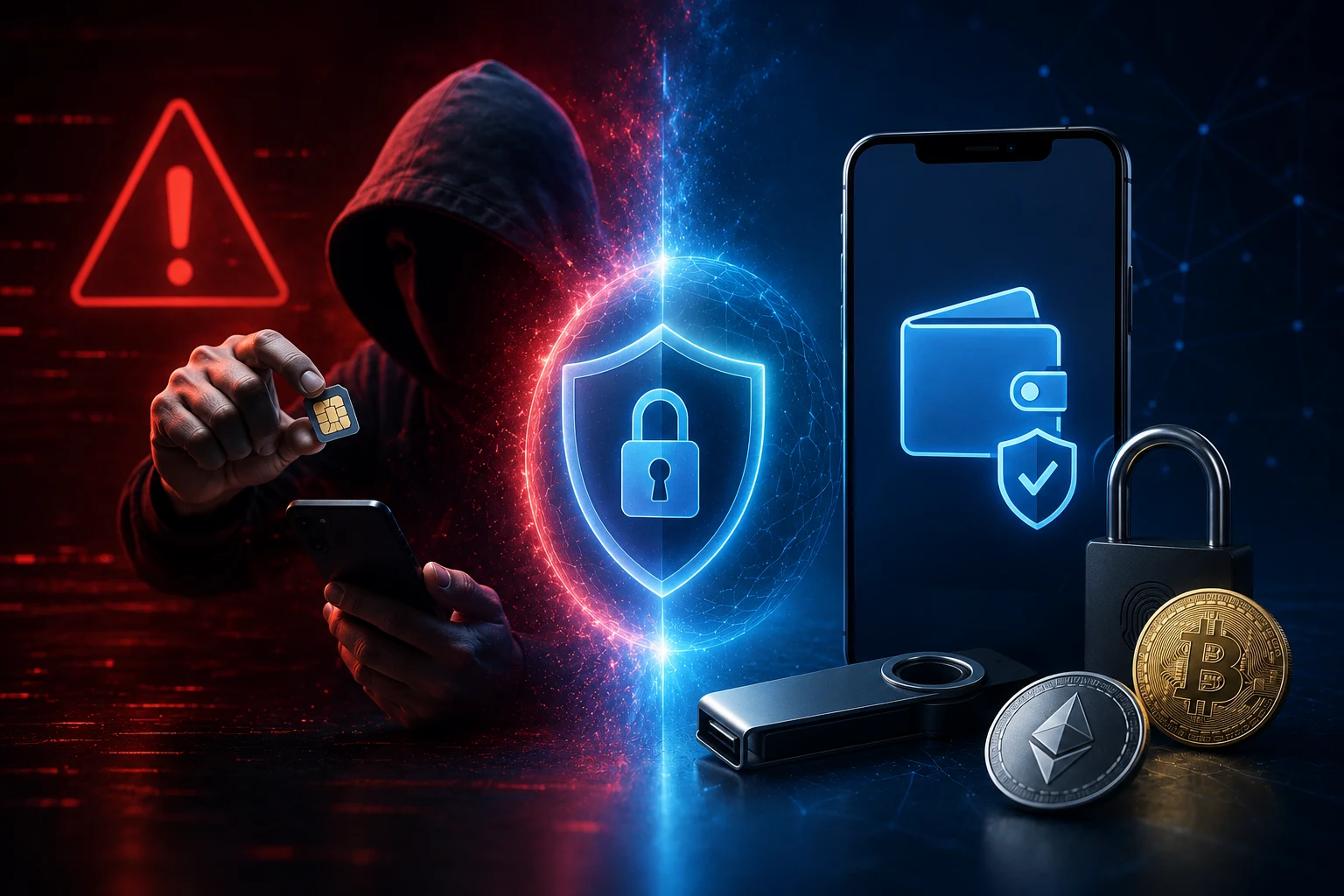
What a SIM-swap attack actually does to your exchange login
A SIM-swap does not break your phone. It breaks the relationship between your phone number and the SIM card sitting inside it. Every mobile number on every carrier is a database entry that says, "this number, right now, lives on this SIM card." When you call the carrier or walk into a store, a representative can update that entry. In a SIM-swap, the criminal convinces the representative to point your number at a SIM in the criminal's handset.
From the outside, nothing about your phone changes immediately. Your phone loses signal a few minutes later when its old SIM deregisters. The criminal's phone rings, receives your SMS, and now owns every account that uses your phone number as proof of identity, including, in many cases, your crypto exchange account.
Once they control your number, the attack on the exchange is mechanical. They tap "forgot password," receive a reset link or code by SMS, set a new password, and are prompted for two-factor authentication. The second factor arrives by SMS, also to "your" number, which is now their phone. They enter it, log in, and start withdrawing. By the time your real phone reconnects, the funds are usually gone.
The real-world failure modes (read this before assuming it won't happen to you)
This is not a theoretical risk and it is not a niche one. The FBI's Internet Crime Complaint Center logged more than 1,000 SIM-swap complaints in 2021 worth about $68 million, and that is almost certainly an undercount because many victims do not file. Individual cases make the scale easier to feel.
In one well-documented 2019 case, a college student in the United States was sentenced to 10 years in prison for a SIM-swap scheme that drained roughly $50,000 from a single victim, an executive at a crypto hedge fund. The attacker called the carrier, posed as the victim using personal details harvested from social media and data brokers, ported the number, and walked through the password reset in minutes.
The pattern repeats across continents. In 2020, a German SIM-swap ring stole more than $1 million from victims by targeting investors who had tied Gmail, exchange, and authenticator recovery all to the same phone number. In 2023, the U.S. Department of Justice charged several members of a group known as "Scattered Spider" with SIM-swaps against crypto holders and telecom employees. The common thread in every case is not clever hacking. It is social engineering at the carrier, where the attacker talks a human into believing they are you.
The failure modes inside the attack matter because they show which defenses work and which are theater. A strong, unique password does nothing because the attacker resets it. Two-factor authentication only helps if the second factor is not the same SIM that was just hijacked. Email-based recovery is dangerous if your email also depends on SMS recovery. The lesson is that every login chain needs to be independently defended, because the weakest link is the one the attacker will target.
Why SMS two-factor authentication is no longer acceptable
SMS two-factor authentication (SMS 2FA) was a huge upgrade over passwords alone when it was introduced, but the world has moved on and the threats have caught up. The reason SMS 2FA is no longer acceptable for anything with monetary value is structural: the code travels through the same network that the attacker just compromised.
The major tech publications and standards bodies have been saying this for years. NIST, the U.S. agency that publishes authentication guidelines, removed SMS as an acceptable second factor for high-assurance federal systems back in 2017, specifically because of SIM-swap and SS7 (Signaling System 7) interception attacks. SS7 is the global telecom signaling protocol that lets carriers hand calls and texts between networks; criminals have known about SS7 weaknesses since at least 2014 and use them to redirect SMS without a SIM-swap at all.
Even without those exotic attacks, social engineering at the carrier is cheap. A teenager with a prepaid SIM and some scraped personal information from LinkedIn, Instagram, or a data broker like PeopleFinder can often succeed in a single call. The carriers have raised their defenses in recent years, but new account fraud and insider compromise are constant background noise, and the criminal economy around SIM-swaps is mature enough that there are service providers selling swaps by the dozen.
The honest framing is this. If your exchange login uses SMS as the second factor, your crypto sits behind one phone call. You do not need to defeat a skilled hacker. You need to be the kind of target where the carrier representative hangs up on the attacker. That is achievable, but it requires you to remove SMS from the chain, not just hope nobody tries.
The Telegram, Signal, and WhatsApp 2FA trap most beginners fall into
Because SMS 2FA is increasingly discredited, many beginners move to a messaging app's "two-step verification," assuming it is the same thing. It is not, and the differences matter.
Telegram, Signal, and WhatsApp each offer a feature called "two-step verification" (Telegram) or "two-factor authentication" (Signal and WhatsApp). It is a PIN or password you set inside the app. Crucially, this PIN protects new-device registrations and certain sensitive actions, but it does not by itself replace SMS for the rest of your login chain, because your exchange login, email, bank, and many other accounts still depend on your phone number.
The trap is more subtle. A SIM-swap against your number still works against all of those accounts. Telegram's two-step password only kicks in if the attacker tries to log into your Telegram from a new device. It does not stop them from receiving the SMS you rely on elsewhere. Worse, if the attacker also gets your Telegram password (because you reused it, or because it was exposed in a data breach), they now control the messaging app you may be using as a partial substitute for SMS.
What you should actually do, in order: enable two-step verification inside Telegram, Signal, and WhatsApp using unique PINs you do not reuse anywhere. Set a SIM-change or SIM-replacement PIN with your carrier, and consider a number-transfer or "port-out" PIN as a second layer. Use a dedicated authenticator app, covered in the next section, for exchange and email 2FA. Do not let messaging-app 2FA lull you into thinking your phone number is no longer a high-value target. It is.
Defending yourself: the five-step setup you can do in an afternoon
The goal of these steps is to break the chain between your phone number and your crypto. None of them require special hardware or technical knowledge. You can do all five in a few hours.
Step 1: Lock down your carrier account with a PIN and port-out protection
Call your mobile carrier. Ask them to set a "port-out PIN" or "number transfer PIN" on your account. This is a separate code that must be presented before your number can be moved to another carrier or SIM. Ask specifically for "number transfer protection" (the wording varies: T-Mobile calls it Number Transfer PIN, Verizon calls it Number Transfer PIN or Account Lock, AT&T calls it Number Transfer PIN and also offers a separate Wireless Account Lock).
Ask for an account-level PIN, not the same digits as your number transfer PIN. This is the PIN the representative will ask before discussing your account. Set it to something a caller cannot guess from your social media, which means no birthdays, no anniversaries, no pet names. Write it down on paper and keep it somewhere safe at home, not in a notes app on the phone you are trying to protect.
Enable Wireless Account Lock on T-Mobile and AT&T if available. This is a feature that requires you to physically visit a store or verify via your existing number before any account changes can be made, even by employees in some configurations.
Call back once a year. Carrier employees change, systems change, and PINs sometimes get quietly removed during support interactions. Confirm the protections are still on.
Step 2: Replace SMS 2FA with an authenticator app on every exchange and email
Download a Time-based One-Time Password (TOTP) authenticator app. The two mainstream choices are Authy (Twilio) and Google Authenticator, with newer options like 2FAS, Bitwarden Authenticator, and 1Password gaining ground. Each app displays a six-digit code that rotates every 30 seconds, generated from a secret key stored on your phone.
The codes never travel over the cellular network. They cannot be intercepted by a SIM-swap or an SS7 attack because they are computed locally on your device. The secret key in your authenticator app is shown to you once as a QR code, so protecting backups (covered in Step 5) becomes critical; whoever has the QR code or recovery codes has your 2FA.
Go to every exchange you use, including your email, and remove SMS as the second factor. Switch to authenticator app codes. This includes accounts you may not think of as crypto: Gmail or Outlook (because they handle password resets), Coinbase, Kraken, Gemini, Binance, and any wallet web portal you log into. Most exchanges allow multiple 2FA methods, so leave only the authenticator app active and remove SMS entirely.
Step 3: Upgrade to a hardware security key if you hold meaningful value
A hardware security key is a small physical device that proves you are you, designed specifically to resist phishing and remote takeover. The dominant standard is FIDO2/WebAuthn (Fast Identity Online 2 / Web Authentication), and the most recognized brand is YubiKey, though there are alternatives from Google (Titan Key), Feitian, and others.
When you enroll a key with an exchange, logging in requires you to tap or insert the key. The exchange sends a challenge, the key signs it using a private key that never leaves the device, and the exchange verifies the signature. There is no code to intercept, no QR to phish, and crucially no value in your phone number at all. If you lose the key, you use a backup (Step 5).
For holdings above a meaningful personal threshold (you decide the number, but for many readers this is "more than I could comfortably lose"), this is the strongest defense available to consumers today. Coinbase, Binance.US, Kraken, Gemini, and several others support FIDO2 keys directly. Buy two keys from different batches, register both with each service, and store one in a separate physical location like a safe deposit box.
Step 4: Set up app-specific two-step verification on Telegram, Signal, and WhatsApp
Open Telegram, go to Settings, Privacy and Security, Two-Step Verification. Set a strong, unique password, store the recovery email carefully (not one tied to your phone number for password reset), and keep the hint to something only you know. Repeat in Signal under Account, Registration Lock. Repeat in WhatsApp under Settings, Account, Two-Step Verification.
None of these replace securing your number or your carrier account. They are an additional layer for the messaging apps themselves, useful because attackers who control your number will often try to take over the messaging apps you use as well.
Step 5: Back up your recovery codes and authenticator secrets offline
The flip side of removing SMS is that if you lose your phone and have not planned for recovery, you are locked out. That is by design: a system you cannot lose access to is also one an attacker cannot walk into.
Every exchange and email provider gives you one-time recovery codes when you enable 2FA. Print these on paper or write them on a card, and store them somewhere offline and physically secure: a fireproof document safe, a safe deposit box, or split between two trusted family members. Do not store recovery codes in the same notes app as everything else on your phone. Do not photograph them and leave them in your camera roll.
For authenticator apps, the recovery question matters. Google Authenticator added cloud sync in 2023 with a Google account tied to it, which is convenient but creates a new single point of failure tied to your Google account's own security. Authy offers encrypted backups behind a separate password. Bitwarden Authenticator and 2FAS export and back up the secrets themselves, which can be stored in a password manager protected by a strong master password and 2FA on the password manager. Whatever route you take, the goal is to be able to recover your codes if you lose your phone without also creating a new digital identity for an attacker to steal.
Special cases and edge cases worth knowing
Some readers are in higher-risk categories than others. If you publicly identify as a crypto holder, hold more than five figures in BTC or ETH on an exchange, travel frequently, or use the same phone number for business, treat the SIM-swap threat as a routine part of your security practice rather than a once-a-year exercise. The five steps above still apply, but revisit the carrier protections and key backups every six months.
For people who have already been SIM-swapped, the priority is to call the carrier from another device, freeze the line, and then call your exchange, bank, and email provider to lock everything down before proceeding. If crypto has already moved, on-chain recovery is essentially impossible, which is why prevention matters more than response.
One common question is whether a Google Voice or virtual number is safer than a mobile carrier number for SMS 2FA. The honest answer is no: anything tied to a single provider you can be locked out of with a phone call is still a single point of failure. Better still to skip SMS entirely than to switch the underlying dependency.
When to abandon SMS 2FA entirely
You should abandon SMS 2FA entirely the moment your exchange offers an alternative, with no exceptions. Authenticator apps and hardware security keys are stronger, they are widely supported, and holding out on SMS is one of the few crypto-security choices that almost no expert disagrees with. The remaining question is which alternative to pick, and the rule of thumb is this: authenticator app for everyday use, hardware key for any account protecting money you cannot easily replace.
Stay ahead of SIM-swap tactics before they reach your account
SIM-swap tactics evolve quickly because carriers change their verification procedures, attackers find new social-engineering angles, and new exchange login flows ship every year. Tracking each of those changes manually is a losing game. Zippfeed surfaces crypto-security headlines with sentiment scoring so you can tell at a glance whether the news is bullish, neutral, or bearish, and an importance rating so a real wave of SIM-swap reports rises above the noise. Use it to catch the next round of carrier-level announcements and exchange 2FA updates before they hit your inbox.


 CoinDesk
 CryptoSlate
 CoinTelegraph
 Lookonchain