







Why this matters
If you read about a wallet getting drained "in a single signature" in 2024-2026, the technical mechanism is almost always a wallet drainer. The pattern dominates because it is exceptionally cost-effective for attackers: write the contract once, paste it behind a dozen phishing sites and ads, then wait. Drainer-as-a-service kits — Pink Drainer, Inferno Drainer, Angel Drainer, Pussy Drainer, others — provide the contract and infrastructure to anyone with a phishing kit, with the kit operator taking a 20-30% cut of stolen funds. Chainalysis and SlowMist consistently report that drainers have accounted for hundreds of millions of dollars in retail losses each year since 2023.
The good news: every drainer attack requires one human action — signing a transaction the user did not actually want to make. Once you understand the shape of that signature request, you can decline it.
If you have not yet read common crypto scams, that page covers the wider scam landscape; this page is the technical deep dive on the single most active attack pattern.
How a wallet drainer actually works
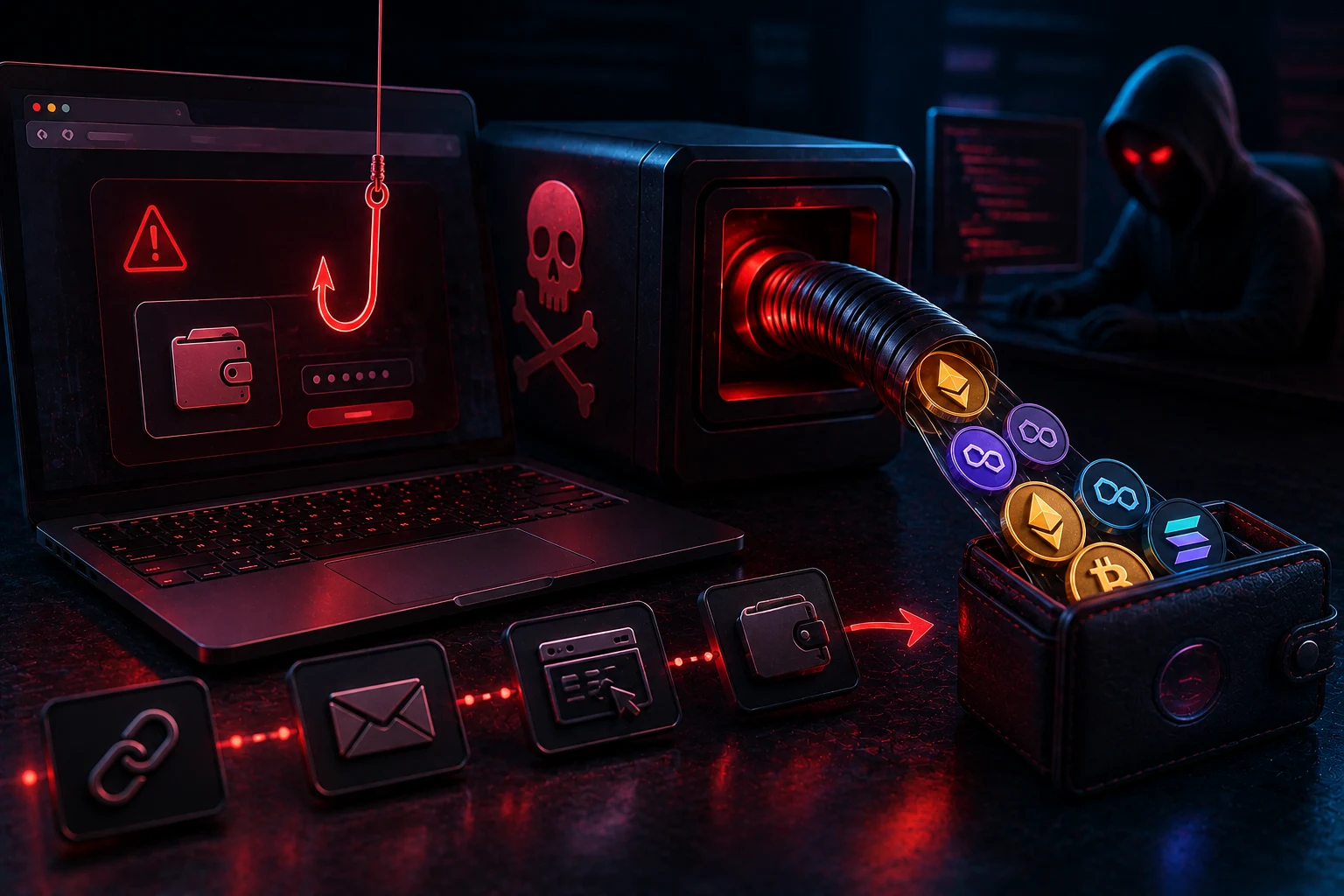
The canonical attack chain is:
- Lure. Victim visits a phishing site — a fake NFT mint, a fake airdrop claim, a fake DEX, a fake "migration" page for a real protocol, sometimes via a Google ad or a hijacked verified Twitter account.
- Wallet connect. The site asks the user to connect their wallet. Connecting alone does not lose any funds; it only shares the wallet address. This is the social-engineering on-ramp.
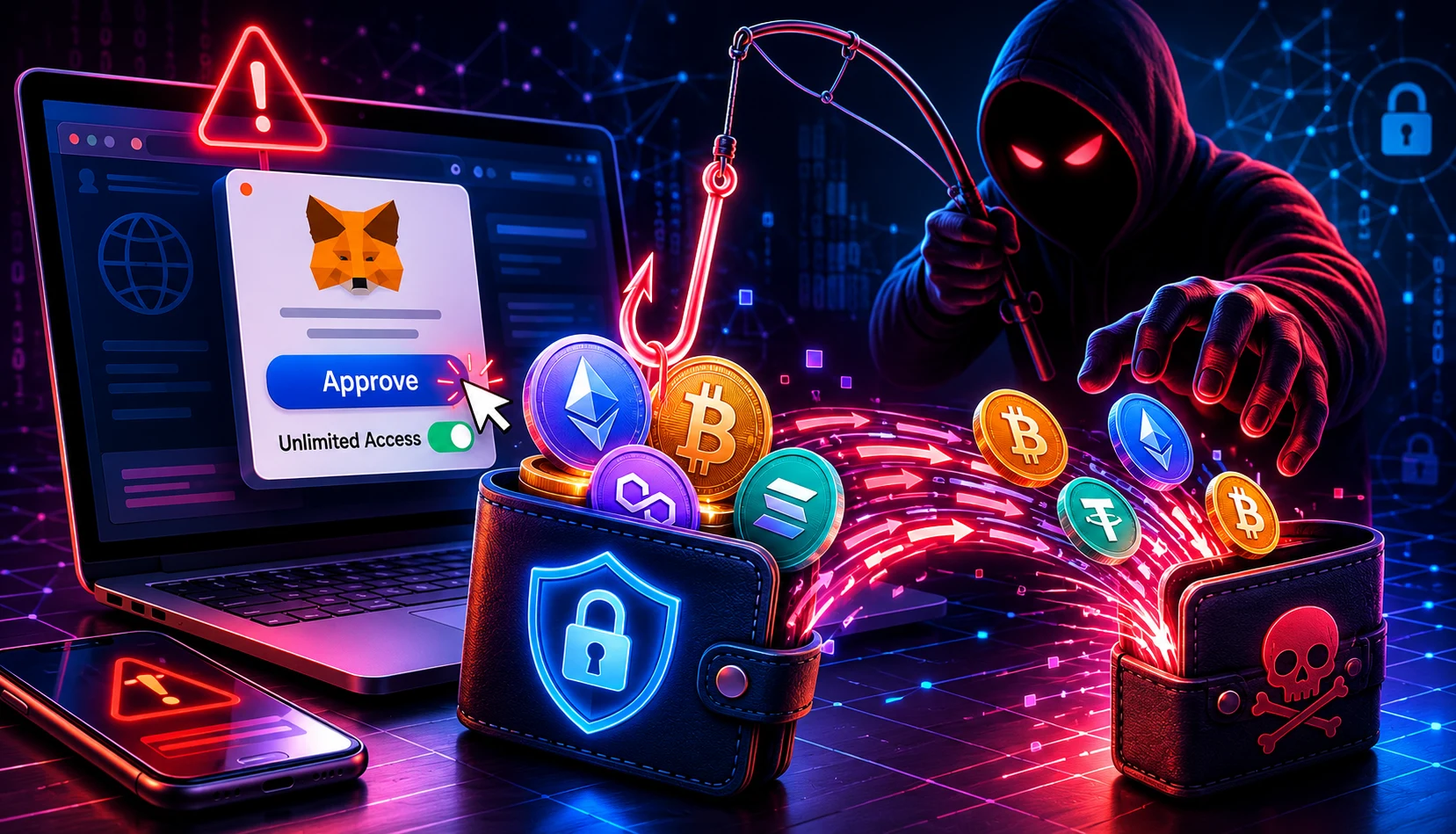
- Malicious signature request. Within seconds, the site triggers a wallet popup. The popup asks the user to sign one of several deceptive transactions: an unlimited ERC-20 approval, a Permit/Permit2 signature, a setApprovalForAll for NFTs, or a direct transfer disguised as a "claim" call.
- Drainer pulls funds. Once signed, the drainer contract immediately calls the approved transferFrom (or executes the signed permit) and moves the wallet's tokens to the attacker. For unlimited approvals, the drainer may sit dormant for weeks and drain when the wallet's balance grows.
- Funds laundered. Within minutes, stolen funds are split, swapped to ETH, routed through Tornado Cash or a similar mixer, bridged to another chain or sent to a centralized exchange.
The whole sequence — from user signature to funds in the attacker's wallet — is often under 30 seconds. There is no "undo" button on a blockchain.
The specific signature types drainers abuse
Unlimited ERC-20 approval
The most common. Standard DeFi protocols ask for token approvals (e.g. Uniswap needs permission to spend your USDC). Drainers ask for approval too — but for an arbitrary amount (often type(uint256).max — "unlimited") and granted to the drainer contract, not a known DEX. Once granted, the drainer can call transferFrom and move every token of that type in your wallet. The user sees something like "Approve USDC for [Spender]" and signs — the spender is the drainer.
Permit / Permit2 signatures
EIP-2612 "permit" lets a user grant a token approval without paying gas — just an off-chain signature that someone else (the spender) can later submit on-chain. Uniswap's Permit2 generalized this to multiple tokens and multi-protocol use. Drainers love permit signatures because they look like benign "sign-in" requests in many wallets and many users do not realize a signed permit can be executed weeks later.
setApprovalForAll for NFTs
ERC-721 and ERC-1155 NFT collections have a function called setApprovalForAll that grants permission to move every NFT in a collection. Drainers targeting valuable NFT wallets ask for this signature disguised as a "claim", "verify", or "reveal" action. Once signed, every NFT in the targeted collection can be transferred out.
Direct transfer disguised as claim
Less subtle but still effective: a fake "claim" or "migrate" button calls a function whose name is innocuous but whose payload is actually a transfer of all the wallet's ETH (or a specific token) to the drainer. The wallet's popup will show the transaction sending tokens; users who click signed without reading miss it.
Signed messages and EIP-712 signatures
Some drainers use structured-data signatures (EIP-712) that look like login or off-chain agreement messages. The signed message is actually a meta-transaction the drainer relays on-chain to extract funds. This is harder to spot because wallets often show the signature as a human-readable object rather than a clear "send funds" alert.
Notable drainer incidents 2024-2026
Inferno Drainer alone was reported to have stolen over $80 million from tens of thousands of victims before claiming to retire in late 2023 — a service that was almost immediately replaced by clones. Pink Drainer continued through 2024 and stole reported amounts in the $70M+ range from many incidents including a high-profile compromise of well-known crypto Twitter accounts that broadcast malicious links. Angel Drainer was linked to multiple wallets-as-a-service campaigns in 2024-2025, including bot-mediated DM attacks on Discord servers.
Individual incidents have included thefts of millions of dollars from single wallets that signed one approval — a notable 2024 case saw $69 million in WBTC moved with one address-spoofing attack that combined a drainer with an address-poisoning trick. The category is large enough that on-chain analytics firms track aggregated drainer wallet movements as a leading indicator of which sites and Twitter accounts are currently malicious.
Red flags / checklist before signing
Every drainer hit ultimately depends on a user signing one specific transaction. Treating any of these as default red flags will avoid the great majority of incidents:
- The site is one you reached via search, ad, DM, or pinned tweet — not a bookmark. Drainers live in sponsored ads and "verified" hijacked accounts. Bookmarked URLs almost never drain.
- The signature is for an unfamiliar spender address. Approvals to known protocols (Uniswap, Aave, Curve) are normal. Approvals to addresses with no contract verification, no Etherscan label, no track record are not.
- The signature is for an unlimited (uint256.max) amount. Modern wallets (MetaMask, Phantom, Rabby) flag this. Limit approvals to the specific amount you need, not the default "unlimited".
- The popup is a "signature" rather than a transaction. Permit and EIP-712 signatures cost no gas and feel like a click-through login — but they are gas-less authorizations that can be relayed on-chain to move funds. Many wallets now show explicit warnings for known-malicious permit patterns; read them.
- The site presses a "claim" or "verify" or "migration" button. Real claims usually come from the project's official URL bookmarked in advance. New sites with claim buttons are 95% of the drainer surface.
- Urgent timing. "Only 24 hours", "limited spots", "emergency migration before deprecation" — drainers run on urgency.
- The wallet popup transaction details look wrong. If it says "send 1.4 ETH" when you expected to receive a free NFT, reject. Modern wallets and tools like Wallet Guard, Pocket Universe, and Blockaid annotate transactions with risk warnings — heed them.
What to do if you signed
If you signed a drainer transaction, every second counts. Standard playbook:
- Move every other token immediately. If you have NFTs or other assets still in the wallet, send them to a fresh wallet right now. The drainer is usually scripted to take the most valuable tokens first, then sweep dust.
- Revoke all approvals on the compromised wallet. Use revoke.cash or your wallet's built-in approvals manager to revoke every active token approval (and NFT setApprovalForAll). This is the only way to stop a sleeping drainer that approved unlimited and is waiting for new deposits.
- Burn the wallet for any meaningful future use. If you signed an unlimited approval and only revoke some, the drainer can still drain newly arriving tokens. The safe move is to abandon the wallet entirely for the affected token classes — and ideally for everything.
- Document. Screenshot the site, the wallet popup, the transaction hash. You will need this for any report.
- Report the drainer address to chain analytics. Chainalysis, TRM Labs, SlowMist, and Etherscan all accept reports. The address gets flagged for centralized exchanges — occasionally drainer wallets are frozen at cashout, returning a small fraction of stolen funds.
- Do not accept "recovery" offers. Within hours of a drainer hit, you will get DMs offering to recover your funds for a fee. These are themselves scams. No legitimate paid service can reverse a blockchain transfer.
How to stay protected
- Use a hardware wallet for meaningful balances. Hardware wallets force you to read the actual transaction (or signature) on a small screen that the attacker cannot reach. Reading the spender address and the amount on the device is the single most effective drainer defense.
- Operate with a hot/cold split. Keep a separate small interaction wallet for new sites and DeFi exploration. Keep main balances in a hardware wallet that signs only known protocol transactions.
- Bookmark official URLs and use them. Never reach a wallet, exchange, mint or claim site via search, ad, DM, or social link. Drainers rank above real domains in Google ads and in compromised "verified" Twitter posts.
- Audit and revoke approvals every few months. Use revoke.cash for EVM chains, similar tools for Solana. An old approval to a long-forgotten dApp is a backdoor that exists until you close it. Make this a habit.
- Set limited approvals, not unlimited. MetaMask, Phantom and Rabby let you choose a custom approval amount. Pick "the amount I need now", not "unlimited" — even on legitimate protocols.
- Install transaction-analysis extensions. Wallet Guard, Pocket Universe, Blockaid, Fire — these inspect transactions client-side and warn about known drainer patterns before you sign. They are not perfect but they catch the vast majority of canned attacks.
- Treat every signature request as if it costs your whole balance. Most do not, but the few that do behave like the rest until you look closely. Default-deny and re-read until something says exactly what you expect.
For the broader scam taxonomy and operational habits, see common crypto scams; for the storage architecture that protects funds even if a hot wallet gets drained, see how to store crypto securely and best crypto wallets 2026.
Watch the drainer campaigns, watch the news
Drainer kits cycle through campaigns weekly — a new malicious URL goes live on a hijacked Twitter account, an NFT collection's official site gets compromised, a Google ad pushes a fake Phantom installer. These typically hit the security press hours before they hit your timeline. Zippfeed tracks security and major-token headlines with sentiment and importance scoring, so you can see active drainer campaigns and compromised infrastructure early — useful whether you are running a hot wallet for DeFi, evaluating a new mint, or just trying to know which week's threats are worth being extra cautious about.