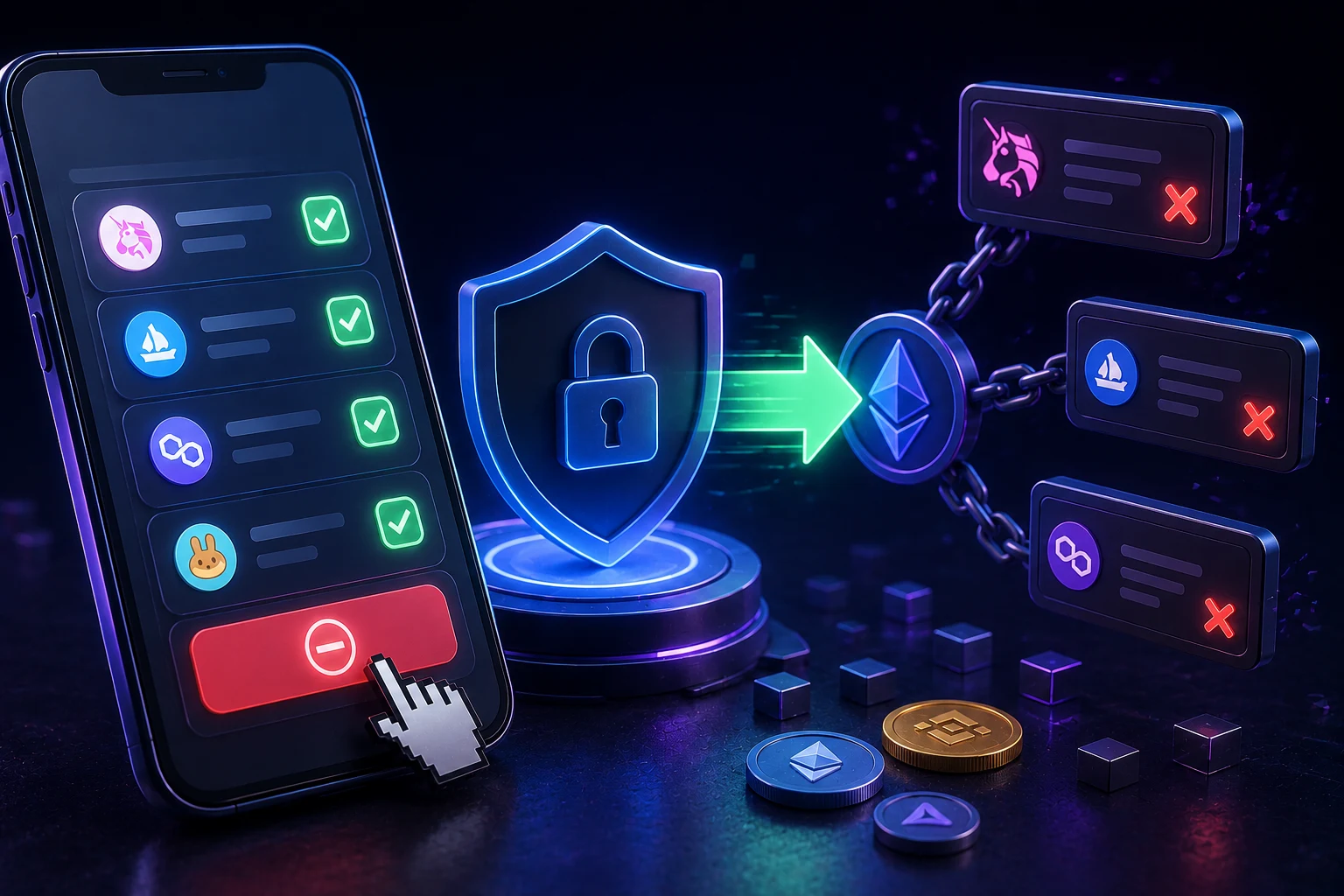
What is a token approval, and why would you ever revoke one?
When you swap a token on a decentralized exchange, lend collateral on a lending market, or move assets into a yield product, the destination contract usually cannot pull your tokens by itself. ERC20 tokens were designed with a simple allowance model: the token contract does not know about the app you are using, and the app cannot move tokens unless you have explicitly authorized it to. So before a trade or a deposit, your wallet asks you to sign an approval transaction that says, in effect, the Uniswap router may spend up to X of my USDC, or unlimited.
That signed approval is stored inside the token contract itself, on chain, and it sits there until you cancel it. If you approved a router for 100 USDC and used 95, the remaining 5 sits as an allowance. If you approved an unlimited amount, that allowance lives forever until you revoke it, which is the core problem. Wallets like MetaMask display this as 'unlimited' rather than the giant number, partly to hide just how exposed the user is.
Approvals are not bad in themselves. They are how DeFi works. The risk comes from three places. First, the dapp you approved is later hacked and the attacker calls the still live allowance. Second, the dapp is a scam from day one and the approval is the entire payload. Third, you used a protocol months ago, forgot about it, and that protocol has since changed hands, been upgraded, or migrated. None of these problems are theoretical: the 2022 Badger DAO incident lost roughly $120 million in part because old approvals on the Badger router were abused, and countless personal losses trace back to approvals granted to phishing sites.
What can actually go wrong: the real risk surface
The cleanest way to think about approval risk is to separate three layers: the spender contract, the token contract, and the signature layer. Each layer has a different blast radius when it fails, and most guides collapse them into one. They are not the same.
The spender contract. This is the dapp, the router, or the vault you gave permission to. If this contract is upgraded, exploited, or simply rug pulled by its admin keys, any allowance pointing at it is now an allowance pointing at the attacker. With an infinite approval, the attacker can drain every token of that type from your wallet in a single call, no further signatures needed.
The token contract. The approval is recorded on the token itself. Revoking means sending a new transaction to the token that sets your allowance for that spender back to zero. Until that transaction is mined, the old allowance is still active. There is no 'undo' button, only a new transaction that overwrites the old allowance.
The signature layer. This is the part most users miss. Modern wallets and dapps use off chain signatures (eth_sign, EIP 2612 permit, Uniswap's Permit2) so you can grant an approval without paying gas, or even without sending a transaction at all. Those signatures are not stored on chain as approvals, they live in the signer's history. A malicious signature can hand a spender permission to pull tokens from your wallet, and revoking your on chain approvals does absolutely nothing about it. The fix is a different tool, which we cover below.
The honest framing: revoking is necessary but not sufficient. It closes the slow bleed of leftover on chain allowances, but it does not close the door that a permit signature opened yesterday.
Infinite vs finite approvals: which is actually safer?
Most wallets default to 'unlimited' for convenience, because the alternative is signing a fresh approval every time your balance changes. From a security standpoint, finite is strictly safer, but it is not free.
An infinite approval costs you one transaction the first time you use a dapp, then zero ongoing transactions, because the allowance is large enough to cover any future interaction. The downside is exactly the long tail risk described above: a dapp you used once in 2021 still has a blank check on your tokens in 2026. A finite approval, by contrast, costs you a transaction roughly every time you deposit or trade, since the allowance is consumed and must be topped up.
In practice, sensible users split the difference. They grant infinite approvals only to a small set of battle tested contracts they interact with weekly, and finite approvals to anything else. Revoke.cash makes this easy to audit, because it shows every spender, the allowance, and the token, on one screen.
One nuance: some tokens implement ERC20 in non standard ways. USDT, for example, does not allow direct approval changes from a non zero value to another non zero value. You must first set the allowance to zero, wait for that transaction to mine, and then set the new allowance. Revoke.cash handles this automatically; if you are doing it by hand through Etherscan, you need to set the allowance to zero first.
Revoke.cash vs Etherscan token approval checker
These are the two tools beginners will land on first, and they are not competitors so much as two views over the same data. Both read your on chain approval events directly from Ethereum, so neither tool holds custody of your funds and neither can sign anything for you.
Revoke.cash is a dedicated dapp that lists every token you have ever approved, including ERC20 tokens, ERC721 and ERC1155 NFTs, and on chains beyond Ethereum (most major EVMs and a handful of non EVM chains). It groups allowances by spender contract, shows risk labels for known protocols, and surfaces allowances for tokens you no longer hold, which is the most common hidden exposure. It also links to a revoke transaction pre filled in your wallet. The site is open source and has been around since the early DeFi era, which matters for trust.
The Etherscan token approval checker lives inside the Etherscan block explorer. You connect a wallet address and it lists every ERC20 approval tied to that address, with links to the relevant token and spender contracts. It is more conservative and less feature rich, but it inherits Etherscan's brand trust and is a useful second opinion if a Revoke.cash result looks strange.
Both tools require you to sign a revocation transaction in your own wallet. You can also do the same thing by calling 'approve(spender, 0)' on the token contract directly through Etherscan's write contract tab, but that path is easier to get wrong and harder to audit. For beginners, Revoke.cash is the cleaner default.
The signature trap: why revoking is not enough
Permit signatures (EIP 2612) and Uniswap's Permit2 were introduced to make approvals cheaper or gasless. Instead of sending an approval transaction, you sign an off chain message that says 'I authorize spender X to move up to Y of my token Z'. That message is then submitted by the spender, and the token contract verifies it on chain and sets the allowance for you, in the same transaction as the action that uses it. From the user's perspective, the UX is smoother: fewer confirmations, no separate gas.
The trap is that a malicious site can also ask you for exactly the same signature, with a much larger allowance and a much longer expiry. The signature does nothing until the spender submits it, but once submitted it is indistinguishable from any other on chain approval. Worse, some phishing kits ask for permit signatures that are not used immediately, but sold on the dark web to be redeemed later, after the user has moved on.
Revoking your on chain approvals does not touch these. The allowance created by a permit only exists on chain after submission, and once it exists it shows up in Revoke.cash like any other approval, so you can still revoke it. But the dangerous window is before submission, when neither Etherscan nor Revoke.cash can see it. That window is closed only at the signature layer.
The practical defense tools are wallet level: tools like Scam Sniffer, Pocket Universe, Blowfish, and the built in warnings in wallets like Rabby and MetaMask's newer build intercept suspect signatures before you sign them. The discipline to adopt is simple: never sign a permit or off chain approval unless you fully understand the message, the spender, and the allowance it grants. Read the warning screens your wallet shows you. If the dapp is asking for a permit at all when you only meant to view a site, that is the phishing signal.
A safe, repeatable cleanup routine
The point of a routine is to remove the 'should I revoke this' decision in the moment, because that is when you are most likely to make a mistake. Run the routine quarterly, or after any interaction with a protocol you are not 100 percent sure about.
Step 1: Open Revoke.cash (or the Etherscan token approval checker as a backup) and connect the wallet you want to audit. Review the list of spenders. Anything you do not recognize, or anything pointing at a protocol you no longer use, is a candidate for revocation.
Step 2: Sort by risk label. Revoke.cash flags known protocols and known malicious spenders. Anything in the latter bucket should be revoked immediately, regardless of the allowance size.
Step 3: For remaining spenders, decide between infinite and finite. If the protocol is in your weekly rotation, keep the infinite approval and just note it. If you use it monthly or less, set the allowance to the exact amount you intend to use, or zero it out and re approve later.
Step 4: Batch where you can. Revoke.cash allows you to queue multiple revocations into a single transaction in some wallets, which materially cuts gas. On Ethereum mainnet, revoking a dozen approvals one by one can cost $20 to $60 in gas at busy times, while a batched version costs one base fee plus a little overhead. There is no on chain time pressure on revocations, so you can wait for a low gas window if cost matters.
Step 5: After revoking, run the checker once more to confirm every targeted allowance now reads zero. Then audit your signature history in your wallet (Rabby and MetaMask both expose recent signed messages) and flag anything that looks unfamiliar. Anything you cannot explain, treat as compromised and consider moving funds to a fresh wallet.
How to follow approval hygiene the smart way
Approval hygiene is not a one off panic button. It is a habit, like rotating API keys or reviewing bank statements, and it pays off most when it is boring. Zippfeed surfaces wallet and DeFi headlines with sentiment scoring (bullish, neutral, or bearish) and an importance rating, so you can spot a major protocol exploit the moment it is reported and audit your old allowances before the news cycle moves on.

 CryptoSlate
 Lookonchain
 WatcherGuru