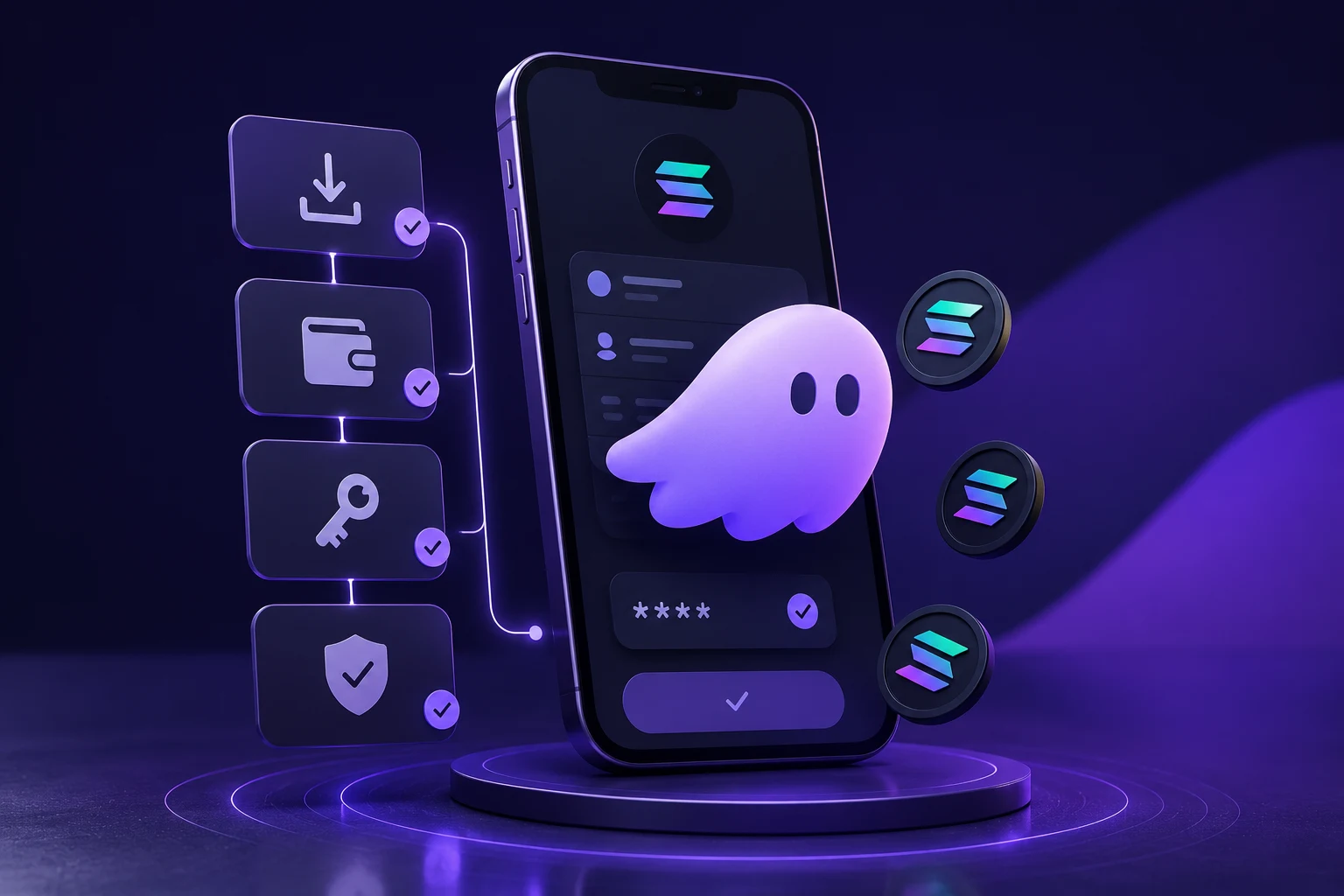
What you'll need
- A computer with Chrome, Firefox, Brave or Edge — or a phone with iOS or Android.
- A pen and a piece of paper for writing down the seed phrase (or a metal backup plate for serious amounts).
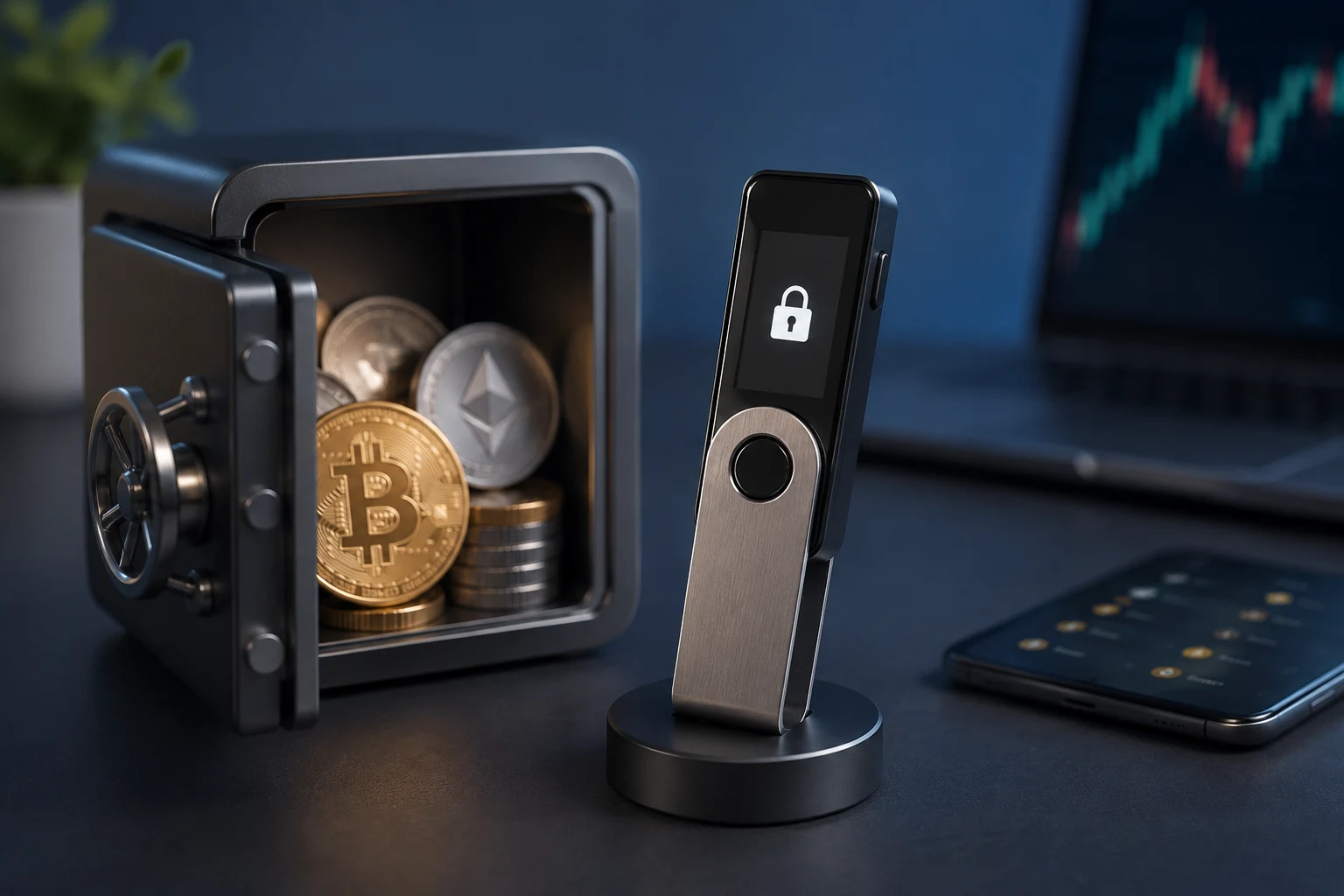
- Optional but recommended: a Ledger hardware wallet for larger holdings — Phantom integrates with it.
Step 1: Install Phantom from the official source
Open phantom.app in your browser and click the download button. It will redirect you to the correct extension store. On mobile, search "Phantom" in the App Store or Google Play and verify the publisher is Phantom Technologies, Inc. Fake Phantom listings are common — verifying the publisher matters more than the search ranking. Do not install from a sponsored ad or a link someone sent you.
Step 2: Create a new wallet
Open Phantom and choose "Create a new wallet" rather than "Import existing." Set a strong password — used to unlock the local app, not to recover the wallet. The password protects the wallet on this device only; if you lose it, you can restore from the seed phrase on any device.
Step 3: Write down the seed phrase
Phantom will show you a 12-word seed phrase. This is the master key. Anyone who has it can spend everything; if you lose it, no one can recover the wallet for you. Treat it accordingly:
- Write the words down on paper in order. Double-check spelling.
- Store the paper somewhere safe and away from where you keep the device.
- For larger amounts, also engrave or punch the words on a metal backup plate.
- Never type, photograph, screenshot, message or upload the seed phrase anywhere.
- Never tell the seed phrase to support staff, influencers or anyone else. Real Phantom support will never ask for it.
Step 4: Send a tiny test transaction
Before sending anything significant, do a test:
- Copy your Phantom Solana address (a long string of letters and numbers).
- Send a small amount of SOL from your exchange or another wallet to that address.
- Confirm the funds arrive in Phantom.
- Optionally, send a portion back to verify withdrawals also work.
Only once the full loop works should you move serious amounts.
Step 5: Enable Ethereum and other chains (optional)
Phantom now supports Ethereum, Polygon, Base and other EVM chains in addition to Solana. In Settings → Manage Networks (or similar), enable the networks you actually use. The same wallet now appears on Solana and on the enabled EVM chains, each with its own address. Use the network selector before sending to make sure you are operating on the correct chain — sending SOL on the Ethereum chain or USDC on the wrong network loses the funds.
Step 6: Optionally pair with a hardware wallet
For significant amounts, do not rely on the seed phrase alone. Connect a Ledger so private keys never touch your computer. Phantom supports Ledger for both Solana and supported EVM chains; transactions are signed on the hardware device. See our how to set up a Ledger guide for the steps.
Step 7: Review every transaction before signing
Phantom shows simulation previews for many Solana transactions — read them. For NFT mints, token approvals and dApp signatures, check what the transaction will actually do before approving:
- What address is receiving funds or tokens?
- What program or contract is being interacted with?
- Are you approving spend on a token? For how much?
Approving a malicious transaction is the most common drain on Solana wallets.
Common mistakes
- Installing from the wrong source. Fake Phantom extensions and apps steal seed phrases on first paste.
- Storing the seed phrase digitally. Photos, cloud notes, password managers — all are how seed phrases get drained.
- Approving unknown contracts and signing arbitrary messages. Many drains happen because a user signs a malicious request.
- Sending tokens on the wrong chain. Phantom now supports multiple chains — pay attention to which one you are using.
- Falling for fake "airdrop" messages. Random tokens that appear in your wallet often link to phishing sites. Do not interact.
The safety checklist
- Phantom installed from the official source, publisher verified.
- Seed phrase written on paper, stored away from the device, never digital anywhere.
- Test transaction successful before sending real amounts.
- Networks set up correctly for whatever chains you actually use.
- For larger amounts, paired with a Ledger, not seed-only.
- Every transaction reviewed before signing; suspicious airdrops ignored.
Use Phantom informed, not impulsive
Most early losses on Phantom happen for the same handful of reasons: fake installs, leaked seed phrases, mis-routed transfers and reckless signatures. None require technical sophistication to avoid; they require slowing down and following the checklist above. Zippfeed surfaces crypto news with sentiment and importance scoring so you can read what is actually happening before clicking through. This is education, not financial advice — informed beats impulsive every time.

 Lookonchain
 WuBlockchain
 TheBlock
 CoinTelegraph